The Fi Tracker Series 3 is a popular GPS and activity tracker for dogs, offering peace of mind for owners. However, to get the most out of it, you need a reliable mount that keeps the device secure and comfortable for your dog. Whether you're using a collar or a harness, proper installation is key to preventing loss and ensuring accurate tracking.
In this guide, we'll walk you through the installation process for the Fi Tracker Series 3 mount, covering both collar and harness options. We'll also share practical tips for a secure fit, including how to use compatible accessories like the KelpTM Collar and MuseTM harness. By the end, you'll be ready to mount your tracker with confidence.
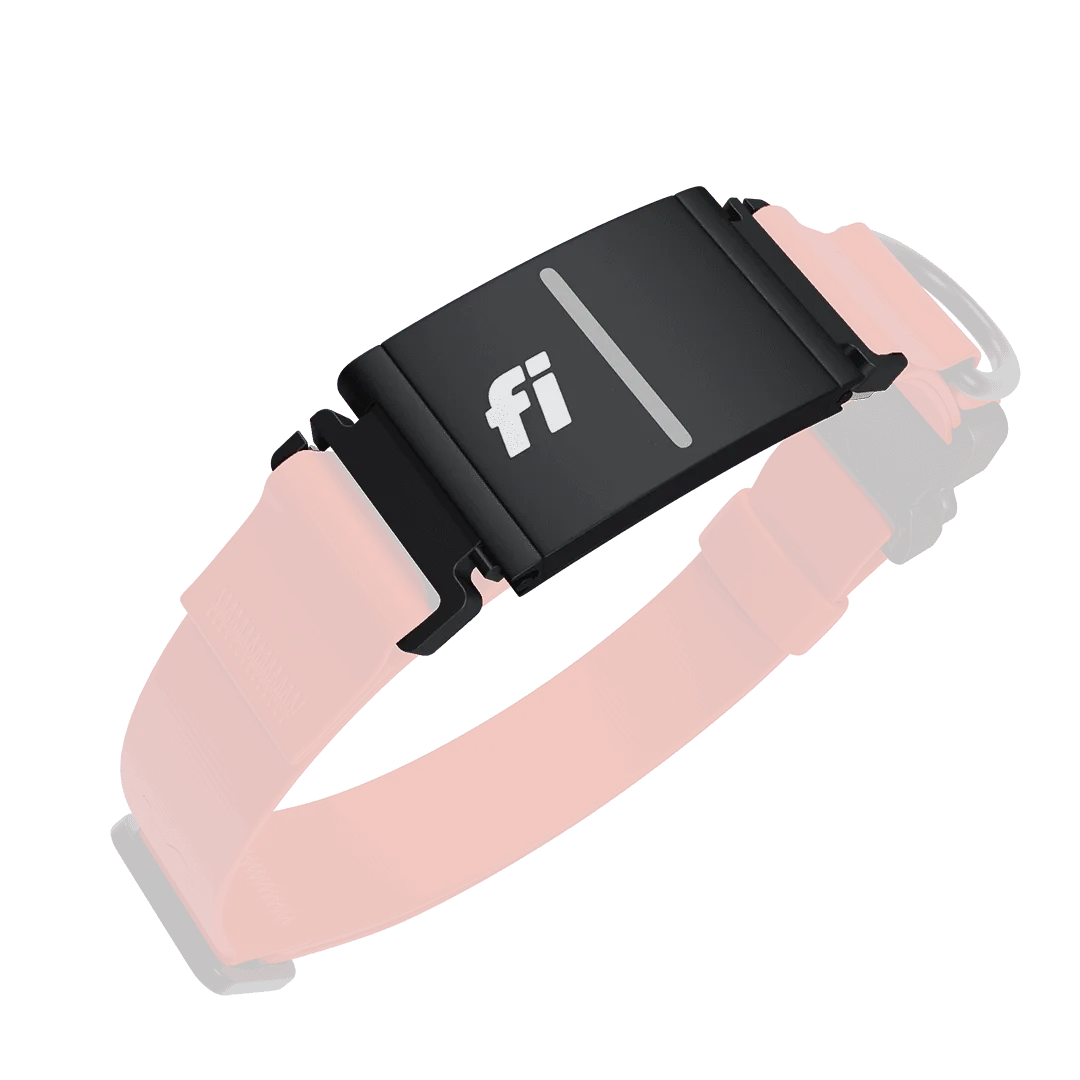
Fi Tracker Series 3 mount
Understanding the Fi Tracker Series 3 Mount
The Fi Tracker Series 3 is designed to be worn on your dog's collar or harness. The mount is a small plastic or silicone holder that snaps onto the device and then attaches to a strap. It uses a simple clip mechanism that locks the tracker in place, but it's important to ensure the mount is compatible with your dog's gear.
Compatibility is a common concern. Most collars and harnesses with a width of up to 1 inch (25mm) will work with the standard mount. However, some products, like the KelpTM Collar, are designed with a specific width that may require a different mounting solution. Always check the specifications of your collar or harness before purchasing a mount.
- Check the width of your collar or harness strap to ensure compatibility.
- Look for mounts that offer a secure locking mechanism to prevent accidental release.
Step-by-Step Installation on a Collar
Installing the Fi Tracker Series 3 mount on a collar is straightforward. First, remove the tracker from its charging dock. Then, slide the mount onto the collar, positioning it where your dog can't easily reach it with their mouth. The mount should be placed on the top or side of the neck, away from the throat.
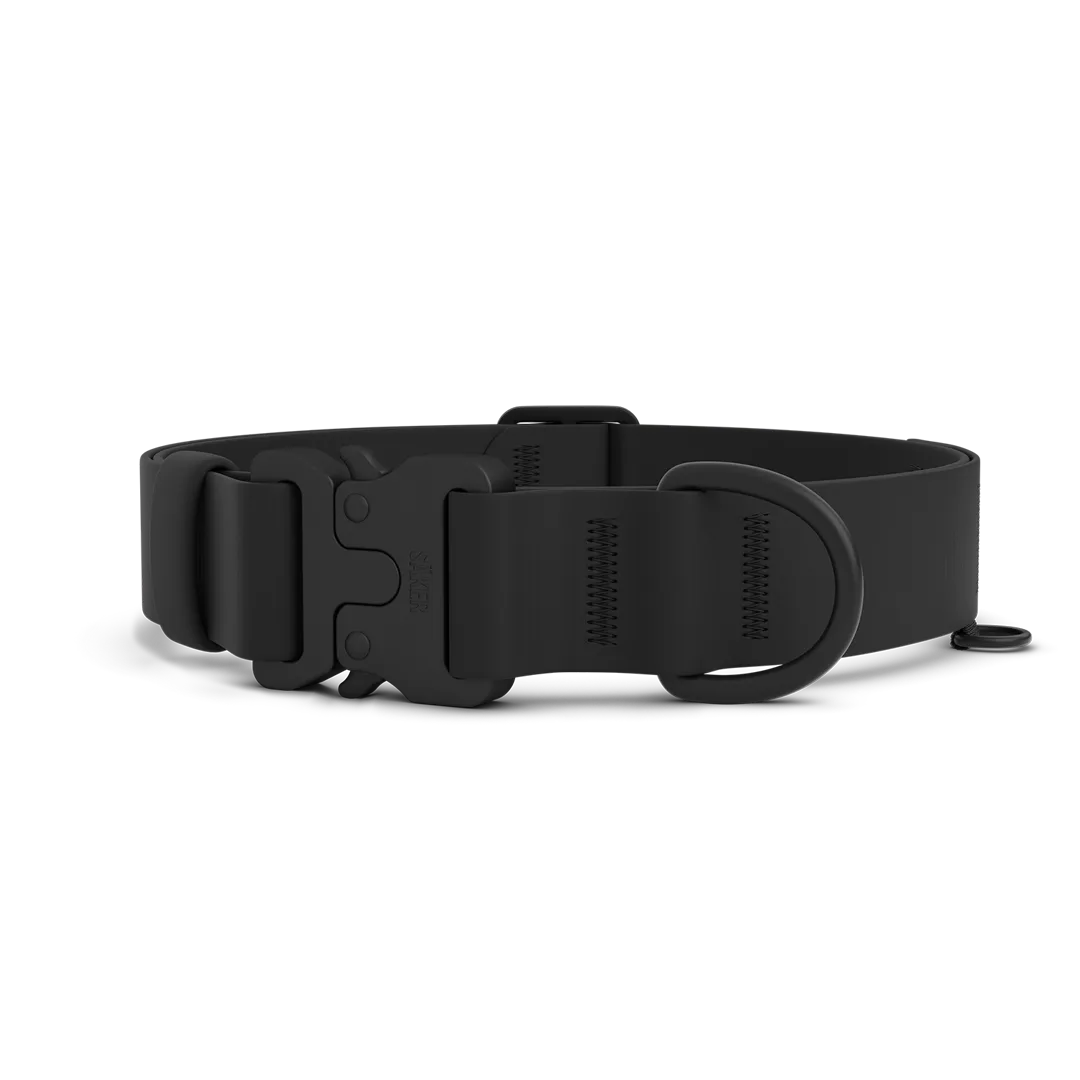
Once the mount is in place, snap the tracker into the mount until you hear a click. Give it a gentle tug to ensure it's secure. If you're using a collar like the KelpTM Collar, note that its design may include a dedicated slot for the tracker, making installation even easier. Always double-check that the tracker is facing outward for optimal GPS signal.
- Position the mount on the side of the neck to prevent chafing.
- Test the security by gently pulling on the tracker after installation.
Mounting on a Harness: Pros and Tips
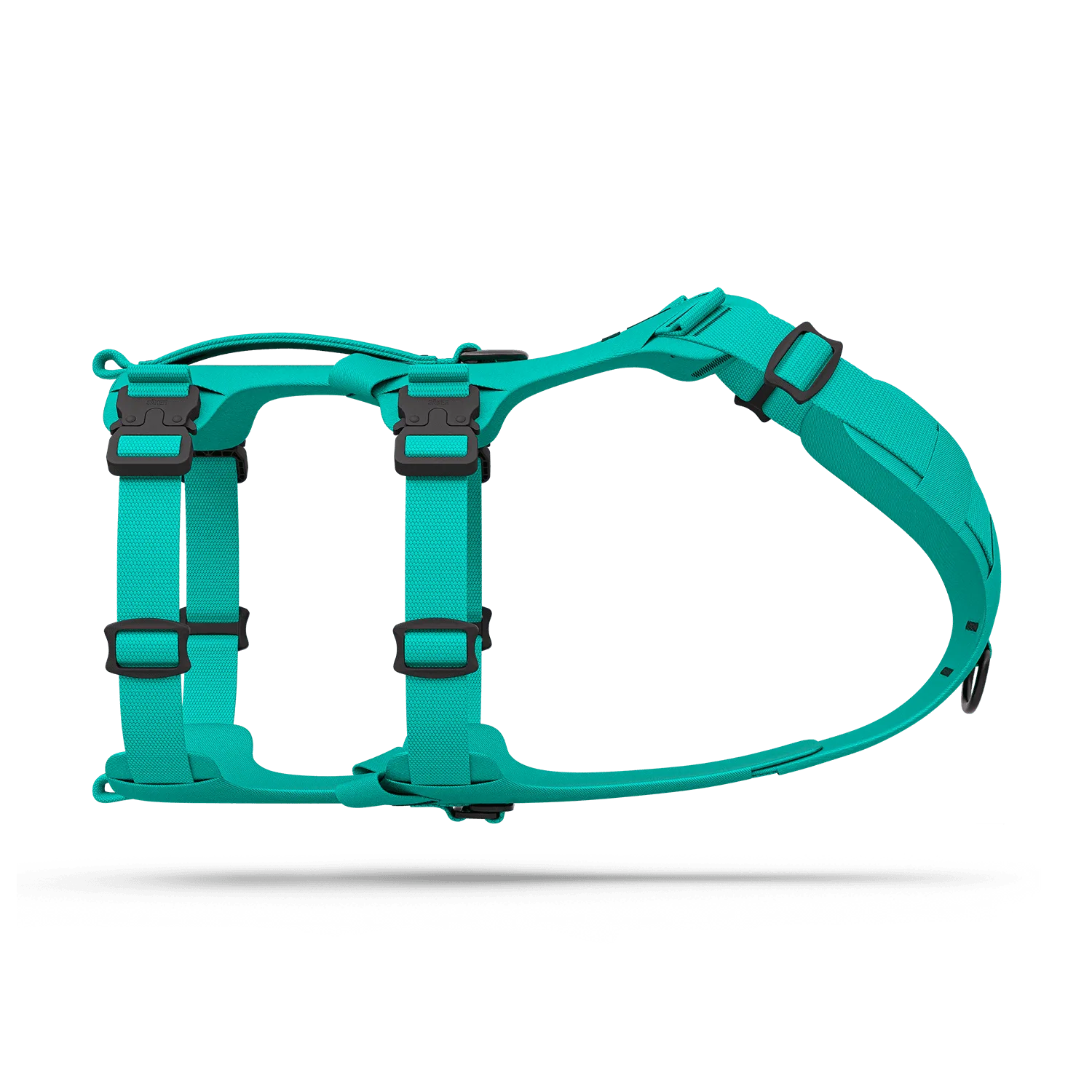
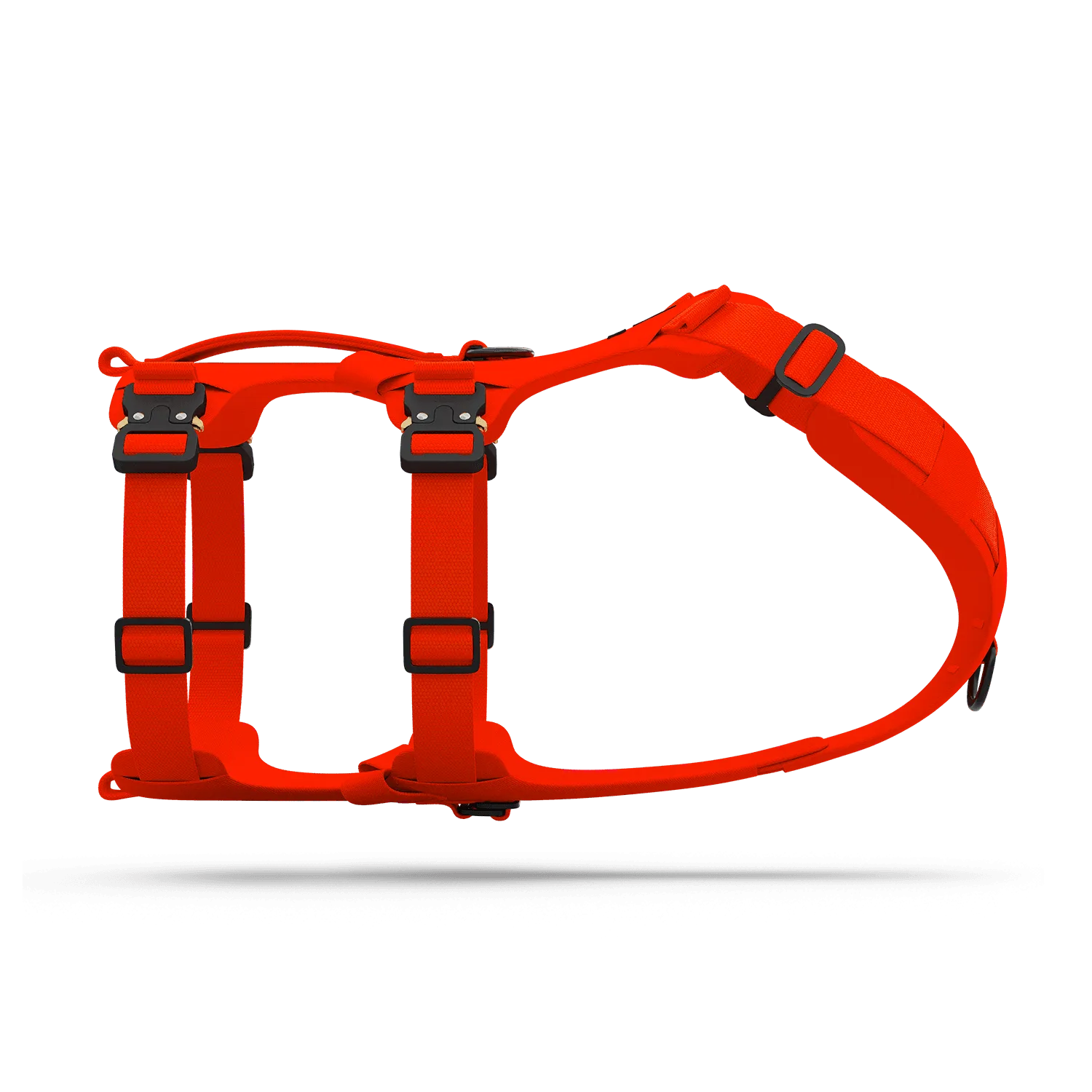
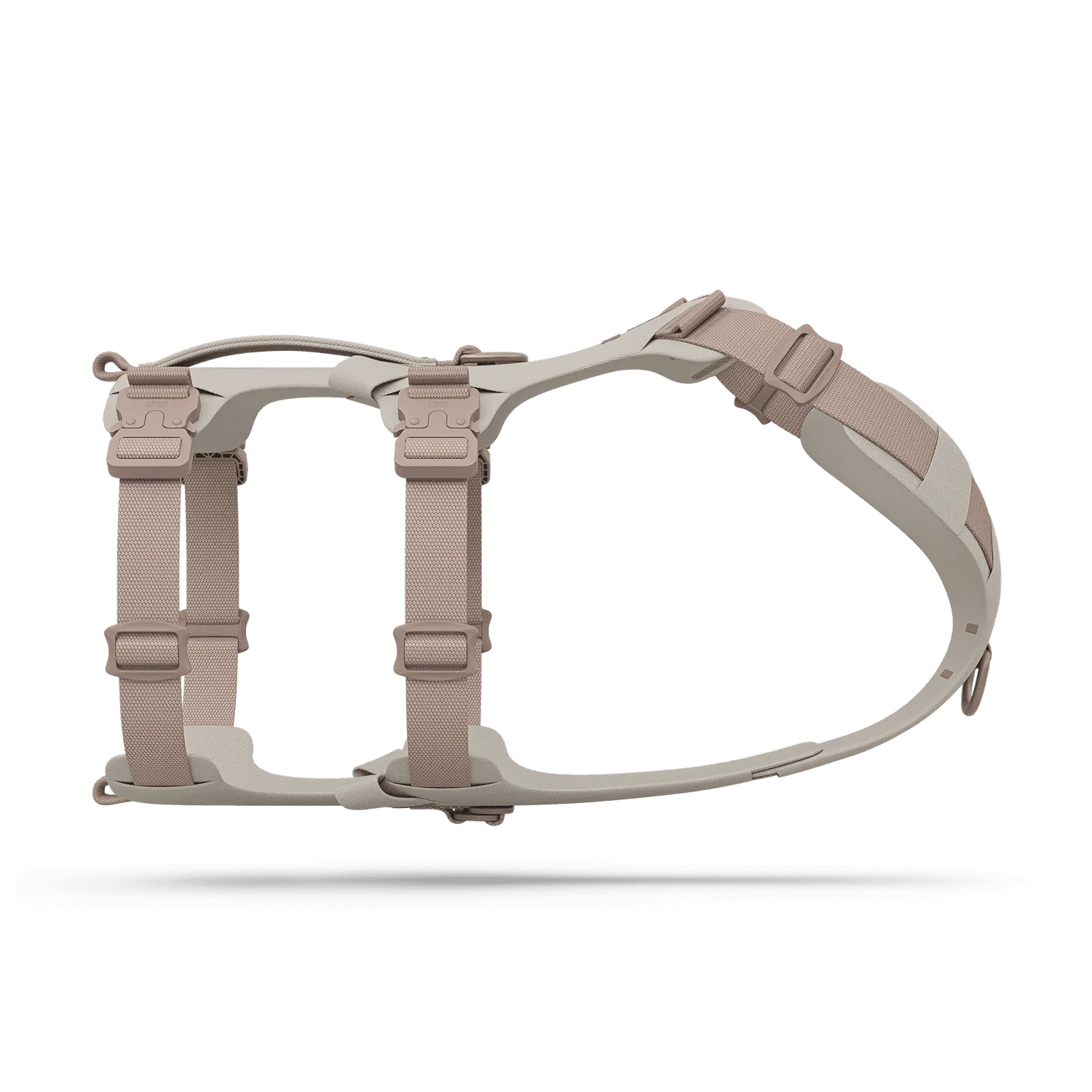
For dogs that pull or have sensitive necks, a harness is often a better choice for carrying the Fi Tracker Series 3. Harnesses distribute pressure more evenly, and the tracker can be mounted on the back or chest strap. The MuseTM harness, for example, is designed with a sturdy back strap that can accommodate a tracker mount without compromising comfort.
When mounting on a harness, ensure the mount is placed on a flat, stable section of the strap. Avoid areas that bend or twist, as this can cause the tracker to shift. After securing the mount, adjust the harness to ensure a snug fit—not too tight, but tight enough that the tracker doesn't bounce. This is especially important for active dogs.
- Choose a harness with a wide, flat back strap for better stability.
- Adjust the harness after mounting to ensure the tracker stays in place during movement.
Tips for a Secure and Comfortable Fit
A secure mount is essential, but comfort is equally important. If the tracker is too heavy or the mount is bulky, your dog may be bothered by it. Consider using a lightweight mount and pairing it with a comfortable collar or harness. The KelpTM Collar is known for its durability and comfort, making it a great partner for your Fi Tracker.
Another tip is to periodically check the mount for wear and tear. Over time, the clips may loosen, especially with active dogs. If you notice any damage, replace the mount immediately to avoid losing your tracker. Additionally, consider using a safety tether or backup attachment, such as a small carabiner, for extra peace of mind during outdoor adventures.
- Inspect the mount regularly for cracks or loose clips.
- Use a backup tether if you're hiking or swimming with your dog.
Troubleshooting Common Mount Issues
Sometimes, the mount may not fit properly or the tracker may fall out. If the mount is too loose, try adding a small piece of adhesive foam inside to create a snugger fit. If it's too tight, you may need to sand down the edges slightly, but be careful not to damage the mount.
Another common issue is the tracker rotating on the strap. To prevent this, look for mounts with anti-rotation features, or use a collar with a built-in tracker slot. The MuseTM harness, for instance, has a dedicated pocket that keeps the tracker in place. If you're still having trouble, consider using a different mount design or contacting the manufacturer for advice.
- Use adhesive foam to fix a loose mount.
- Choose a harness with a built-in tracker pocket for added security.
Installing a Fi Tracker Series 3 mount doesn't have to be complicated. By following these steps and tips, you can ensure your tracker stays secure and comfortable for your dog. Whether you choose a collar or harness, always prioritize a snug fit and regular maintenance. For a reliable and comfortable option, consider pairing your tracker with the KelpTM Collar or MuseTM harness—both are excellent choices for active dogs.