Quick answer
Build one daily spread you can repeat: a narrow left margin for time or priorities, a wide center for tasks and notes, and a small footer for tomorrow. Set it up once in your Field Mouse Dot Grid Notebook, then copy the same dot counts each day so you spend your planning time filling the page, not measuring it.
Why a fixed dot-count grid beats a fresh layout every day
Daily planning gets slow when every page starts from zero. Counting dots once and writing the numbers on a test page turns layout into a habit: you know exactly where the task column ends and where notes begin, so you can set up a page in under a minute. The trade-off is less novelty, but a repeatable frame is what makes a daily planning notebook setup survive busy weeks.
Leave the first page or two for that reference grid. If you change jobs, class schedules, or task volume, revise the counts on the reference page rather than redrawing a new system from scratch.
When a single daily page is not enough
One page works for a typical day of tasks, appointments, and a short note. If you routinely track meetings, project notes, and personal errands on the same day, plan a two-page spread instead: tasks and time on the left, notes and follow-ups on the right. Do not force a two-page spread on light days just because the notebook has room; unused space is fine, but a half-empty spread can make a simple day feel more complicated than it is.
Daily planning setup steps
- Reserve a reference page: On the first page, draw the daily frame you plan to repeat: a left column for time or top priorities, a center block for tasks, and a bottom strip for notes or tomorrow. Count the dots for each boundary and write those numbers beside the frame. Checkpoint: if the frame takes more than half the page before you add any tasks, narrow the columns.
- Set the date and top three: Write the date in the top corner and list no more than three must-do items directly below it. Put everything else in the task block so the page shows what actually has to happen today. Common mistake: filling the top of the page with a long brain dump, which buries the three items that matter.
- Block time on the left: Use the left column for fixed appointments first, then add one or two focused work blocks. Leave gaps between blocks so an overrunning meeting does not erase the rest of the day. Checkpoint: if the time column has no empty space, move lower-priority tasks to the notes area instead of squeezing them in.
- Fill the task block in order: List tasks in the center block in the order you will do them, not by project. Add a dot or checkbox beside each one and keep the wording short enough to read at a glance. Common mistake: grouping tasks by project on a daily page, which forces you to scan several lists to find the next action.
- Close the day in the footer: At the end of the day, mark finished tasks and move unfinished ones to tomorrow's footer or the next page. Write one line about what disrupted the plan so you can adjust tomorrow's time blocks. Checkpoint: if the same task rolls over three days, break it into a smaller first step or schedule it as a time block.
Product facts
-
Field Mouse Dot Grid Notebook: The Field Mouse Dot Grid Notebook uses 160gsm paper and has a soft brown vegan leather cover with a debossed mouse-and-wildflower illustration. The heavier paper supports writing and layering without the page feeling fragile, while the cover design makes the notebook pleasant to keep on a desk or carry daily.
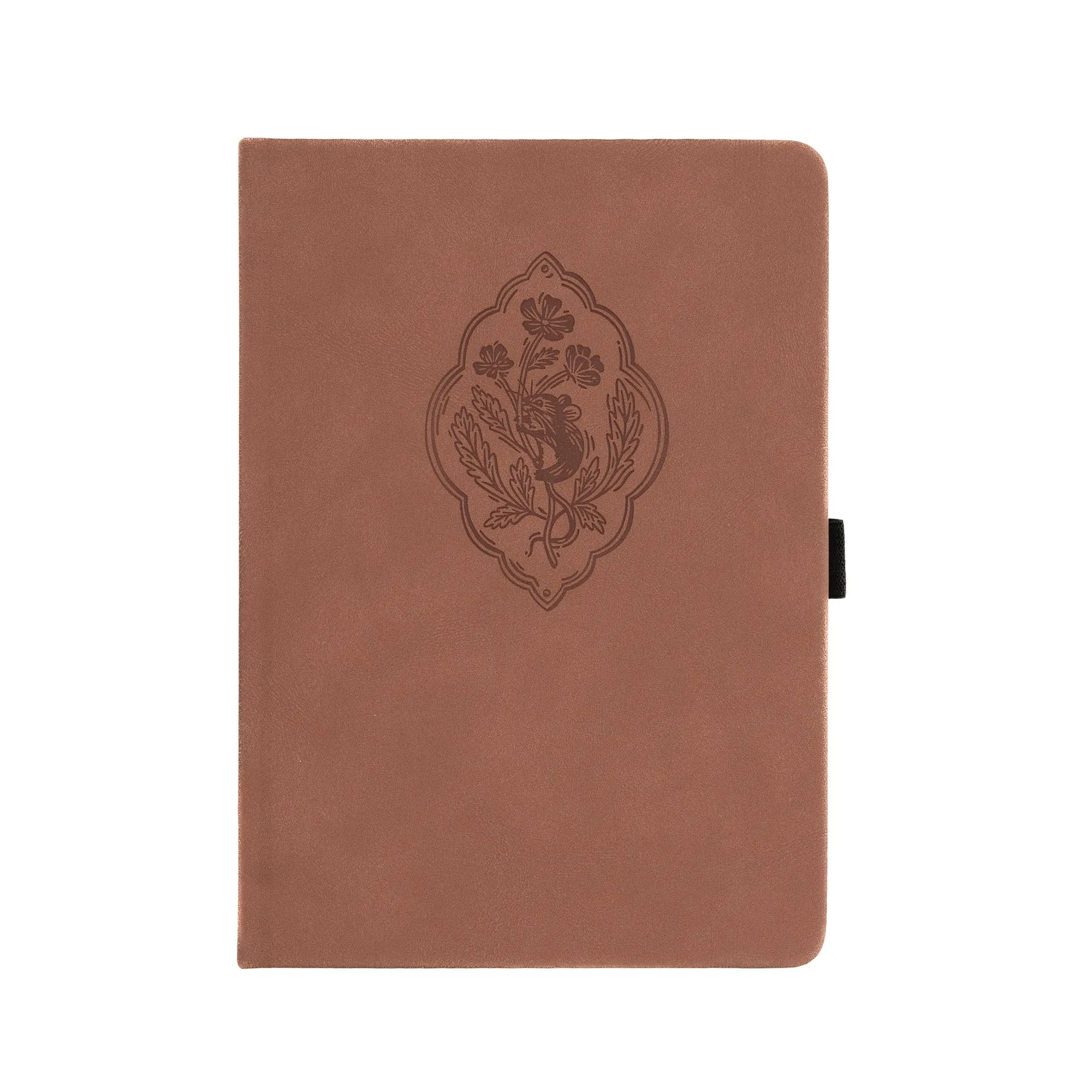
Field Mouse Dot Grid Notebook