Quick answer
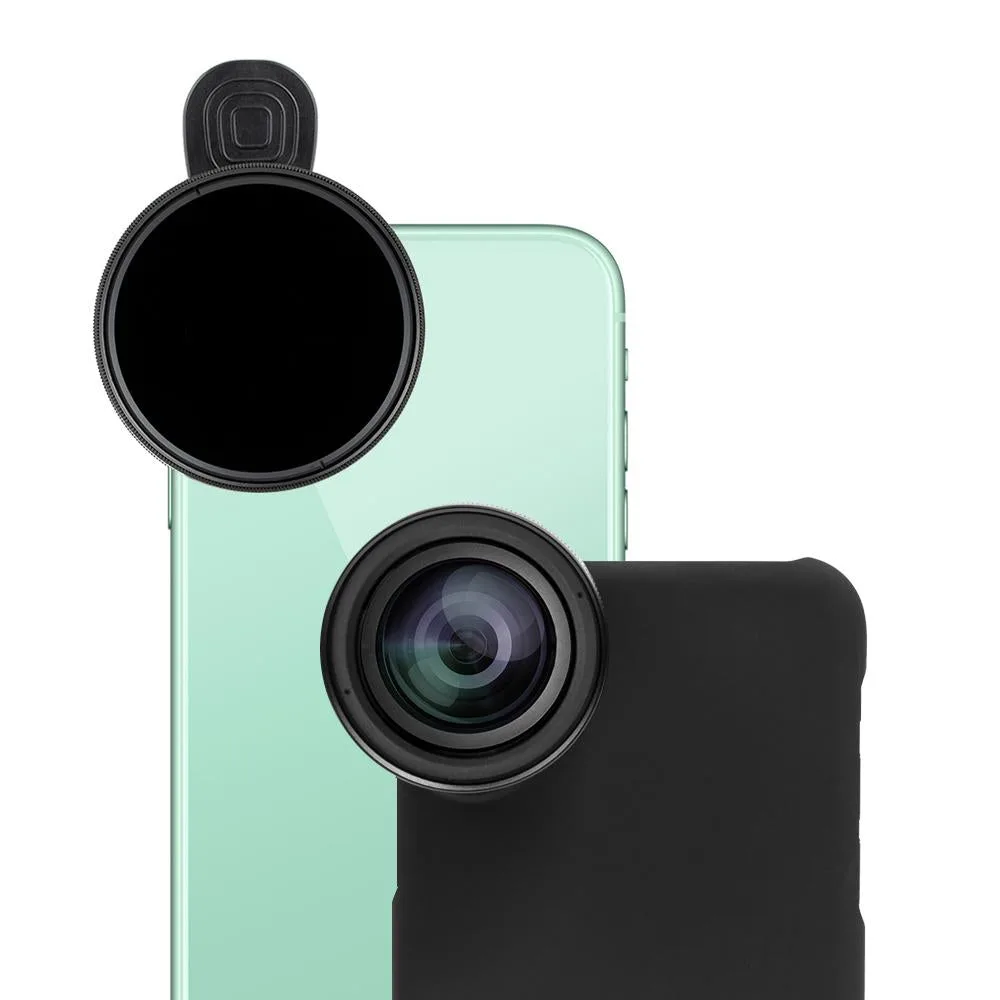
Start by mounting the included case and attaching the Anamorphic or Telephoto lens, then fit the Hybrid Filter over the lens to reduce shutter speed and add motion blur. Use the Film Rig to mount a mic or light when you need a more controlled cinematic setup.
Why the Hybrid Filter changes your footage
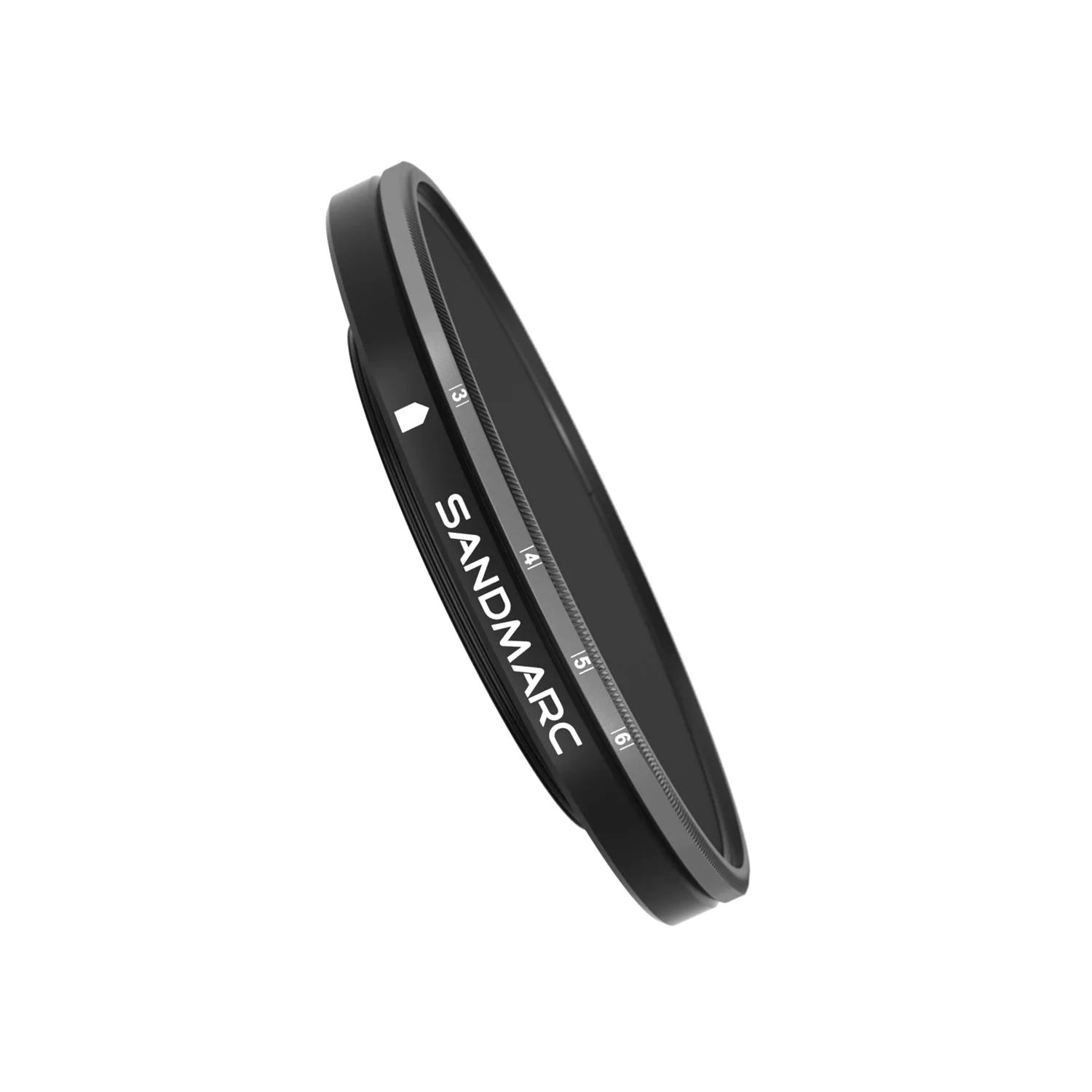
The Hybrid Filter works with both the Anamorphic and Telephoto lenses in the Film Edition. Its main job is to reduce the light reaching the sensor, which lets you use a slower shutter speed. That slower shutter is what creates motion blur, giving moving subjects a smoother, more film-like feel instead of the sharp, staccato look of a high shutter speed.
This effect is most visible when something in the frame moves: a person walking, traffic, or flowing water. For static scenes, the filter mainly acts as exposure control, so you may need to adjust your phone's exposure or use the Film Rig to add light.
When to skip the filter
The Hybrid Filter is not ideal for every shot. If you need sharp details on fast action or you are shooting in very low light, the reduced light may force a shutter speed that is too slow for handheld work. In those cases, remove the filter and rely on the lenses alone, or mount a light using the Film Rig to keep shutter speeds manageable.
Step-by-step Film Edition setup
- Mount the case and attach a lens: Snap the iPhone 12 into the included case, then screw on either the Anamorphic or Telephoto lens until it is finger-tight. Common mistake: cross-threading the lens by forcing it; if it does not turn smoothly, back it off and restart. Check that the lens sits flush and does not wobble before moving on.
- Fit the Hybrid Filter: Slide or screw the Hybrid Filter onto the front of the mounted lens. Make sure it is fully seated and centered. Common mistake: leaving a slight gap that causes vignetting or flare; inspect from the side to confirm a flush fit. If you see dark corners in the frame, reseat the filter.
- Set a slow shutter speed in your camera app: Open your preferred camera app and switch to a mode that lets you control shutter speed, such as manual video or a third-party app. Aim for a shutter speed that is roughly double your frame rate (for example, 1/48s at 24fps) to get natural motion blur. Common mistake: leaving auto exposure on, which may raise shutter speed and cancel the filter's effect. If your footage looks too sharp and staccato, lower the shutter speed further.
- Mount a mic or light on the Film Rig when needed: Attach the Film Rig to the case and clamp on a microphone or a small light. Use the light to compensate for the filter's light loss in dim scenes. Common mistake: overloading the rig with heavy accessories that make the phone front-heavy; keep it balanced. Test the rig's stability with a short handheld clip before a long take.
- Record a test clip and review: Shoot 10–15 seconds of moving subjects, then play it back on a larger screen. Look for the amount of motion blur you want and check for vignetting or flare from the filter. Common mistake: judging on the phone's small screen; what looks smooth there may be too blurry on a monitor. Adjust shutter speed or remove the filter if the blur is too strong or too weak.
Product facts
-
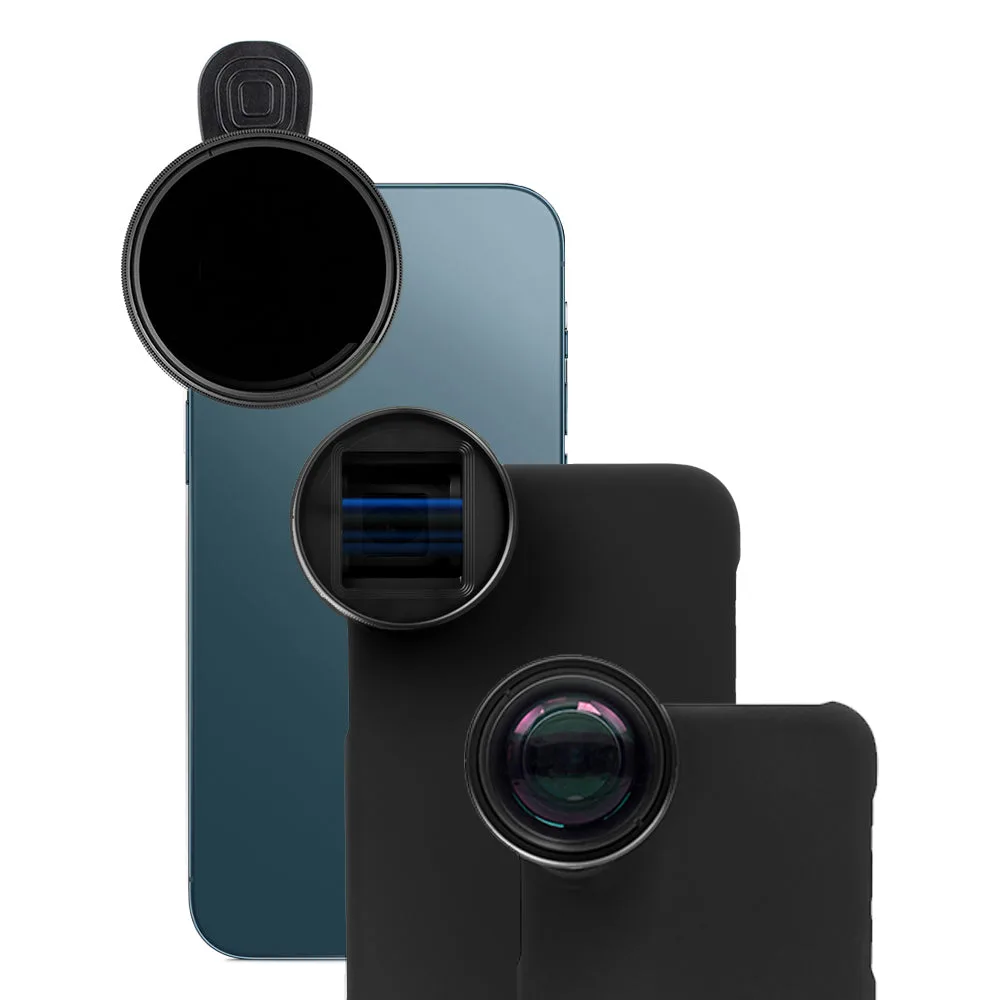
Film Edition - iPhone 12: The Film Edition for iPhone 12 includes an Anamorphic lens, a Telephoto lens, a Hybrid Filter compatible with both, and a Film Rig for mounting a mic and lighting. This gives you two focal lengths and a filter that works across both, so you can adapt to different scenes without extra accessories.
Film Edition - iPhone 12