Quick Answer
To keep your film projector running smoothly, match the lamp to your model's exact specification, organize slides in a carousel magazine, and use a copying kit to digitize your collection.
Why Lamp Specifications Matter
Projector lamps are not one-size-fits-all. Using the wrong lamp can damage your projector or produce poor image quality. Always check the voltage, wattage, and base type before buying a replacement.
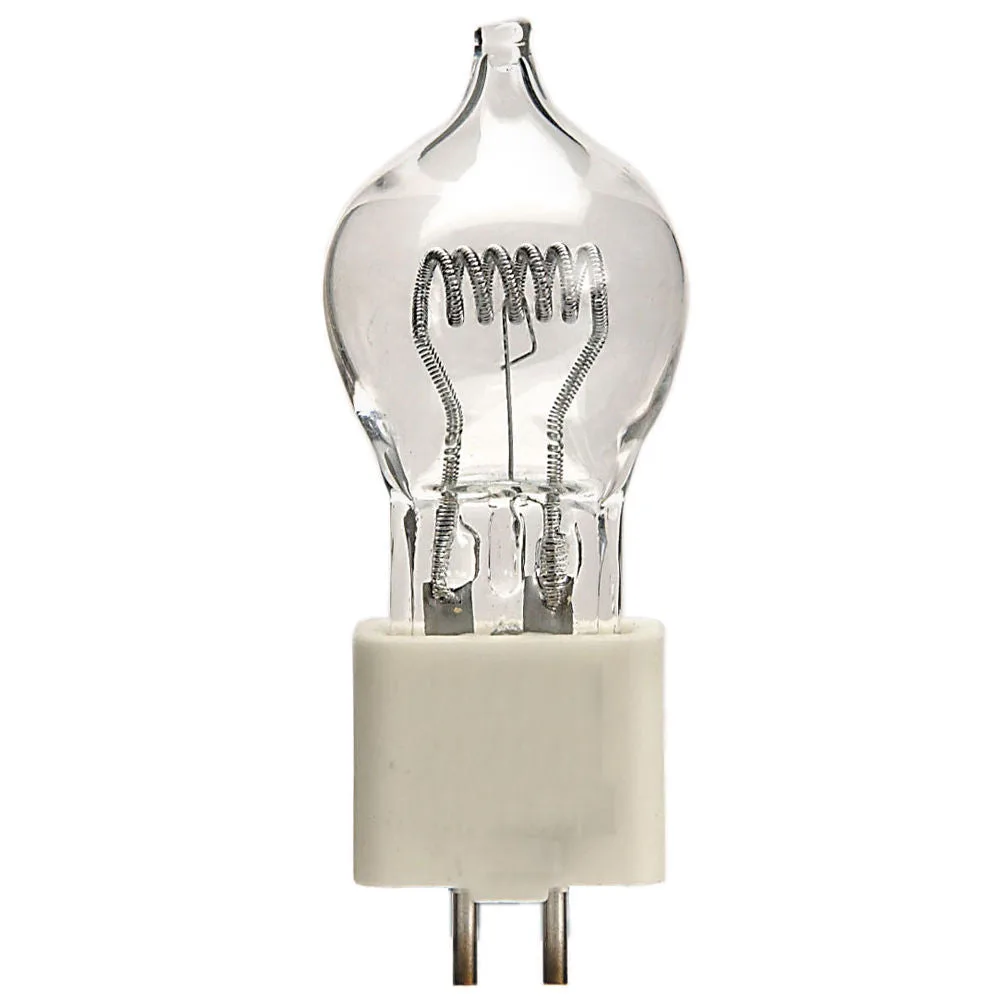
For example, the A1/216 FCS lamp is a 24V/150W capsule lamp with a G6.35 base. It is designed for specific projectors and theatre lights, so it won't fit a lamp designed for a different base or voltage.
Organizing Slides for Smooth Projection
Carousel magazines hold slides in order and feed them automatically. Using a magazine not only protects your slides from dust and fingerprints but also speeds up your presentation.
An 80-slide rotary magazine, like the AP Carousel, is a practical choice for longer shows. The transparent cover lets you see the slide numbers, and the embossed numbering helps you keep track of your sequence.
Digitizing Your Slides: A Modern Alternative
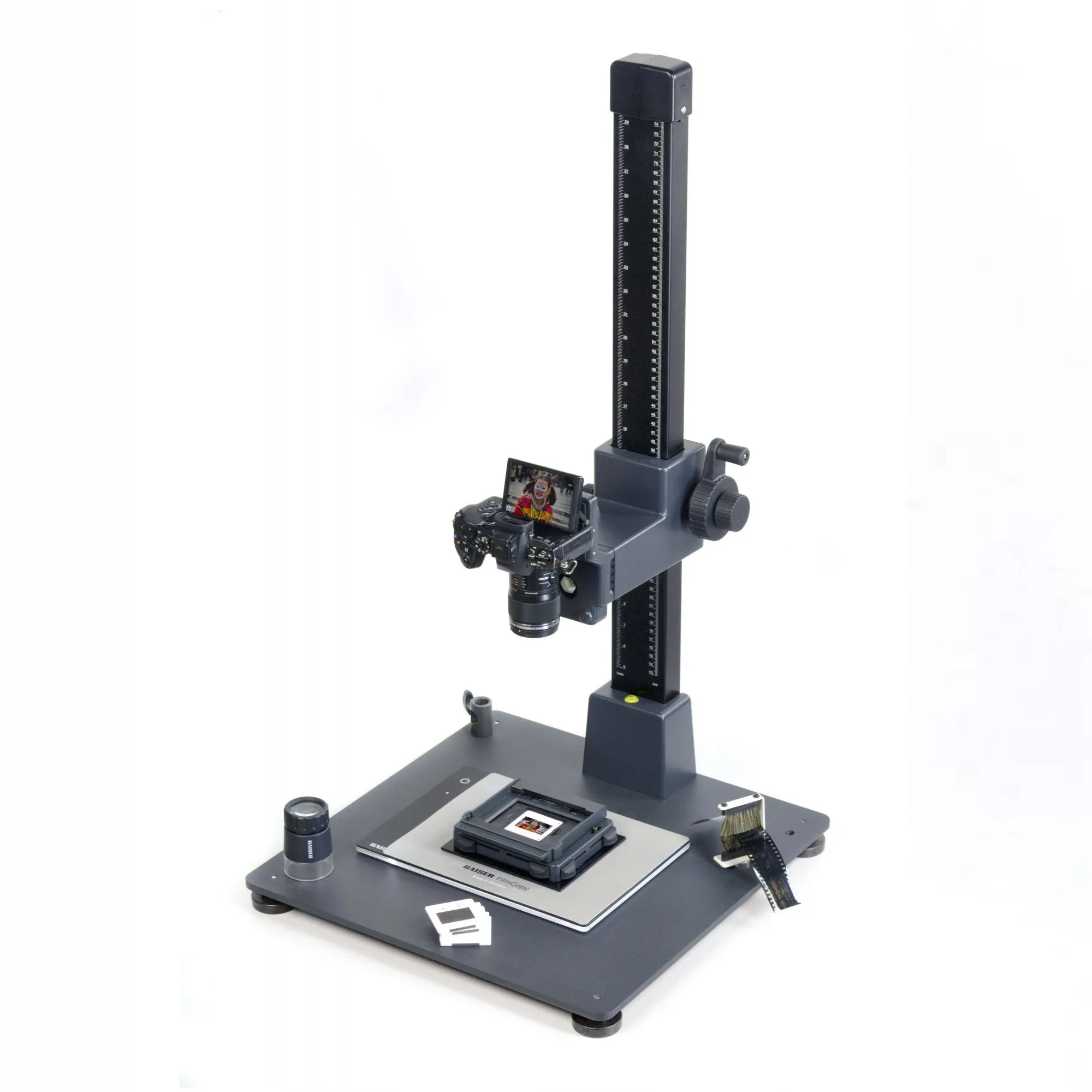
If you want to preserve your slides or share them online, digitizing is a smart option. A film copying kit, such as the Kaiser FilmCopy Vario, attaches to your camera and uses a light panel to illuminate the slide or negative.
This method gives you high-resolution digital files without needing a dedicated film scanner. It works for 35mm mounted slides and individual negative frames.
How to Set Up Your Film Projection System
- Check your projector lamp specification: Look at your projector's manual or the old lamp to find the model number, voltage, and wattage. Match these exactly when buying a replacement. Common mistake: buying a lamp with the same base but different voltage. Always verify the full spec.
- Load slides into a carousel magazine: Insert slides into the magazine slots in the correct orientation (usually upside down and reversed for proper projection). Check the numbering to keep them in order. Checkpoint: Ensure each slide clicks into place to avoid jams during the show.
- Test the projector before your presentation: Run the projector with the loaded magazine to confirm the lamp works and the slides advance smoothly. Adjust focus and framing as needed. Checkpoint: Have a spare lamp on hand if your show is long, as lamps have a limited life.
- Consider digitizing your slides: If you want digital copies, set up a film copying kit on a copy stand or tripod, place it over a light panel, and photograph each slide or negative. Checkpoint: Use a remote shutter release or self-timer to avoid camera shake.
Products That Help
-
Lamps Projector Lamp A1/216 (FCS) Braun 24V/150W: The A1/216 FCS lamp is a 24V/150W capsule lamp with a G6.35 base and a 50-hour rated life. Knowing the exact voltage, wattage, and base type ensures you buy a lamp that fits your projector and delivers the right light output.
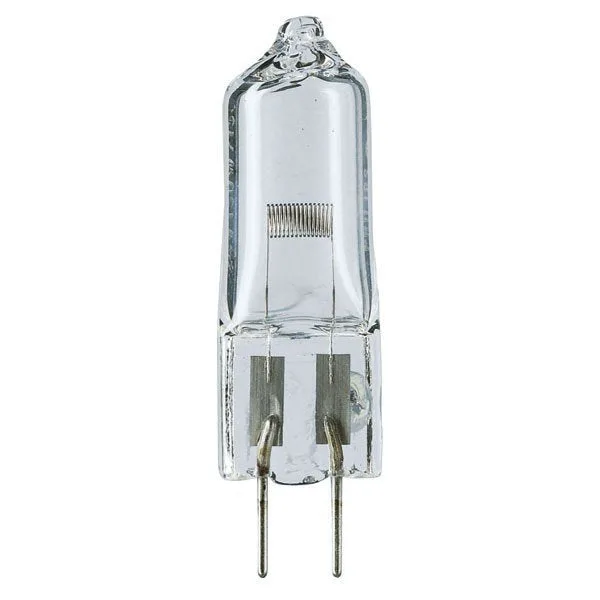
Lamps Projector Lamp A1/216 (FCS) Braun 24V/150W
-
AP Carousel Rotary Projector Magazine: The AP Carousel Rotary Projector Magazine holds 80 slides and has a transparent cover with embossed numbering. A magazine keeps slides organized and protected, making your projection session smoother and reducing handling damage.
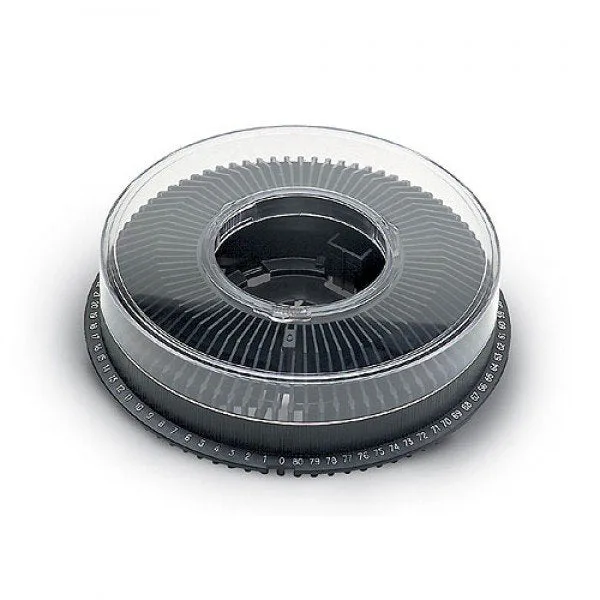
AP Carousel Rotary Projector Magazine
-
Kaiser FilmCopy Vario Film Copier Kit: The Kaiser FilmCopy Vario is designed for exact positioning of slides and negatives, and works with a light panel like the KaiserPlano. This kit lets you digitize your film with your own camera, giving you control over the process and preserving your images digitally.