Quick answer
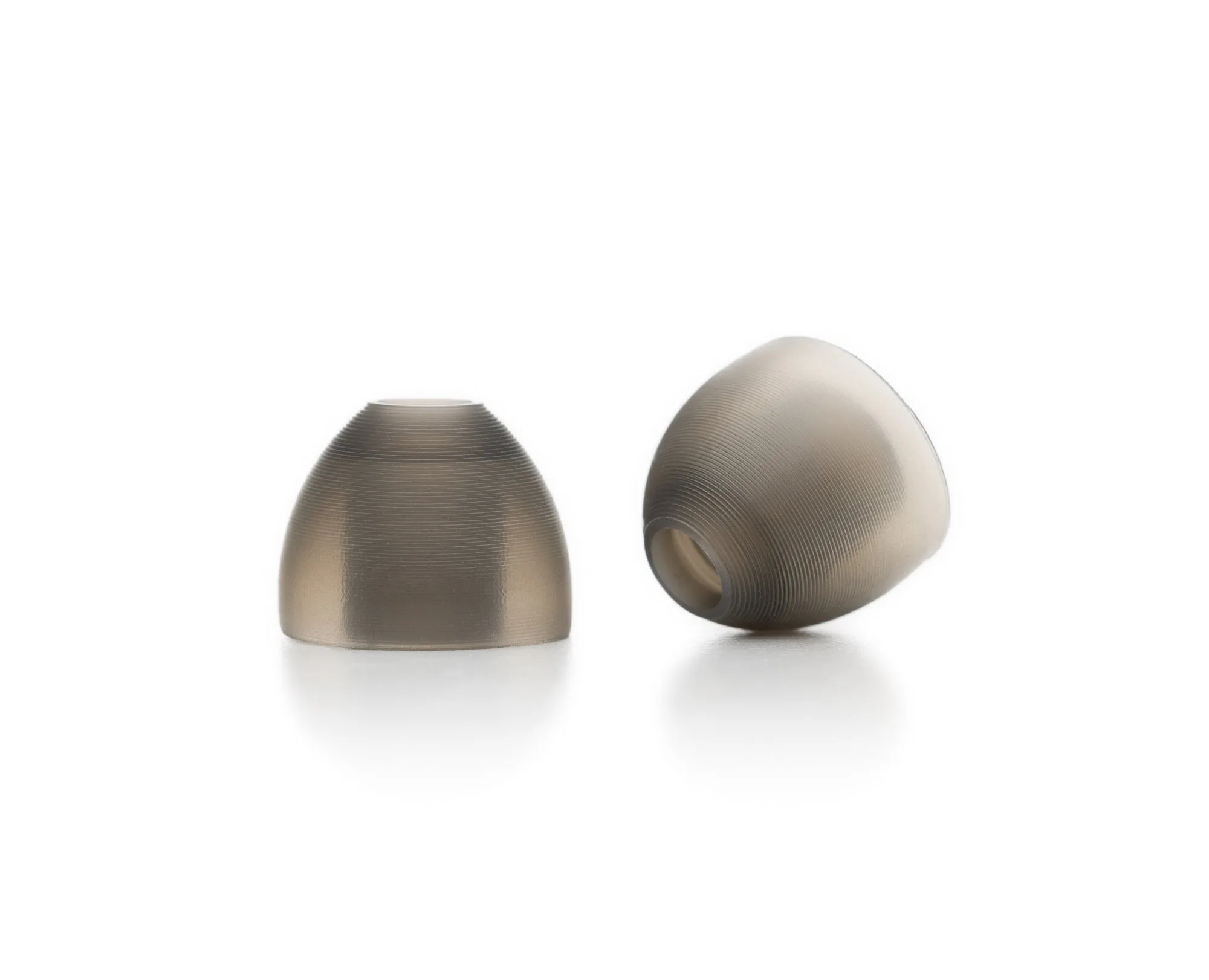
Most fit issues with 64 Audio Silicone Ear Tips come from wrong size or insertion depth. Try the medium size first, then adjust insertion angle. If the seal still breaks or the tip feels painful, switch to a different size or consider a professional fit adjustment.

fit adjustment
Why Fit Matters for Sound and Comfort
A proper seal is the foundation of good in-ear monitor performance. When your silicone ear tips don't fit well, you lose bass response, hear ambient noise, and may feel pressure points after short use. The 64 Audio Silicone Ear Tips come in Small, Medium, and Large sizes so you can match your ear canal shape. Getting the right size and insertion technique solves most common complaints without needing new gear.
Step-by-Step Fit Diagnosis
Start by checking which size you are using. The 64 Audio Silicone Ear Tips are sold individually per size (Small 2600-5201, Medium 2600-5202, Large 2600-5203). If you bought a universal IEM that came with a set, verify the size printed on the tip base. Insert the IEM with a gentle twisting motion until the tip sits snugly in your ear canal. If you feel the tip collapsing or sliding out after a few seconds, you likely need a larger size. If insertion feels painful or the ear canal feels blocked, try a smaller size.
Fit Issue Diagnosis
- Symptom: Tip keeps slipping out: Likely cause: The tip is too small for your ear canal. Try the next larger size (e.g., Small → Medium). If the problem persists, check that the tip is fully seated on the IEM nozzle. Switch to a larger size first.
- Symptom: Ear feels blocked or painful after 10 minutes: Likely cause: The tip is too large or inserted too deep. Try the next smaller size. Also experiment with a shallower insertion angle — silicone tips do not need to go as deep as foam tips. Try a smaller size or adjust insertion depth.
- Symptom: Sound is thin or lacks bass: Likely cause: The seal is broken. Remove the IEM, reinsert with a gentle twist, and hold for a few seconds. If the seal still fails, the tip size may be borderline. Try the adjacent size. Reinsert carefully; if seal fails, change tip size.
- Symptom: One ear fits fine, the other does not: Likely cause: Human ear canals are often different sizes. Use a different tip size on each ear. You can buy individual sizes of 64 Audio Silicone Ear Tips separately. Mix sizes per ear — that is normal.
- Symptom: Still uncomfortable after trying all sizes: Likely cause: The IEM shell shape or nozzle angle may not match your ear anatomy. At this point, consider a professional fit adjustment service. Stop experimenting and consider a Fit Adjustment service.
Product details
- Silicone Ear Tips: Silicone Ear Tips from 64 Audio are replacement ear tips for your in-ear monitors, offered in three sizes so you can choose the fit that suits you. Having three sizes lets you fine-tune comfort and seal without buying a whole new IEM. Start with Medium and adjust up or down based on your ear canal.
If you have tried all three silicone tip sizes and still experience discomfort or poor seal, the issue may be with the IEM shell itself. In that case, a professional Fit Adjustment service can assess and modify your monitors for a custom fit. Start with the tips — they are the simplest and cheapest fix.