What causes subwoofer hum from a USB connection?
Subwoofer hum often traces back to a ground loop between your computer and your audio system. When a USB cable connects a laptop or desktop to a DAC, amplifier, or powered subwoofer, the ground path can pick up electrical noise from the computer's power supply. That noise travels along the USB cable and emerges as a low-frequency hum or buzz through the subwoofer.
Not every hum is a ground loop, but if the hum disappears when you unplug the USB cable from the computer, a ground loop is the likely source. In that case, breaking the ground path without interrupting the signal is the goal.
What the AudioQuest USB-A Noise-Stopper is designed to do
-
USB-A Noise-Stopper: The AudioQuest USB-A Noise-Stopper is a noise dissipation accessory designed for use with USB-A connections. It is part of AudioQuest's Noise Stoppers category and is offered under the Standard option with SKU code CAPUSB. This accessory plugs into an unused USB-A port on your computer and dissipates electrical noise that could otherwise travel through the ground path to your audio system. It is not a cable or an inline filter; it is a cap that terminates the noise at the source.
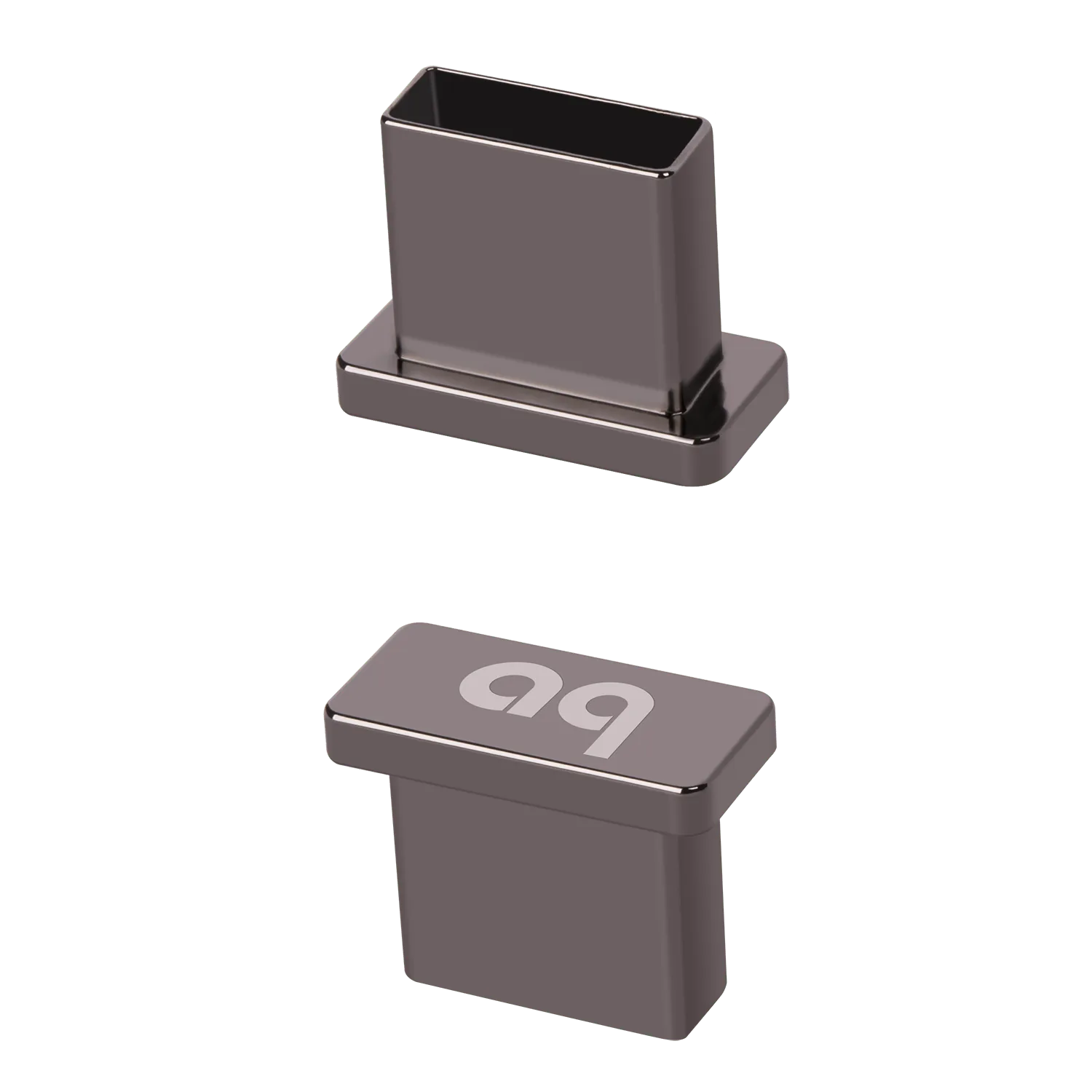
USB-A Noise-Stopper
How to use a USB-A Noise-Stopper to fix subwoofer hum
The USB-A Noise-Stopper is a simple plug-and-play accessory. No software, drivers, or configuration are required.
- Identify the hum source: With your audio system powered on and the subwoofer connected, listen for the hum. Unplug the USB cable from your computer. If the hum stops, the computer's USB port is the likely culprit.
- Plug the Noise-Stopper into a free USB-A port: Insert the AudioQuest USB-A Noise-Stopper into any unused USB-A port on your computer. The accessory draws no power and does not affect data transfer on other ports. It simply provides a termination point for noise dissipation.
- Test the result: Reconnect the USB cable to your audio system if you removed it. Listen for the hum. If the ground loop was the cause, the hum should be reduced or eliminated. If the hum persists, the issue may originate elsewhere in the signal chain.
When a USB-A Noise-Stopper is not the fix
A USB-A Noise-Stopper only addresses noise traveling through the USB ground path from a computer. It will not help with hum caused by:
- A faulty subwoofer cable or loose connection
- Ground loops between other components (e.g., subwoofer and receiver via RCA or XLR)
- AC power line noise or a missing ground in the wall outlet
- A damaged subwoofer amplifier
If the hum remains after using the Noise-Stopper, check those other potential sources before assuming the product is ineffective.
What the catalog does not confirm
The supplied information for the USB-A Noise-Stopper does not specify compatibility with USB 2.0, 3.0, or USB-C ports (via an adapter), nor does it confirm whether the accessory affects data transfer on adjacent ports. It also does not include instructions for cleaning or long-term maintenance. Treat the product as a passive noise-dissipation cap for standard USB-A ports, and test it in your specific setup to confirm results.