Quick answer
Start by checking the battery and USB port, then re-pair the mouse with the receiver. Most connection issues are fixed by these two steps.
Why a 2.4GHz mouse loses connection
Unlike Bluetooth, a 2.4GHz wireless mouse relies on a dedicated USB receiver. The connection can break if the receiver is loose, the battery is low, or the mouse has entered a deep sleep mode. Interference from other USB 3.0 devices or metal objects near the receiver can also cause dropouts.
If you're using a TECKNET BASICS Wireless Mouse, its 2600 DPI sensor and 2.4GHz link are designed for reliable tracking, but the same troubleshooting steps apply to most USB receiver mice.
Diagnosis steps
- Symptom: Mouse cursor does not move or appears only after a long delay. The mouse may have a blinking LED or no light at all.
- Likely cause: Dead or low battery, loose receiver, USB port issue, or the mouse is not paired with the receiver.
- Corrective action 1 – Battery and power: Replace the battery with a fresh one (check polarity). Turn the mouse off and on again. If the mouse has a power-saving mode, click any button to wake it. If the cursor moves now, the issue was low battery or sleep mode. No further steps needed.
- Corrective action 2 – USB receiver and port: Remove the receiver from the USB port and reinsert it firmly. Try a different USB port (preferably USB 2.0). Avoid using a USB hub; connect directly to the computer. If the mouse works now, the port or connection was the problem. You're done.
- Corrective action 3 – Re-pair the mouse and receiver: Some 2.4GHz mice require manual pairing. Insert the receiver, turn the mouse off and on, then press the pairing button (if available) or hold the scroll wheel and right button for 3–5 seconds. Refer to the mouse manual for exact steps. If pairing succeeds, the mouse is fixed. If not, the receiver or mouse may be defective.
- Stop or choose another option: If none of the above works, try the receiver on another computer. If it still fails, the receiver is likely faulty. Contact the manufacturer for a replacement receiver or consider a new mouse. At this point, hardware replacement is the most practical solution.
Product facts
-
TECKNET BASICS Wireless Mouse,2.4GHz with USB Receiver,Computer Mouse for Laptop,PC,Computer,Chromebook,Notebook,2600 DPI,5 Adjustment Levels: Compact & Portable - Measuring just 4.09” x 2.68” x 1.49”, this sleek mouse is made for on-the-go use. (USB-A only) If you use a USB-C-only laptop, you'll need a USB-A to USB-C adapter for the receiver to work.
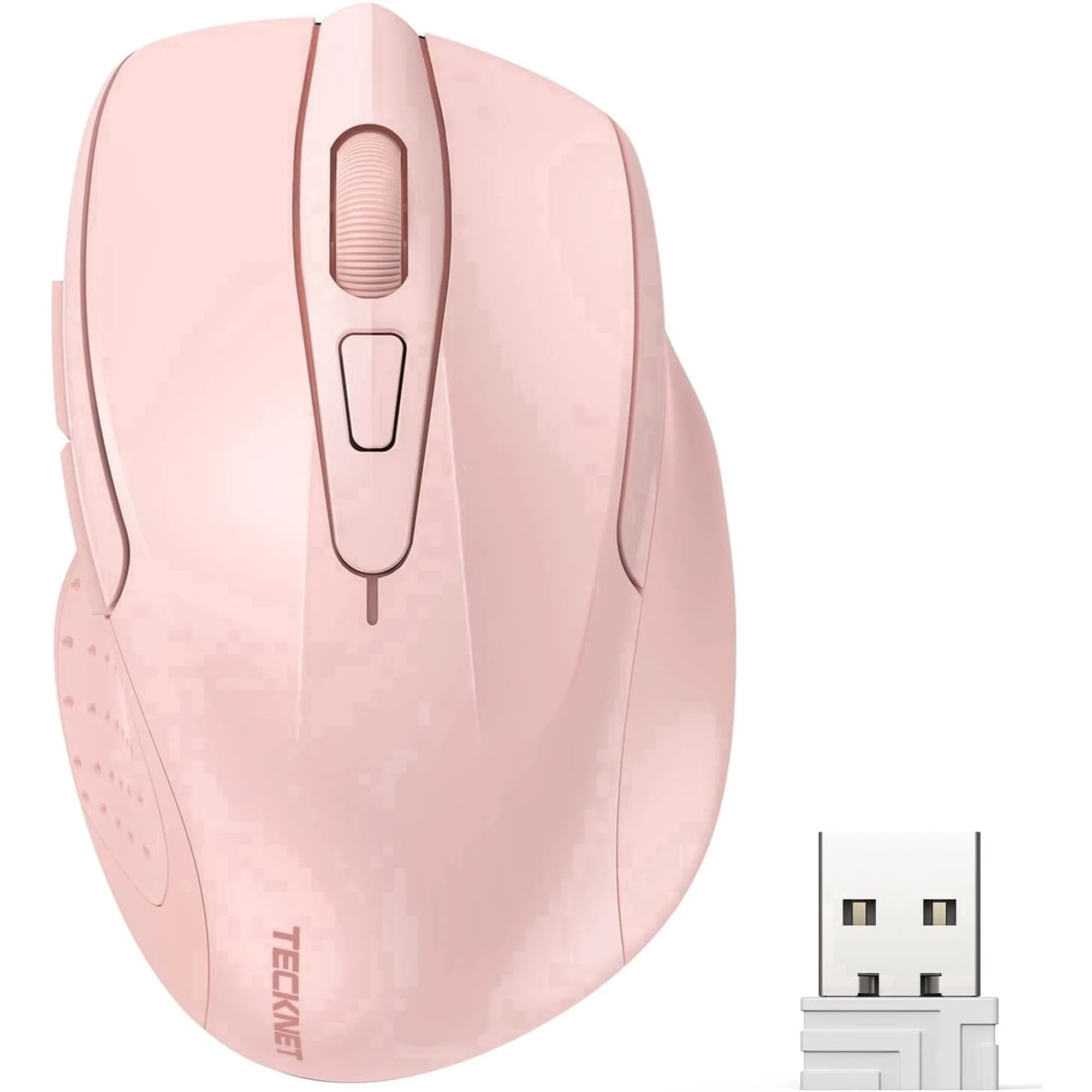
TECKNET BASICS Wireless Mouse,2.4GHz with USB Receiver,Computer Mouse for Laptop,PC,Computer,Chromebook,Notebook,2600 DPI,5 Adjustment Levels