Quick answer
Most Innr smart bulb connection issues come from distance, interference, or a full Zigbee mesh. Start by power-cycling the bulb, then move it closer to your bridge, and reset the bulb if needed. If the bulb still won't pair, check for mains voltage issues or a faulty unit.
Zigbee is a reliable smart home protocol, but it isn't immune to hiccups. When your Innr smart bulb goes offline or refuses to pair with your Hue bridge or other Zigbee hub, the problem is often simple to fix. This guide walks you through the most common connection issues and the exact steps to resolve them.
We'll cover symptoms like 'Innr bulb not connecting', pairing failures, and random offline drops. You'll learn how to diagnose the cause, apply the right fix, and know when to stop troubleshooting and consider a replacement.
Symptom: Bulb won't pair with your Zigbee hub
If your Innr smart bulb won't appear in your Hue app or other Zigbee hub after multiple pairing attempts, the first thing to check is the bulb's power. Zigbee bulbs need to be powered on to enter pairing mode. Turn the wall switch off for a few seconds, then on again. This resets the bulb's internal state and often allows it to be discovered.
Next, bring the bulb physically closer to your bridge during pairing. Zigbee pairing is most reliable within a few meters. If you're trying to pair a bulb that's far from the hub, move a temporary lamp or fixture closer, pair it, then move it back. Once paired, the bulb can join your mesh network and relay signals to other devices.
- Always power-cycle the bulb before starting a new pairing attempt.
- Pair the bulb within 3 meters of your bridge for the first connection.
Symptom: Bulb shows as offline in the app
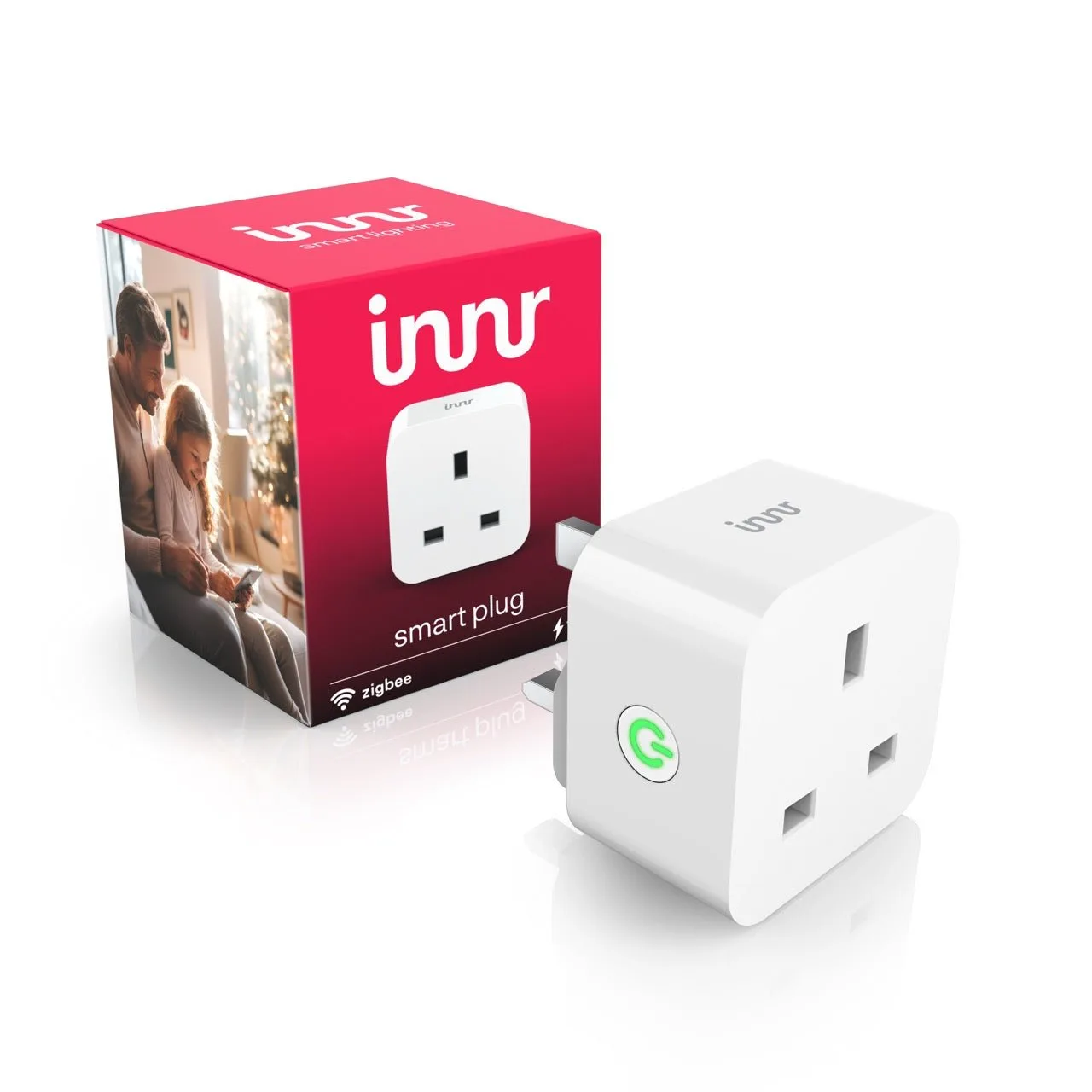
An Innr smart bulb that was working and suddenly shows as offline is usually a signal strength issue, not a hardware failure. Zigbee networks rely on a mesh of powered devices. If the bulb is too far from the bridge or has too many walls in between, it can lose connection. Check the bulb's location and consider moving it closer or adding a Zigbee repeater like another Innr smart bulb or a smart plug.
Interference from Wi-Fi routers, baby monitors, or other 2.4 GHz devices can also cause dropouts. Try changing the Zigbee channel on your bridge if your hub allows it, or move the bulb away from obvious interference sources. A quick reboot of your bridge and the bulb often restores the connection.
- Keep at least one Zigbee device between the bulb and the bridge for a stronger mesh.
- Avoid placing bulbs near metal objects or thick concrete walls.
Symptom: Bulb keeps dropping off the network
If your Innr bulb reconnects but drops again after a few hours or days, the cause is often a weak mesh or a bridge that's overloaded. Zigbee networks can handle many devices, but too many direct connections to the bridge can cause instability. Ensure your bridge is placed centrally and elevated, and not inside a cabinet that blocks signals.
Another culprit is mains power interruptions. Zigbee bulbs need a stable power supply. If your light fixture has a dimmer switch, even a 'smart' dimmer, it can cause the bulb to lose power or behave erratically. Replace the dimmer with a standard switch for reliable operation. Also, check if the bulb is in a fixture with poor ventilation; overheating can cause temporary disconnects.
- Use only standard on/off switches with Innr smart bulbs, not dimmers.
- Restart your bridge once a month to clear any network congestion.
Symptom: Bulb pairs but doesn't respond to commands
A bulb that pairs successfully but doesn't turn on or off from the app usually indicates a command routing problem. This can happen when the bulb's direct route to the bridge is broken, but the mesh hasn't updated. Try moving the bulb a few centimeters or power-cycling it to force a route refresh.
If the issue persists, remove the bulb from your hub and re-add it. This clears the old routing table and creates a fresh connection. For Hue users, you can do this in the Hue app by deleting the light and searching again. If the bulb still doesn't respond, it may be a defective unit, and you should contact support.
- Re-pairing a bulb often resolves command routing issues.
- Check if other Zigbee devices are working; if not, the problem is with your bridge.
Diagnosis: When to stop and what to do next
- Symptom: Bulb not pairing: Power-cycle the bulb, move it closer to the bridge, and try again. If it still won't pair after 3 attempts, check that the bulb is getting full mains power and not on a dimmer.
- Symptom: Bulb offline: Check signal strength, move the bulb or add a Zigbee repeater. If the bulb reconnects but drops again, inspect for interference or a weak mesh.
- Symptom: Bulb drops repeatedly: Reboot your bridge, reposition it, and ensure no dimmer is in the circuit. If drops continue after these steps, the bulb may be faulty; consider replacing it.
- Symptom: Pairs but unresponsive: Remove and re-add the bulb to refresh its routing table. If re-pairing doesn't help, test another bulb in the same socket to rule out fixture wiring.
Innr bulbs that benefit from these fixes
- Innr Smart Bulb Colour B22 800lm UK: This smart bulb with large bayonet fitting lets you operate your existing fixture wirelessly, even when you're not home. It provides warm white, cool white, and 16 million colours. A colour bulb like this relies on a stable Zigbee connection to deliver its full range of scenes. If it drops offline, you lose not just on/off control but also colour tuning, so a quick reconnect fix gets your ambiance back.
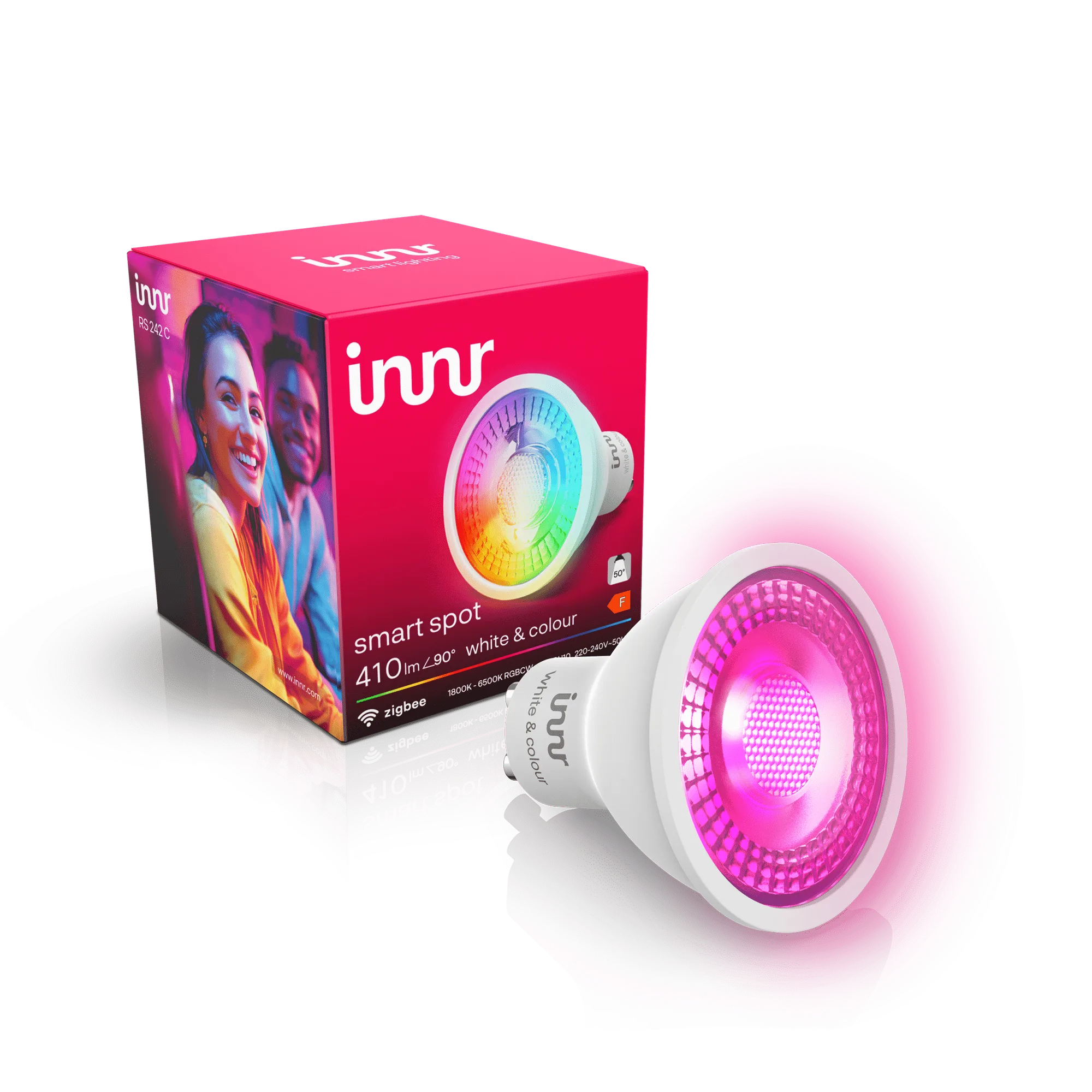
- https://innrt.shop/products/innr-smart-spot-colour-gu10-uk-210174Innr Smart Spot Colour GU10 UK: This smart spot with GU10 fitting lets you operate your existing fixture wirelessly. Choose between warm white, cooler white, or 16 million colours. GU10 spots are often installed in ceilings or recessed fixtures, which can be farther from the bridge. If you experience signal issues, the mesh troubleshooting steps here are especially relevant to keep these spots responding.
- https://innrt.shop/products/innr-smart-candle-colour-e14-uk-210176Innr Smart Candle Colour E14 UK: This smart candle light with small E14 fitting lets you operate your existing fixture wirelessly. It offers warm white, cool white, and 16 million colours. Candle bulbs are common in decorative fixtures that may be enclosed or placed in awkward spots. If your candle bulb won't connect, the pairing and signal tips above help you get it online without moving the fixture.
Zigbee connection issues with Innr smart bulbs are usually fixable with a few simple steps. Start with the bulb's power, then check distance and interference, and finally re-pair. If you've tried everything and the bulb still won't connect, it may be time to replace it with a new Innr smart bulb that will join your mesh reliably.