Why a Fast USB-C Charger for Your X100VI?
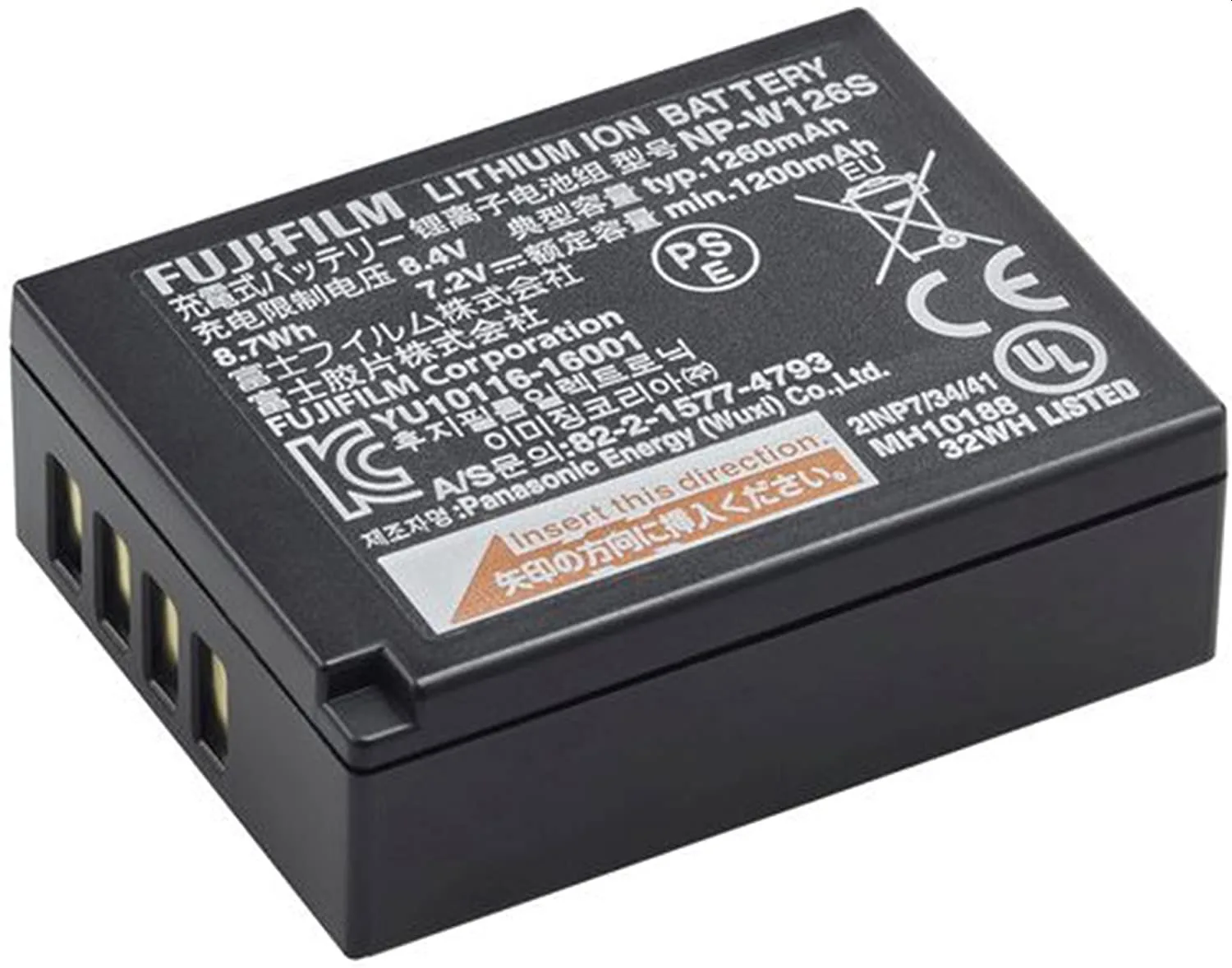
The Fujifilm X100VI uses the NP-W126S battery, which can be charged in-camera via its USB-C port. A dedicated wall charger like the Hama 201992 Mini-Lader 30W offers faster, more convenient power delivery than plugging into a computer or using a low-wattage adapter. With 30 watts of output, it can replenish your camera battery quickly, and its dual USB ports let you charge the X100VI and a phone or tablet from a single outlet.
What the Hama 201992 Offers
-
Hama 201992 Mini-Lader 1xUSB-C+A 30W: The Hama 201992 is a 30-watt fast charger with one USB-C and one USB-A port, capable of charging two devices simultaneously. You can charge your X100VI via USB-C while also powering a smartphone or tablet, reducing outlet clutter.
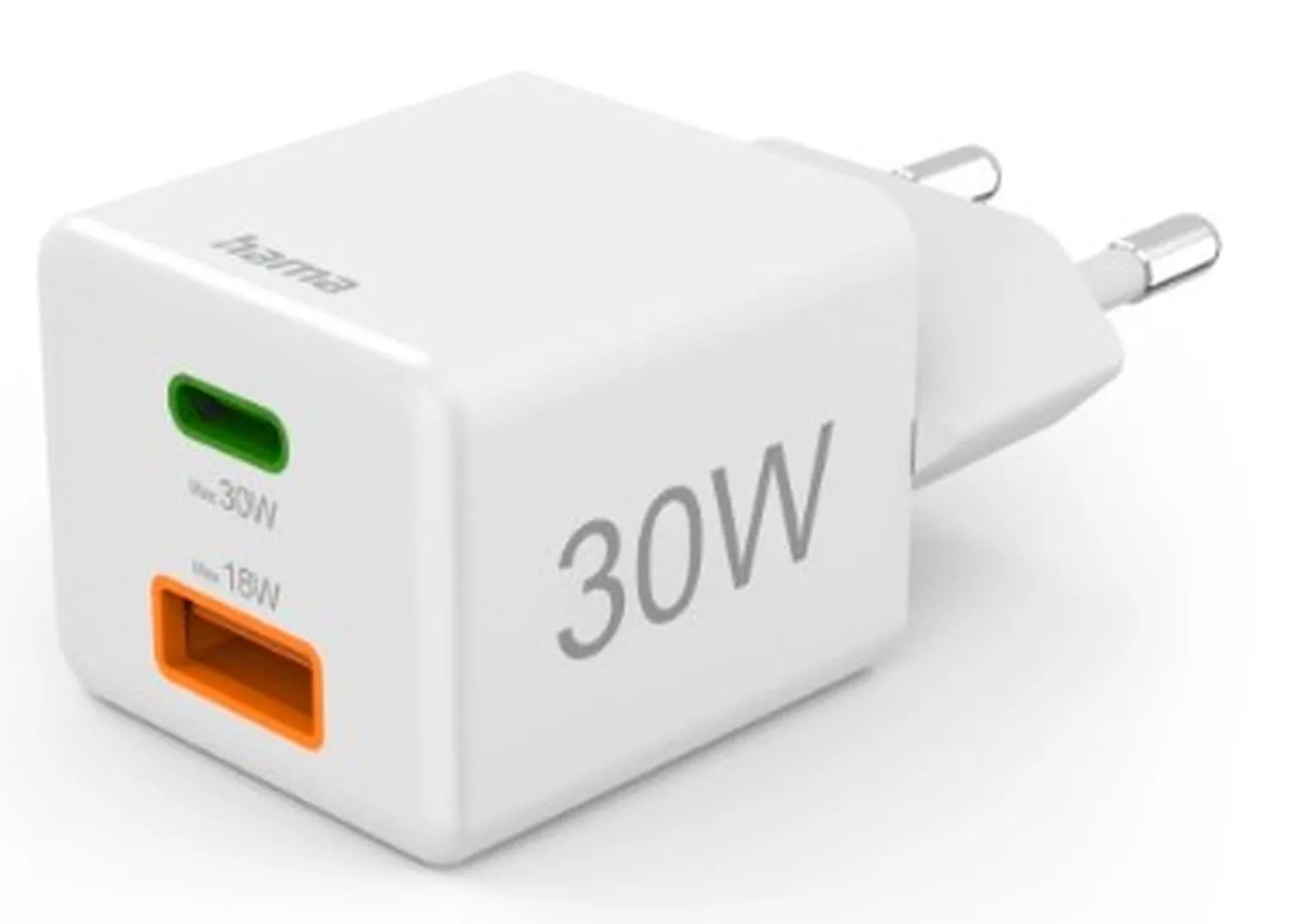
Hama 201992 Mini-Lader 1xUSB-C+A 30W
-
Hama 201992 Mini-Lader 1xUSB-C+A 30W: It features automatic device detection and battery-friendly charging, adapting output to the connected device. This helps protect your X100VI's battery by delivering only the power it can safely accept, without overstressing the cells.
-
Hama 201992 Mini-Lader 1xUSB-C+A 30W: The charger is described as compact and suitable for home, office, or travel use. Its small size makes it easy to slip into a camera bag or pocket, so you can keep your X100VI charged on location shoots or trips.
Using the Hama 201992 with Your X100VI
Follow these simple steps to charge your Fujifilm X100VI using the Hama 201992 charger.
- Connect the charger to power: Plug the Hama 201992 into a standard wall outlet. The charger's compact design means it won't block adjacent sockets in most power strips.
- Attach a USB-C cable to the charger: Use a USB-C to USB-C cable (not included) that supports Power Delivery for best charging speed. Connect one end to the charger's USB-C port.
- Connect to your X100VI: Plug the other end of the cable into the USB-C port on the left side of your X100VI. The camera's charging indicator will light up to confirm charging has started.
- Charge additional devices (optional): If you need to charge a second device, use the USB-A port on the charger with a suitable cable. Both ports can deliver power simultaneously, though total output is shared.
Practical Considerations
The Hama 201992 is rated at 30W total. When charging two devices at once, the power is split between the ports. For fastest charging of your X100VI alone, use only the USB-C port. The automatic device detection ensures that your camera battery isn't pushed beyond its safe charging rate, which is a useful safety feature when using third-party chargers.
The supplied information does not specify exact charging times for the NP-W126S battery, so actual speed depends on the cable quality and the battery's current state. For best results, use a cable rated for 30W or higher, or follow the product instructions to avoid bottlenecks.