Why the SmallRig 4558 Case Suits the Silver X100VI
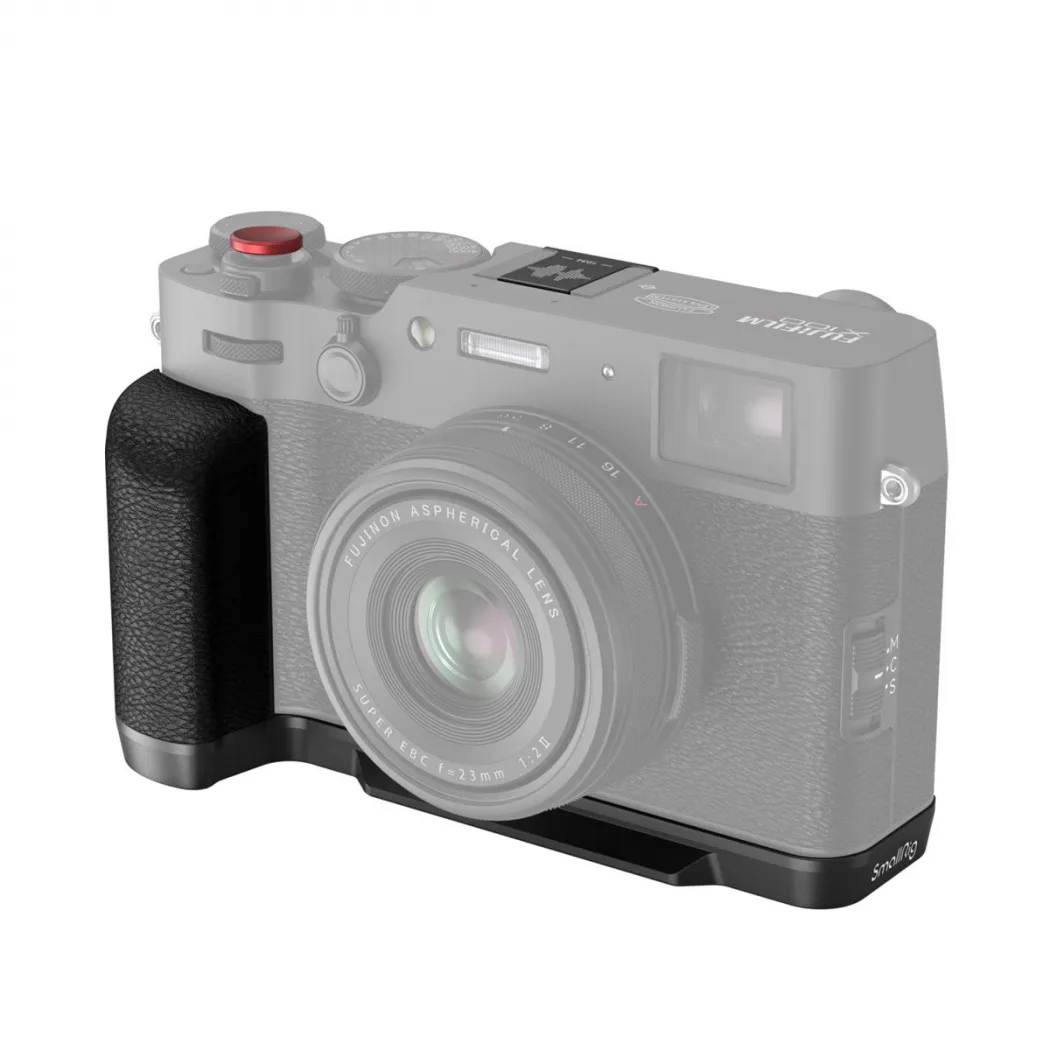
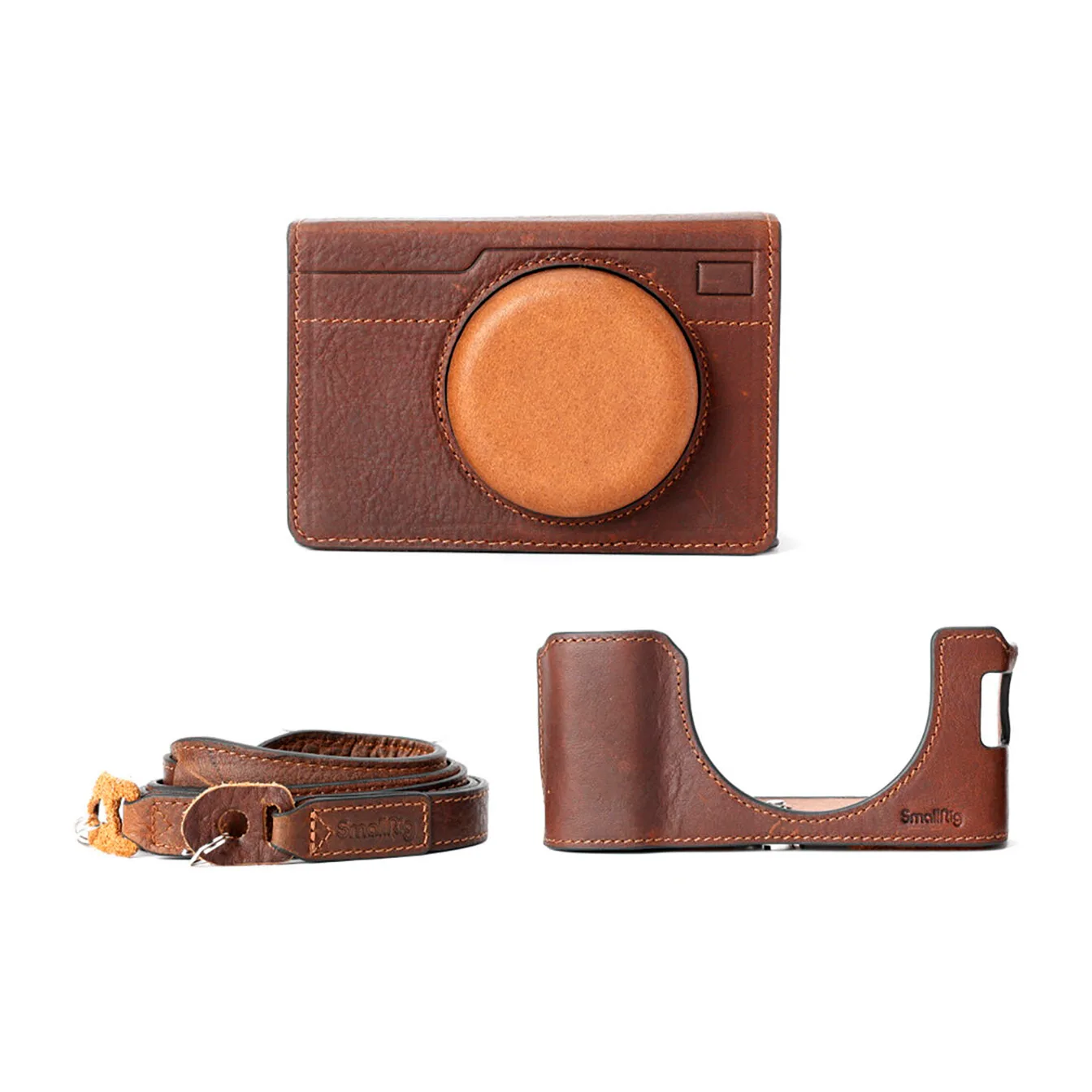
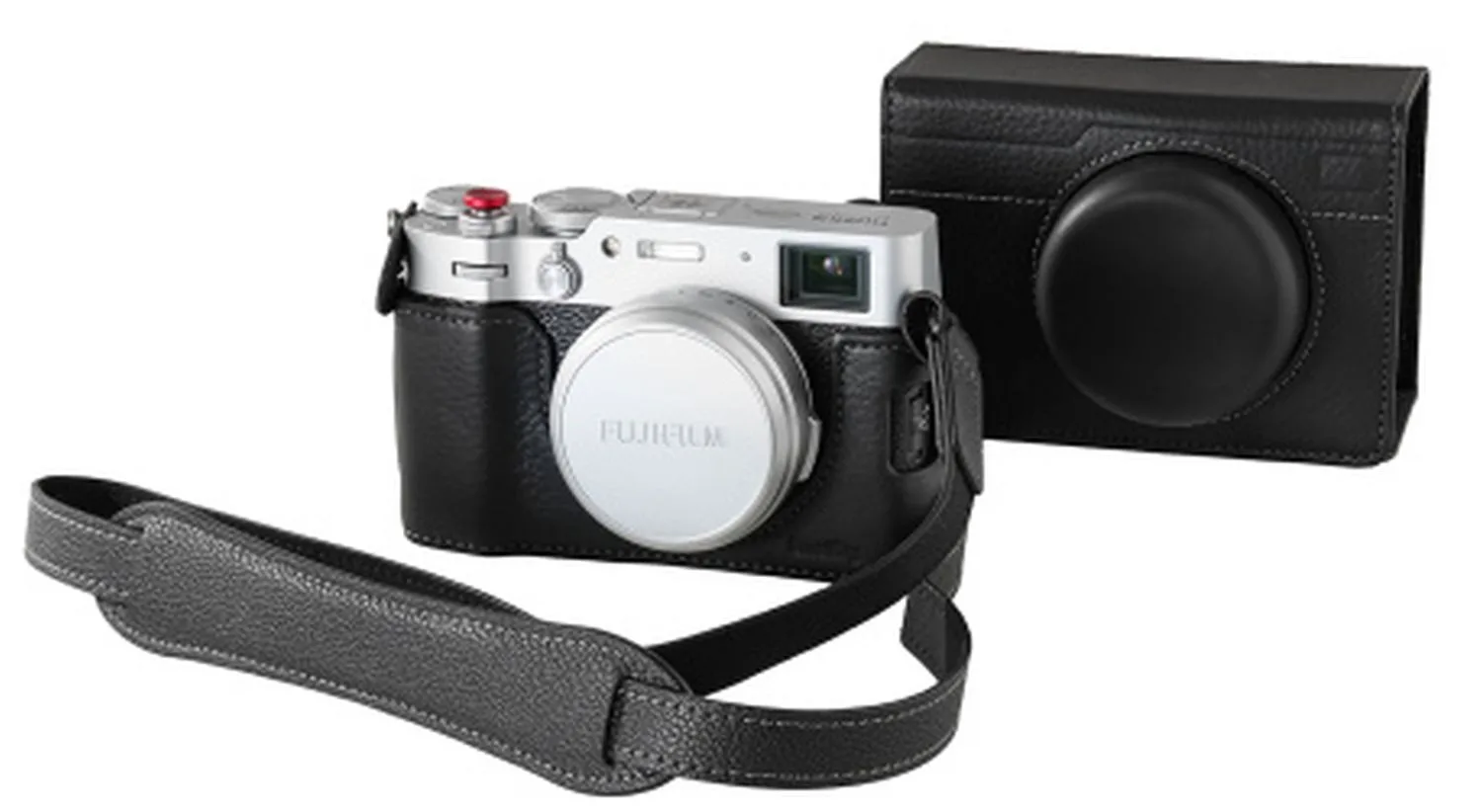
The Fujifilm X100VI in silver is a camera that invites daily carry, and the SmallRig 4558 leather case is designed specifically for it. This set pairs the camera with that case, so you can protect the silver finish while adding a touch of grip. The case is tailored for the X100VI, meaning the cutouts and fit are intended for this model. Before you attach it, take a moment to understand what the case does and does not cover, so you can set it up for comfortable shooting and easy battery changes.
The X100VI itself is a premium compact with a 40.2-megapixel X-Trans CMOS 5 HR sensor, X-Processor 5, and in-body five-axis image stabilization. It also offers 6.2K/30p video and intelligent subject-detection autofocus. These features don't change with the case, but the case affects how you hold and access the camera. The SmallRig 4558 is a leather half-case that protects the bottom and sides while leaving the top controls and lens free. That means you keep direct access to the shutter, dials, and viewfinder, but you'll need to remove the case to change the battery or memory card if the case covers those compartments.
Fitting the Case: A Step-by-Step Check
Follow these steps to attach the SmallRig 4558 case securely and confirm it doesn't interfere with your shooting.
- Prepare the camera: Turn off the X100VI and remove any tripod plate or strap that might get in the way. Wipe the camera's bottom and sides with a soft cloth to remove dust or grit that could scratch the silver finish.
- Align the case: Slide the camera into the case from the top, making sure the lens and viewfinder openings line up. The case should sit flush against the camera body without forcing.
- Secure the base: If the case has a tripod screw, tighten it gently by hand until snug. Do not overtighten, as this could stress the camera's tripod socket.
- Check access points: Verify that the battery door, memory card slot, and any side ports are accessible. If the case blocks these, you'll need to remove it for those tasks. Also check that the case doesn't cover the speaker or microphone holes.
- Test the grip: Hold the camera as you would when shooting. The case should add a bit of bulk and texture for a more secure hold, but it shouldn't make the camera feel unbalanced or cover the front command dial.
Battery and Card Access: What to Expect
The X100VI uses an NP-W126S battery, and the card slot is typically in the same compartment. The SmallRig 4558 case is a half-case, so it may leave the battery door exposed or may require removal to open it. Check your specific case: if the battery door is covered, you'll need to unscrew or detach the case to swap batteries or cards. That's a small trade-off for the protection and grip. For day-to-day shooting, consider carrying a spare battery and offloading images via the camera's USB-C port or wireless transfer if available, so you don't have to remove the case as often. The X100VI's USB-C port is on the side, and the case should have a cutout for it, but confirm that cables fit without strain.
Catalog Details That Matter for This Setup
-
Fujifilm X100VI silber + SmallRig 4558 Ledertasche: Set includes the SmallRig 4558 leather case for X100VI. Confirms the case is designed for this camera, so fit and cutouts are intended for the X100VI.
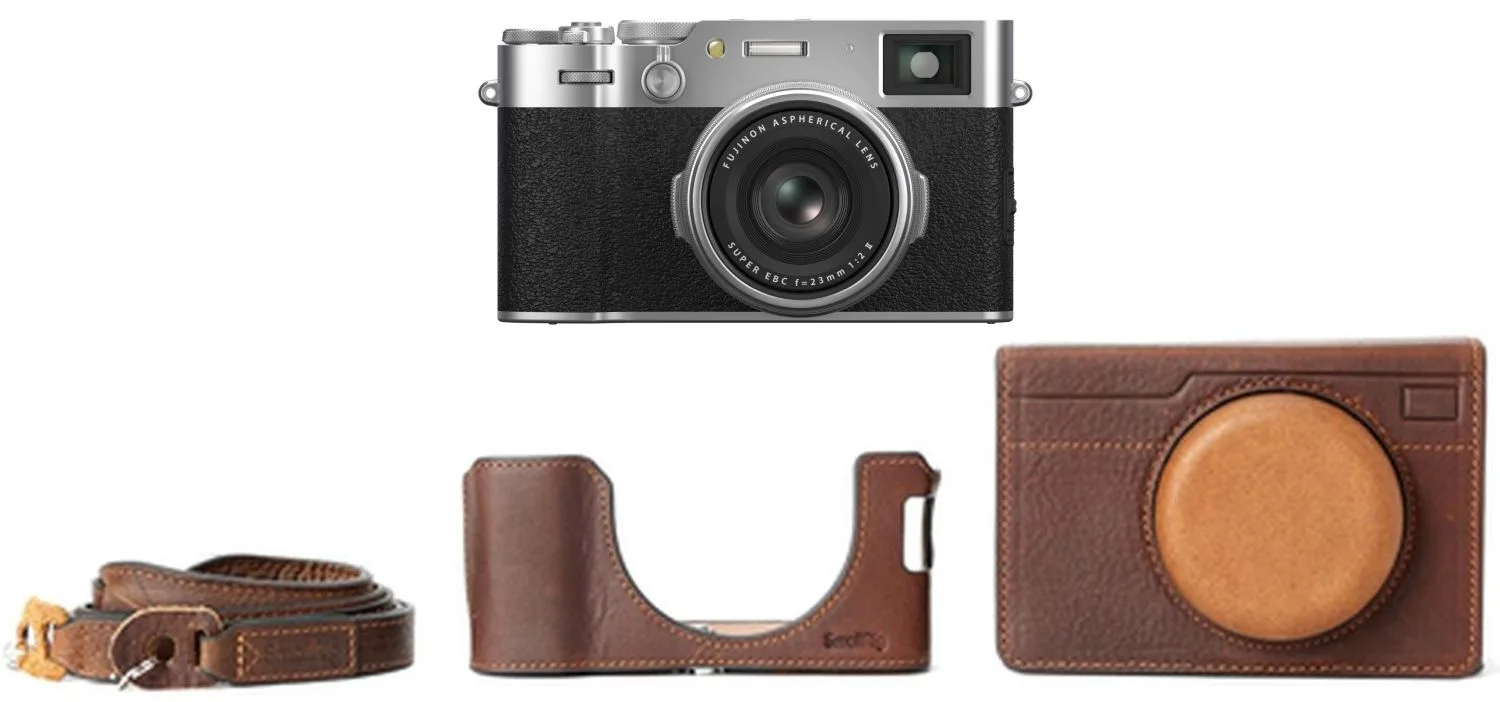
Fujifilm X100VI silber + SmallRig 4558 Ledertasche
-
Fujifilm X100VI silber + SmallRig 4558 Ledertasche: 40.2 megapixel X-Trans CMOS 5 HR sensor and X-Processor 5. These core specs are unaffected by the case, but knowing them helps you appreciate the camera you're protecting.
-
Fujifilm X100VI silber + SmallRig 4558 Ledertasche: Integrated five-axis image stabilization (IBIS). The case adds grip that can help steady your hands, complementing the built-in stabilization.
-
Fujifilm X100VI silber + SmallRig 4558 Ledertasche: 6.2K/30p video function. If you shoot video, ensure the case doesn't cover the microphone or ports you need.
-
Fujifilm X100VI silber + SmallRig 4558 Ledertasche: ISO 125 standard sensitivity. Low-light performance is a key reason to protect the camera; the case keeps the body safe during travel.
Protecting the Silver Finish: Care for Case and Camera
The silver finish on the X100VI is a classic look, but it can show wear over time. The SmallRig 4558 leather case acts as a barrier against scratches and scuffs on the bottom and sides. To keep both the case and camera in good condition, follow these care tips.
First, avoid exposing the leather case to prolonged moisture or heat. If it gets wet, wipe it with a dry cloth and let it air dry away from direct sunlight. Leather can crack if it dries too quickly. Second, clean the case with a soft, damp cloth and mild soap if needed, then wipe dry. Do not use harsh chemicals or alcohol, which can damage the leather. Third, periodically remove the case and clean the camera body with a microfiber cloth to remove dust that can accumulate underneath. Check the case's stitching and screws for wear, and tighten any loose screws gently. Finally, store the camera in the case when not in use to prevent accidental bumps, but avoid storing it in damp environments.
When to Remove the Case
The case is designed for everyday protection, but there are times when you should take it off. Remove it when you need to change the battery or memory card if the case blocks access. Also remove it if you're mounting the camera on a tripod and the case's base interferes with the plate; some cases have a built-in tripod socket, but if not, you may need to remove the case for a secure connection. Additionally, if you're using a strap that attaches to the camera's lugs, check that the case doesn't cover them. The X100VI has strap lugs on the sides, and the case should have cutouts for them, but confirm that your strap fits without rubbing against the leather. Lastly, if you're shooting in very dusty or wet conditions, the case can offer some protection, but it's not waterproof. In heavy rain, consider additional protection or remove the case to dry it properly.