What the Fur Trim System actually is
The Fur Trim System is a 2-in-1 trimmer and shaver built for body grooming. Instead of switching between separate tools, you get one device that trims at three adjustable lengths or, with the razor attachment fitted, shaves bare.
That dual role is the main reason to consider it: you can shorten hair first and then decide whether to stop at a trimmed length or go smooth. The system is described as crafted for every body, so the setup below works whether you are grooming legs, underarms, or another area.
The two modes at a glance
-
Fur Trim System: 2-in-1 trimmer and shaver with three adjustable lengths for trimming and a razor attachment for shaving bare. This tells you the system covers both shortening and removing hair, so you can choose the finish before you start.
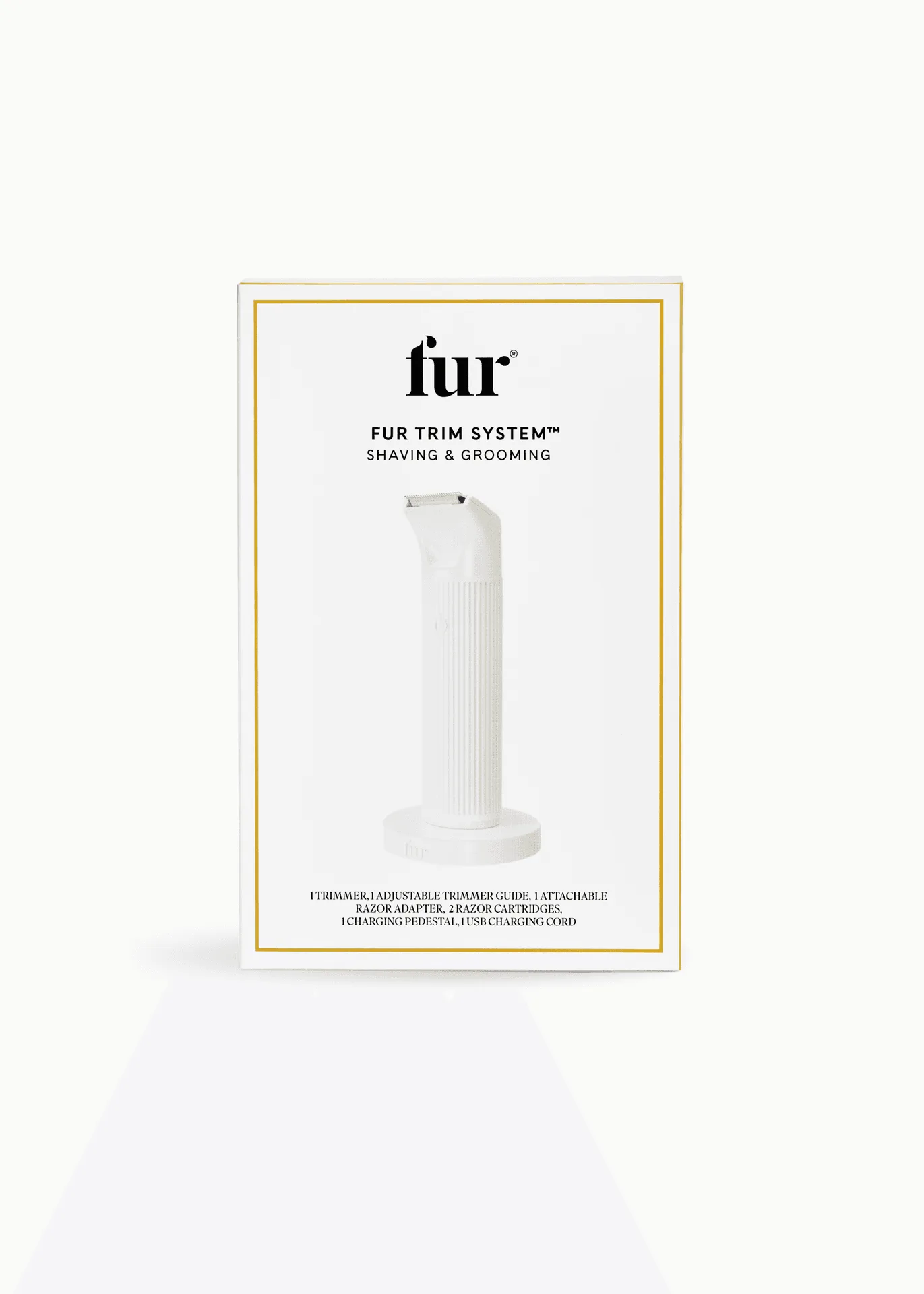
Fur Trim System
-
Fur Trim System: Crafted for every body and described as making grooming faster, smoother, and irritation-free. The every-body framing means the same tool and setup apply across body areas, while the comfort claim is the manufacturer's description rather than a guarantee.
How to set up the Fur Trim System before you groom
The supplied product information names the attachments and modes but does not include a full operating manual in this record. Use the steps below as a practical setup sequence, and follow the linked instructions manual for any device-specific detail such as charging, cleaning, or attachment changes.
- 1. Decide your finish first: Choose a trimmed length if you want to keep some hair, or plan to use the razor attachment if you want bare skin. Deciding first stops you from switching back and forth mid-groom.
- 2. Fit the right attachment: For trimming, select one of the three adjustable lengths. For bare shaving, fit the razor attachment. Check that the attachment is seated correctly before switching the device on.
- 3. Start on a small, easy area: Begin on a small patch so you can confirm the length or shave result feels right before continuing over a larger area.
- 4. Work in the direction that feels controlled: Move the device in slow, steady passes. The supplied information does not specify a required stroke direction, so use the direction that gives you the most control and comfort.
- 5. Check the result as you go: Pause and look at the area after a few passes. If the finish is uneven, adjust the length or switch to the razor attachment rather than pressing harder.
Trimming versus shaving bare: choosing the right mode
The three adjustable lengths are the flexible middle ground. They let you reduce density without going completely bare, which is useful if you want a neat result but prefer to avoid the close-shave stage.
The razor attachment is the option for a bare finish. Because the supplied record does not include blade specifics, skin-prep instructions, or aftercare steps, treat the razor attachment as the bare-shave mode and rely on the instructions manual for anything beyond fitting it and using it as intended.
What the record confirms and what it leaves to the manual
- Fur Trim System: Three adjustable lengths for trimming and a razor attachment to shave bare. These are the confirmed configuration options; any other attachment or length setting is not part of the supplied evidence.
- Fur Trim System: A link to the instructions manual is included with the product. The manual is the right place to confirm charging, cleaning, and attachment-change details that the product summary does not cover.
Trimming body hair safely: practical checkpoints
The supplied product information does not include a formal safety protocol, so these are general grooming checkpoints rather than manufacturer instructions. Stop and check in with yourself at each one.
- Check the attachment before every use: Make sure the selected length or the razor attachment is properly fitted. A loose attachment is the most avoidable cause of an uneven result.
- Keep the device moving: Slow, steady passes are easier to control than holding the device still in one spot. The supplied information does not specify a speed, so use a pace that feels deliberate.
- Do not press harder to fix an uneven patch: If a spot is uneven, change the length or switch attachments instead of adding pressure. Pressure is not a substitute for the right setting.
- Pause if anything feels uncomfortable: The product is described as irritation-free, but that is a product description, not a promise for every skin type. If an area feels uncomfortable, stop and reassess.
- Follow the manual for cleaning and storage: The supplied record does not include cleaning steps. Use the linked instructions manual so the device stays in good working order between sessions.
Who the Fur Trim System suits
This system makes the most sense if you want one tool that handles both trimming and bare shaving, and if you value adjustable lengths over a single fixed setting. It also suits anyone who prefers to decide the finish area by area rather than committing to one look everywhere.
If you only ever trim and never shave bare, the razor attachment may be extra. If you only ever shave bare, the three trim lengths may go unused. The 2-in-1 design is the selling point, so it pays to know which mode you will actually reach for.