Quick answer
A dedicated G1000 NXi panel set is not currently available in this store. If you want a realistic glass cockpit for MSFS, the practical path is to build around a metal B737 CDU panel for authentic button and screen interaction, or start with a handheld console to run your sim and flight-planning tools. For a full G1000 NXi setup, you'll need to source PFD, MFD, and audio panel modules from other vendors and pair them with your own mounting solution.
What a G1000 NXi panel set actually includes
A complete G1000 NXi panel set typically consists of three main hardware pieces: a primary flight display (PFD) module, a multi-function display (MFD) module, and an audio panel. In a home cockpit, these are usually separate units that mount side by side or stacked, and they connect to your PC via USB or a network interface. Some bundles also include a mounting bracket or rail system that holds the modules at the correct angle and spacing.
Because G1000 NXi panels are specialized, they are often sold as individual modules rather than a single plug-and-play kit. That means you need to plan your layout, cable routing, and power before you buy. If you are not ready for that level of integration, a more flexible first step is a multi-purpose control panel like the 1/1 Scale Metal B737 CDU, which gives you a realistic keypad and screen for entering flight plans and interacting with avionics in MSFS.
How to evaluate PFD, MFD, and audio panel bundles
When comparing bundles, check three things: the number of buttons and encoders, the screen size and resolution, and whether the audio panel includes separate COM/NAV radio controls. A true G1000 NXi audio panel should have dedicated knobs for volume, squelch, and radio selection, not just a row of generic buttons. If a listing does not specify these details, treat it as a limitation and ask the seller before buying.
Also consider how the modules connect. USB is the simplest for MSFS, but some higher-end panels use Ethernet or serial connections that require additional configuration. If you plan to use the panel with multiple simulators, look for software that supports MSFS 2020 and 2024, Prepar3D, and X-Plane. The B737 CDU in this store, for example, explicitly lists compatibility with all three, which makes it a safer cross-platform choice than a single-sim G1000 module.
Mounting brackets and physical fit
G1000 NXi panels are wider and shallower than many other avionics units, so mounting brackets are not universal. Before ordering, measure the available space on your desk or cockpit frame. A typical PFD/MFD module is roughly 6 to 7 inches wide, but exact dimensions vary by manufacturer. If the product page does not list dimensions, that is a red flag for fit.
For a secure setup, look for brackets that use VESA patterns or pre-drilled holes that match your panel. Some builders use 3D-printed brackets, but these may not handle the weight of metal panels. If you are mounting a heavier unit, consider a metal bracket or a rail system. The 3D Printed Magnetic Charging Base for TRIMUI SMART PRO is an example of a 3D-printed accessory designed for a specific device, and it shows why you should verify compatibility rather than assuming a generic bracket will work.
Realistic alternatives when a G1000 NXi set isn't available
If you cannot find a G1000 NXi panel set in stock, you have two practical options. First, build your home cockpit around a different avionics panel that covers similar functions, such as a CDU or a multi-panel unit. The 1/1 Scale Metal B737 CDU gives you a full keypad and screen for flight plan entry, and it works with MSFS, Prepar3D, and X-Plane. Second, use a handheld console to run companion apps or even the sim itself, which can free up your main PC for other tasks.
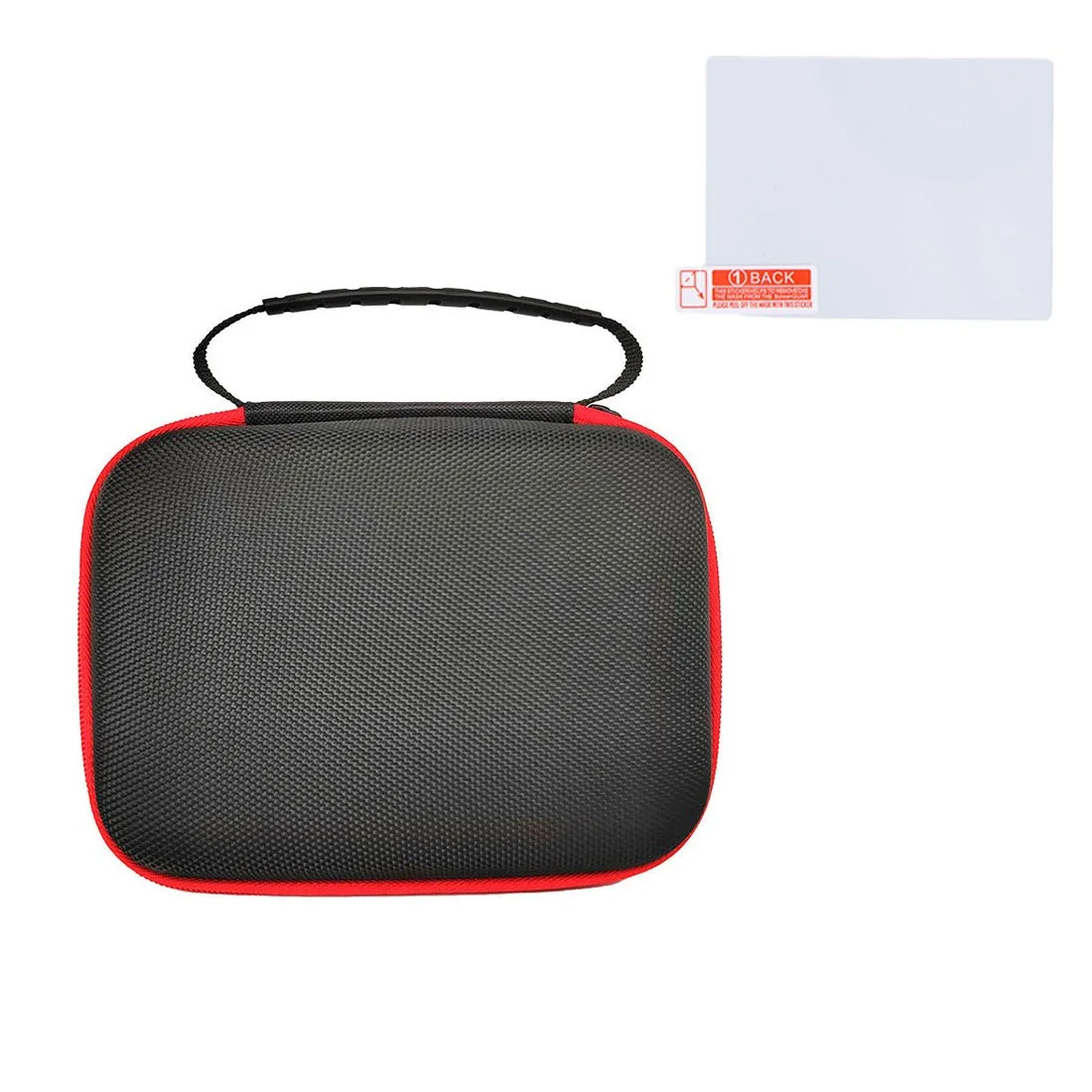
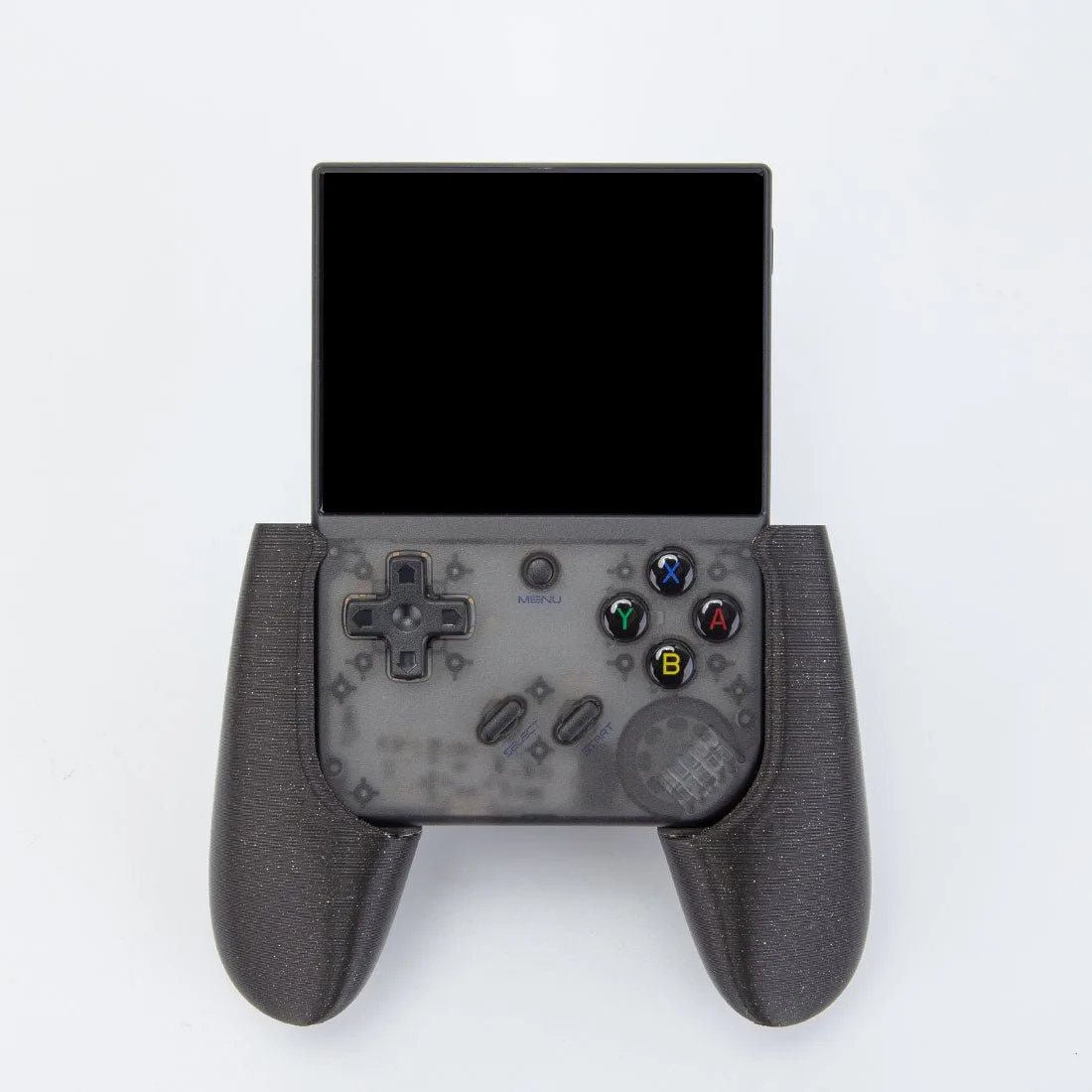
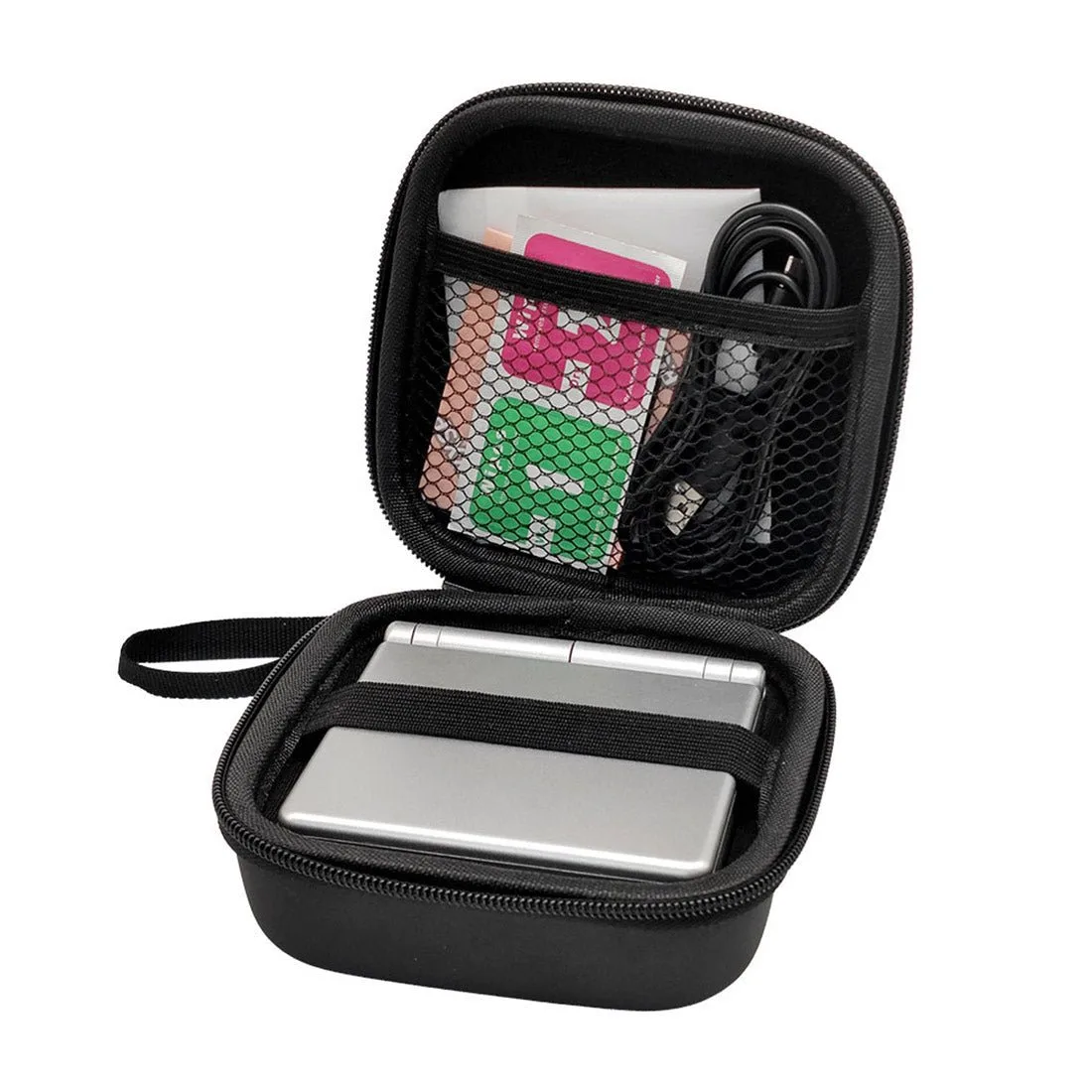
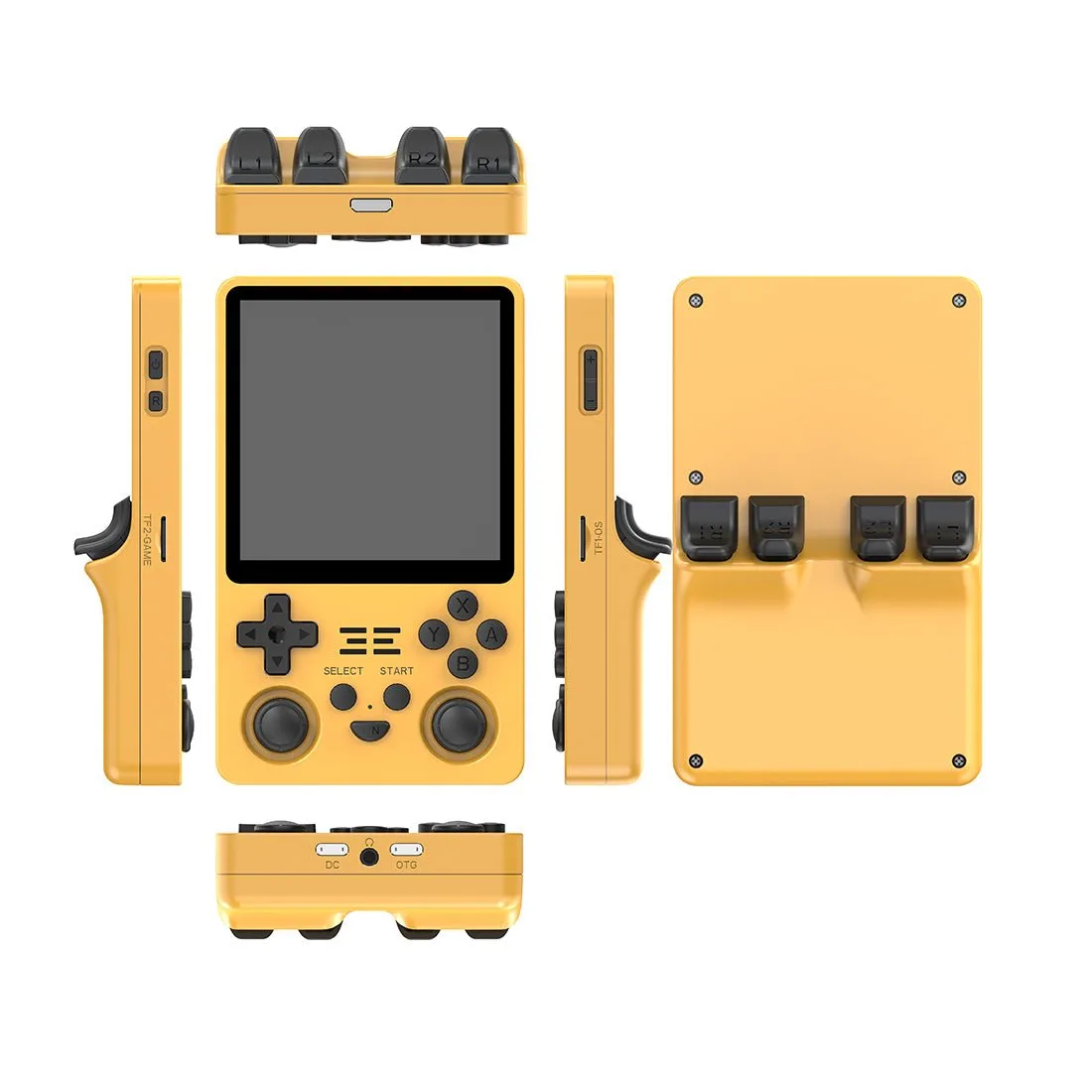
The GKD350H Ultra Retro Open-Source Handheld Game Console is a pre-sale item with a 3.5-inch 1600×1440 IPS display and a 10:9 aspect ratio. It is not a G1000 panel, but it can run flight-planning tools or retro games while you fly. For protecting a handheld, the Anbernic RG405V Tempered Film + Vintage Storage Handbag Set includes a tempered film and a storage bag with mesh pocket and elastic straps. These are not avionics, but they support the broader home cockpit ecosystem by keeping your secondary devices safe and organized.
Decision rules for buying a G1000 NXi panel set
- Rule 1: Match the panel to your simulator: Check that the panel explicitly supports MSFS 2020 and 2024, Prepar3D, or X-Plane. If it only lists one sim, you may need additional software or it may not work at all. Cross-platform support is worth paying more for if you fly multiple sims.
- Rule 2: Verify physical dimensions before buying: Measure your available space and compare it to the panel's listed width, height, and depth. If dimensions are not provided, contact the seller. Do not assume a standard size. A panel that doesn't fit is a costly return.
- Rule 3: Plan your mounting solution: Decide whether you will use a desk mount, rail system, or custom bracket. Check that the panel has mounting holes or a VESA pattern that matches your hardware. Budget for brackets and cables, not just the panel.
- Rule 4: Consider a multi-purpose panel if G1000 NXi is unavailable: A B737 CDU panel can handle flight plan entry and radio tuning in MSFS, and it is often easier to find. It won't replicate the G1000 layout, but it keeps you flying. Flexibility beats waiting for an out-of-stock item.
Product facts
- 1/1 Scale Metal B737 CDU Home Cockpit Panel Compatible with MSFS 2020/2024, Prepar3D, X-Plane: 1/1 Scale Metal B737 CDU Home Cockpit Panel Compatible with MSFS 2020/2024, Prepar3D, X-Plane. Features a full-metal construction, silicone keypad with indicator lights, and authentic B737 CDU layout. This is a realistic avionics panel that works across multiple simulators, making it a solid alternative if you cannot find a G1000 NXi set. The metal build and tactile keys give a more authentic feel than plastic panels.
- Anbernic RG405V Game Console Tempered Film + Vintage Storage Handbag Set: Anbernic RG405V Game Console Tempered Film + Vintage Storage Handbag Set. Includes a tempered film with high light transmittance and a storage bag with mesh pocket and elastic straps. If you use a handheld console as part of your sim setup, this set protects the screen and keeps the device secure during transport. It is not a G1000 panel, but it supports the hardware you already own.
Who should buy a G1000 NXi panel set
Best for
- Simmers who fly glass-cockpit aircraft like the Cessna 172 or DA40 in MSFS and want dedicated PFD/MFD controls
- Builders who already have a cockpit frame and are ready to integrate multiple avionics modules
- Users who need a realistic audio panel with separate COM/NAV controls
Not for
- Beginners who want a single plug-and-play device; start with a B737 CDU panel instead
- Simmers on a tight budget; G1000 NXi sets are typically sold as separate modules and add up quickly
- Anyone who cannot measure and mount hardware; a handheld console or desktop sim may be more practical