Quick Answer
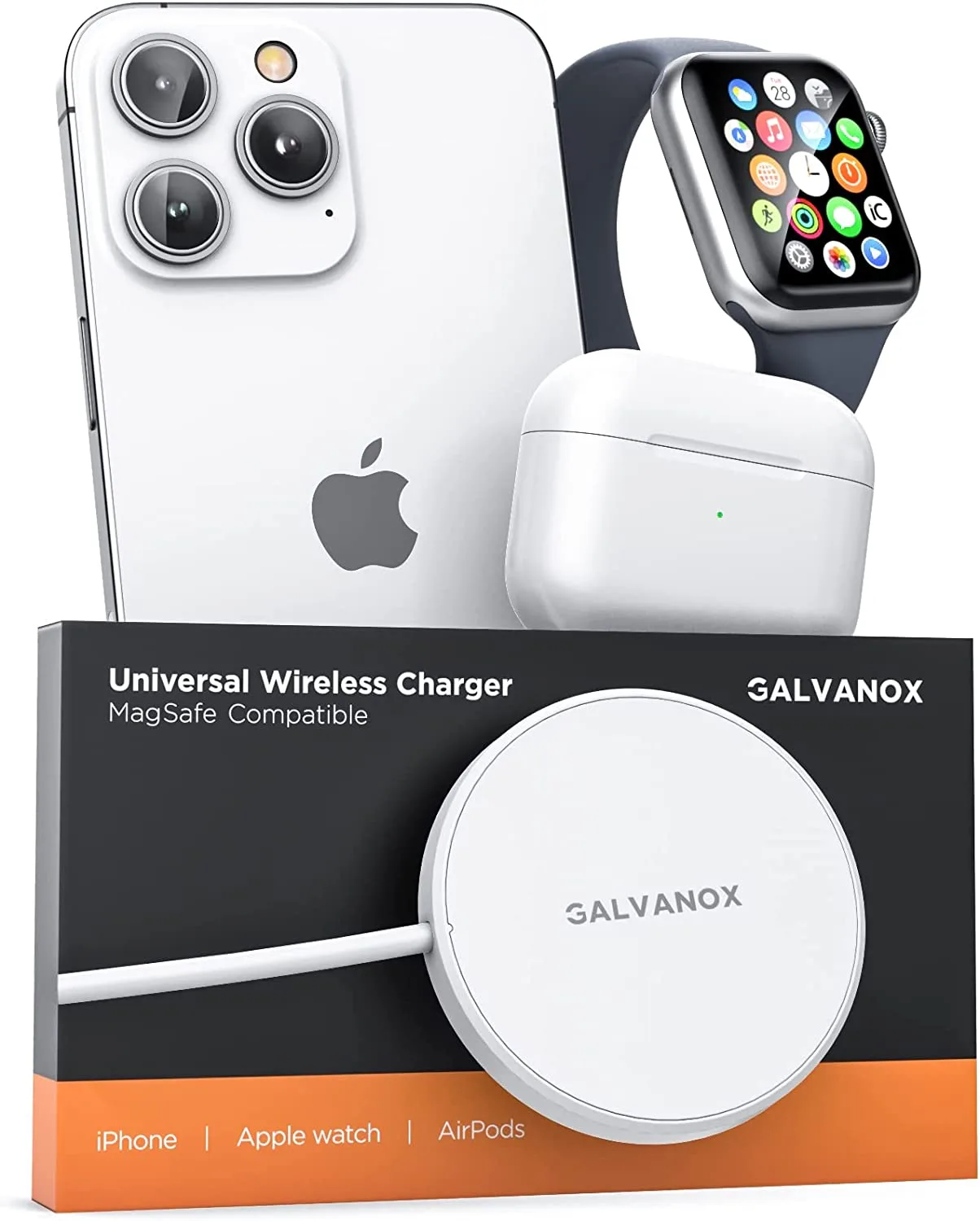
If your Galvanox wireless charging station isn't working, the most common causes are misalignment, debris on the charging pad, using an incompatible power adapter, or outdated firmware. Start by cleaning the pad, ensuring your phone is centered, and using the recommended 35W USB-C wall charger. If issues persist, try a different cable or contact support.
Wireless charging stations offer unmatched convenience, but when they stop working, it can be frustrating. If you're facing problems with your Galvanox charging station, you're not alone. Many issues are easy to diagnose and fix at home without needing professional help.
In this guide, we'll walk you through the most common Galvanox charging station problems and provide actionable solutions. Whether your device isn't charging at all, charging slowly, or overheating, you'll find practical steps to resolve the issue and get back to effortless charging.
Why Isn't My Galvanox Charging Station Working?
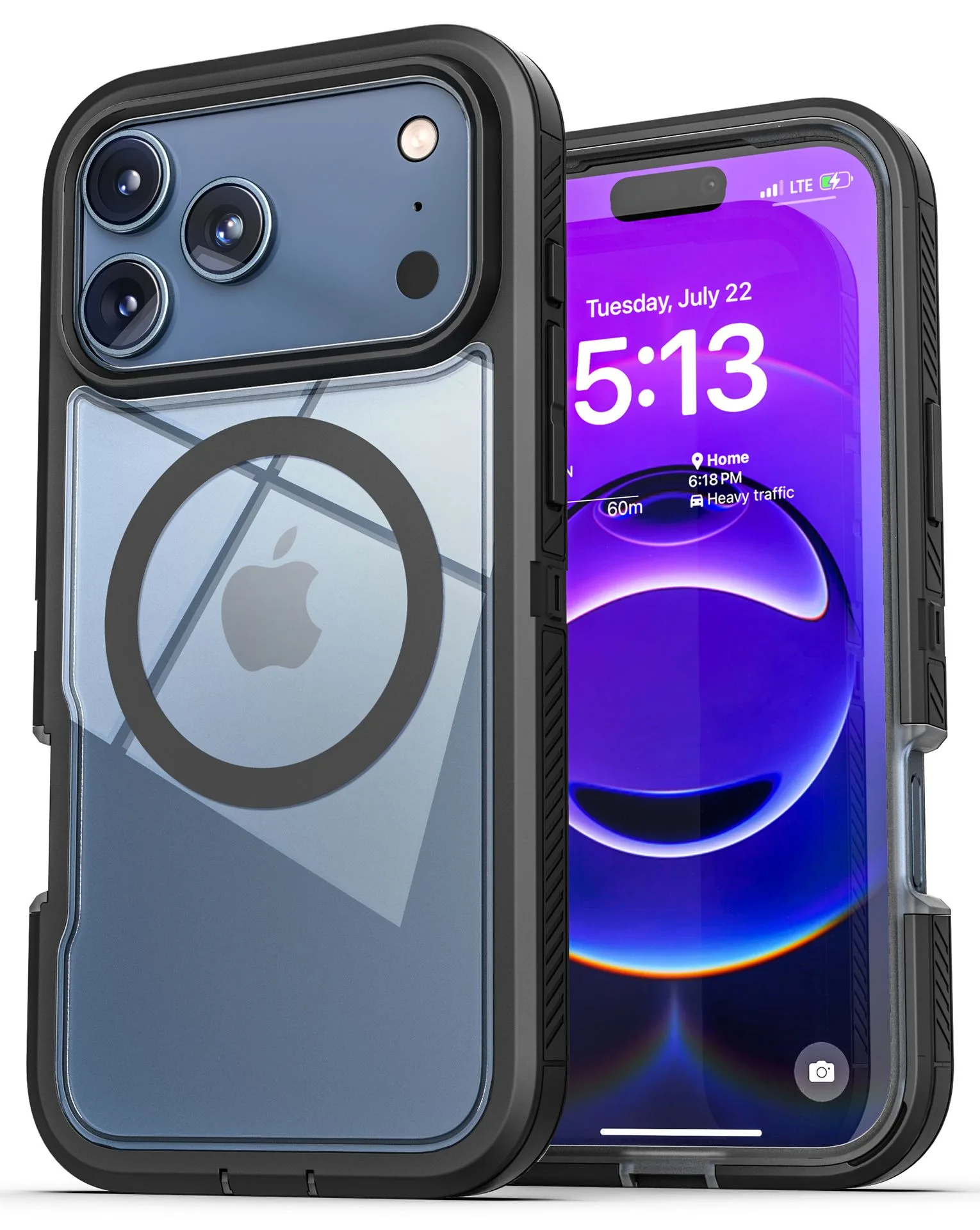
There are several reasons why your Galvanox wireless charging station might not be functioning correctly. The most common include improper placement of your phone on the pad, a dirty charging surface, or using an underpowered wall adapter. Additionally, certain phone cases with thick or metal materials can interfere with the magnetic connection.
Start by checking the basics: ensure the charging station is plugged into a working outlet, and that the power adapter is delivering sufficient wattage. For optimal performance, use the Galvanox Ultra Slim 35W Dual USB-C Wall Charger, which provides fast and reliable power delivery.
- Remove any thick or metal phone cases before charging.
- Clean the charging pad and your phone's back with a soft, dry cloth.
- Ensure your phone is centered on the charging station's sweet spot.
How to Fix Slow Charging on Your Galvanox Station
Slow charging is a frequent complaint with wireless chargers. If your device is charging but at a snail's pace, the culprit is often the power adapter. Wireless charging requires a minimum wattage to operate efficiently; using a low-power adapter will result in slow charging speeds.
To resolve this, use the recommended 35W wall charger. The Galvanox Ultra Slim 35W Dual USB-C Wall Charger is designed to deliver fast charging, capable of powering your phone from 0% to 50% in less than 25 minutes. Also, check that the charging cable is not damaged; a frayed or low-quality cable can restrict power flow.
- Check that you're using a compatible high-wattage adapter.
- Inspect the charging cable for any visible damage.
- Avoid using your phone while it's charging, as this can slow down the process.
What to Do When Your Phone Overheats on the Charging Station
Overheating can occur if your phone is exposed to direct sunlight, if the charging station is covered, or if you're using a thick case that traps heat. Wireless charging generates some heat naturally, but excessive heat can damage your battery.
If your phone gets too hot, remove it from the charger immediately and let it cool down. Ensure the charging station is placed on a flat, open surface with good ventilation. Also, avoid charging overnight if you notice consistent overheating, as this can stress the battery.
- Keep the charging station away from direct sunlight and heat sources.
- Remove your phone case if it's thick or made of insulating materials.
- Place the station on a hard, flat surface to allow heat dissipation.
Troubleshooting Connection Issues with Your Galvanox Station
Sometimes, your phone might not recognize the charging station at all. This can happen if there's debris on the charging pad or if your phone's back is dirty. It could also be due to a misalignment between the charging coils.
Clean both surfaces and ensure your phone is placed correctly. If you're using a magnetic case, make sure it's compatible with wireless charging. For instance, the iPhone 17 MagGlass Matte Screen Protector doesn't interfere with charging, but some bulky cases might. If the issue persists, try a different phone to see if the problem is with your device or the charger.
- Use a soft, lint-free cloth to clean the charging pad.
- Check for any physical obstructions or debris on the pad.
- Test with another device to isolate the problem.
Frequently Asked Questions
Why is my Galvanox charging station not charging my phone?
Check if your phone is properly aligned on the charging pad. Remove any thick cases or metal objects. Ensure the station is plugged into a working outlet and that you're using the correct power adapter. Proper alignment and a clean surface are key to successful charging.
How can I speed up charging on my Galvanox station?
Use a high-wattage adapter like the Galvanox Ultra Slim 35W Dual USB-C Wall Charger. Also, avoid using your phone while charging and ensure the cable is not damaged. Upgrading to a 35W adapter can significantly reduce charging time.
What should I do if my phone overheats while using the Galvanox station?
Remove your phone immediately and let it cool down. Place the charging station on a flat, ventilated surface. Avoid covering the station and remove any thick cases. Prevent overheating by ensuring proper airflow and using minimal case thickness.
Can I use any USB-C cable with my Galvanox charging station?
While most USB-C cables will work, using a high-quality, durable cable like the Galvanox Metal Braided USB-C to USB-C Charger Cable ensures stable power delivery and longevity. Investing in a robust cable reduces the risk of connection issues.
My Galvanox station works but charges very slowly. What's wrong?
Slow charging is usually due to an underpowered adapter or a damaged cable. Check that you're using the recommended 35W adapter and that the cable is in good condition. Power delivery is crucial for fast wireless charging.
Galvanox Products That Enhance Your Charging Experience
- Galvanox Ultra Slim 35W Dual USB-C Wall Charger Gray - Encased: This 35W USB-C wall charger features a remarkably slim 14mm profile and two downward-facing USB-C ports that deliver a combined 35W of fast charging power — enough to charge your phone from 0% to 50% in less than 25 minutes. Using the right power adapter ensures your wireless charging station receives adequate power, preventing slow charging and connection issues.
- Galvanox Metal Braided USB-C to USB-C Charger Cable - 10 Foot - Encased: This pet-proof cable is designed with a full-length metal housing that withstands chewing, prevents tangling, and avoids frayed wires. A durable, high-quality cable ensures consistent power delivery to your charging station, reducing the risk of intermittent charging problems.
Wireless charging should be effortless, and with these troubleshooting tips, you can resolve most common issues with your Galvanox charging station. If problems persist, consider upgrading your accessories to ensure optimal performance. For a reliable power source, check out the Galvanox Ultra Slim 35W Dual USB-C Wall Charger Gray - Encased, which delivers fast and efficient charging to keep your devices powered throughout the day.