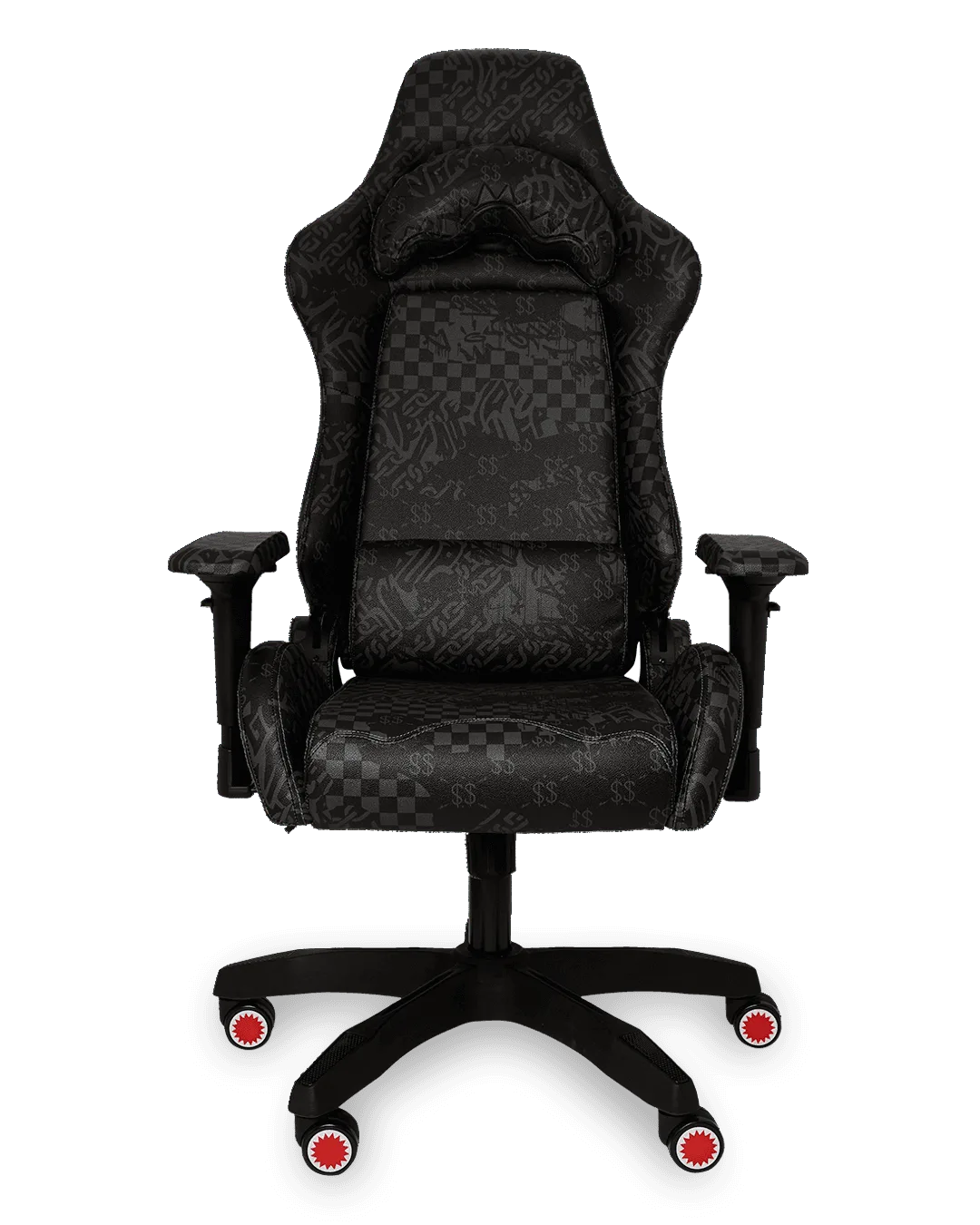
Quick answer
Place the chair on a hard, level floor with about 30 inches of clearance behind it, set the seat height so your feet rest flat and knees sit near 90 degrees, then adjust lumbar support, armrests, and recline in that order. Make these adjustments once with a tape measure and a mirror, and you will not need to fiddle with the chair again.
Why adjustment order matters more than any single setting
Every setting on a gaming chair depends on the one below it. If you set armrest height before seat height, your shoulders will end up shrugged or dropped once you fix the seat. Work bottom to top: floor and placement, then seat height, then lumbar, then armrests, then recline and tilt. This order also makes troubleshooting simple, because a problem at eye level usually traces back to a setting near the floor.
Match the chair to your floor and desk before you sit down
Caster wheels behave differently on carpet, tile, and hardwood. On thick carpet, a chair sinks and rolls poorly, which pushes you to overextend your legs; a chair mat solves this without changing any chair setting. On hard floors, check that the base does not slide when you push back to stand. Also confirm the seat pan slides fully under the desk without the armrests hitting the underside, since that collision is the most common reason people sit too far from the keyboard.
Set height, then check it against your desk, not your monitor
Seat height is the foundation of gaming chair height adjustment. Sit fully back, plant both feet flat, and raise or lower the seat until your thighs are roughly parallel to the floor and your knees sit close to a 90-degree angle. If your feet dangle, lower the chair or add a footrest; if your knees rise above your hips, raise the chair. Then check the desk: your forearms should rest level or slope slightly down to the keyboard, with elbows near 90 degrees. If the desk is too high after you fix your seat height, adjust the desk or add a keyboard tray rather than raising the chair and losing foot contact.
Tune lumbar and backrest contact for long sessions
Lumbar support should fill the inward curve of your lower back, not push you forward off the seat. Raise or lower the lumbar pad until you feel gentle contact without pressure, then set the backrest angle so your shoulders rest against it when you relax. For gaming chair posture tips during long sessions, the useful checkpoint is simple: if you can slide a hand behind your lower back with room to spare, the lumbar support is too low or too far back. Recheck it every hour or two, because small slouches accumulate.
Step-by-step gaming chair setup
- Clear the floor and place the chair: Move the chair onto a hard, level surface or a chair mat, and leave about 30 inches behind it so you can recline and stand without hitting a wall. Common mistake: leaving the chair half on a rug edge, which makes it wobble and roll unevenly. Checkpoint: push the chair back and let it go; it should roll smoothly and stop without tipping.
- Set seat height with your feet flat: Sit fully back, plant both feet, and adjust the height until your thighs are roughly parallel to the floor and knees near 90 degrees. Common mistake: raising the chair until your feet dangle just to match a tall desk. Checkpoint: if your feet do not rest flat, fix the height or add a footrest before moving on.
- Adjust lumbar support to fill your lower back: Raise or lower the lumbar pad until it contacts the inward curve of your lower back without pushing you forward, then set the backrest so your shoulders rest against it. Common mistake: setting lumbar too high, which arches you forward and strains the upper back. Checkpoint: a hand should not slide easily behind your lower back once you are seated.
- Position armrests under relaxed shoulders: Set armrest height so your shoulders stay relaxed and your forearms rest level or slope slightly down to the keyboard. Common mistake: armrests so high that your shoulders shrug, or so low that you lean to one side. Checkpoint: shrug your shoulders; if they cannot drop freely, lower the armrests.
- Lock in recline and tilt for the session: Use a slight recline for focused play and unlock the tilt only when you want to rock; tighten or loosen the tension so the chair supports you without fighting you. Common mistake: leaving the tilt fully loose, which turns small movements into constant balancing. Checkpoint: sit back and relax; the chair should hold your position instead of drifting.
Product facts
- CLEAR DLX BACKPACK - ASTROMANE SKY WRITER: CLEAR DLX BACKPACK - ASTROMANE SKY WRITER features ergonomic mesh back padding and adjustable straps for custom sizing. If you carry gear between setups, mesh padding and adjustable straps reduce pressure on your shoulders, which matters when you are already managing chair posture.
- CAMO MONEY SHARK SLING: CAMO MONEY SHARK SLING is a cross-body shoulder bag sized for a phone, wallet, sunglasses, and keys. A sling keeps small essentials within reach so you do not twist or reach behind you mid-session, which protects the posture you just set.