Two Glass Screen Options for Your GBA IPS Mod
Upgrading your Game Boy Advance with an IPS screen is a popular mod, but the lens you choose affects both look and durability. Hand Held Legend offers two glass screen lenses designed for IPS screen sizes: the Game Boy Advance IPS Glass Screen Lens in Solid Colors and the Game Boy Advance IPS Tempered Glass Screen Lens in no-text options. Both are glass, not plastic, but they serve slightly different priorities.
Key Differences at a Glance
-
Game Boy Advance IPS Glass Screen Lens - Solid Colors: This is the non-tempered IPS version of our glass screen offerings. Glass screens are a step up from plastic screens, offering better scratch resistance, clarity and overall aesthetic appeal. Provides improved clarity and scratch resistance over plastic, but is not as tough as tempered glass.
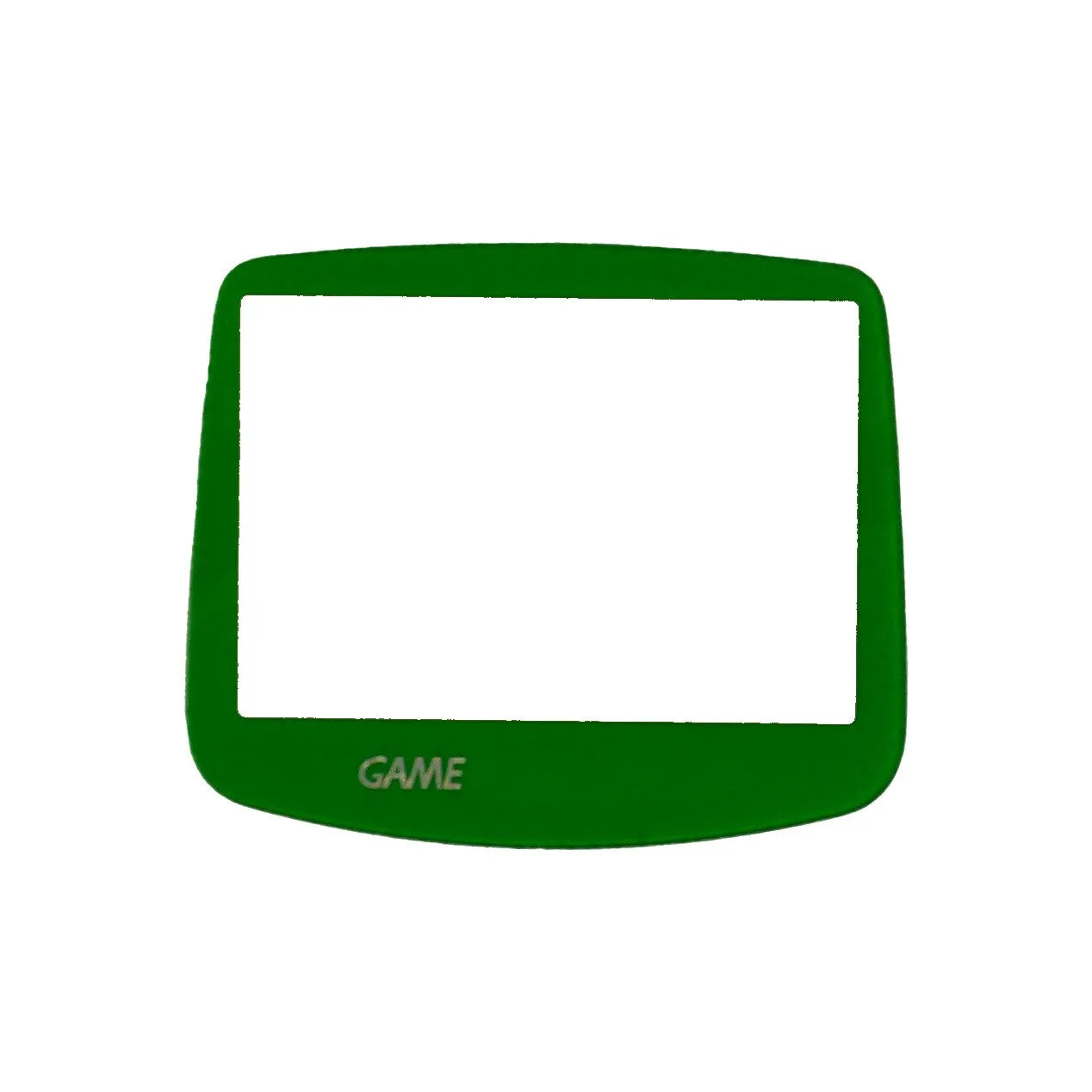
Game Boy Advance IPS Glass Screen Lens - Solid Colors
-
Game Boy Advance IPS Tempered Glass Screen Lens - No Text: Made of tempered glass (unlike all other cheap copies on the market) Tough durability, can be dropped from head height onto concrete multiple times without damage, scratch resistant, and ultra clear. Tempered glass offers significantly higher impact resistance, making it more durable for everyday handling.
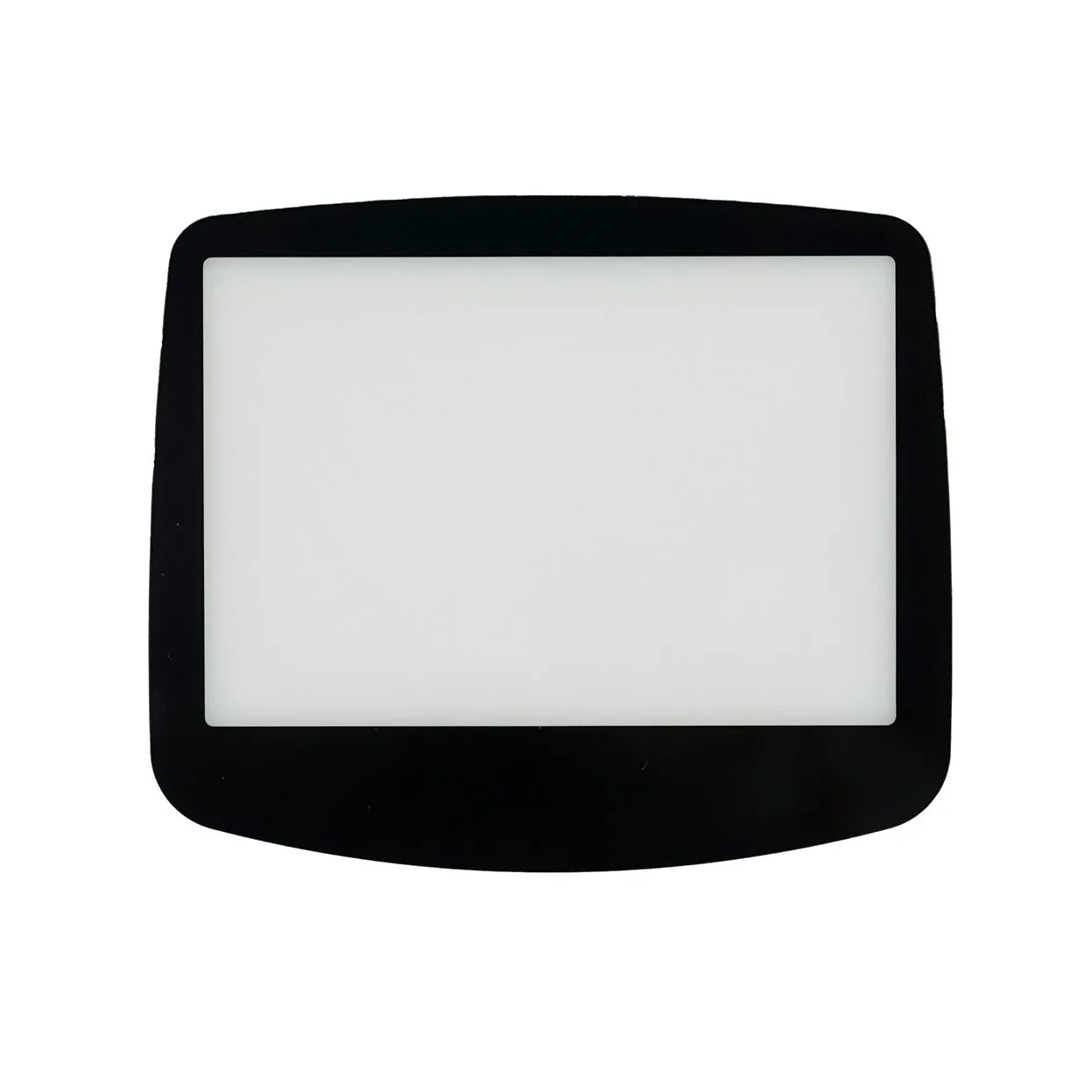
Game Boy Advance IPS Tempered Glass Screen Lens - No Text
Durability and Clarity
Both lenses are glass, so both resist scratches better than the original plastic lens. The tempered glass lens takes durability a step further: it can survive drops from head height onto concrete multiple times, according to the product description. The solid color glass lens is non-tempered, so it is more prone to shattering on impact. For clarity, both are described as ultra clear, but the tempered glass version explicitly states 'ultra clear' in its features.
- Solid Colors (Non-tempered): Better scratch resistance than plastic, but not impact-rated. Suitable for careful users who prioritize color variety.
- Tempered Glass (No Text): Highest impact resistance and scratch protection. Best for users who want maximum durability and a clean, text-free appearance.
Color Options and Aesthetics
The solid color glass lens comes in several holographic color variants: Green, Orange, Blue, and Red. This lets you match your console shell or add a pop of color. However, the Blue and Red variants are not compatible with RetroSix shells due to fitment issues. The tempered glass lens is available in Black, White, and Gray, all with a clean, text-free front. If you want a colorful or nostalgic look with the original text, the solid color lens is the choice. If you prefer a minimalist, modern appearance, the tempered glass lens fits better.
Installation and Included Items
- Game Boy Advance IPS Glass Screen Lens - Solid Colors: Back adhesive, no glue required. INCLUDED: 1x GBA IPS Lens, 1x Adhesive backing. Comes with adhesive pre-applied or included, making installation straightforward. No additional glue needed.
- Game Boy Advance IPS Tempered Glass Screen Lens - No Text: Comes with adhesive backing so simply peel of and stick on. Clear and Clear Text variants come with a separate sheet of double-sided adhesive. Adhesive not included for other variants? Most variants include adhesive backing, but the Clear and Clear Text variants require a separate adhesive sheet. Check your variant before starting.
Compatibility and Fit
Both lenses have a glass opening size suitable for IPS screens, with an extra-large opening to fit IPS screens perfectly. They are designed for IPS screen kits like the Hispeedido GBA IPS V2 LCD Backlight Kit. The tempered glass lens pairs well with RetroSix and FunnyPlaying shells, while the solid color lens has a known fitment issue with RetroSix shells for the Blue and Red colors. Always verify shell compatibility before purchasing.