Quick answer
Installing the GeekShare Strange Spacecraft Protective Case is straightforward: align the three pieces with your Switch or Switch OLED, snap them on, and check for a snug fit. Follow the steps below to avoid common fit issues.
Why fit matters for a hard shell case
A hard shell case like the GeekShare Strange Spacecraft model is designed to protect your console from bumps, scratches, dust, and splashes. But if the case doesn't fit correctly, it can shift during use or leave gaps that let debris in. The three-piece separable design makes installation easy, but you still need to align each part carefully to get full protection.
The case is compatible with both Nintendo Switch and Switch OLED. However, the OLED model is slightly thicker and has a different backplate, so checking the fit after installation is essential.
Common installation mistakes to avoid
Many users try to snap the case on while the console is in a dock or with accessories attached. Always remove the console from the dock and detach any grips, skins, or screen protectors that might interfere with the case's fit.
Another common mistake is forcing the Joy-Con pieces on at the wrong angle. The case uses a precise fit, so if it doesn't click easily, check the alignment before applying more pressure.
Step-by-step installation guide
- 1. Prepare your console: Turn off your Switch or Switch OLED and remove it from the dock. Detach any grips, skins, or thick screen protectors. Clean the console surface with a soft, dry cloth to remove dust and fingerprints. A clean surface helps the case fit snugly and prevents scratches from trapped particles.
- 2. Install the backplate: Hold the main backplate piece (the largest one) and align it with the back of the console. Start at the top near the game card slot and press down evenly until you hear a click. Ensure the cutouts for the charging port, game card slot, and vent are fully exposed. If the backplate doesn't click into place, check that you're using the correct orientation—the cutouts should match the console's ports exactly.
- 3. Attach the left Joy-Con piece: Take the left Joy-Con cover and align it with the controller. Press from the top down, making sure the shoulder button cutout lines up. Snap it into place. The piece should feel secure without any wobble. Common mistake: pressing the center first can cause the edges to pop out. Always press from top to bottom.
- 4. Attach the right Joy-Con piece: Repeat the same process for the right Joy-Con cover. Align it carefully, especially around the home button and the right analog stick. Press from top to bottom until it clicks. Check that the right Joy-Con piece doesn't interfere with the sync button or IR sensor on the bottom edge.
- 5. Check the fit and finish: Hold the console and gently try to wiggle each piece. They should not move or rattle. Verify that all buttons, triggers, and ports remain accessible. If any piece feels loose, remove it and reinstall, making sure it's fully seated. A loose piece usually means the case isn't aligned properly. Never use the console with a loose case—it can shift and scratch the surface.
Product facts
-
GeekShare Strange Spacecraft Protective Case: Three-piece separable design for easy installation and removal, with a precise fit for the console and Joy-Con controllers. You can install each piece individually, which reduces the risk of misalignment and makes it easier to swap cases later.
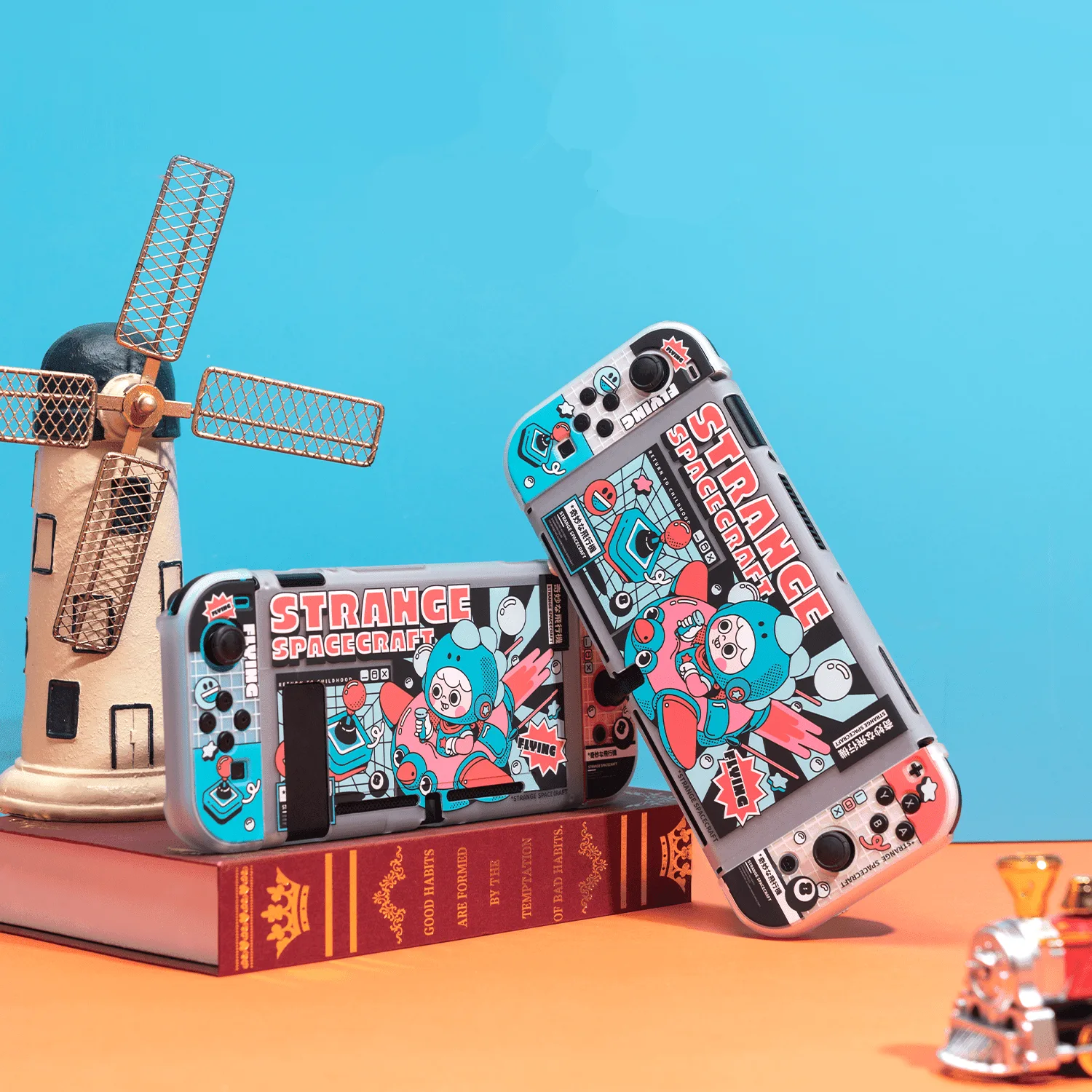
GeekShare Strange Spacecraft Protective Case
-
GeekShare Strange Spacecraft Protective Case: Made of high-quality PC material to help protect your Switch from daily bumps, scratches, dust, and splashes. The hard shell offers solid impact protection, but you should still avoid dropping the console from height—PC is durable but not shatterproof.