What the Ghost FX Filter Does
The Ghost FX Filter is designed to recreate the effect of a long exposure shutter lag, producing a ghosting, motion blur, or replicating effect directly within your images and footage. It's built for photographers, filmmakers, and videographers who want to author bold, one-of-a-kind in-camera FX without relying on post-production.
Ghost FX Filter at a Glance
-
Ghost FX Filter ™: We designed the Ghost FX Filter to recreate the effect of a long exposure shutter lag, producing a ghosting / motion blur / replicating effect within your images & footage. This explains the filter's core purpose: it mimics the look of a slow shutter in-camera, saving editing time.
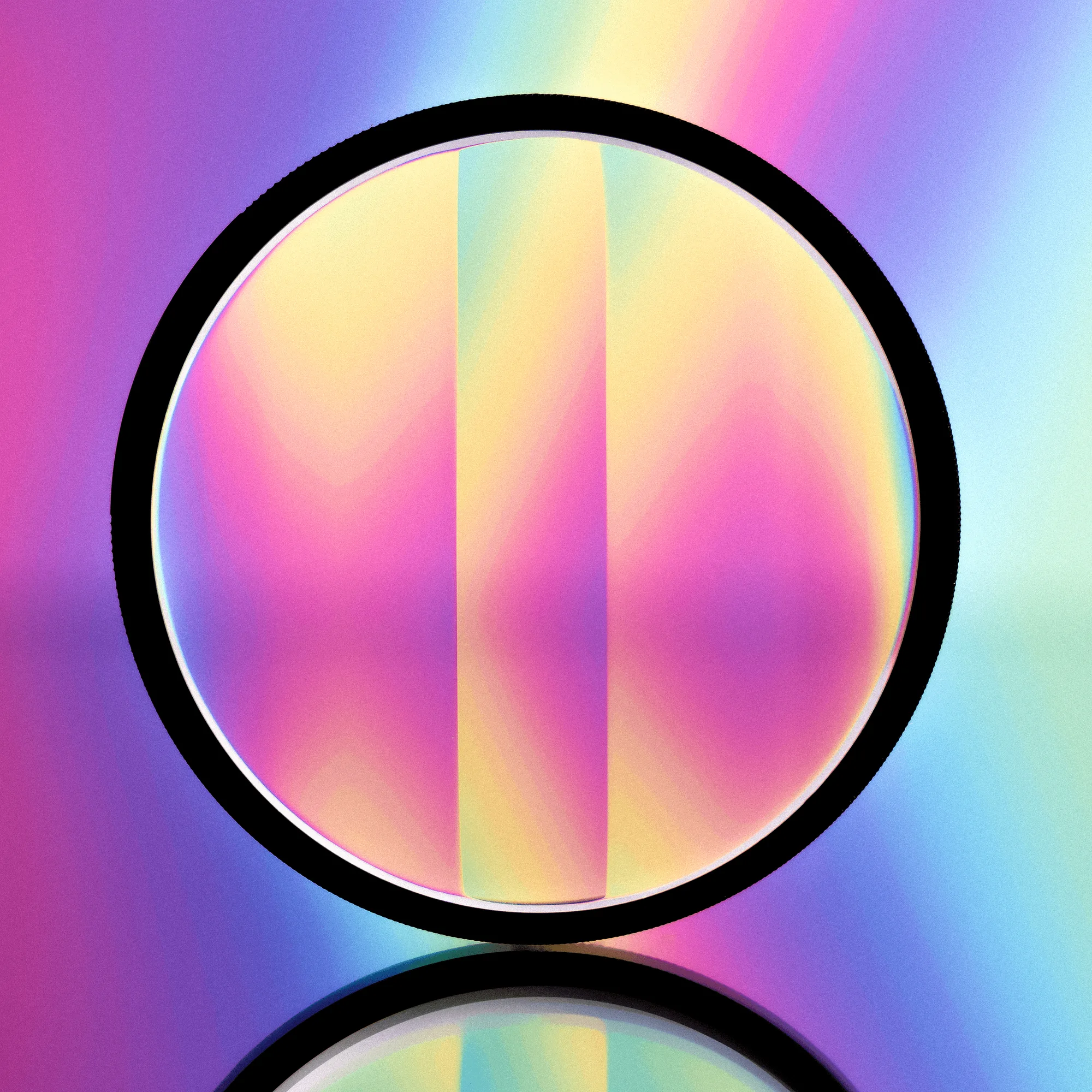
Ghost FX Filter ™
-
Ghost FX Filter ™: The Ghost FX Filter is for photographers / filmmakers / & videographers seeking visually author their images with bold one of a kind in camera FX. Confirms the target audience and creative intent, not for subtle corrections.
-
Ghost FX Filter ™: Includes PLFX Filter Pouch when in stock. Prism Lens FX large lens cloth when in stock. The pouch and cloth are practical accessories for storage and cleaning, though availability may vary.
Choosing the Right Size and Strength
The Ghost FX Filter is available in multiple sizes and two strength variants, V1 and V2. Your choice depends on your lens thread diameter and how pronounced you want the ghosting effect to be.
- Select the size that matches your lens filter thread: Available sizes: 67 mm, 77 mm, 82 mm, and 95 mm. Check the front of your lens or lens cap for the diameter marked in millimeters.
- Choose strength V1 or V2: V1 and V2 refer to the intensity of the ghosting effect. V1 is generally subtler; V2 produces more pronounced motion blur and replicating artifacts. The supplied information does not specify exact differences, so experiment to see which suits your style.
How to Use the Ghost FX Filter
Using the filter is straightforward, but the effect depends on movement in the frame. The supplied information does not include specific exposure or shutter speed settings, so these steps are based on the filter's described purpose.
- Mount the filter: Screw the Ghost FX Filter onto your lens just like any standard threaded filter. Ensure it is snug but not overtightened.
- Compose your shot with motion: The ghosting effect is most visible when something in the frame moves—people walking, cars driving, or camera panning. Static scenes will not produce the intended blur.
- Adjust your shutter speed: A slower shutter speed (e.g., 1/30s or slower) enhances the ghosting effect. The supplied information does not provide exact speeds, so test different settings to control the amount of blur.
- Review and refine: Check your image or footage on the camera display. If the effect is too strong or too weak, adjust your shutter speed or try the other strength variant.
What the Supplied Information Does Not Cover
The supplied information for the Ghost FX Filter does not include specific shutter speed recommendations, exposure compensation values, or compatibility details for specific camera models. It also does not specify whether the filter can be stacked with other filters. For any operational questions not addressed here, refer to the filter's packaging or contact Prism Lens Fx directly.