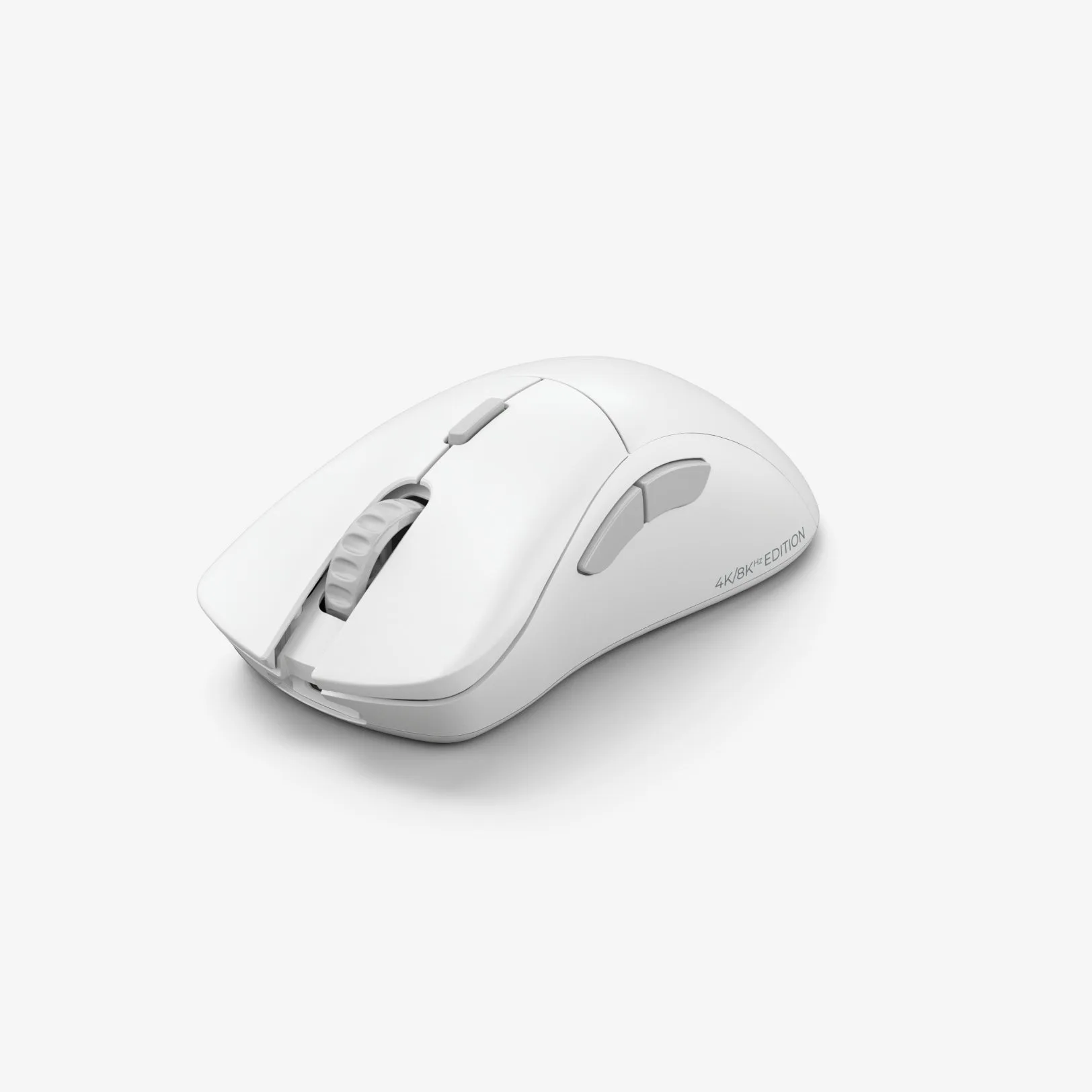
Mouse grip tape is a game-changer for gamers who want extra control and comfort during intense sessions. However, over time, the adhesive can wear out, or you might simply want to change the look of your setup. Removing old grip tape without leaving sticky residue can be tricky, but with the right technique, you can keep your mouse clean and ready for a fresh application.
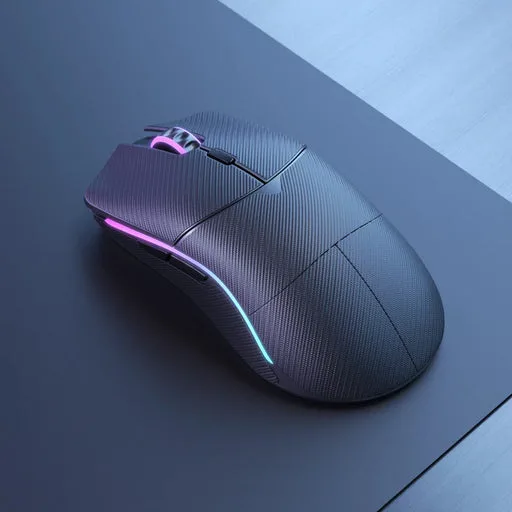
Mouse grip tape
In this guide, we'll walk you through the best methods to remove Glorious grip tape, clean your mouse, and apply new tape – all without leaving any sticky mess behind. Whether you're using the Glorious Model D 2 PRO Wireless Mouse or any other mouse, these tips will help you maintain a flawless grip.
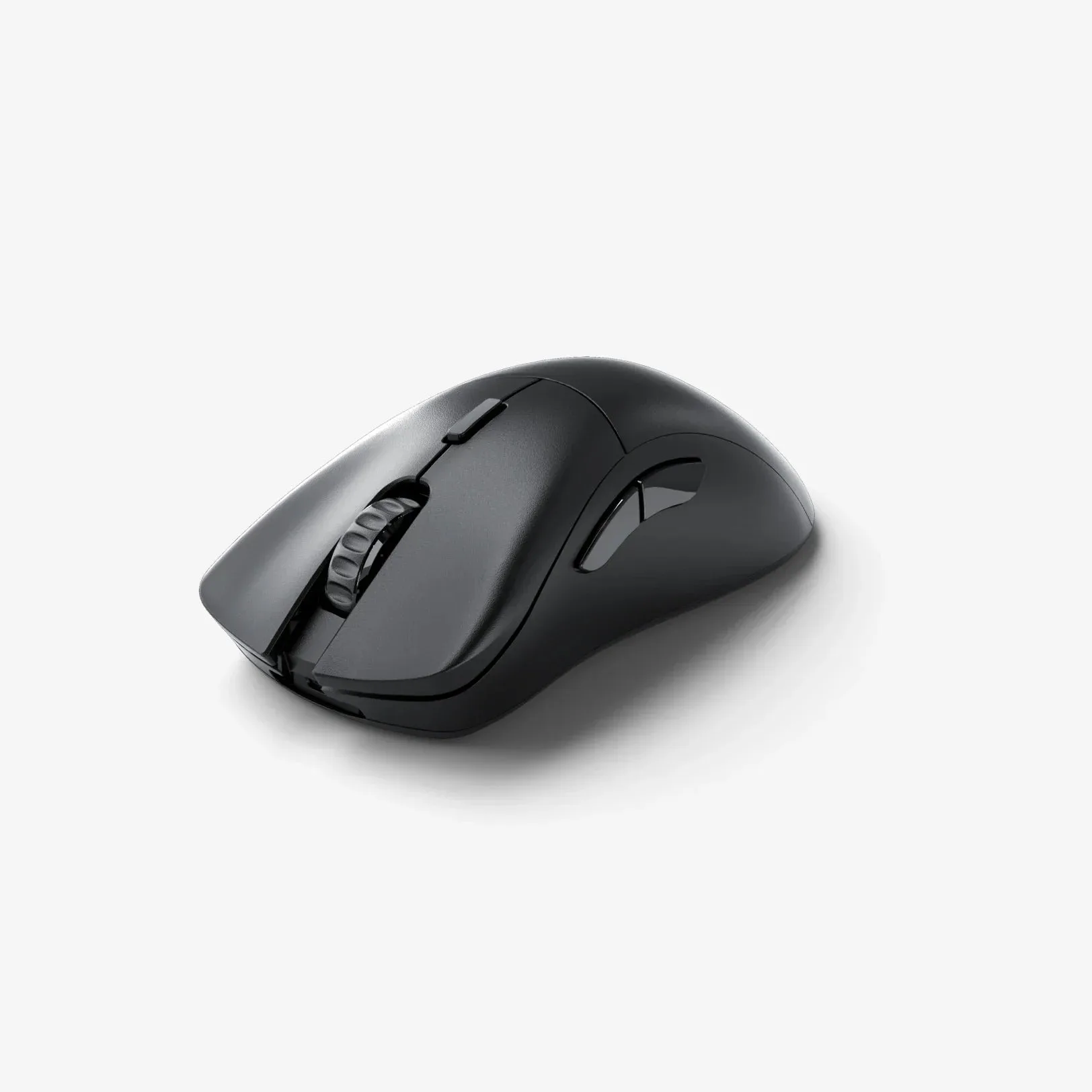
Glorious Model D 2 PRO Wireless Mouse
Why Does Grip Tape Leave Residue?
Grip tape is designed with a strong adhesive that holds it firmly in place during heavy use. Over time, heat from your hands and constant friction can cause the adhesive to break down, making it stickier and more prone to leaving residue when removed. Additionally, if the tape has been on for a long time, the adhesive can bond more tightly to the mouse surface.
Understanding why residue forms helps you choose the right removal technique. The key is to soften the adhesive before peeling, minimizing the chance of tearing and leaving bits behind. Using heat or a gentle solvent can make the process much easier and cleaner.
- Heat softens adhesive, making removal easier.
- Use a plastic tool to avoid scratching your mouse.
- Go slow and steady – patience is your friend.
Step-by-Step Removal Process
Start by warming up the grip tape. You can use a hairdryer on a low heat setting, holding it a few inches away from the mouse. Move it back and forth for about 30 seconds until the tape feels warm to the touch. This softens the adhesive without damaging the mouse's plastic or rubber coating.
Next, use a plastic spudger or a credit card to gently lift an edge of the tape. Avoid using metal tools that could scratch the surface. Once you have a corner lifted, slowly peel the tape away, keeping it at a low angle. If you feel resistance, apply a bit more heat and continue. This method minimizes the chance of leaving residue.
- Use a hairdryer on low heat for 30 seconds.
- Lift with a plastic spudger or credit card.
- Peel slowly at a low angle to avoid tearing.
Cleaning Your Mouse After Removal
After the tape is off, you may still notice some sticky spots. To clean these, use a microfiber cloth dampened with isopropyl alcohol (70% or higher). Gently rub the affected areas in a circular motion. The alcohol dissolves the adhesive residue without harming the mouse's surface. For stubborn spots, let the alcohol sit for a few seconds before wiping.
Avoid using water or harsh chemicals, as they can damage the mouse's finish or seep into the internal components. Once the mouse is clean, let it dry completely before applying new tape. This ensures the new adhesive sticks properly and lasts longer.
- Use isopropyl alcohol with a microfiber cloth.
- Avoid water and harsh chemicals.
- Let the mouse dry completely before re-taping.
Tips for Applying New Grip Tape
When you're ready to apply new grip tape, make sure your hands are clean and the mouse surface is dry. Start by aligning the tape with the contours of the mouse, then press it down firmly from the center outward to avoid air bubbles. Use a soft cloth to smooth out any wrinkles.
If you're looking for a fresh new look, consider pairing your new grip tape with other accessories. For example, the Glorious Model D 2 PRO Wireless Mouse is a great choice for a wireless setup, and adding grip tape can enhance your control. Also, check out the Glorious G-Floats Mouse Feet for a smooth glide that complements your new grip.
- Align the tape carefully before pressing down.
- Smooth from the center outward to avoid bubbles.
- Pair with Glorious G-Floats Mouse Feet for optimal performance.
Removing and replacing mouse grip tape doesn't have to be a messy chore. With a little heat, patience, and the right cleaning supplies, you can keep your mouse looking and feeling brand new. For the best results, use high-quality products like Glorious Mouse Grip Tape, which is designed to be easy to remove and replace. Keep your gear in top shape and enjoy a fresh grip for your next gaming session.