GameCube controller setup questions
What does the Glyph GCN Retro Cable connect?
The Glyph GCN Retro Cable is a USB-C to GameCube connection cable. The USB-C end plugs into a Glyph, and the other end connects to a GameCube controller, so you can use classic GameCube hardware with modern setups.
Do I need an adapter to use a GameCube controller?
The supplied product details describe plug-and-play compatibility with Glyph and specifically say no adapters and no extra setup are required. The cable itself serves as the GameCube controller adapter cable.
Can I connect a GameCube controller to PC with this cable?
The cable connects a GameCube controller to a Glyph, not directly to a PC. The supplied information does not confirm direct PC connection. If your PC setup uses Glyph, the cable is designed for that connection; otherwise, check compatibility before buying.
Does it work for a GameCube controller Switch setup?
The supplied details only confirm compatibility with Glyph. They do not confirm a direct Switch connection. A GameCube controller Switch setup would depend on whether Glyph is part of that setup, so verify that before relying on this cable.
Which GameCube controller port types does it fit?
The cable is built for the GameCube controller connection and is described as engineered for a secure fit. The supplied information does not list specific port types beyond the GameCube connection, so check your controller’s connector if it is a third-party model.
How does the Cable Anchor help?
Each Retro Cable includes a Cable Anchor that loops around the cable and locks into the Glyph’s integrated anchor port. It redirects strain away from the USB-C connector, which helps prevent accidental disconnection and reduces wear from cable movement or snags.
Is installation difficult?
The supplied details mention quick twist-lock installation and removal for the Cable Anchor. The cable itself is described as plug-and-play with Glyph, with no extra setup.
What should I confirm before buying?
Confirm that you are connecting a GameCube controller to a Glyph. The cable is purpose-built for that link. The supplied information does not confirm direct PC, Switch, or other console connections, so check your setup if you plan to use it differently.
Catalog facts behind these answers
-
Glyph GCN Retro Cable: USB-C to GameCube connection Defines the two ends of the cable and the devices it links.
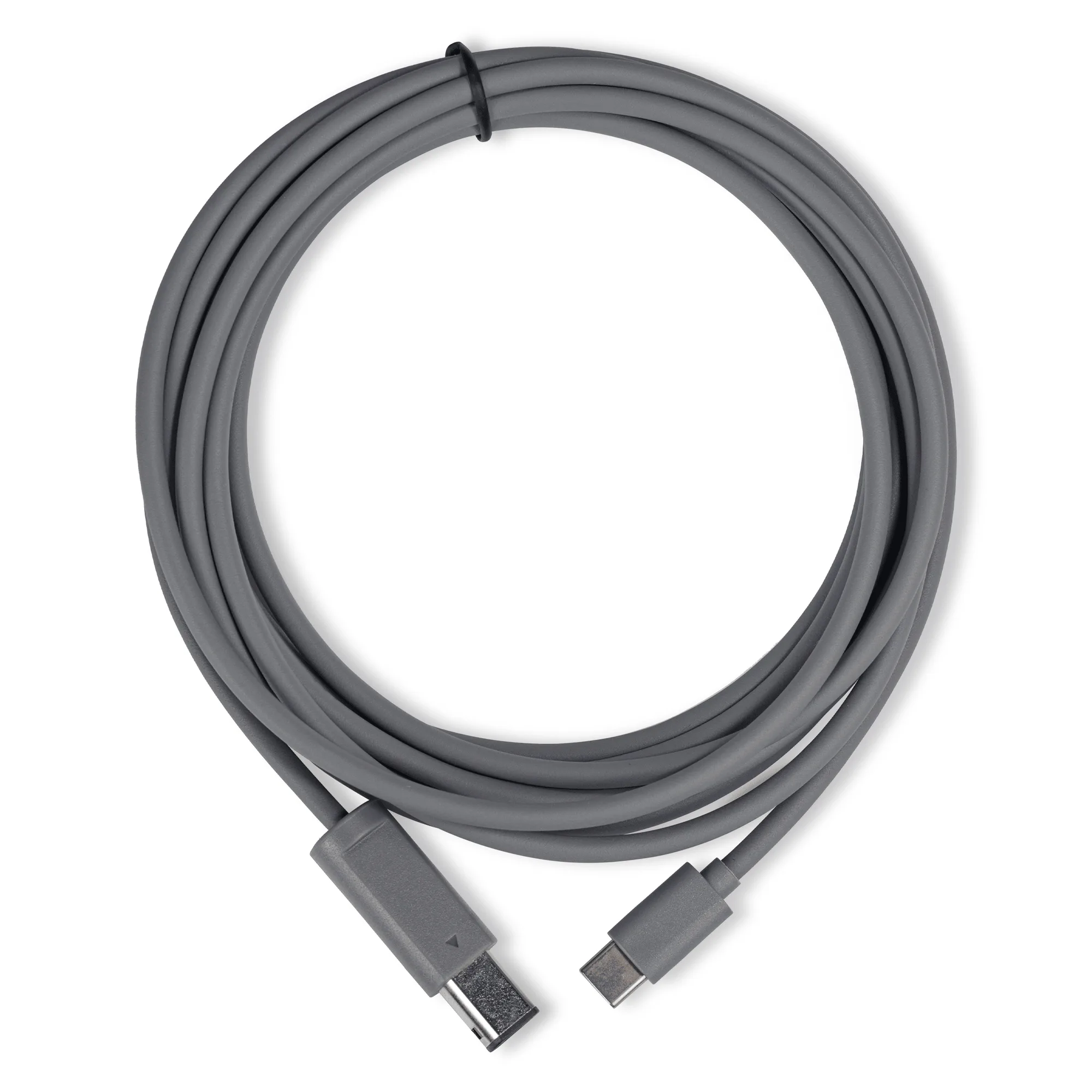
Glyph GCN Retro Cable
-
Glyph GCN Retro Cable: Plug-and-play compatibility with Glyph Explains why no adapters or extra setup are needed when Glyph is part of the chain.
-
Glyph GCN Retro Cable: Each Retro Cable includes a Cable Anchor designed to protect the Glyph’s USB-C port and attached cable during use. Shows the cable includes strain relief for the Glyph connection.
-
Glyph GCN Retro Cable: The anchor loops around the cable and locks into the Glyph’s integrated anchor port, redirecting strain away from the connector. Clarifies how the anchor helps prevent accidental disconnection and wear.