Quick Answer
If your GoPed pedometer isn't tracking steps, start by checking the battery and ensuring the device is properly clipped to your waistband or belt. Most issues stem from a dead battery, incorrect placement, or accidental reset. Follow the steps below to diagnose and resolve the problem before considering a replacement.
Common Reasons Your GoPed Pedometer Stops Counting Steps
The GoPed Multifunctional Pedometer relies on a simple accelerometer to count steps. If it suddenly stops tracking, the cause is usually one of three things: battery failure, incorrect placement, or a full memory that needs resetting. Because the device uses a CR2032 battery (not included), a low or dead battery is the most frequent culprit. The pedometer also needs to be worn vertically on your waistband or belt—if it shifts or hangs loosely, it may not register steps accurately.
Another less obvious issue is that the pedometer may have reached its step count limit (typically 99,999 steps) and stopped counting. This is not a malfunction but a design feature. Simply resetting the device clears the memory and allows it to start counting again. If none of these fixes work, the unit may have a hardware fault, but that is rare.
Diagnosis Steps for GoPed Pedometer Step Tracking Issues
- Symptom: Pedometer shows no numbers or blank display: The most common symptom is a blank screen or numbers that won't appear. This usually indicates the battery is dead or not making contact. Replace the CR2032 battery and ensure the metal contacts are clean. If the display lights up, the issue is resolved.
- Symptom: Pedometer counts steps erratically or not at all: If the display works but steps aren't counted or numbers jump randomly, the device may be clipped too loosely or positioned at an angle. Reattach the pedometer vertically to your waistband or belt, ensuring it stays upright and doesn't swing. Walk a few steps to test. If it counts correctly, placement was the issue.
- Symptom: Step count stopped at 99,999 or won't increase: The pedometer has a maximum step count of 99,999. Once reached, it stops counting until reset. This is normal behavior. Press and hold the reset button (usually on the back) for 3 seconds to clear the memory. The pedometer will start counting from zero. If it still doesn't count, proceed to the next step.
- Symptom: All fixes tried, still not working: If you've replaced the battery, checked placement, and reset the device, but the pedometer still doesn't track steps, it may have a hardware failure. Consider contacting GoFit support or replacing the unit. The GoPed is an affordable device, and after basic troubleshooting, a replacement may be the most practical option.
Product Facts
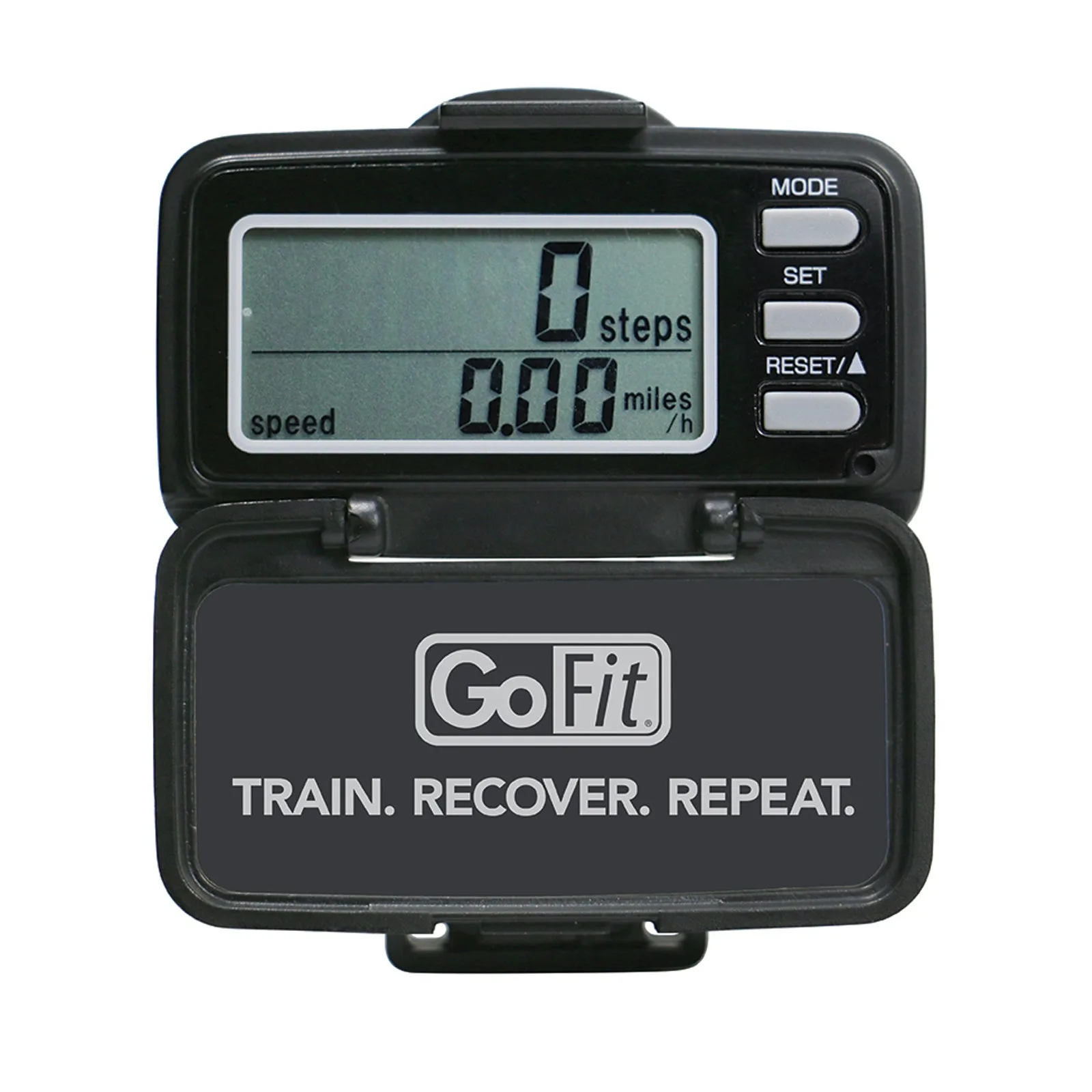
- GoPed Multifunctional Pedometer: GoPed Multifunctional Pedometer - you can count on it to keep track of your steps, distance, speed and calories burned. It can also show you the time and be used as a timer. With a spring clip and durable case. Tracks: Steps Distance Speed Calories Burned Timer Time Features: Durable case Battery not included (needs 1 CR2032 battery) Spring-loaded attaching clip Digital display Easy-to-use interface. Knowing that the battery is not included and that the pedometer uses a common CR2032 battery helps you quickly rule out power issues. The spring clip design also means placement is critical—if it's not firmly attached, the internal sensor may not detect motion.