Quick answer
Attach your Galaxy S25 Ultra to the GorillaPod 500 Action using a compatible phone mount, then adjust the flexible legs to tripod, grip, or wrap mode for stable shots. Always check the mount's weight capacity and balance before letting go.
Why the GorillaPod 500 Action suits phone shooting
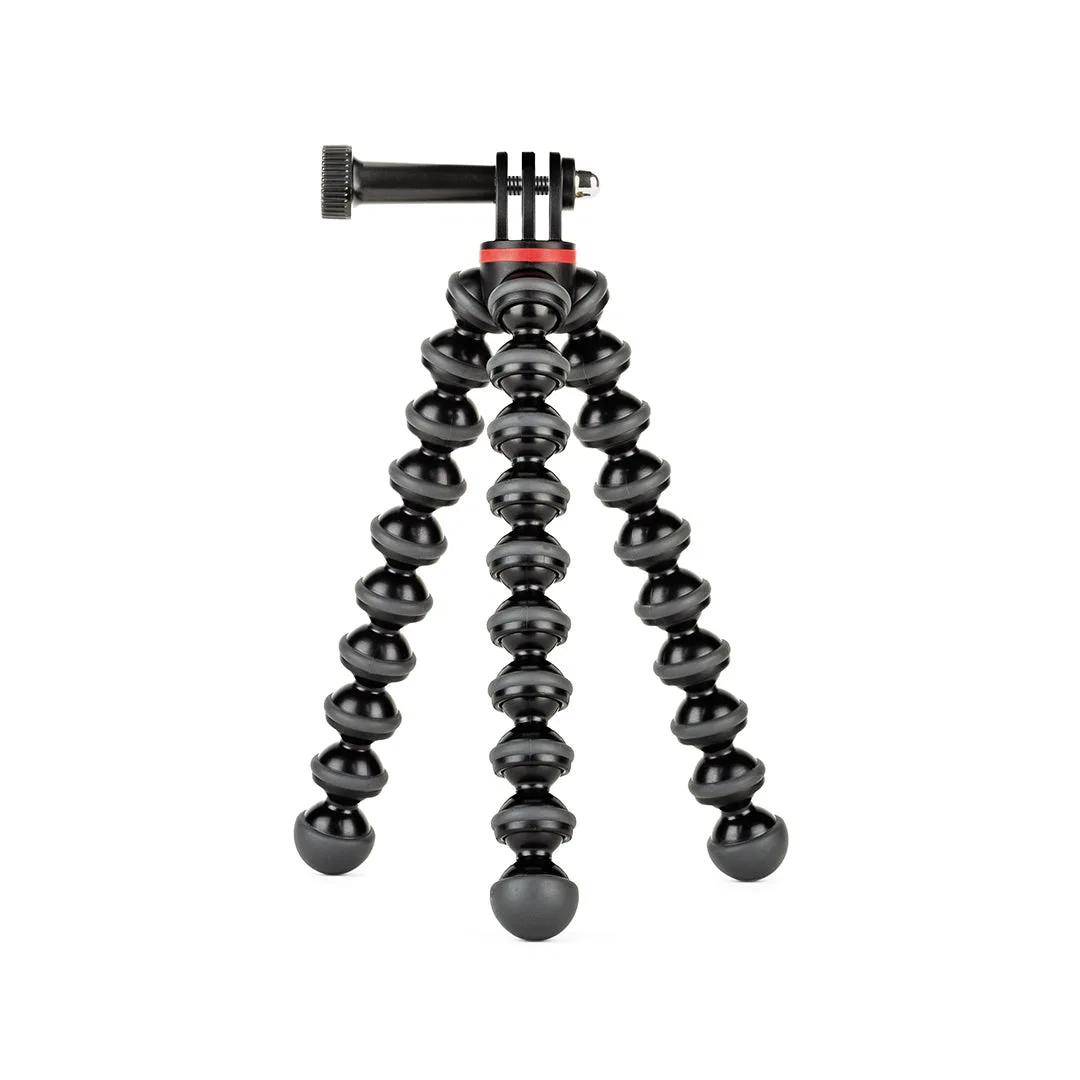
The GorillaPod 500 Action is a flexible mount that works as a tripod, grip, or wrapping mount. Its legs bend to grip uneven surfaces, making it useful for everything from tabletop shots to outdoor scenes. For Galaxy S25 Ultra users, it offers a portable way to stabilize the phone for photos and videos without a bulky tripod.
Keep in mind that the GorillaPod 500 Action does not include a phone-specific mount in the box. You'll need a compatible phone holder or a case with a mounting system to secure your Galaxy S25 Ultra. Check that the combined weight of your phone and mount stays within the GorillaPod's supported range, which is not specified in the catalog but is typically listed on the packaging.
Common mistakes to avoid
One frequent error is attaching the phone without balancing the legs, which can cause tipping. Another is over-tightening the mount, which may damage the phone or case. Also, avoid using the wrap mode on very thick or slippery surfaces where the legs can't grip securely. Always test stability with a gentle nudge before walking away.
Step-by-step GorillaPod 500 Action setup
- Attach a compatible phone mount: Secure a phone holder or case with a mounting system to the GorillaPod's 1/4-inch screw. Make sure the mount is tightened firmly but not overly tight. Check that the mount is compatible with your Galaxy S25 Ultra's size and weight.
- Mount your Galaxy S25 Ultra: Place your phone in the holder, ensuring it's centered and gripped securely. If using a case, verify it doesn't interfere with the mount's grip. Gently shake the phone to confirm it's held firmly before proceeding.
- Choose your mode: tripod, grip, or wrap: For tripod mode, spread the legs on a flat surface. For grip mode, hold the legs together as a handle. For wrap mode, bend the legs around a stable object like a pole or branch. In wrap mode, ensure the legs wrap around an object that won't move or damage.
- Adjust the legs for stability: Bend each leg to create a stable base, keeping the phone's weight centered. On uneven surfaces, shape the legs to conform to the terrain. Test stability by lightly pressing on the phone; adjust legs if it wobbles.
- Set your phone's camera angle: Rotate the mount head or adjust the legs to aim the camera. Lock the ball head (if present) to hold the position. Ensure the phone is level using a grid or level indicator in the camera app.
- Confirm security before shooting: Double-check that all connections are tight and the setup is balanced. Avoid leaving the setup unattended in windy conditions. For outdoor use, consider tethering the GorillaPod to a fixed object as a safety measure.
Product facts
-
GorillaPod® 500 Action: JOBY's GorillaPod 500 Action is a flexible, portable, and durable mount that can be used as a tripod, grip, or wrapping mount. This versatility lets you stabilize your Galaxy S25 Ultra in various situations, from flat surfaces to wrapping around railings.
GorillaPod® 500 Action