What the Grado Reference4 Offers
The Grado Reference4 is a phono cartridge from the Timbre series, designed to deliver Grado's signature sound across a range of turntable setups. Before you install it, you need to choose the version that matches your phono stage and listening needs. The Reference4 is available in High-Output and Low-Output versions, with mono versions also offered in both configurations. Mono versions are listed as Special Order / No Returns, so be sure of your needs before ordering.
How to Choose the Right Reference4 Version
Selecting the correct output version is the first step in a successful setup. Your choice depends on your phono preamp and system gain.
- High-Output: This version is designed for systems with standard phono inputs or lower-gain phono stages. It typically works well with moving magnet (MM) phono preamps.
- Low-Output: Choose this version if you have a high-gain phono stage or a step-up transformer. Low-output cartridges often suit moving coil (MC) phono inputs.
- Mono Versions: If you play mostly mono records, the mono versions of the Reference4 are available in both High-Output and Low-Output. Remember: mono versions are Special Order / No Returns.
Mounting the Reference4 on Your Turntable
Once you have the right version, mounting the cartridge is straightforward. Use the supplied mounting hardware to attach the cartridge to your tonearm headshell. Ensure the cartridge body is aligned with the headshell and that the stylus is parallel to the record surface when viewed from the front. Tighten the screws gently—over-tightening can damage the cartridge body.
Key Facts for Your Setup Decision
-
Reference4: The Grado Reference4 is available in High-Output and Low-Output versions, with mono versions also offered in both configurations. Choosing the correct output version ensures your phono stage receives a signal level it can handle without distortion or excess noise.
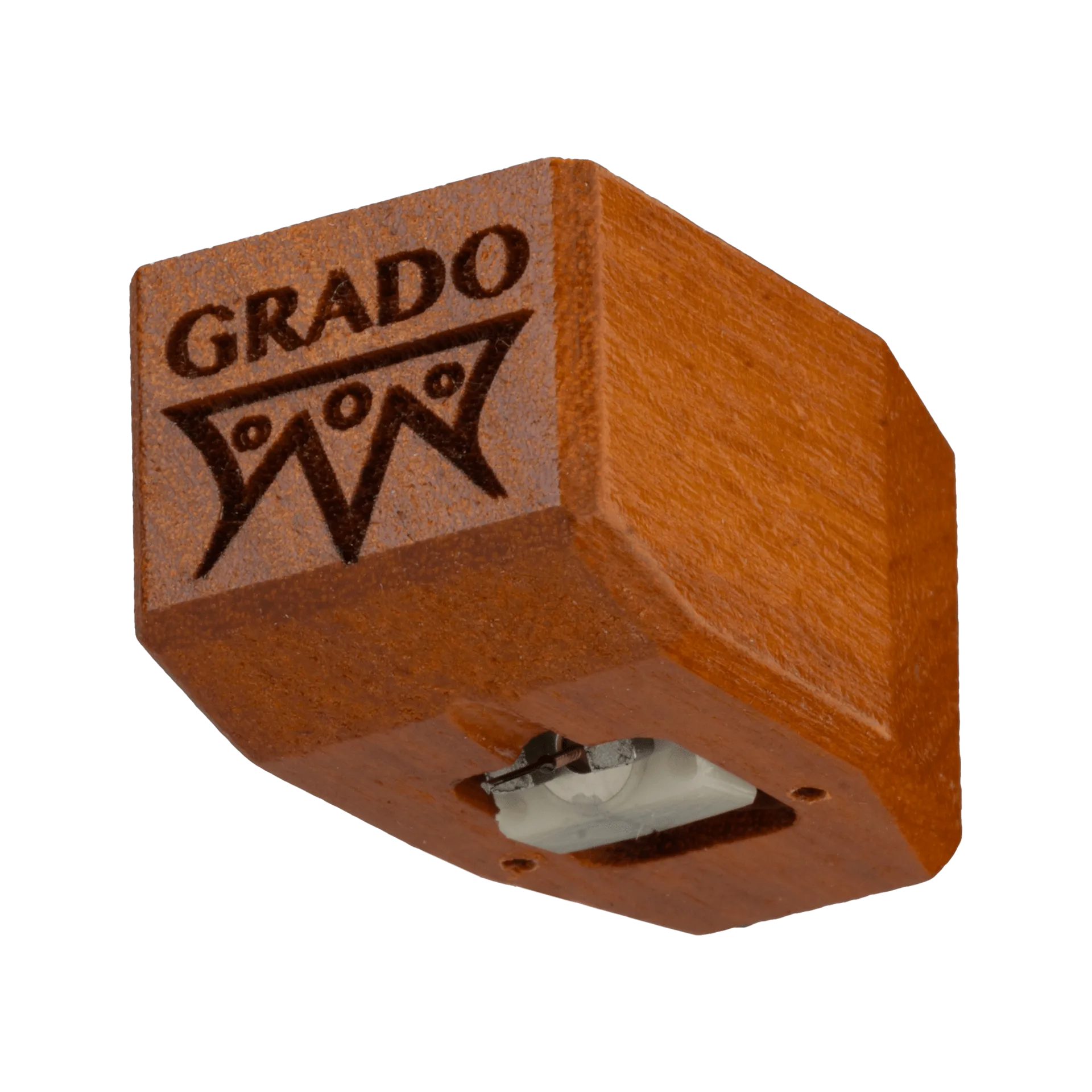
Reference4
-
Reference4: Mono versions are listed as Special Order / No Returns. If you're considering a mono Reference4, be certain that mono playback is a priority, because you cannot return it if it doesn't suit your system.
Aligning the Cartridge for Best Tracking
Proper alignment minimizes distortion and record wear. Use a turntable alignment protractor to set the cartridge's offset angle and overhang according to your tonearm's specifications. After alignment, set the tracking force to the manufacturer's recommended range for the Reference4—but note that the supplied information does not list a specific tracking force value. Consult your cartridge documentation or Grado's official specifications for the exact number. If that value is not available, start with a typical mid-range setting and adjust by ear, checking for tracking errors on loud passages.
What the Supplied Information Does Not Cover
The catalog information for the Reference4 confirms the available output versions and the special-order status of mono versions, but it does not include specific setup values such as tracking force, recommended load impedance, or mounting screws. For those details, refer to the full product manual or contact Grado Labs directly. Setting up a cartridge without these numbers can still be done, but you may need to experiment carefully to find the best performance.