What GRID Brows add to your sim racing cockpit
GRID Brows bring ambient RGB lighting to your sim racing setup, helping you match the look of a real racing dashboard. Each set includes two 9-LED RGB units, a control box, cables, and mounting brackets. The units are designed to sit above your steering wheel or display, adding a subtle glow that can react to telemetry data.
What comes in the box
-
GRID Brows: Each set includes two 9-LED RGB units, a control box, cables and mounting brackets. You get everything needed to mount and power the units, so no extra purchases are required for a basic install.
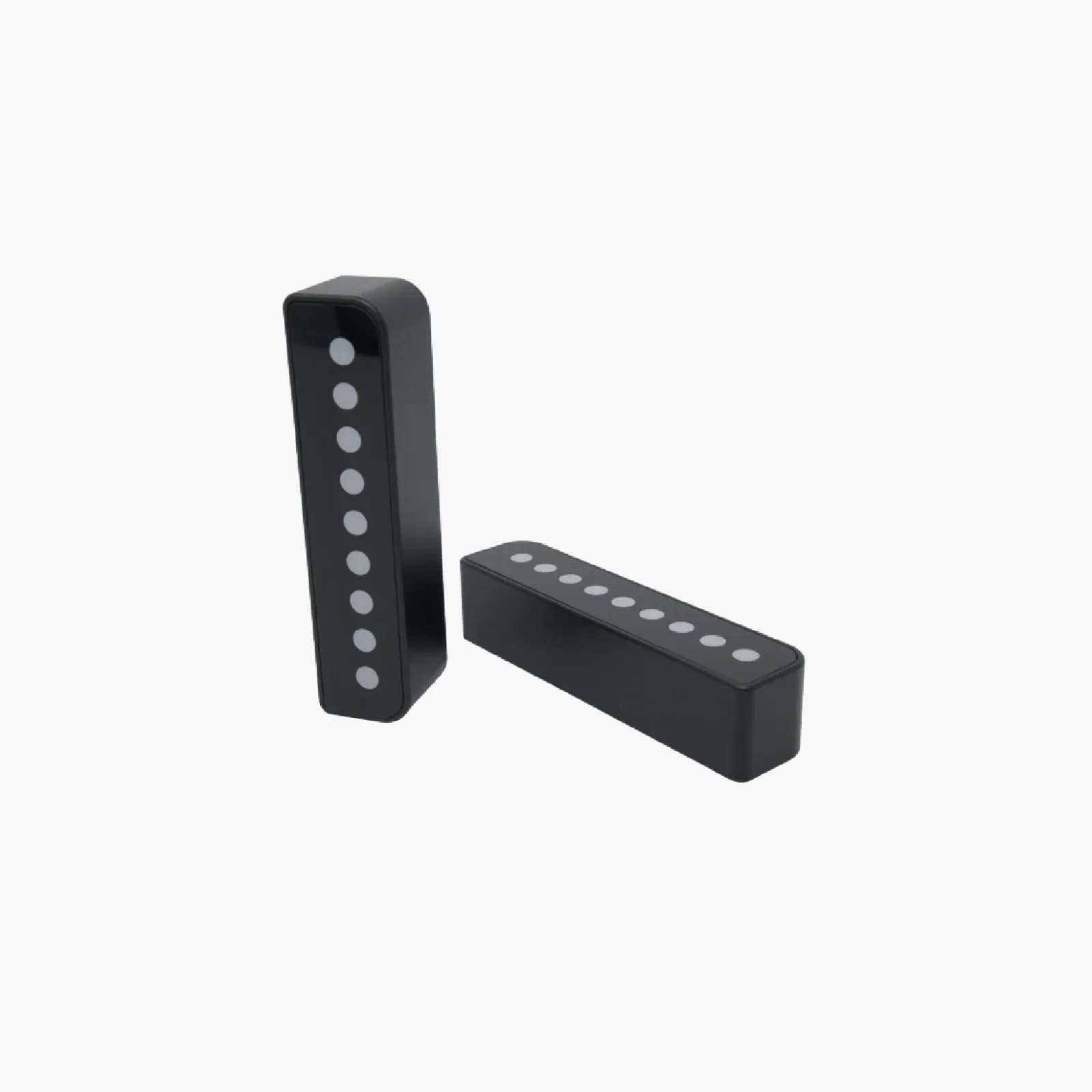
GRID Brows
-
GRID Brows: Units can be chain-linked for expansion. If you want more LEDs or a wider coverage area, you can connect multiple sets together without needing separate controllers.
Mounting the units on your dashboard
The mounting brackets included with GRID Brows let you attach the units to a flat surface near your steering wheel or display. Choose a location where the LEDs are visible but not distracting—typically above the wheel or along the top edge of a monitor. The brackets are designed for a secure fit, but the supplied information does not specify exact screw sizes or surface thickness limits. Check your cockpit's mounting points before starting.
Connecting and chaining multiple units
Each GRID Brows set comes with its own control box and cables. If you have more than one set, you can chain-link the units by connecting the output of one control box to the input of the next. This lets you create a longer light bar without separate power supplies. The chain-link feature is confirmed in the product specifications, but the exact cable length between units is not listed—plan your layout so the cables can reach comfortably.
Syncing with SimHub and RaceDirector
GRID Brows are fully compatible with SimHub and RaceDirector, two popular sim racing telemetry and lighting control tools. After mounting and connecting the hardware, install the appropriate plugin or profile from the software to map RGB effects to in-game data—such as RPM, speed, or flag signals. The product records confirm compatibility, but setup steps within each software are not detailed in the box. Refer to SimHub or RaceDirector documentation for profile creation.
What the supplied information does not cover
The product records confirm the contents and compatibility, but do not include specific mounting hole dimensions, cable lengths between chained units, or exact software configuration steps. For a smooth setup, measure your mounting surface and cable paths beforehand, and rely on the software's own guides for lighting profiles. If you need precise measurements, contact Sim-Lab support before drilling or cutting.