SDXC vs USB: what the specs say about speed
When you need to move photos from a camera to a computer, the transfer method directly affects how long you wait. The Hama 64GB SDXC UHS-I memory card and the Hama 64GB USB 2.0 flash drive both store 64 GB, but their speed ratings are very different.
The Hama SDXC card is rated for top transfer speeds of 80 MB/s (300x) and belongs to the UHS-I class. The Hama USB flash drive operates at USB 2.0 speeds, with a stated write/read rate of 10 MB/s. That 8x difference in rated speed matters when you are moving several gigabytes of RAW files or video clips.
Speed and compatibility evidence
-
Hama 64GB SDXC Memory Card UHS-1 Class 10 (300x): The Hama class 10 series memory cards achieve top transfer speeds of 80 MB/s or 300x. This is the card's maximum read speed when used with a UHS-I compatible reader. Actual transfer times depend on the card reader and the file sizes, but 80 MB/s is the ceiling the manufacturer specifies.
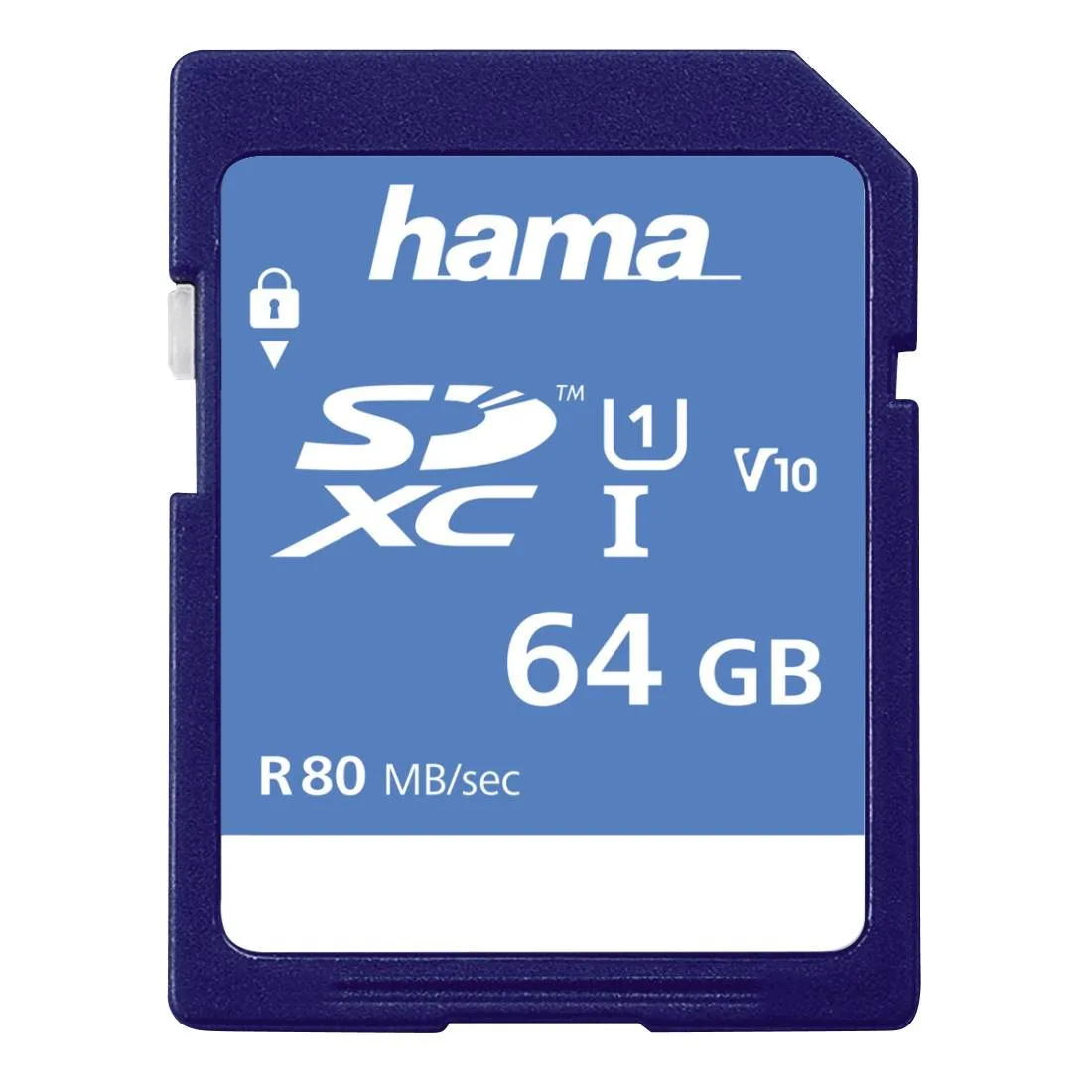
Hama 64GB SDXC Memory Card UHS-1 Class 10 (300x)
-
Hama 64GB USB PenDrive Fancy 10 MB/s USB 2.0: USB flash drives are by far the most convenient method of transferring large amounts of data from one computer to another. This statement from the catalog highlights convenience, not speed. The USB 2.0 interface caps practical transfer at about 10 MB/s, so large transfers will take noticeably longer than with the SDXC card in a UHS-I reader.
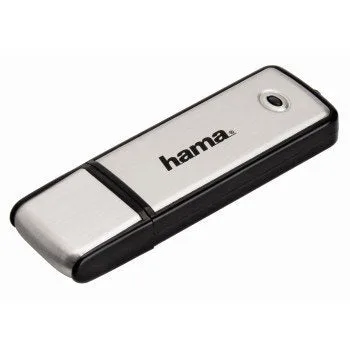
Hama 64GB USB PenDrive Fancy 10 MB/s USB 2.0
What the catalog does not settle
The supplied information does not include measured transfer times for specific file sizes, nor does it confirm whether the USB flash drive's 10 MB/s is sustained or burst. Real-world performance also depends on the host device's USB controller, the card reader used, and whether the files are many small ones or a few large ones.
For the SDXC card, the catalog explicitly states: "Please ensure that your camera is compatible with UHS speed cards (see camera instruction manual)." If your camera or card reader does not support UHS-I, the card will fall back to a slower standard, narrowing the speed gap with the USB drive.
Hama 64GB SDXC vs USB flash drive at a glance
- Interface and rated speed: SDXC: UHS-I, up to 80 MB/s. USB: USB 2.0, up to 10 MB/s.
- Best use case: SDXC: direct camera use and fast offload via UHS-I reader. USB: general file transfer between computers or devices with USB-A ports.
- Compatibility check: SDXC requires a UHS-I compatible camera or reader for full speed. USB works with any USB-A port and is plug-and-play on Windows ME/2000/XP and MacOS 9.0 or higher.
- Write protection: SDXC includes a physical write protection lock. USB drive has no such lock.
- Portability: Both are compact, but the USB drive has a built-in connector and does not need a separate reader.
Which one suits your photo transfer workflow?
If your camera supports UHS-I and you have a UHS-I card reader, the Hama 64GB SDXC card will transfer photos significantly faster than the USB 2.0 flash drive. This matters most when you regularly move large batches of high-resolution images or video clips.
If you often transfer files between computers that lack a built-in card reader, or if your camera does not support UHS-I, the USB flash drive offers simpler plug-and-play convenience. Its 10 MB/s speed is adequate for occasional transfers of smaller file sets.
For photographers who want both speed and flexibility, using the SDXC card in-camera and then offloading via a UHS-I reader is the faster route. The USB drive remains a practical backup or shuttle tool for computers without a card slot.