Quick answer
Replace a worn or loose handlebar grip holder with the Micro Kickboard Handlebar Grip Holder for 2-Wheeled Scooters (SKU 1024), designed for the Sprite, Micro Classic, and Flex. Install it by sliding the new holder onto the handlebar, securing the grip, and checking for play before riding.
Why the grip holder matters on a two-wheeled scooter
The handlebar grip holder keeps the grip anchored to the bar so your hands stay planted when you steer or brake. On two-wheeled scooters, a loose grip can rotate or slide under pressure, which is why replacing a worn holder is a simple but important maintenance task.
This replacement part is specific to the Sprite, Micro Classic, and Flex models. If you ride a different Micro model, check your manual or the parts listing before ordering, because the holder is not a universal fit.
When to replace rather than tighten
If the grip still twists after you tighten the existing holder, or if the holder itself is cracked or stripped, replacement is the safer choice. A holder that no longer clamps firmly can let the grip slip during a ride, so inspect it before every seasonal tune-up.
Keep in mind that the catalog does not list torque specifications or tool sizes for this part. Use the instructions that came with your scooter or consult a qualified mechanic if you are unsure how tight to secure the fastener.
Step-by-step: install and care for your grip holder
- Remove the old grip and holder: Loosen the fastener on the existing holder and slide the grip off the handlebar. If the grip is stuck, work it loose gently rather than prying with metal tools that can scratch the bar. Check the handlebar surface for burrs or residue before fitting the new part.
- Fit the new holder onto the bar: Slide the Micro Kickboard Handlebar Grip Holder (SKU 1024) onto the handlebar in the same orientation as the old one. Confirm it seats flush against the bar and that any locating tab or slot lines up. If the holder will not seat fully, stop and check that you have the correct model before forcing it.
- Reinstall the grip and secure the holder: Push the grip back onto the bar over the holder, then tighten the holder fastener until the grip no longer twists by hand. Do not overtighten; the catalog does not supply a torque value, so tighten in small increments and test. Twist the grip firmly after tightening; any movement means the holder needs another small turn or the grip is worn.
- Test before riding: With the scooter stationary, push and pull the grip along the bar and rotate it. Then lift the front wheel and turn the handlebars to confirm nothing rubs or catches. Recheck the holder after the first few rides, since new parts can settle.
- Keep it clean and dry: Wipe the holder and grip area with a damp cloth after wet or dusty rides. Avoid spraying lubricant directly into the grip-holder interface, which can make the grip slip. Inspect the holder monthly for cracks or looseness, especially if the scooter is stored outdoors.
Product facts
-
Parts: Handlebar Grip Holder for 2-Wheeled Scooters: Replacement handlebar grip holder for 2-wheeled scooters, compatible with Sprite, Micro Classic, and Flex. Confirm your model is one of these three before ordering, since the holder is not listed as fitting other scooters.
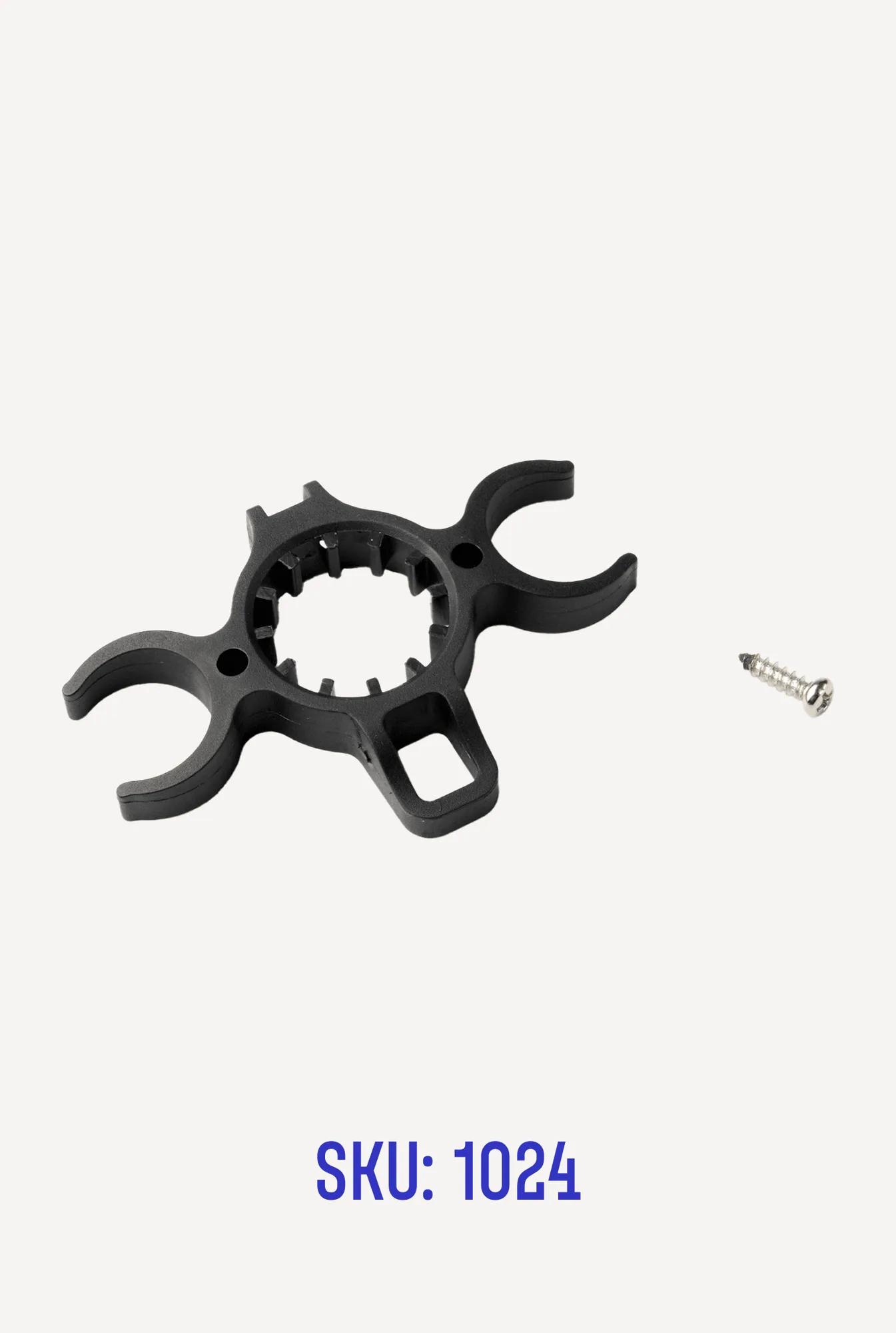
Parts: Handlebar Grip Holder for 2-Wheeled Scooters