What This Adapter Can Do
The Plugable USB-C to HDMI 8K Adapter (USBC-HDMI8K) is built for high-resolution displays, supporting up to 8K 60Hz or 4K 144Hz when used with a compatible PC. It works with any USB-C, USB4, or Thunderbolt port that supports DisplayPort 1.4. For Mac users, the maximum resolution is 4K 60Hz.
This adapter supports HDMI 2.1 features including HDR and HDCP compliance, so streaming content works without issues. It's plug-and-play—no drivers to download.
Setting Up the Adapter for 8K 60Hz or 4K 144Hz
Follow these steps to connect your display and achieve the supported resolutions.
- Check Your Source Device: Ensure your PC has a USB-C, USB4, or Thunderbolt port that supports DisplayPort 1.4. Without this, the adapter cannot deliver 8K 60Hz or 4K 144Hz.
- Connect the Adapter: Plug the USB-C end of the adapter into your computer's port. The adapter is plug-and-play, so no driver installation is needed.
- Attach Your Display: Use an HDMI 2.1 cable to connect the adapter to your monitor. For 8K 60Hz or 4K 144Hz, both the cable and display must support those specifications.
- Configure Display Settings: On Windows, go to Display Settings > Advanced Display and select the desired resolution and refresh rate (e.g., 3840x2160 at 144Hz or 7680x4320 at 60Hz). On Mac, the maximum available resolution will be 4K 60Hz.
Key Specifications of the Plugable USBC-HDMI8K
-
Plugable HDMI 2.1 USB-C to HDMI Adapter, Supports 4K 144Hz or 8K 60Hz: Supports up to 8K 60Hz or 4K 144Hz on compatible PCs; max 4K 60Hz on Mac. Know the exact resolution limits for your operating system before buying or setting up.
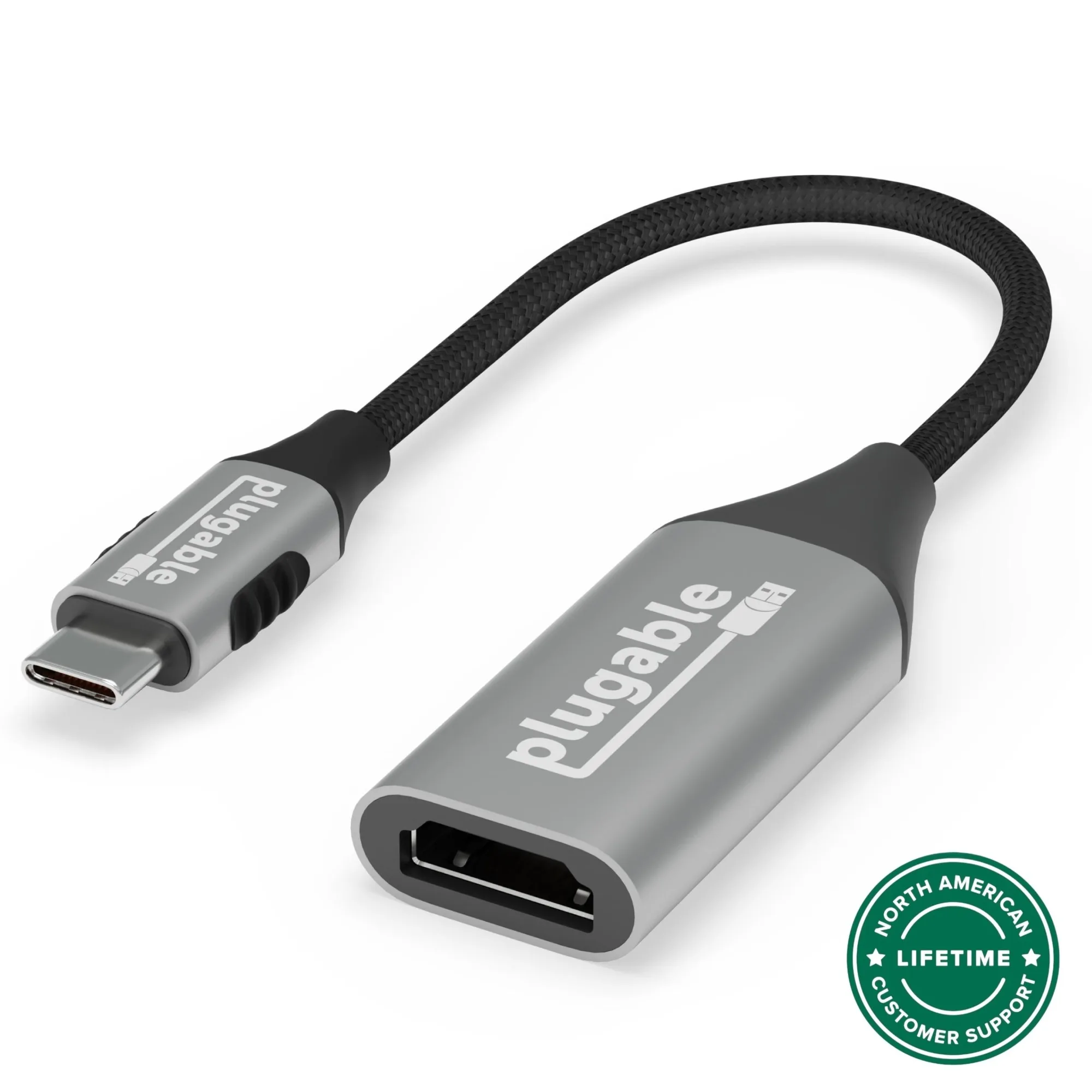
Plugable HDMI 2.1 USB-C to HDMI Adapter, Supports 4K 144Hz or 8K 60Hz
-
Plugable HDMI 2.1 USB-C to HDMI Adapter, Supports 4K 144Hz or 8K 60Hz: Works with any USB-C, USB4, or Thunderbolt port supporting DisplayPort 1.4. Compatibility depends on your source port—verify your device supports DP 1.4 for full performance.
-
Plugable HDMI 2.1 USB-C to HDMI Adapter, Supports 4K 144Hz or 8K 60Hz: Supports HDMI 2.1 features including HDR and is HDCP compliant. Ensures rich colors, deep contrast, and smooth streaming without playback issues.
-
Plugable HDMI 2.1 USB-C to HDMI Adapter, Supports 4K 144Hz or 8K 60Hz: Plug and Play—no drivers required. Setup is straightforward; just connect and configure your display settings.
Compatibility and Limitations
The adapter is designed for PCs with USB-C ports that support DisplayPort 1.4. If your device only supports DP 1.2, the maximum resolution will be lower (typically 4K 60Hz). Mac users are limited to 4K 60Hz regardless of the adapter's capabilities.
For gaming at 4K 144Hz or future-proofing with 8K, confirm that your graphics card and monitor both support the desired resolution and refresh rate. The adapter itself is capable, but the whole chain—source, cable, display—must match.