Why a Right-Angle HDMI Adaptor Helps in Tight Spaces
When installing a TV on a wall mount or fitting components into a shallow cabinet, a standard straight HDMI plug often forces the cable to bend sharply or pushes the TV away from the wall. The AudioQuest HDMI 90°/W Adaptor solves this by redirecting the cable at an angle, reducing strain on the port and allowing the TV to sit flush against the mount. Follow the supplied product instructions for proper installation and orientation.
This adaptor is designed as an accessory for HDMI connections where an angled adapter is useful. It is available in a Standard option (SKU 69-051-01) and works with standard HDMI cables.
What the HDMI 90°/W Adaptor Offers
-
HDMI 90˚/W Adaptor: The AudioQuest HDMI 90°/W Adaptor is an HDMI adaptor from the brand's HDMI Adaptors category, offered in a Standard option (SKU 69-051-01). Knowing the exact SKU helps you confirm compatibility with your existing HDMI cables and devices.
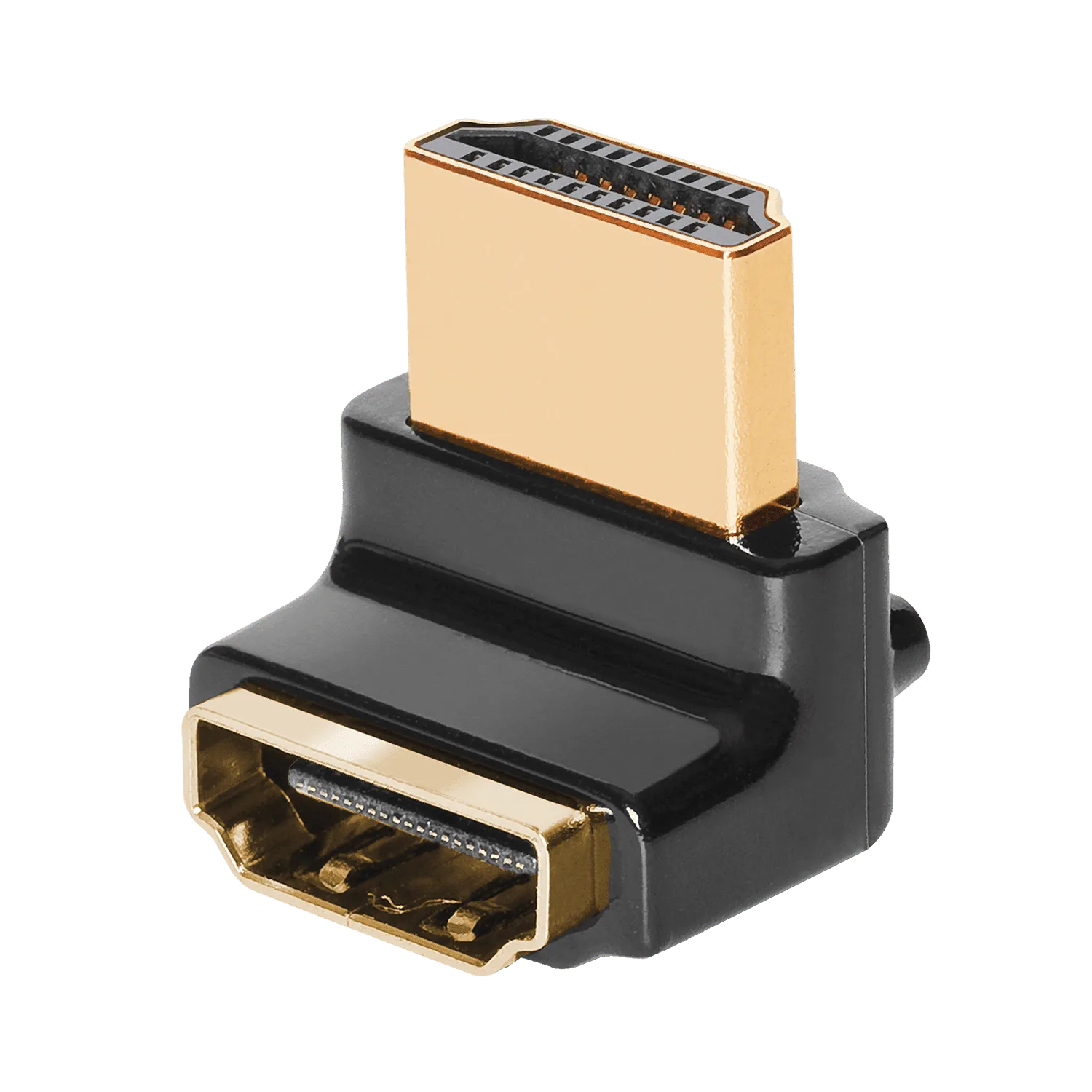
HDMI 90˚/W Adaptor
-
HDMI 90˚/W Adaptor: It is designed as an accessory for HDMI connections where an angled adapter is useful. This confirms the adaptor is intended for tight-space scenarios, not for extending cable length or converting signal types.
How to Use the HDMI 90°/W Adaptor
Using the adaptor is straightforward, but a few checks ensure a secure fit and avoid damaging the port.
- Identify the tight space: Determine whether the cable needs to exit downward or to the side to fit behind your TV or inside a cabinet.
- Connect the adaptor to the device: Plug the HDMI 90°/W Adaptor firmly into the HDMI port on your TV, monitor, or source device. The angled end will point the cable in your desired direction.
- Attach the HDMI cable: Connect your standard HDMI cable to the other end of the adaptor. Ensure the connection is snug to prevent signal loss.
- Route the cable: Guide the cable along the path you planned, avoiding sharp bends or pinching. The adaptor should relieve strain on the port, not create new pressure points.
What the Supplied Information Does Not Confirm
The supplied product information does not specify exact cable bend radius limits, maximum supported HDMI cable weight, or whether the adaptor supports HDMI 2.1 or specific data rates. For these details, refer to your device's manual or contact the manufacturer. The adaptor is intended solely as an angle adapter, not as a signal booster or converter.