Quick answer
Clean your ear pads gently every few weeks with a dry or barely damp microfiber cloth, and replace them when the foam flattens or the surface cracks. For ABYSS AB1266 ear pads, use the latest revision to restore both comfort and intended acoustics.
Why ear pad care matters for sound and comfort
Ear pads do more than cushion your head—they seal the space between the driver and your ear, which directly affects bass response and isolation. Over time, skin oils, sweat, and dust break down the surface material and compress the foam. A flattened pad can reduce seal, shift tonal balance, and cause discomfort during long listening sessions. Regular care and timely replacement keep your headphones performing as intended.
When to clean and when to replace
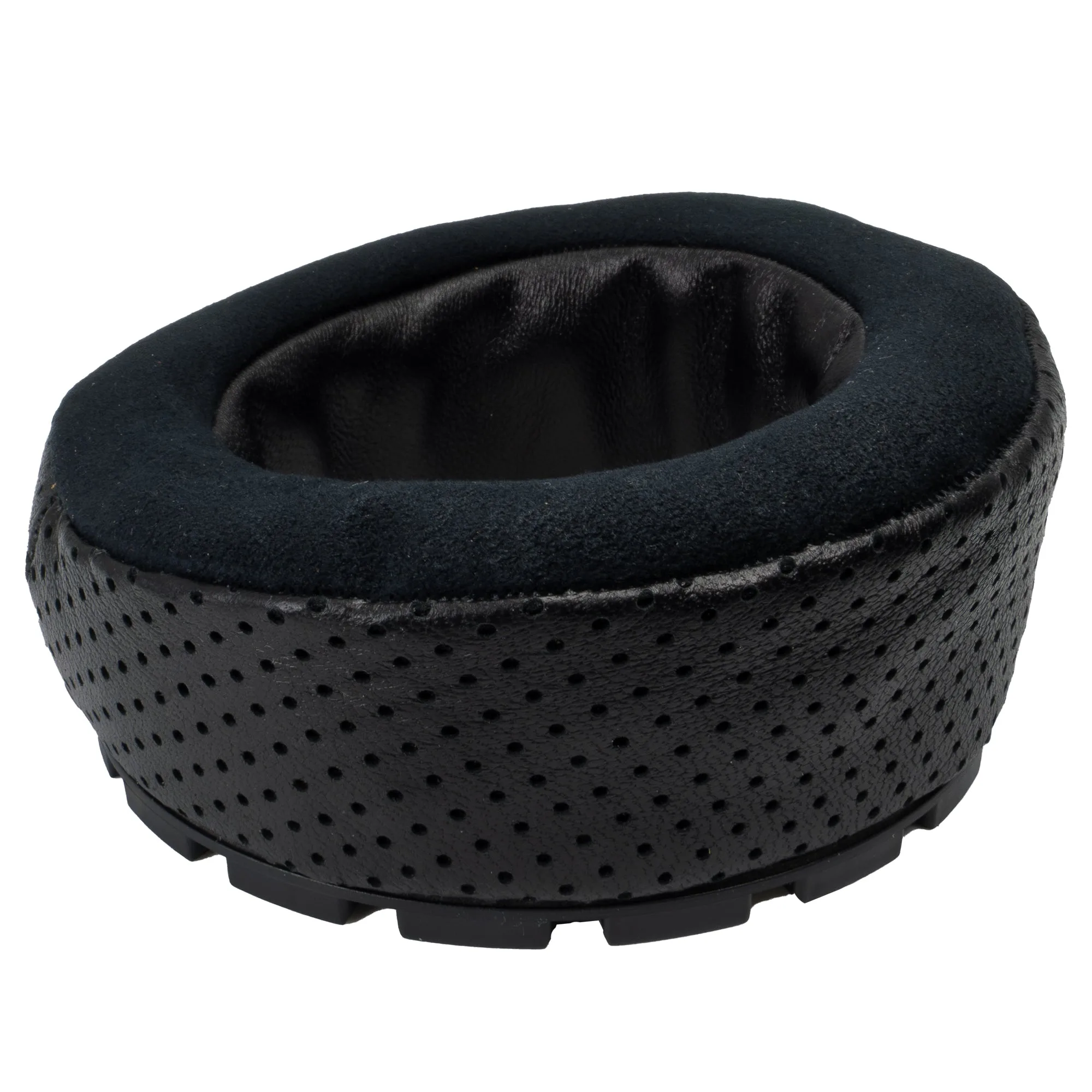
Clean your ear pads every two to four weeks, or more often if you listen daily or wear them during workouts. Replace them when you notice visible cracks, flaking, a persistent odor, or foam that no longer springs back after gentle squeezing. For ABYSS AB1266 ear pads, the 2025 revision offers a lambskin lined inner space, perforated lambskin outer layer, Ultrasuede face surface, and soft foam interior with a pillow-top—so upgrading is a straightforward way to refresh both feel and sound.
Cleaning materials to use and avoid
Use a dry microfiber cloth for routine dusting, or lightly dampen it with distilled water for stubborn spots. Avoid alcohol, acetone, harsh detergents, and abrasive brushes—they can dry out leather, degrade foam, and leave residue that attracts more dirt. If your pads have a removable cover, follow the manufacturer's instructions; otherwise, never submerge pads in water.
Step-by-step ear pad care and replacement
- Gather supplies: You will need a microfiber cloth, distilled water, and a soft brush. For replacement, have the correct ear pads for your model ready—such as the 2025 revision for ABYSS AB1266. Checkpoint: Never use paper towels or rough cloths; they can scratch or pill the surface.
- Remove pads if possible: Many high-end headphones have user-replaceable pads. Gently detach them following the manufacturer's instructions. If unsure, consult your manual or a professional. Common mistake: Forcing pads off can tear the mounting ring or damage the driver housing.
- Clean the pads: Wipe the surfaces with a dry microfiber cloth. For deeper cleaning, barely dampen the cloth with distilled water and wipe again. Let them air-dry completely away from direct heat. Checkpoint: Do not soak pads or use cleaning sprays; moisture can break down foam and adhesives.
- Inspect for wear: Look for cracks, flaking, flattened foam, or a loose fit. If the pad no longer springs back or feels stiff, it is time to replace. Common mistake: Waiting too long—degraded pads can affect sound quality and comfort.
- Install new pads: Align the new pads with the mounting points and press gently until they click or seat evenly. For ABYSS AB1266, choose the fit and material options that match your preference. Checkpoint: Ensure the pad is fully seated; an uneven seal can cause channel imbalance.
- Test and adjust: Put the headphones on and listen to a familiar track. Check that bass and isolation feel consistent on both sides. If something sounds off, reseat the pads. Next step: Mark your calendar to clean pads monthly and reassess wear every six months.
Product facts
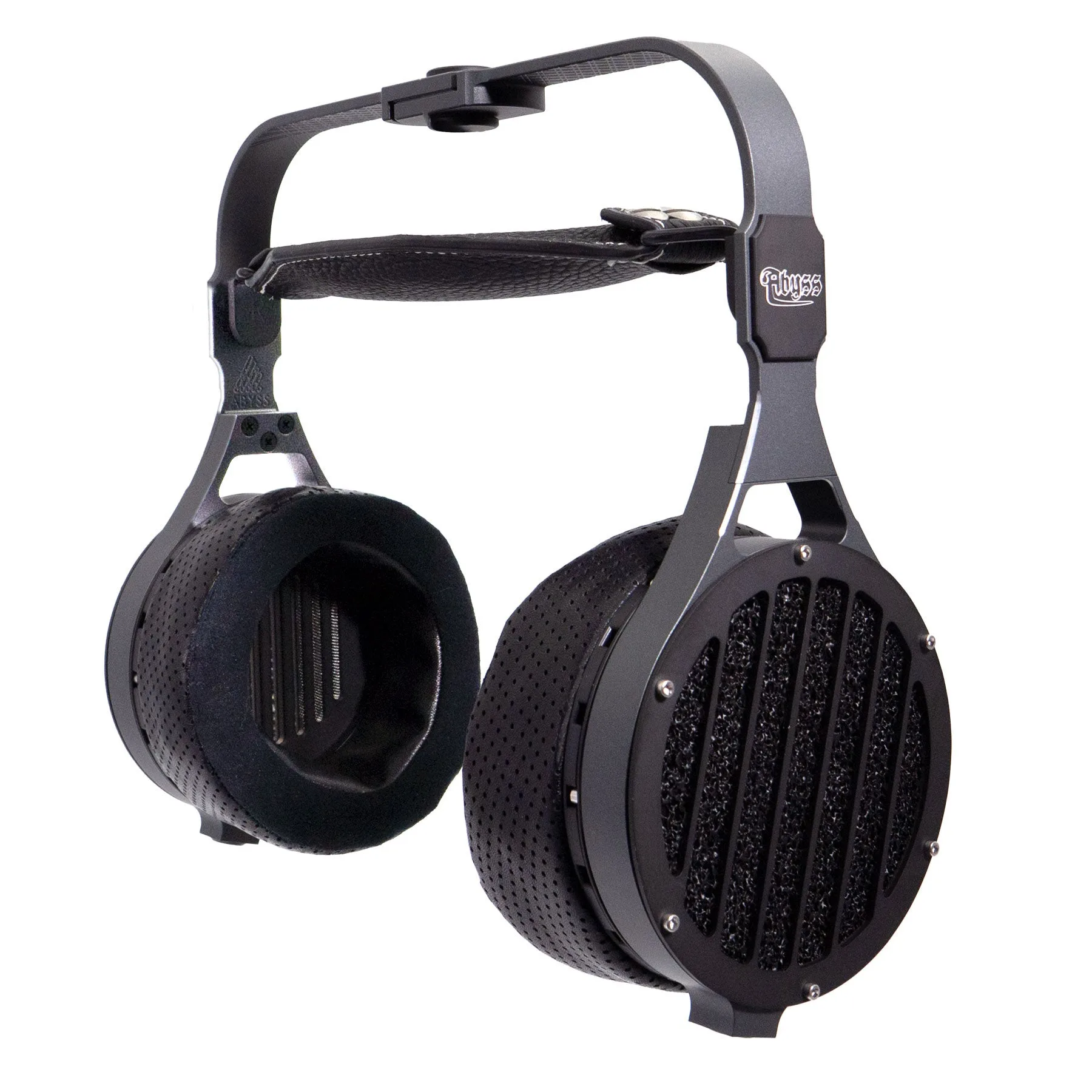
- Ear Pads for ABYSS AB1266 Enhanced Comfort & Performance: Latest 2025 ear pad revision for AB1266 with lambskin lined inner space, perforated lambskin outer layer, Ultrasuede face surface, and soft foam interior with a pillow-top. Provides the softest, most plush feel of any AB1266 pad to date, and the hybrid construction helps maintain intended acoustics.
- ABYSS AB1266 TC Audiophile Reference Headphone: AB1266 TC is known for having the most effortless powerful bass of any headphone in the world. A proper ear pad seal is critical to preserving that bass response and overall resolution.