Quick answer
Replace headphone pads when they flatten, flake, or stop sealing around your ears, and replace the cable when you hear crackling, dropouts, or see a frayed jacket near the plug or strain relief. Both are user-serviceable on most designs and cost far less than new headphones. If the driver itself buzzes or one side is silent with a known-good cable, stop and consider repair or replacement instead.
Headphones rarely fail all at once. More often, the pads compress and the cable fatigues, and the sound slowly gets thinner, noisier, or less comfortable until you blame the headphones themselves. Separating the symptom from the actual cause is what keeps a good pair in service for years.
This guide walks through the two wear items you can usually fix yourself, what each failure sounds and feels like, and the point where a repair stops making sense. If you have already read our headphone care guide, this picks up where maintenance leaves off.
Worn pads: what changes and why it matters
Pads do two jobs: they seal the earcup against your head and they hold the driver at a consistent distance from your ear. As foam compresses and the covering stiffens, the seal weakens. Bass output drops, isolation gets worse, and you turn the volume up to compensate. On many headphones the tonal shift is gradual enough that you notice the comfort problem before the sound problem.
Look for flattened foam that no longer springs back, cracks or flaking on the surface, and a loose or stretched mounting ring. A pad that rotates freely or leaves a visible gap around your ear is no longer sealing. Cleaning helps surface grime but cannot restore collapsed foam, so once the shape is gone, replacement is the fix.
- Pinch test: squeeze a pad between thumb and finger. If it stays compressed instead of rebounding, it is done.
- Compare both sides. Uneven wear usually means one pad is failing first, and replacing as a pair keeps the sound balanced.
- Check the mounting style before ordering: twist-lock, slip-fit, and adhesive rings are not interchangeable.
Cables: the failure points to inspect
Cables fail where they bend most: right behind the plug and at the strain relief where the cable enters the earcup or the inline remote. Intermittent crackling, one channel cutting out when you move your head, or a signal that changes when you wiggle the plug all point to a broken conductor inside intact-looking insulation.
Before buying a replacement, rule out the cheap causes. Reseat the connector at both ends, try a different source device, and if your headphones have a detachable cable, swap in a known-good one. If the fault follows the cable, replace it. If it stays with the headphones, the problem is inside the cup, not the cord.
- Bend the cable gently near the plug while audio plays. Any crackle confirms an internal break.
- Match the connector type exactly: 2.5 mm, 3.5 mm, 4.4 mm, and locking variants are not cross-compatible.
- If your cable is fixed rather than detachable, a replacement usually means a repair shop, not a parts order.
Replacing pads and cables without damaging the headphones
Work on a clean, well-lit surface and photograph each step before you take anything apart. For twist-lock pads, grip the pad near its base and rotate a quarter turn counterclockwise; pulling straight up can crack the mounting ring. For slip-fit pads, ease the lip over the cup edge a few millimeters at a time rather than stretching one section all the way around.
With cables, unplug by the connector body, never by the wire. Push the new connector in until it seats fully, then test before reassembling anything. If the replacement pad feels tight, give it a few minutes to settle rather than forcing it, and check that the pad sits evenly with no gap against the housing.
- Keep small parts in a dish so screws and rings do not disappear.
- Test audio after each step so you know exactly what changed if something goes wrong.
- Replace pads as a pair even if only one looks worn, so both channels seal the same way.
When to stop and choose repair or replacement
Stop and reassess if a new cable does not fix a dead channel, if you hear a rattle or buzz that persists with the cable removed, or if the headband or hinge is cracked. Those are structural or driver-level faults, and they are beyond what pads and cables can solve. At that point, get a repair quote and compare it against the cost of a replacement pair.
Also weigh parts availability. Headphones with a detachable cable and a standard pad mount are the easiest to keep alive for years, because replacements stay available. Sealed designs with glued pads and captive cables often have a shorter service life by design, which is worth knowing before you invest in an expensive set.
- Get a written repair estimate before committing; diagnosis fees vary.
- If the quote approaches half the price of a comparable new pair, replacement usually makes more sense.
- Keep your old pads and cable as spares only if they still pass the tests above.
Symptom-to-fix diagnosis
- Bass sounds thinner than it used to: The pad seal has likely broken down, so the driver is no longer coupled consistently to your ear. Check for flattened foam and a visible gap around the earcup. Replace both pads as a pair. This is the most common and most fixable cause.
- Crackling or one channel cutting out when you move: A conductor inside the cable has broken near the plug or strain relief. Confirm by bending the cable gently during playback and by testing a known-good cable if yours is detachable. Replace the cable if the fault follows it. If it does not, stop here and investigate the earcup.
- Buzz, rattle, or silence that survives a cable swap: The fault is inside the headphone, at the driver or wiring, not in the wear items covered here. Pads and cables will not correct it. Get a repair quote, then compare it to the price of a replacement pair before deciding.
Accessory options worth knowing about
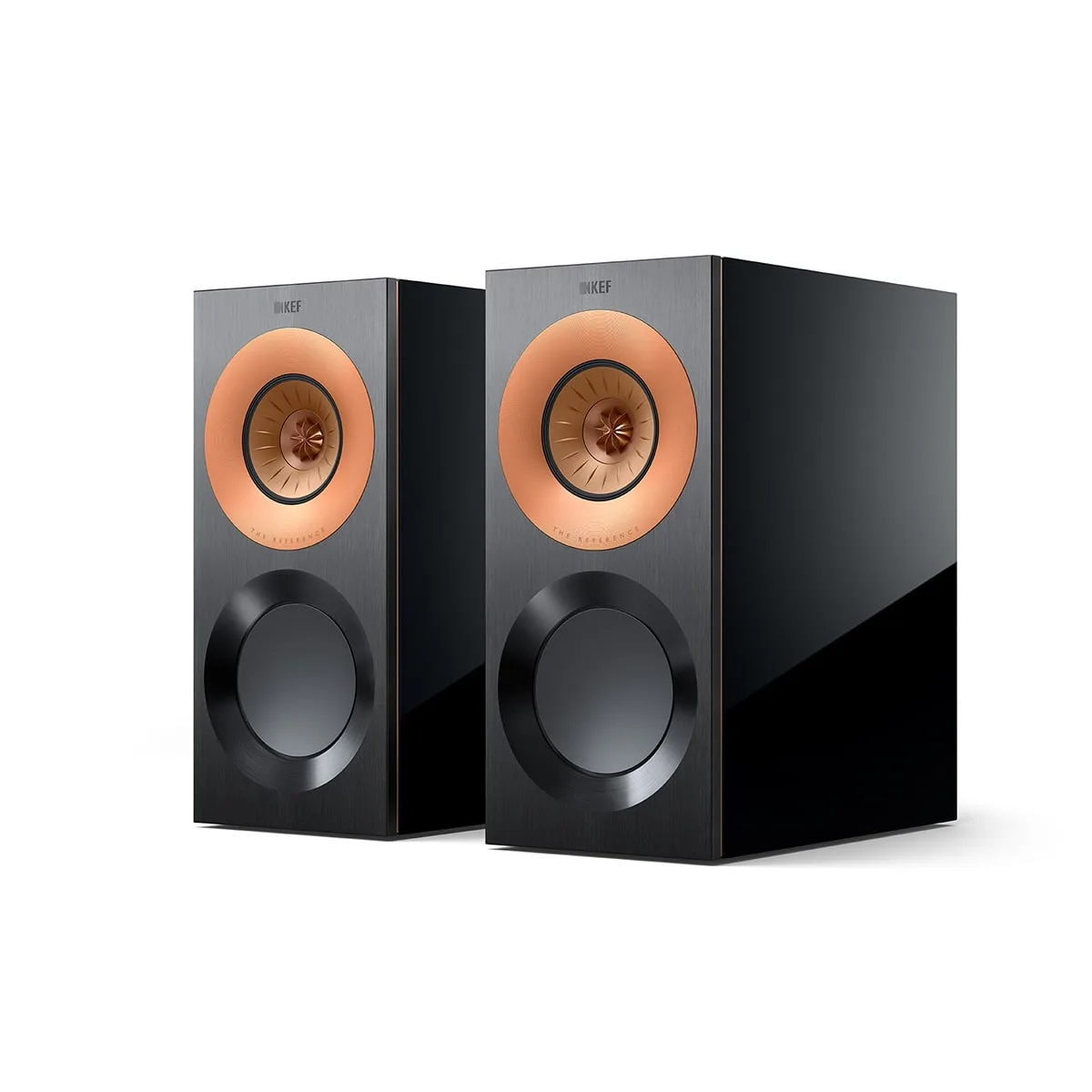
- https://kefhyc.com/products/reference-1-grille-pack-5ef0a98885a196d24c22b898-1661862Reference 1 Meta Black Cloth Grille Pack: A cloth grille pack listed at USD 75.00, currently shown against a comparison price of USD 149.99. If you already replace wear items to extend the life of your gear, keeping a spare grille on hand protects the driver behind it and is a low-cost habit to build.
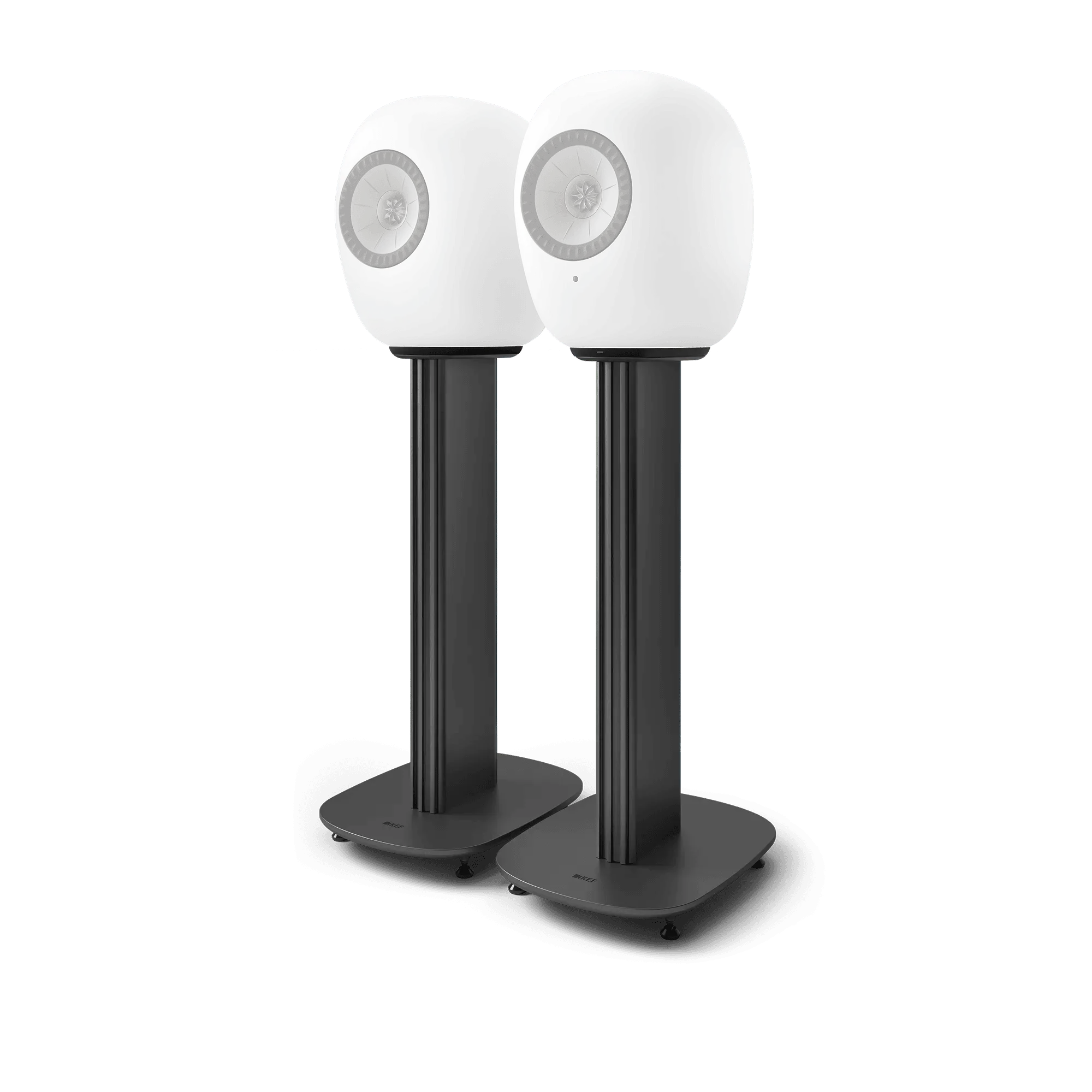
- S-LUXE Floor Stand: A floor stand available in multiple colors, listed at USD 400.00 against a comparison price of USD 799.99. Stands and mounts are the same category of decision as pads and cables: a modest accessory spend that keeps a larger purchase in place instead of replacing it.
Pads and cables are the two parts most likely to wear out first, and on most headphones they are the two you can actually replace. Diagnose before you buy, replace as a pair where it matters, and know the point where a repair quote tells you more than another parts order.