HiBy W4 Battery Life: Answers from the Specs
What is the battery capacity of the HiBy W4?
The HiBy W4 is supplied with a 1500mAh battery. This is the only battery specification confirmed in the catalog information. Actual runtime depends on Bluetooth codec, volume level, and whether the amp is used in USB mode or Bluetooth mode.
How long does the W4 last on a full charge?
The supplied information does not include a specific runtime in hours. The 1500mAh capacity suggests extended playback, but the manufacturer has not published a tested duration. For the most accurate estimate, check the W4 product page or contact HiBy support for runtime figures under typical use.
Does the W4 support fast charging or pass-through charging?
The catalog specifies a dual-mode design that includes an 'Uncharge mode in USB mode,' which means the W4 can operate on USB power without charging its internal battery when connected to a host device. This is useful for preserving battery cycles during desktop use. No specific fast-charging standard or charging time is confirmed.
Can I use the W4 while it is charging?
Yes, the 'Uncharge mode in USB mode' feature indicates you can use the W4 connected to USB power without draining the battery. This effectively allows continuous use when plugged in, similar to a wired DAC/amp.
Does the Bluetooth version affect battery life?
The W4 uses Bluetooth 5.4 with support for aptX Adaptive, aptX Lossless, aptX HD, aptX, LDAC, AAC, and SBC. Bluetooth 5.4 is generally more power-efficient than older versions, but high-bitrate codecs like LDAC and aptX Lossless will consume more power than SBC or AAC. Actual battery drain depends on the codec and signal strength.
How does the MagSafe backplate affect battery life?
The Magnetically active backplate is compatible with Apple MagSafe accessories and does not draw power from the battery. It is a mounting feature only, so it has no impact on battery runtime. The backplate is available as a separate variant or bundled with the W4.
HiBy W4 Battery and Power Specifications
-
HiBy W4 - Portable HiFi Bluetooth Headphone Amplifier: 1500mAh battery capacity This is the only confirmed battery specification. It gives a baseline for comparing with other portable Bluetooth amps, but actual runtime depends on usage conditions.
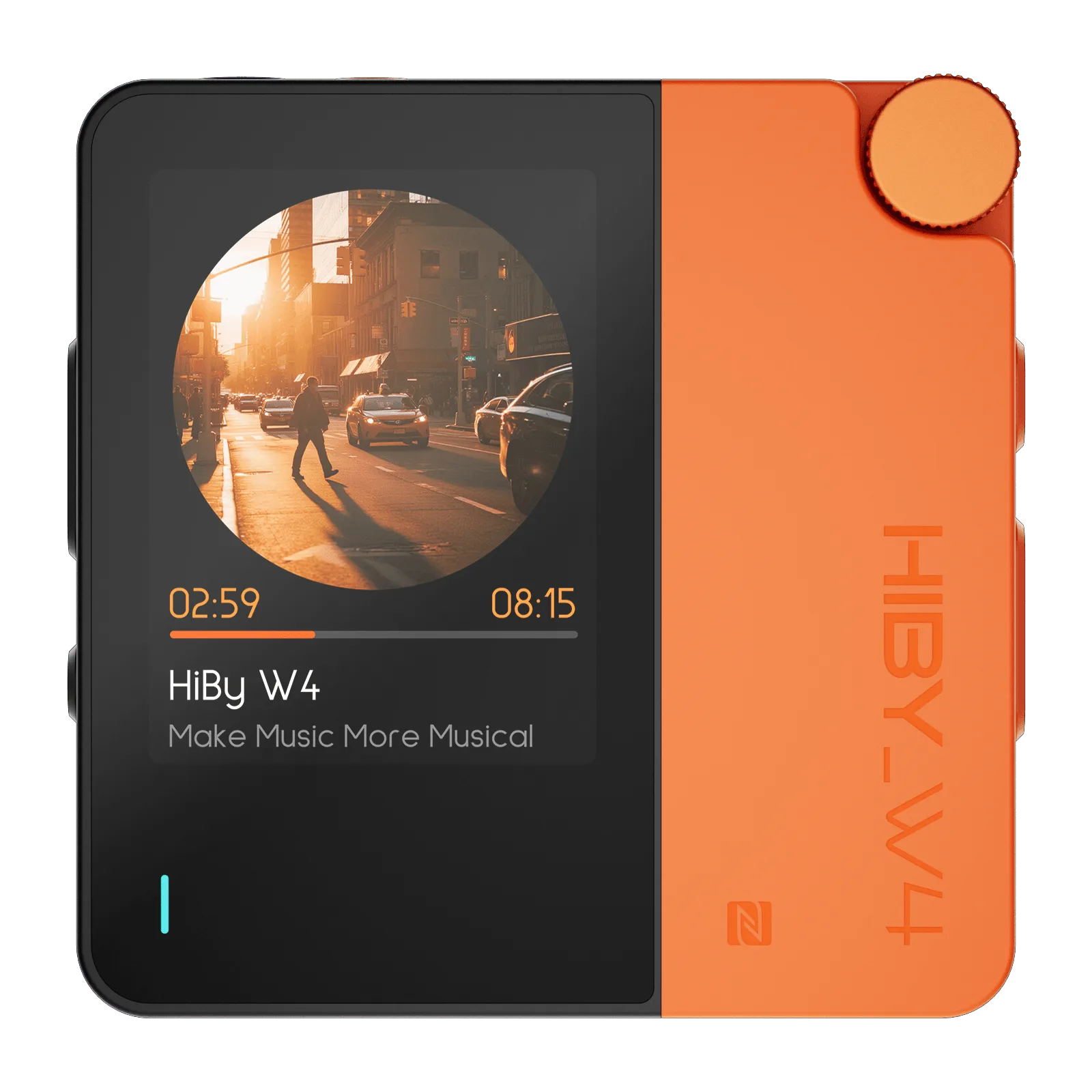
HiBy W4 - Portable HiFi Bluetooth Headphone Amplifier
-
HiBy W4 - Portable HiFi Bluetooth Headphone Amplifier: Uncharge mode in USB mode Allows the W4 to run on USB power without charging the battery, preserving battery cycles and enabling continuous desktop use.
-
HiBy W4 - Portable HiFi Bluetooth Headphone Amplifier: Bluetooth 5.4 with multiple codecs (aptX Adaptive, LDAC, AAC, SBC) Bluetooth version and codec choice affect power consumption. Higher-bitrate codecs may reduce battery life compared to standard codecs.
Tips for Maximizing W4 Battery Life
Use USB mode when possible: If you are at a desk or near a power source, connect the W4 via USB and enable Uncharge mode. This lets you listen without draining the battery.
Choose a lower-bitrate codec for longer runtime: If battery life is critical, switching from LDAC or aptX Lossless to AAC or SBC can extend playback time. The W4 supports all these codecs, so you can adjust based on your priorities.
Keep the W4 charged between sessions: The 1500mAh battery is sizable, but topping it off regularly ensures you always have enough power for portable use. The W4 does not have a confirmed standby time, so charging before a long outing is wise.
Use the MagSafe backplate for convenient mounting: The magnetic backplate does not affect battery life but can make the W4 easier to attach to a phone or case, reducing the chance of accidental disconnection that might drain the battery searching for a signal.