Quick answer
Install the Trak Racer Dual Flight Sim Mount on your TR5 to securely attach your HOTAS joystick and throttle. This guide covers positioning, hardware, and cable management.
Why a dedicated mount matters
A generic desk clamp often shifts under heavy flight sim use, especially during aggressive maneuvers. The Trak Racer Dual Flight Sim Mount uses the TR5's existing extrusion channels for a rock-solid connection, so your controls stay exactly where you placed them.
Installation steps
- 1. Locate the mounting channels: Slide the T‑nuts into the top extrusion channels of your TR5 frame where you want each HOTAS base. Common positions are just outside the wheel or pedal area. If the mount rocks, the T‑nut may not be fully seated in the channel — reinsert it before tightening.
- 2. Attach the mounting plates: Place each plate over the T‑nuts and hand‑tighten the included bolts. Do not fully tighten yet — you will adjust the angle and reach later. Over‑tightening before positioning can strip the soft aluminum threads. Snug is enough until step 4.
- 3. Mount the joystick and throttle: Use the standard ¼‑20 or M6 bolts (check your HOTAS base) to fasten each peripheral to its plate. Center the base on the plate so weight is evenly distributed. If your HOTAS has a non‑standard bolt pattern, you may need an adapter plate — the mount uses common aviation sim hardware spacing.
- 4. Adjust position and angle: Sit in your sim chair and grip the controls. Slide the plates forward/backward and tilt them until your wrist and arm are in a natural, relaxed position. Tighten all bolts fully. A common mistake is setting the throttle too low — aim for elbow at roughly 90 degrees when your hand rests on the throttle.
- 5. Route cables and tidy up: Use adhesive cable clips or zip‑ties along the TR5 frame to keep USB and power cables away from your legs and pedals. Leave a small service loop near each peripheral for future adjustments. Cables that hang loose can catch on your chair or feet during intense sim sessions — secure them before your first flight.
Product facts
-
HOTAS Flight Sim Mounts for TR5 Simulators – Left and Right Side: Dual HOTAS Flight Sim Mount — for TR5 Trak Racer TR5 Dual Flight Sim Mount. Provides a stable, adjustable platform for mounting flight simulation peripherals. You get independent left/right mounting points that you can slide forward or backward along the TR5 frame to match your arm reach.
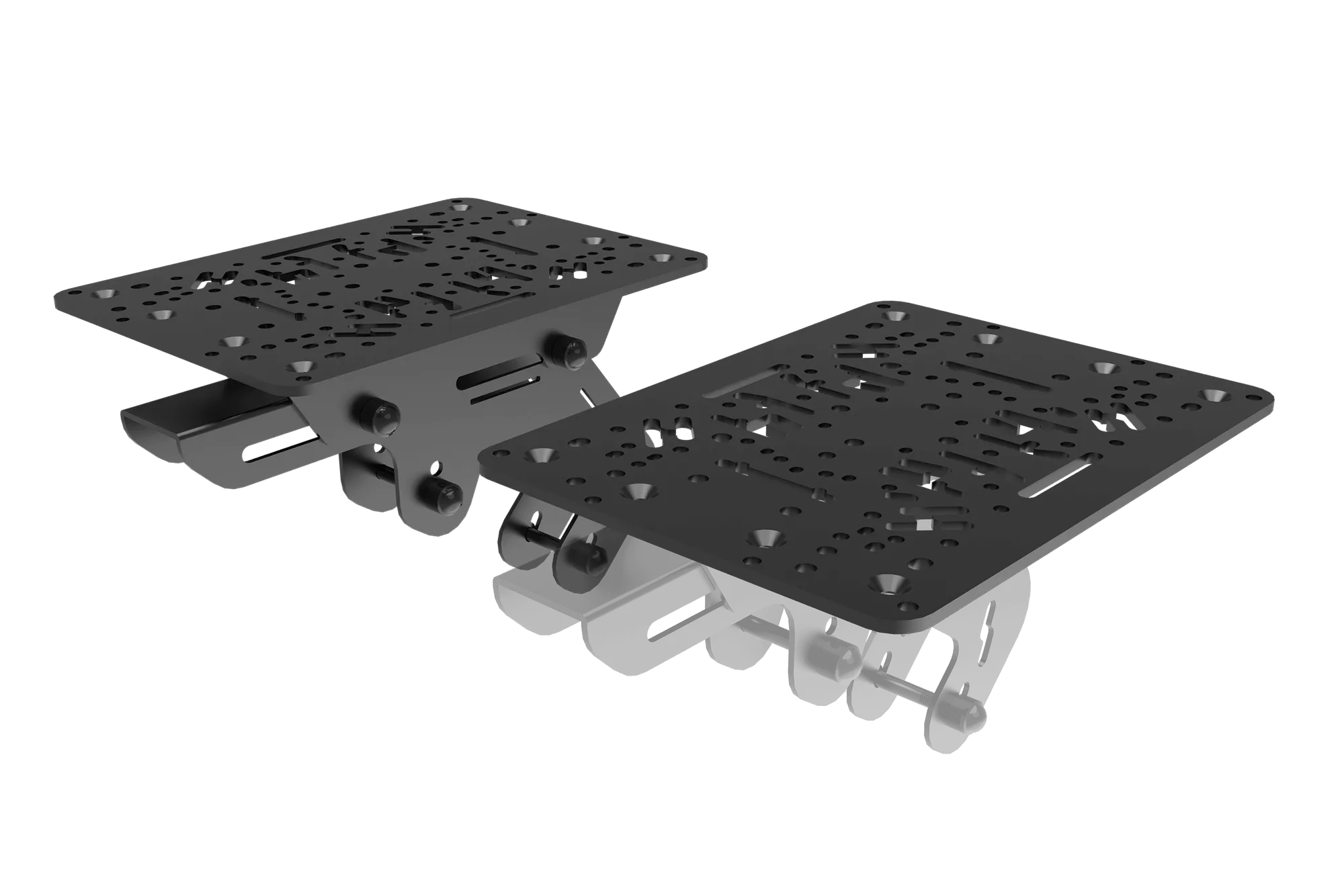
HOTAS Flight Sim Mounts for TR5 Simulators – Left and Right Side