What the Triple Pivot Adapters Do
The XERO-PLAY Triple Pivot Adapters replace the stock pivots on your triple monitor mount to create a sag-free connection between the middle support and the side arms. They are precision-cast aluminium parts that come with all required hardware, and they work on any profile that supports M8 bolts.
If you have noticed your side monitors slowly drooping over time, these adapters are designed to hold their position firmly, keeping your screens aligned lap after lap.
Installation Steps
The adapters replace the existing pivots on your triple mount. No special tools beyond what is included should be needed, but have a standard Allen key set handy.
- Remove the existing pivots: Unbolt the current pivot hardware from the center support and side arms. Keep the bolts and washers if they are reusable, but the kit includes fresh M8 hardware.
- Fit the XERO-PLAY adapters: Place the precision-cast aluminium adapter between the center support and the side arm. The adapter's geometry replaces the original pivot to eliminate sag.
- Tighten with supplied hardware: Use the included M8 bolts and washers to secure the adapter. Tighten firmly but avoid over-torquing the aluminium parts.
- Adjust monitor angles: With the adapters in place, set your preferred side monitor angle. The sag-free design should hold that angle once tightened.
XERO-PLAY Triple Pivot Adapters at a Glance
-
XERO-PLAY™ Triple Pivot Adapters Set: The adapters are precision-cast aluminium parts and come with all required hardware to replace the pivots on your triple monitor mount. You do not need to buy extra bolts or brackets; everything needed for the swap is in the box.
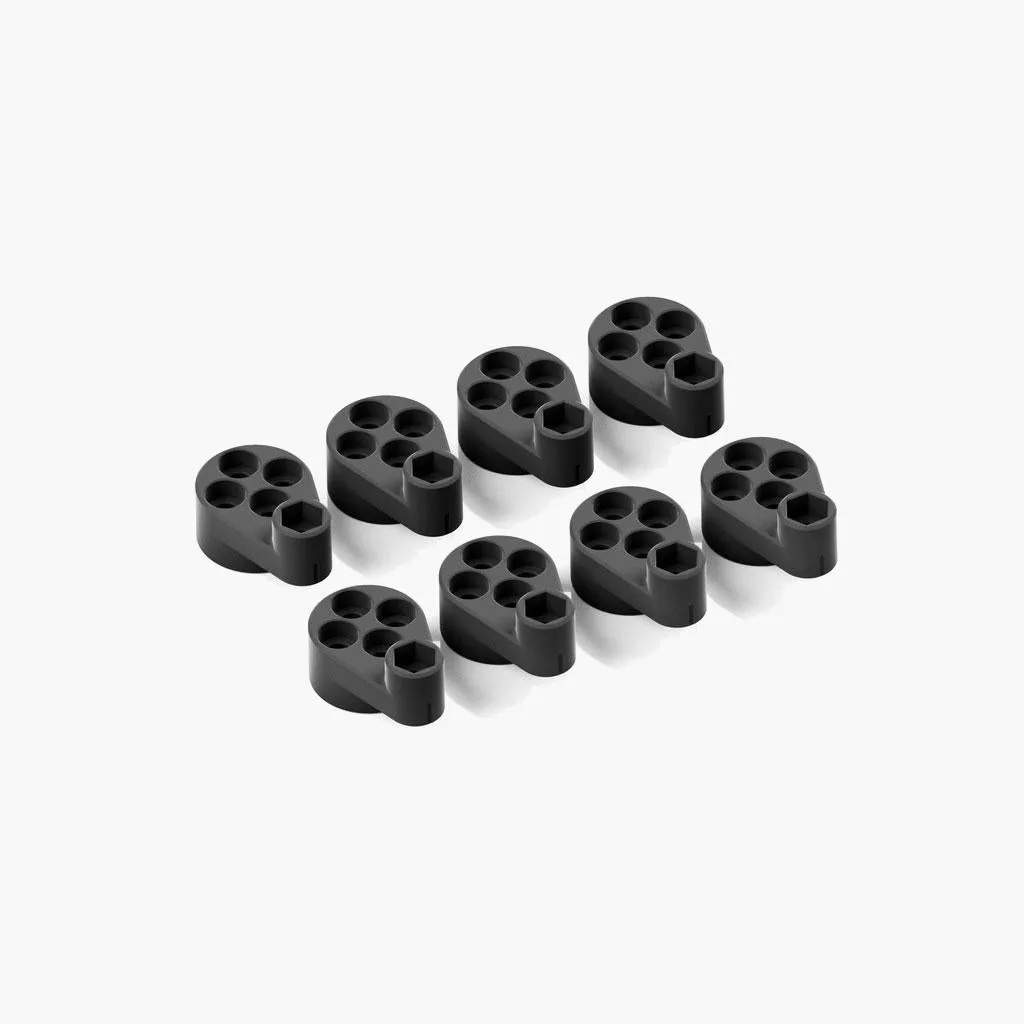
XERO-PLAY™ Triple Pivot Adapters Set
-
XERO-PLAY™ Triple Pivot Adapters Set: The adapters work on all profile types that support M8 bolts. If your triple mount uses M8 hardware, these adapters will fit regardless of the brand or profile size.
What the Evidence Does Not Cover
The supplied information does not specify a torque value for the M8 bolts, nor does it include a recommended monitor angle or distance. Adjust the adapters to your personal ergonomic preference and check periodically for tightness.