Quick answer
To get the most comfort from your Helinox chair, set it on level ground, fully seat the frame hubs and legs, and tension the seat evenly by hand. Then fine-tune with a headrest, ground sheet, or shade. Small setup changes make a bigger difference than forcing the chair into an awkward position.
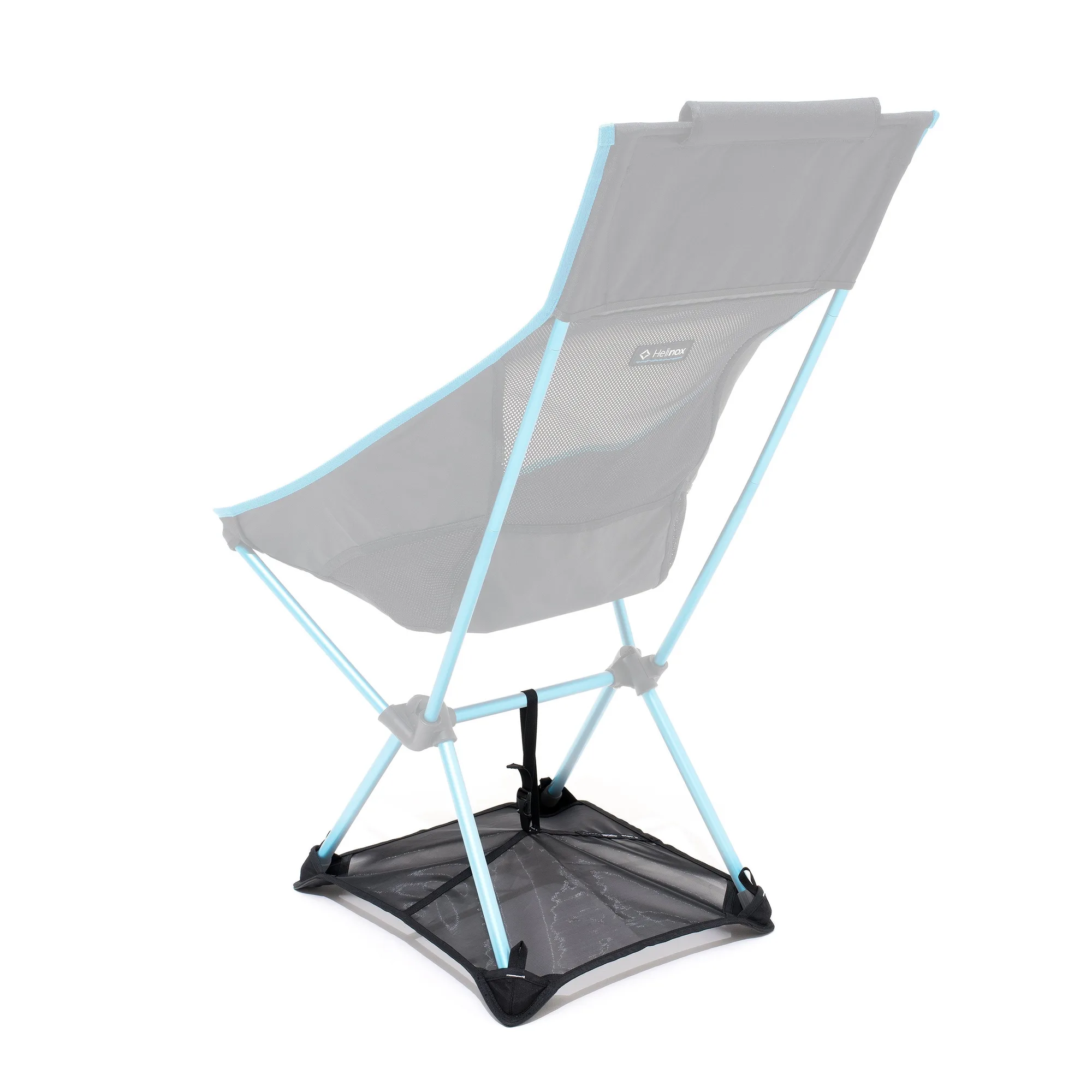
ground sheet
A Helinox chair is designed to be light and packable, but comfort still depends on how you set it up. Most discomfort comes from uneven ground, a partially seated frame, or a seat that has not been tensioned evenly. Fix those first, then adjust the details.
This guide walks through the adjustments that matter most, from leg leveling to add-ons like the Air Headrest and Ground Sheet. It also covers common mistakes that make a chair feel unstable or cramped, so you can sit comfortably on the first try.
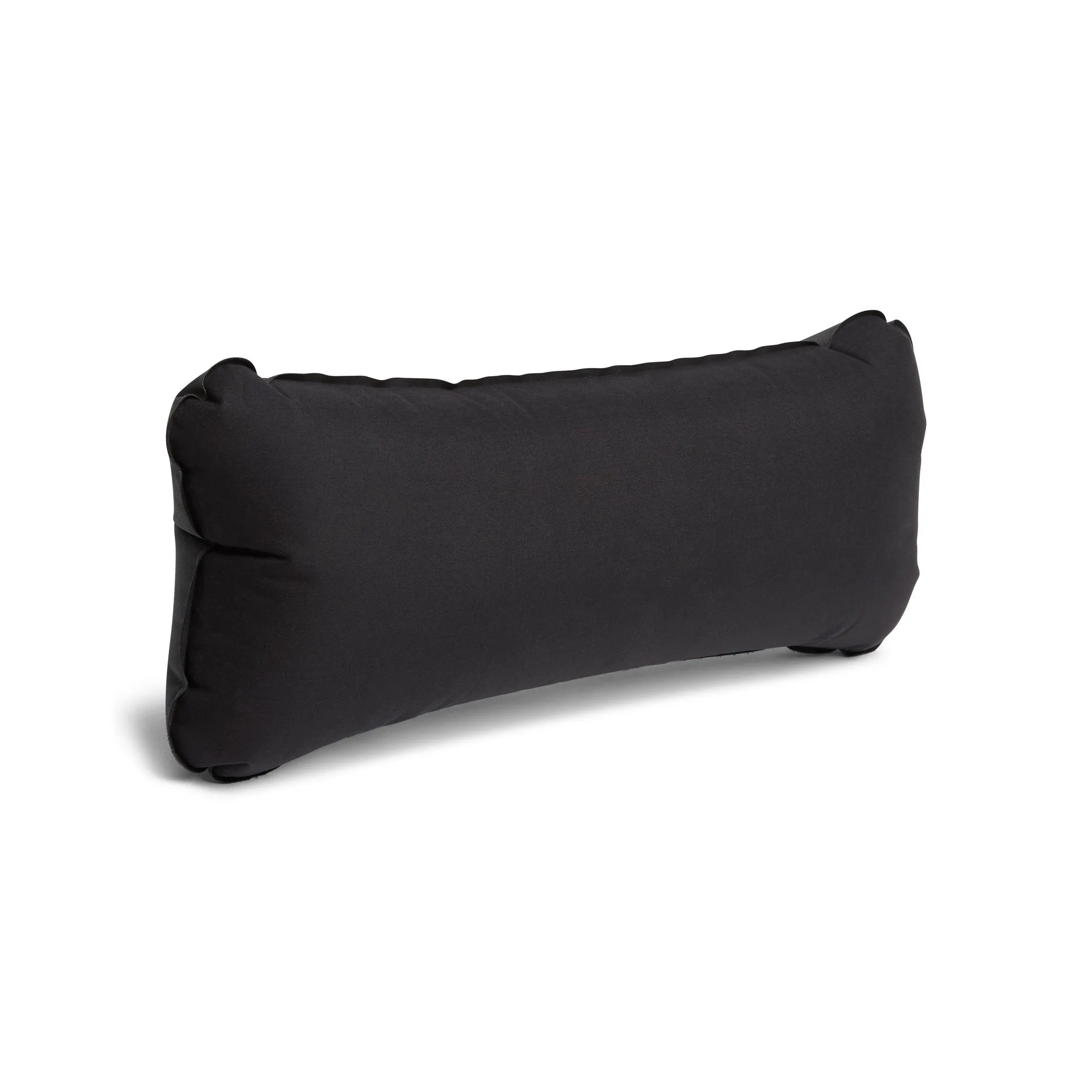
Air Headrest
Start with level ground and a fully seated frame
Before you adjust anything, place the chair on ground that is as flat and firm as possible. Sand, dirt, and grass can all work, but soft or sloped spots will make any chair feel tippy. If the ground is uneven, rotate the chair so the legs rest on the highest points rather than bridging a dip.
Next, check that every frame segment is fully inserted into its hub. A partially seated pole can make the chair lean or wobble, which you may mistake for a comfort problem. Push each segment in until it stops, then press the seat fabric down evenly with your hands before sitting.
- Common mistake: sitting down before the frame is fully seated, which can stress the hubs and feel unstable.
Tune your sitting position and recline
Helinox chairs are not built with adjustable reclining mechanisms, so your main comfort levers are where you place the chair and how you sit in it. Scoot your hips back until your lower back meets the seat fabric, then let your shoulders relax against the back panel. This uses the chair's natural geometry instead of fighting it.
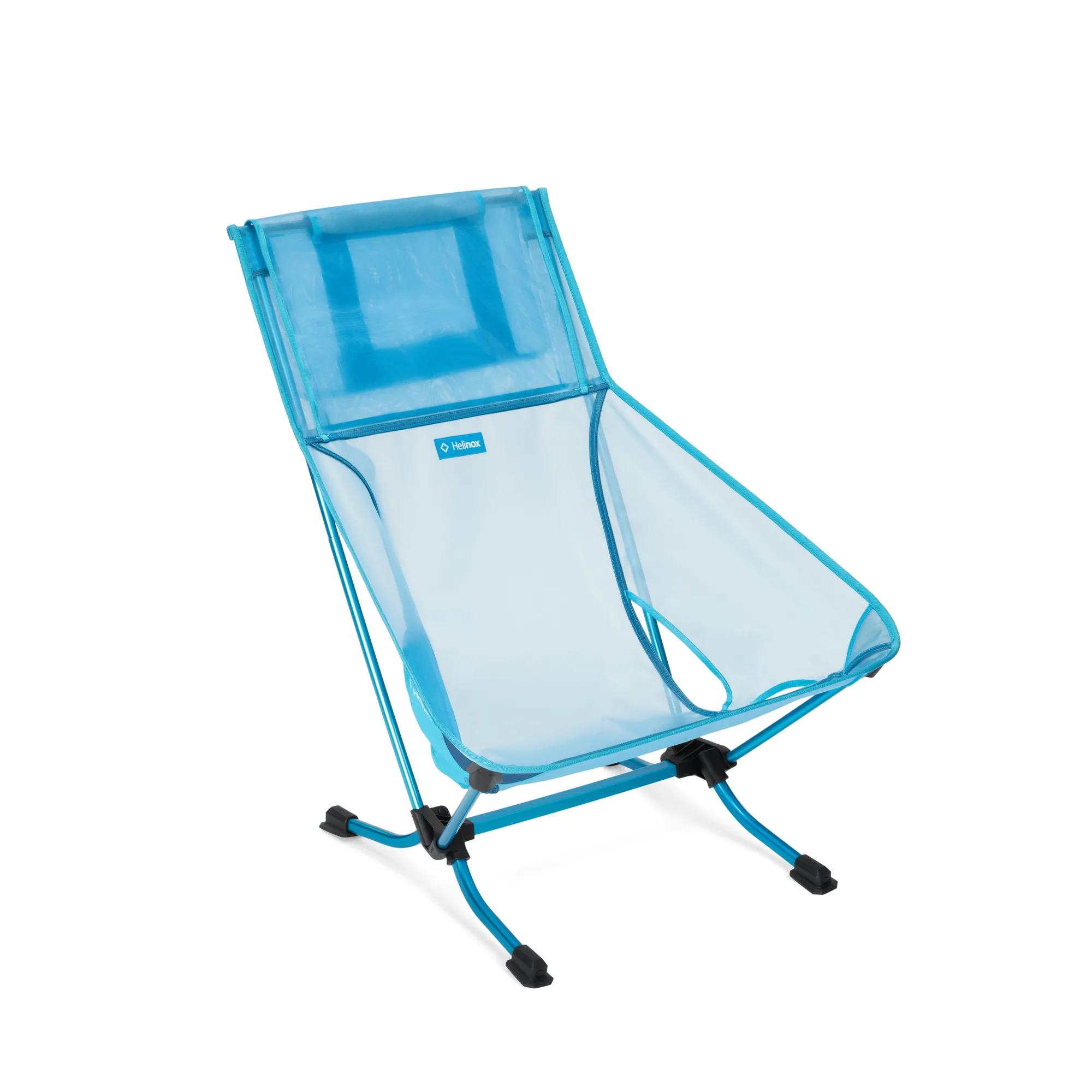
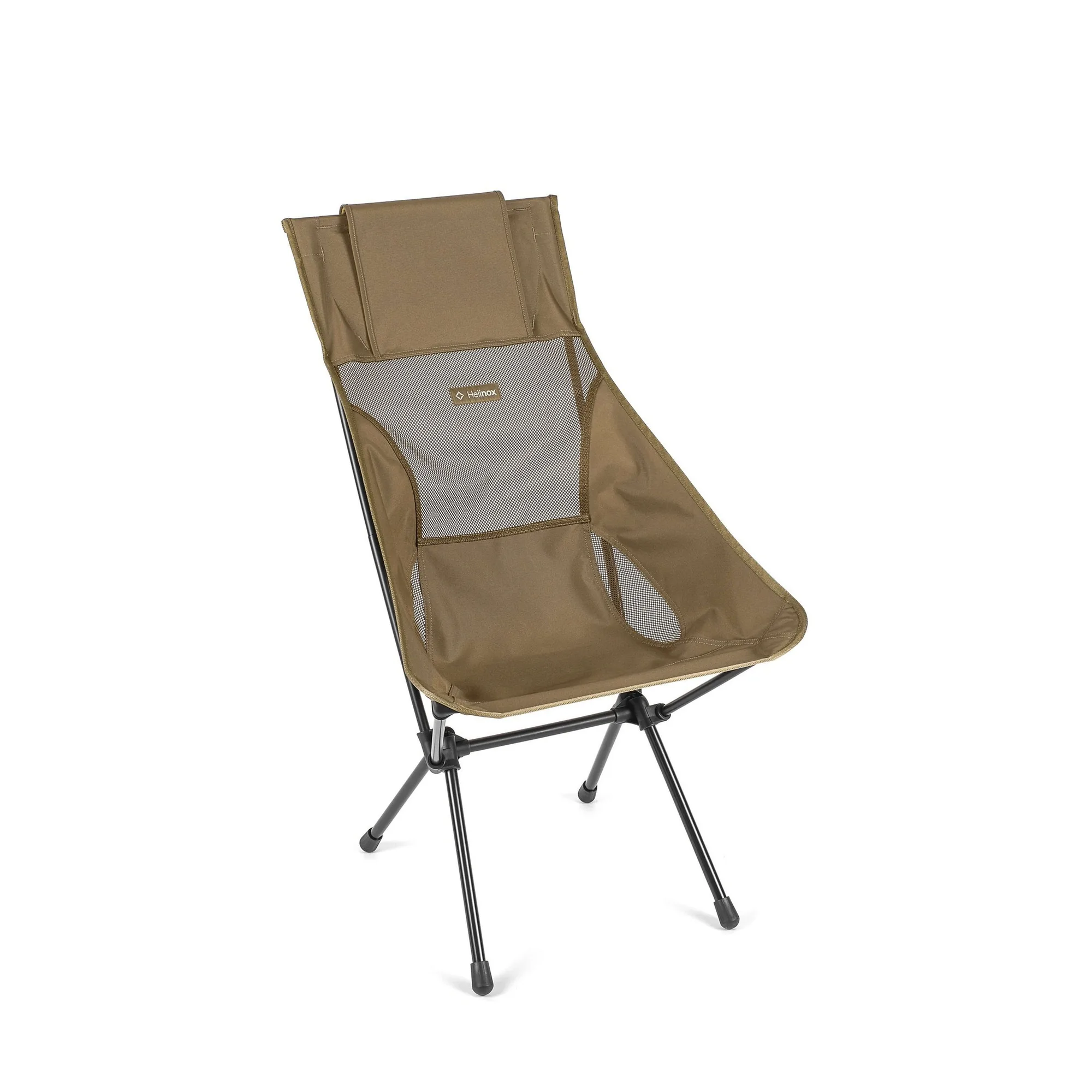
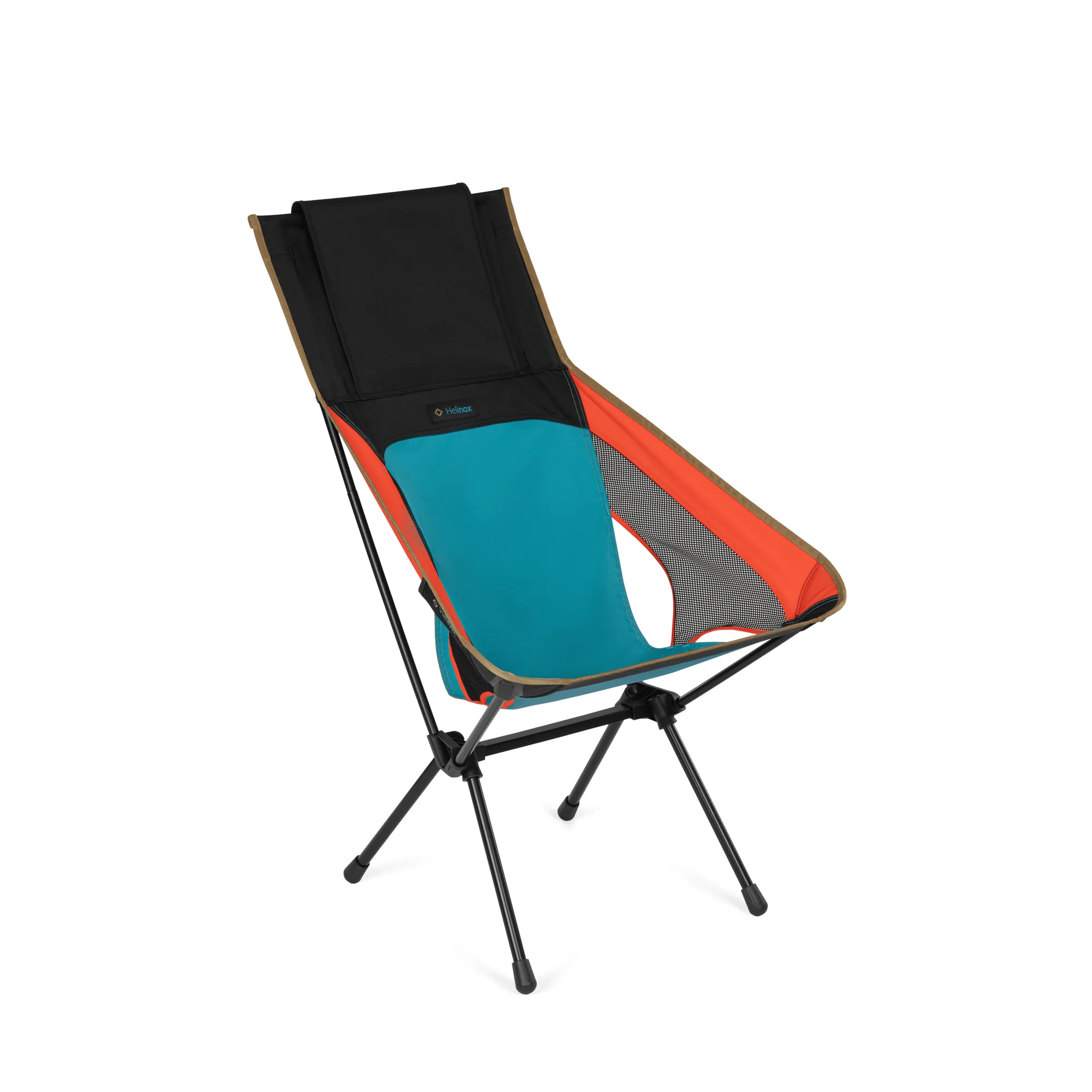
If you want a more upright feel for eating or reading, sit slightly forward and keep your feet flat. For lounging, slide your hips back and extend your legs. On the Sunset Chair, the high-back design supports this kind of relaxed position, which is why it suits campers, glampers, loungers, and picnickers.
- Checkpoint: if you feel pressure behind your knees, you are sitting too far forward or the chair is too low for your leg length.
Add a headrest or cushion for neck and lower-back support
If your chair fits well but your neck or lower back still complains, an add-on can close the gap. The Air Headrest is an inflatable pillow that adds soft, cushiony comfort to your chair. It is compatible with the Sunset Chair (re), Beach Chair (re), Savanna Chair, Sunset Chair, Chair Two, Beach Chair, and Playa Chair, so check your model before buying.
Inflate it partway first, sit down, and then add or release air until your neck is supported without being pushed forward. Overinflating is the most common mistake here because it turns a comfort accessory into a pressure point.
- Practical tip: adjust the headrest after you are seated, not before, so you can feel where the support actually lands.
Stabilize the base and manage sun or glare
A wide, stable base reduces sinking and tipping on sand, dirt, or grass, which in turn lets you relax instead of constantly shifting your weight. The Ground Sheet levels the load and provides that wider base, so it is worth adding if you often camp on soft ground. It is a simple fix that makes an existing chair feel more planted.
For daytime sitting, glare and heat can make any chair uncomfortable. The Personal Shade delivers protection from the sun with a functional, minimal design, and it is compatible with the Chair One, Chair One XL, Chair One (re), Chair One High back (re), Chair Two, Sunset Chair, Sunset Chair (re), Beach Chair, Beach Chair (re), Beach Chair Mesh (re), Chair Zero Large, Incline Festival Chair, and Savanna Chair.
- Common mistake: adding a shade or ground sheet without checking compatibility first, then forcing a fit that does not sit correctly.
Keep the chair in good condition for long-term comfort
Comfort also depends on the condition of the seat and frame. If your chair uses a replaceable sheet, a stretched or worn sheet can change how the chair supports you. The Bench One Replacement Sheet is a direct replacement for the Bench One, and the Cot One Convertible Replacement Sheet is the replacement sheet for the Cot One Convertible. Replacing a tired sheet is often more practical than replacing the whole chair.
After each trip, wipe down the frame, check the hubs and feet, and store the chair dry. Small maintenance habits keep the setup consistent, so you are not re-solving the same comfort problem every time you sit down.
- Checkpoint: if the chair still feels uncomfortable after setup and add-ons, check for a worn seat sheet or damaged frame part before assuming the chair is wrong for you.
Comfort adjustment steps
- Level the ground and seat the frame: Place the chair on flat, firm ground and push every frame segment fully into its hub. Press the seat fabric down evenly before sitting. Checkpoint: the chair should sit without wobble before you add any accessories.
- Settle into your natural position: Scoot your hips back until your lower back meets the seat, then relax your shoulders against the back panel. Adjust foot position for upright or lounging use. If you feel pressure behind your knees, your position or chair height needs a change.
- Add support where you feel it: Inflate the Air Headrest after you are seated and tune the air until your neck is supported without being pushed forward. Overinflating is the most common mistake; less air often feels better.
- Stabilize and shade as needed: Add the Ground Sheet on soft ground to widen the base, and use the Personal Shade when sun or glare is the main comfort problem. Check compatibility for your chair model before buying either accessory.
- Maintain the chair between trips: Wipe the frame, check hubs and feet, and store the chair dry. Replace a worn seat sheet if the chair no longer supports you the same way. If comfort still lags, inspect the sheet and frame before replacing the whole chair.
Helinox add-ons that improve chair comfort
- Air Headrest: An inflatable pillow that adds soft, cushiony comfort to your chair for an even more relaxing outdoor experience. It targets neck and head support, which is often the missing piece when a chair fits well but still feels tiring after an hour.
- Ground Sheet: Provides a wide, stable base that helps prevent sinking or tipping on sand, dirt, or grass. A more stable base lets you relax your posture instead of constantly adjusting your weight, which is a real comfort gain on soft ground.
- Personal Shade: Delivers protection from the sun with a functional, minimal, and decidedly beautiful design. Shade reduces glare and heat, two factors that make an otherwise comfortable chair feel unpleasant during daytime use.
Comfort on a Helinox chair comes from setup, not force. Level the ground, seat the frame, settle your posture, and add a headrest, ground sheet, or shade only where it solves a real problem. Do that and your chair will feel better trip after trip.