Quick answer
Start in City mode and drive for a few minutes before changing anything, then move up or down one mode at a time and fine-tune the sensitivity level within that mode. Make one change at a time, drive the same route, and keep the setting that feels smoothest and most predictable rather than the most aggressive.
Most drivers who install a Pedal Commander leave it in the first mode they try, which is usually the wrong one. The controller is adjustable for a reason: your commute, your weekend roads, and your passengers all want different throttle behavior.

Pedal Commander
This guide walks through the actual sequence for adjusting Pedal Commander settings, including which mode to start with, how sensitivity interacts with each mode, and the mistakes that make people think the unit is not working.
Understand what each mode actually changes
Pedal Commander modes change how aggressively the controller maps your pedal input to the throttle signal. Eco softens the response for smoother, more economical driving. City is a mild bump over stock. Sport is noticeably sharper, and Sport+ is the most aggressive setting, intended for track or off-road use where instant response matters more than smoothness.
Within every mode there are multiple sensitivity levels. This is where most of the useful adjustment happens. Two drivers can both be in Sport and have completely different experiences because one is at a low sensitivity level and the other is at the highest.
- Mode sets the overall character; sensitivity sets how strong that character is.
- If a mode feels too twitchy, drop sensitivity before switching modes.
Set a baseline before you change anything
Before touching the settings, drive your normal route with the controller in City mode at a mid sensitivity level. This gives you a reference point. Without a baseline, every later change feels dramatic and you cannot tell whether you are improving the drive or just making it different.
Note two things on this baseline drive: how the car behaves from a stop, and how it behaves in the middle of a rolling acceleration. Those are the two areas where throttle response changes are most obvious.
- Use the same road and similar traffic conditions for every test.
- Give the vehicle a few minutes of driving after each change before judging it.
Adjust one variable at a time
The most common mistake is changing mode and sensitivity at the same time. If the result feels wrong, you have no idea which change caused it. Move one step at a time: change sensitivity within your current mode first, and only switch modes when you have found the best sensitivity level in the current one.
A practical sequence is City low, City mid, City high, then Sport low, and so on. It sounds slow, but it takes one afternoon and you end up with a setting you actually understand.
- Write down or remember the setting that felt best in each mode.
- If a setting feels worse, go back one step rather than jumping to a different mode.
Match the setting to the driving situation
There is no single optimal setting because the best throttle response depends on what you are doing. Eco is genuinely useful in stop-and-go traffic and in wet conditions where smooth inputs keep the car settled. Sport and Sport+ make more sense on open roads or when you want immediate response for a pass.
Because the controller is adjustable in the moment, treat the modes as tools rather than a permanent tune. Many owners settle into two favorites: one for commuting and one for fun drives.
- Wet or icy roads: Eco or low City for smoother inputs.
- Highway passing: Sport at a moderate sensitivity level.
Confirm fitment before you tune anything
Settings only matter if the unit is the correct one for your vehicle. Pedal Commander listings are organized by generation, engine, and trim, and the option selector exists because the same model name can cover very different vehicles. If you ordered the wrong variant, no amount of tuning will give you a clean result.
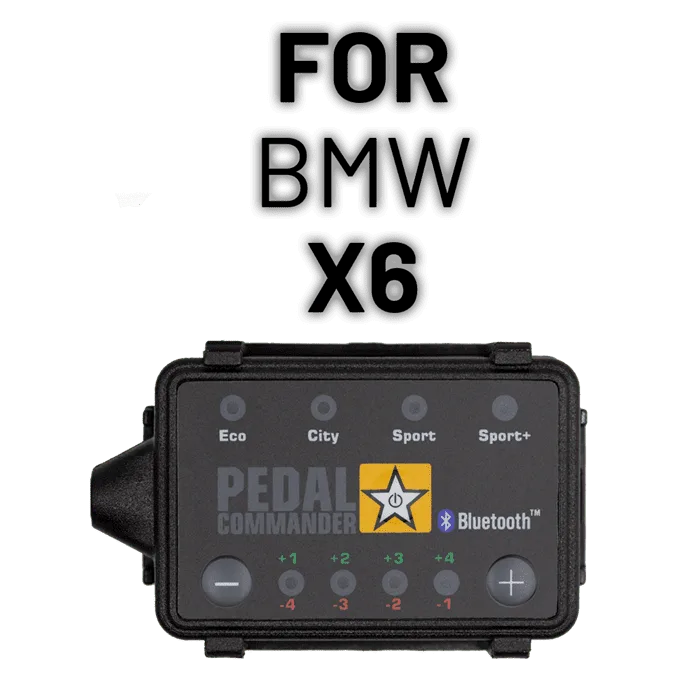
Check your listing before adjusting. For example, the Pedal Commander for Mazda 3 covers both the BM-BN-BY (2014-2018) and BP (2019+) generations, and the Pedal Commander for BMW X6 spans E71, F16, and G06 generations with different engine options in each.
- Match generation, engine, and trim, not just the model name.
- If your exact configuration is not listed, contact support before ordering.
Step-by-step: adjusting your Pedal Commander
- Step 1: Verify fitment: Confirm your vehicle's generation, engine, and trim against the product listing before adjusting anything. Use the option selector on the product page to match your exact configuration. Checkpoint: if the listing does not match your vehicle, stop here and contact support.
- Step 2: Drive a baseline in City mode: Set the controller to City at a mid sensitivity level and drive your normal route for several minutes. Pay attention to off-the-line response and mid-range acceleration. Checkpoint: you now have a reference point to compare every later change against.
- Step 3: Tune sensitivity within the mode: Move sensitivity up or down one level at a time, driving between each change. Find the highest level that still feels smooth rather than abrupt. Common mistake: changing mode and sensitivity together, which makes it impossible to tell what caused the result.
- Step 4: Step up through modes: Once City is dialed in, repeat the process in Sport, then Sport+ if you want it. Keep Eco in reserve for traffic, wet roads, or passengers who prefer a calmer ride. Checkpoint: keep the setting you can drive smoothly, not the one that feels fastest in the first 30 seconds.
- Step 5: Save your two favorites: Settle on one setting for daily driving and one for spirited drives, and switch between them as conditions change rather than leaving it maxed out permanently. Next step: recheck your settings after any service visit that involves the pedal or ECU.
Fitment examples from the catalog
- Pedal Commander for Mazda 3: Listed as PC41 for the Mazda 3 BM-BN-BY (2014-2018) and BP (2019+) generations, with engines including 1.5L, 2.0L, and 2.5L Skyactiv G, plus diesel and hybrid options depending on generation. Two Mazda 3s of different model years can need different listings, so confirm your generation and engine in the option selector before you start tuning.
- Pedal Commander for BMW X6: Listed as PC10 across the X6 E71 (2008-2014), F16 (2015-2019), and G06 (2020+) generations, with trims including sDrive35i, xDrive50i, M50i, and X6 M Competition. The same part number covers several generations, but the option selector still asks which X6 you have, so check your generation and trim rather than assuming one size fits all.
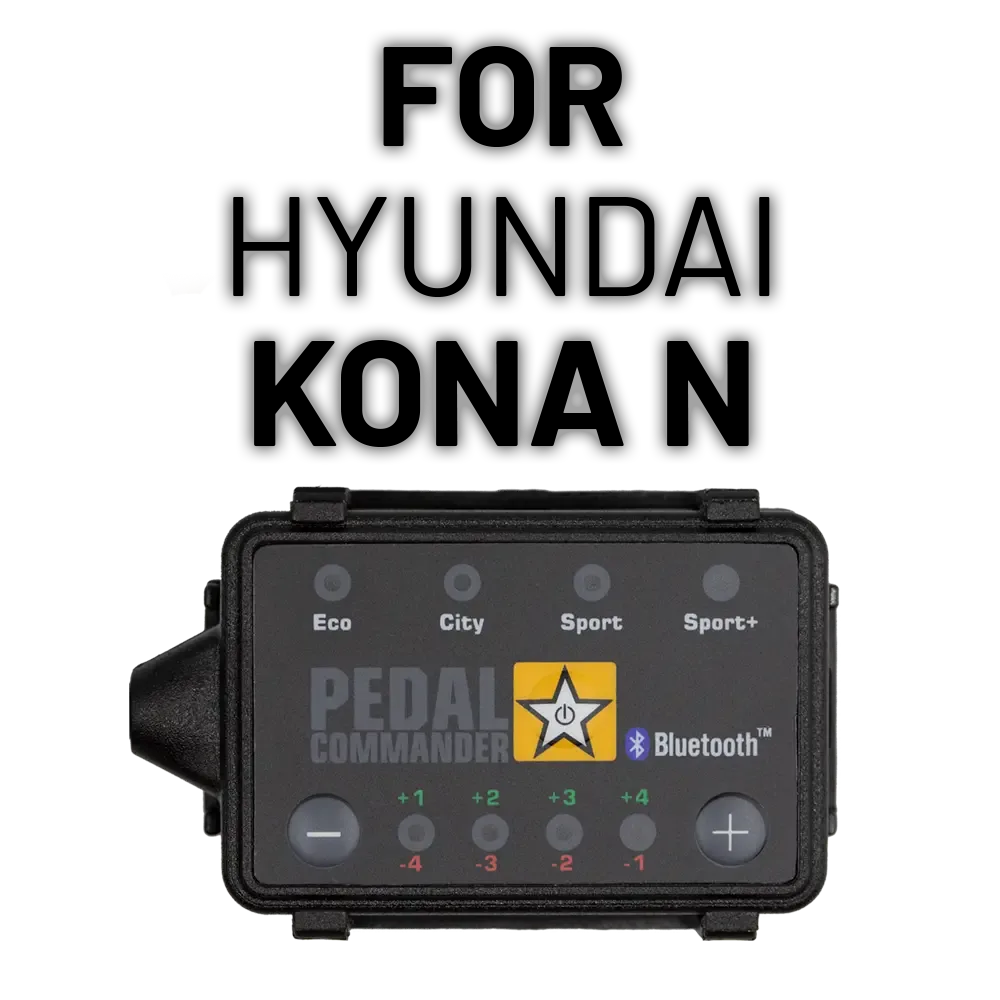
- https://pedalcommanderzs.com/products/hyundai-kona-n-62cabbe3eb91932633564080-2706565Pedal Commander for Hyundai Kona N: Listed for the Kona N 1st Gen (2017-2023) with the 2.0L TGDI engine, part number PC71, with Base shown as the applicable trim. A narrow fitment like this is easy to confirm, which means you can move straight to tuning once you verify the generation and engine match.
Adjusting Pedal Commander settings is less about finding one magic mode and more about testing one change at a time until the car responds the way you want. Start in City, tune sensitivity first, then move up through the modes and keep the setting that stays smooth under real driving conditions.