Why Animate Still Photos for Commercial Work?
In commercial photography, motion catches the eye. Animated stills—often called living stills—add a subtle sense of life to product shots, fashion editorials, and social media content without requiring a full video production. If you already shoot still images, learning to animate them can expand the services you offer to clients.
The process involves taking a single photograph and adding controlled movement to elements like hair, fabric, or background textures. The result sits between a photo and a video, making it ideal for digital ads, website headers, and Instagram posts where motion increases engagement.
What You Need to Get Started
You do not need expensive video gear. A standard DSLR or mirrorless camera and basic Photoshop or After Effects skills are enough to begin. The key is understanding which parts of the image should move and which should stay still—natural motion in a living still comes from restraint, not from animating everything.
A dedicated tutorial can shortcut the trial-and-error phase. The Fstoppers tutorial "Living Stills: How to Animate Your Photos with Shavonne Wong" is a two-hour program that covers the fundamentals. It is listed under the Fashion and Commercial category, so the examples lean toward those genres, but the core techniques apply to any commercial still.
What the Tutorial Covers
-
Living Stills: How to Animate Your Photos with Shavonne Wong: Living Stills: How to Animate Your Photos with Shavonne Wong is a two-hour tutorial from Fstoppers covering the basics of turning still images into animated living stills. Two hours is enough time to learn a complete workflow without being overwhelming. You can watch it in one session and start practicing immediately.
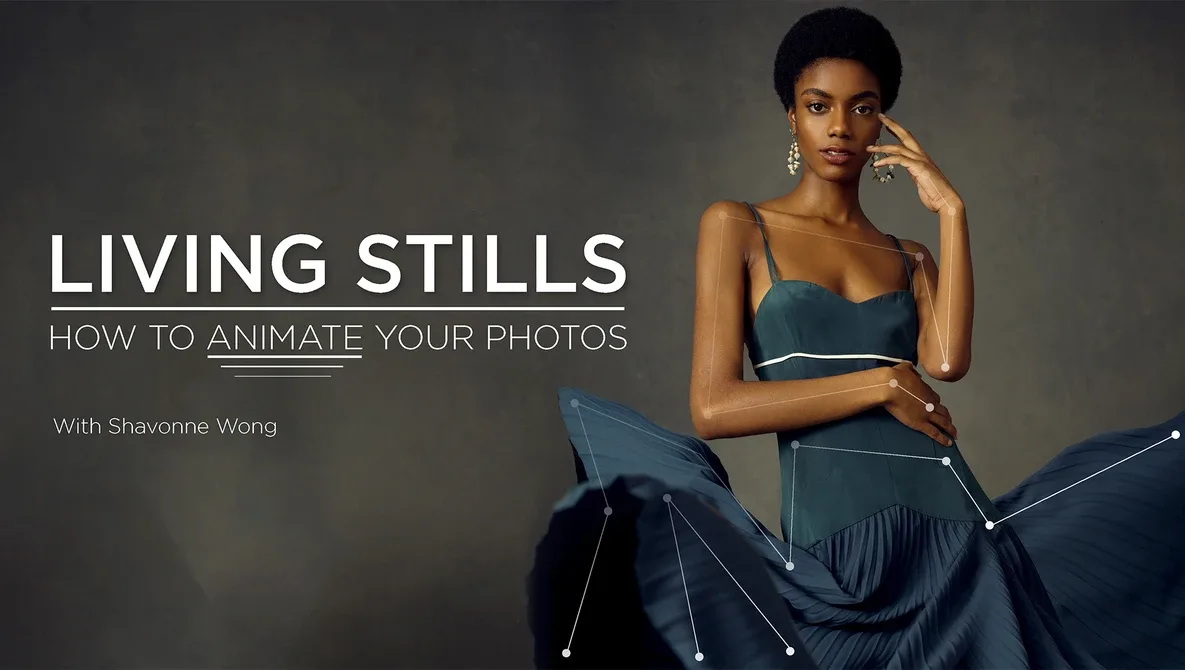
Living Stills: How to Animate Your Photos with Shavonne Wong
-
Living Stills: How to Animate Your Photos with Shavonne Wong: Presented by Shavonne Wong, the tutorial is listed under the Fashion and Commercial category. Shavonne Wong is a commercial photographer known for fashion and beauty work, so the examples are directly relevant if you shoot for brands or editorial clients.
-
Living Stills: How to Animate Your Photos with Shavonne Wong: Standard edition, product code FS-LIVINGSTILLS. This is a single standard edition, so you get the full tutorial without needing to choose between multiple versions.
A Practical Workflow for Animating Commercial Stills
The following steps outline the general approach taught in the tutorial. Exact settings and software shortcuts depend on your tools, but the logic is consistent.
- Select a suitable still image: Choose a photo with clear separation between static and moving elements. For commercial work, images with flowing hair, drifting smoke, or gently moving fabric work well. Avoid cluttered backgrounds that make masking difficult.
- Isolate the moving elements: Use layer masks or selection tools in Photoshop to separate the areas you want to animate. This step is critical because any unwanted movement will look unnatural.
- Create the animation loop: In After Effects (or your animation software of choice), apply subtle transforms—position, scale, or opacity shifts—to the isolated layers. Keep the motion slow and smooth. Living stills should feel like a breath, not a jump.
- Export for the intended platform: Save as an MP4 or GIF depending on where it will be used. For commercial use, MP4 offers better quality and smaller file sizes. Check the platform's specifications for resolution and length limits.
How This Tutorial Helps Commercial Photographers
If you already shoot fashion or commercial projects, adding living stills to your portfolio can differentiate you from photographers who only deliver static images. The tutorial by Shavonne Wong gives you a structured path to learn the technique without guessing. It is practical, time-efficient, and focused on the basics that matter most for real client work.
Because the tutorial is only two hours, it fits easily into a busy week. You can watch it, apply the concepts to one of your existing images, and have a sample ready to show a client by the end of the day.
What the Tutorial Does Not Cover
The supplied information confirms that this is a basics-level tutorial. It does not claim to cover advanced compositing, 3D animation, or complex visual effects. If you are already experienced with animation, this may be a refresher rather than a deep dive. For photographers new to motion, it provides a solid foundation without overwhelming detail.