Quick answer
Clean the surface thoroughly, position the decal with tape hinges, and press from the center outward to avoid bubbles. Let it set for 24 hours before handling.
Why surface prep matters most
Dust, oil, or moisture on your laptop, notebook, or water bottle can trap air under the decal, causing bubbles and early peeling. Even a clean-looking surface may have residue from fingerprints or manufacturing oils. A quick wipe with isopropyl alcohol removes these contaminants and gives the adhesive a fresh start.
Step-by-step application guide
- 1. Clean the surface: Wipe the area with isopropyl alcohol and a lint-free cloth. Let it dry completely—about 30 seconds. Avoid household cleaners that leave residue. If you see lint or dust after cleaning, repeat the step. Any particle can cause a bubble.
- 2. Position with tape hinges: Place the decal (still on its backing) where you want it. Use two strips of painter's tape along the top edge to create a hinge, so you can flip the decal up without losing alignment. Skipping the hinge is the most common cause of crooked placement. Take the extra 10 seconds.
- 3. Peel and apply from the center: Flip the decal up, peel the backing off from one corner, then slowly lower it while pressing from the center outward with a credit card or squeegee. Work in one direction to push air ahead of the decal. If a bubble forms, lift the nearest edge back up and re-press. Do not try to pop it with a pin—it can leave a visible mark.
- 4. Press firmly and wait: Once positioned, rub the entire decal firmly with a soft cloth. Let it set for 24 hours before washing, handling, or closing a laptop lid. The adhesive needs time to bond fully. Peeling or touching the edges too soon is the main reason decals lift. Patience here saves you from redoing the whole process.
What you're working with
-
Vox Machina Crest Decal: The Vox Machina Crest Decal is a 4x4 inch vinyl decal with removable adhesive, packaged in a polybag with a cardboard topper. The removable adhesive lets you reposition the decal slightly during application, but it's not reusable once fully pressed down—so take your time aligning it.
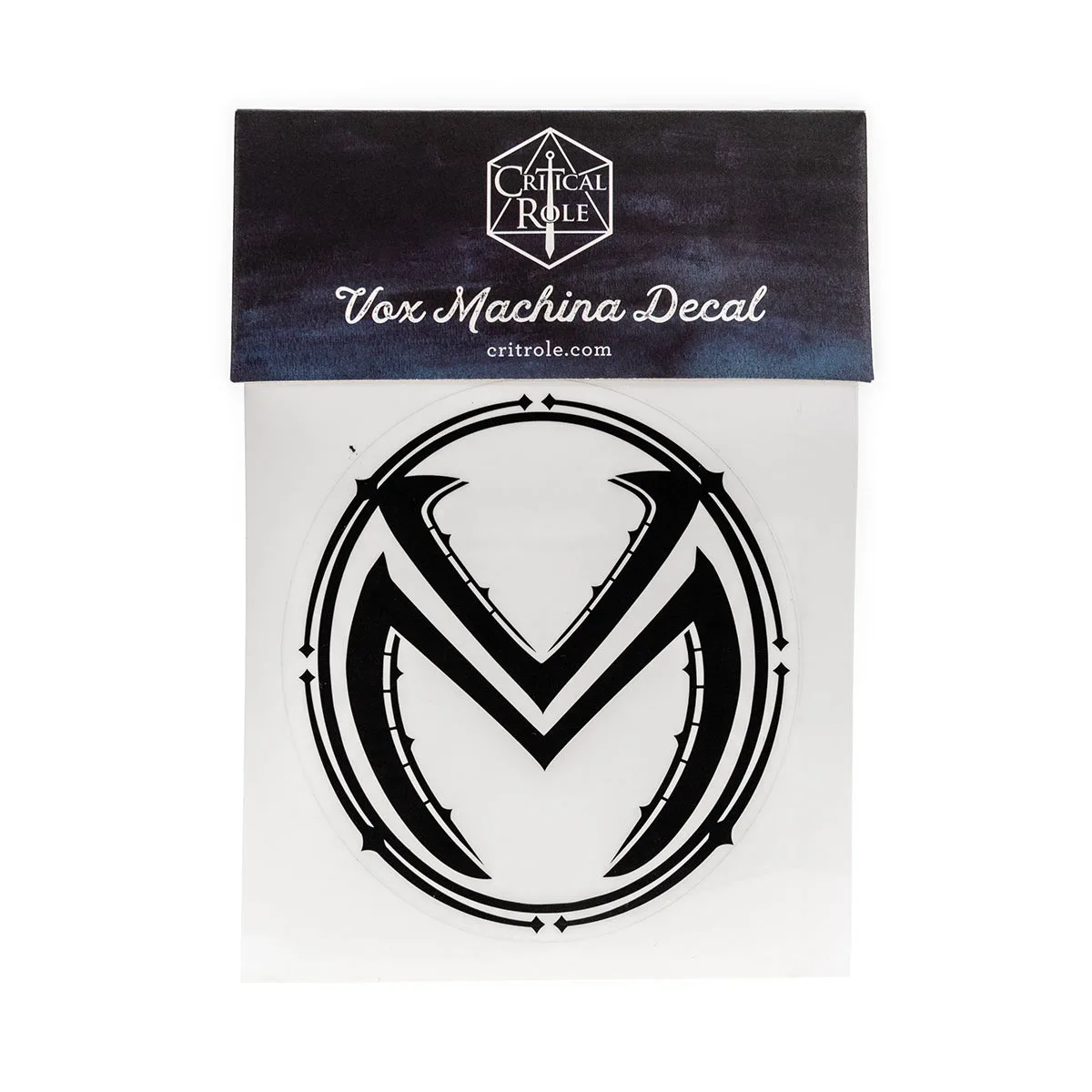
Vox Machina Crest Decal