A cluttered desk can cloud your thinking. Whether you are working from home or managing a creative studio, the way you organise your desktop directly affects your focus and efficiency. One of the most versatile tools for desktop organisation is the Pillar Storage Box, a warm grey felt container that combines soft aesthetics with practical storage. In this guide, we will walk you through how to arrange your desk using the Pillar Storage Box, turning scattered supplies into a calm, intentional workspace.
The Pillar Storage Box is not just a container—it is a system. Its neutral tone and soft texture make it easy to integrate into any desk setup, whether you lean toward minimalist Japanese design or eclectic European style. By following a few simple steps, you can use this box to store everything from stationery to small accessories, all while keeping your desk visually clean. Let us explore how to make the most of this storage essential.
Why the Pillar Storage Box Works for Desk Organisation
The Pillar Storage Box stands out because of its thoughtful design. Made from thick, durable felt in a warm grey shade, it offers a soft landing for your items while adding a subtle textural contrast to wooden or metal desks. Unlike hard plastic bins, this box does not scratch surfaces or create noise when you place items inside. Its rectangular shape fits neatly beside a monitor, under a shelf, or even inside a drawer.
Another key advantage is its versatility. The box is deep enough to hold taller items like scissors, pens, and small notebooks, yet compact enough to leave room for other desk accessories. For example, you can pair it with the Square Pin Board: Oiled Oak to create a dedicated planning zone. The pin board holds notes and reminders above the desk, while the Pillar Storage Box keeps supplies within arm’s reach below. This combination reduces visual clutter and streamlines your workflow.
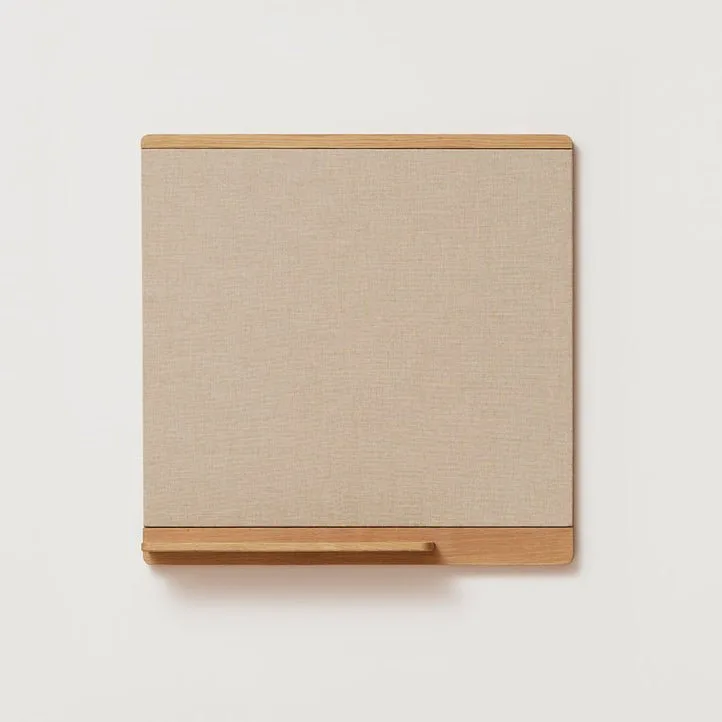
Square Pin Board: Oiled Oak
- Soft felt material prevents scratches and dampens sound.
- Neutral warm grey colour complements most desk colour schemes.
- Generous depth accommodates both flat and upright storage.
Step 1: Sort Your Desk Items into Categories
Before you place anything into the Pillar Storage Box, take a few minutes to sort through everything on your desk. Group items into categories such as writing tools, sticky notes, charging cables, and small accessories. This step is crucial because it helps you decide what belongs in the box and what should stay on the desktop surface.
For example, you might keep your most-used pen in a cup holder and store backup pens, markers, and highlighters inside the Pillar Storage Box. Similarly, loose paper clips, binder clips, and rubber bands can live in the box rather than scattered across your desk. By assigning a home to each category, you make it easier to maintain order day after day.
- Writing tools: pens, pencils, markers, erasers.
- Small office supplies: paper clips, binder clips, push pins.
- Tech accessories: charging cables, USB drives, earbuds.
- Personal touches: a small candle, a motivational card, or a decorative stone.
Step 2: Choose the Right Placement on Your Desk
Where you place the Pillar Storage Box matters as much as what you put inside it. Ideally, position it on the side of your dominant hand so you can reach it without twisting your body. If you are right-handed, place the box on the right side of your desk, near the edge but not so far that it feels out of reach. For left-handed users, mirror the placement on the left.
If your desk has limited surface area, consider placing the box on a shelf above the desk or on a small side table next to your workspace. You can also slide it into a shallow drawer if you prefer a completely clear desktop. The key is to keep the box accessible without interfering with your primary work zone, such as the area in front of your keyboard or notebook.
- Place within arm’s reach but outside your immediate work zone.
- Avoid blocking your monitor or natural light sources.
- Use a corner or the edge of the desk for optimal space usage.
Step 3: Organise Inside the Box with Vertical Dividers
To maximise the interior space of the Pillar Storage Box, consider using small dividers or repurposed cardboard inserts. These dividers create separate compartments for different categories, preventing items from mixing together. For instance, you can dedicate one section to writing instruments and another to sticky notes and index cards.
You can also stand taller items upright, such as a pair of scissors or a small ruler, to save space. If you own the Retro Tech Washi Tape, you can store a few rolls vertically in the box, making them easy to grab when you need to add a decorative edge to a planner page. The soft felt interior keeps the tape rolls from rolling around and becoming tangled.
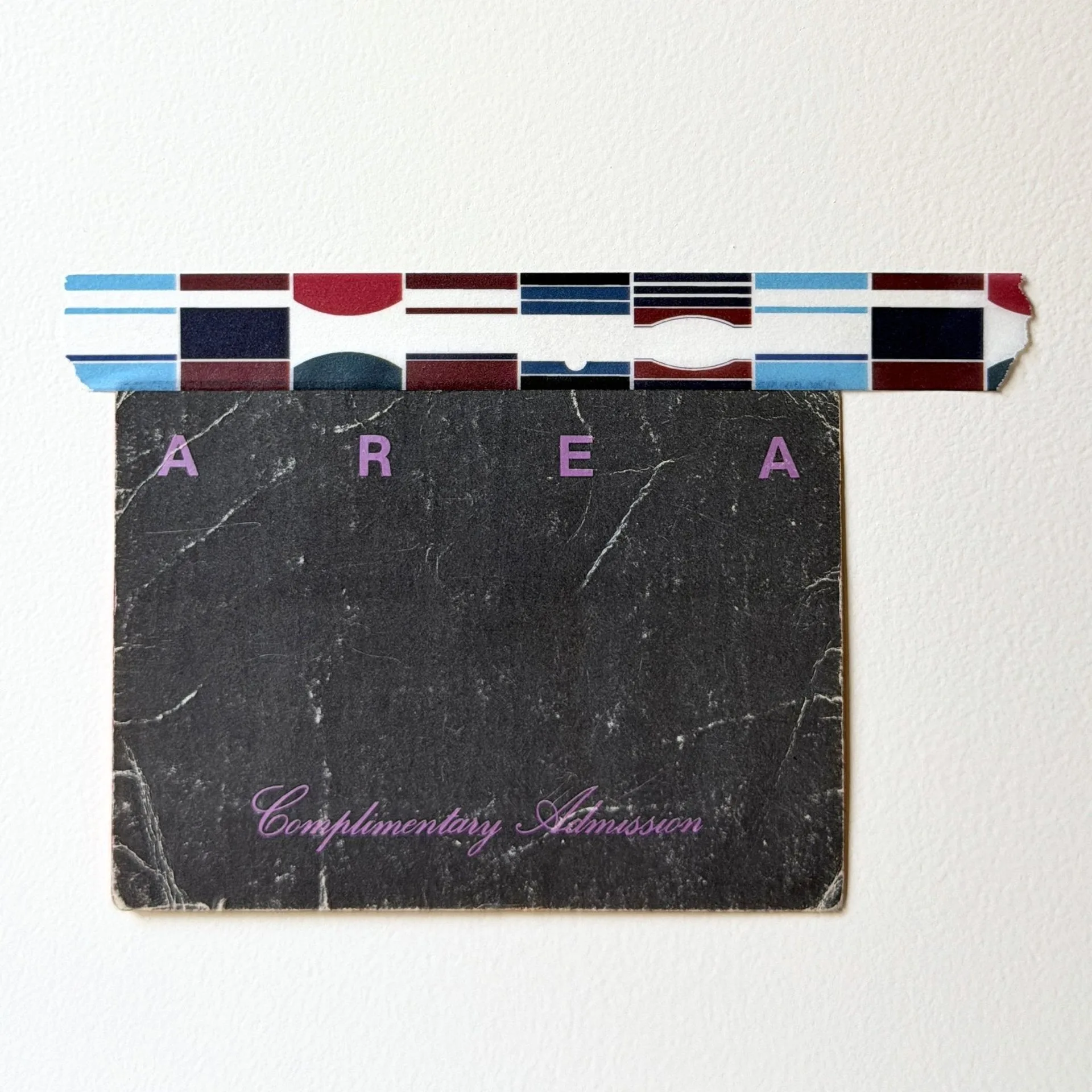
Retro Tech Washi Tape
- Use small boxes or cardstock to create custom compartments.
- Store frequently used items toward the front of the box.
- Keep rarely used items at the bottom or back.
Step 4: Pair the Box with Other Desk Accessories for a Cohesive Look
A well-organised desk is not just functional—it should also feel harmonious. The warm grey tone of the Pillar Storage Box pairs beautifully with natural wood, white, and black desk accessories. For a cohesive look, combine it with the Square Pin Board: Oiled Oak, which shares a similar earthy palette. The pin board can hold your to-do lists and inspirational images, while the storage box keeps your tools tidy.
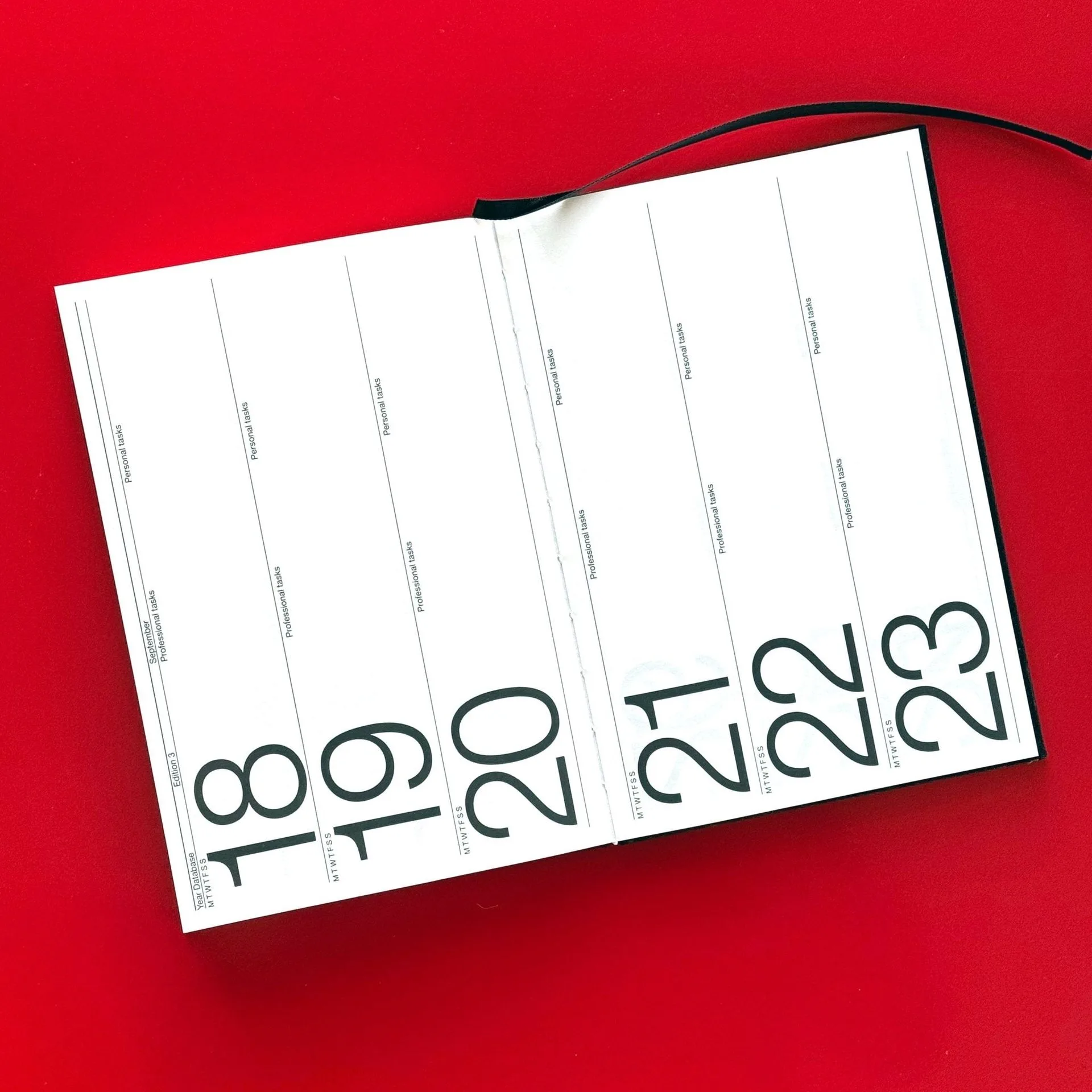
If you enjoy journaling or planning, consider keeping your Marjolein Delhaas Journal 184 Planner: Night inside the box when not in use. The journal’s dark cover contrasts nicely with the light grey felt, and storing it in the box protects it from dust and accidental spills. This pairing creates a dedicated planning corner that is both beautiful and efficient.
- Match the box with natural wood or neutral-coloured accessories.
- Use a pin board above the box for vertical organisation.
- Store a planner or journal inside the box for a streamlined look.
Step 5: Maintain Your Organisation with a Weekly Reset
Even the best desk organisation system needs occasional maintenance. Set aside five minutes at the end of each week to reset your Pillar Storage Box. Remove everything, wipe the inside with a lint roller or a damp cloth (if the felt is spot-clean safe), and reassess whether the current arrangement still works for you.
During this reset, you might discover items that no longer belong on your desk, such as old receipts or dried-out pens. Discard or relocate them, and return only the essentials to the box. This habit ensures that your desk remains a productive and pleasant space, rather than a catch-all for clutter.
- Schedule a weekly five-minute reset to keep things tidy.
- Remove and discard any trash or expired items.
- Adjust the layout if your workflow or tools have changed.
Arranging your desk with the Pillar Storage Box is a simple yet powerful step toward a more organised and calming workspace. By sorting your items, placing the box strategically, and pairing it with complementary accessories like the Square Pin Board: Oiled Oak or the Marjolein Delhaas Journal 184 Planner: Night, you can create a desk setup that supports both productivity and peace of mind. Start your transformation today and experience the difference a well-organised desktop can make.