Quick answer
Attach the strap to the chair's carry bag or frame attachment points, clip the buckle closed, then adjust the slider so the chair rides at hip height with the pouch resting against your side. Tighten until the load stops swinging, but leave enough slack to slide two fingers under the strap. Check the connection points before every trip.
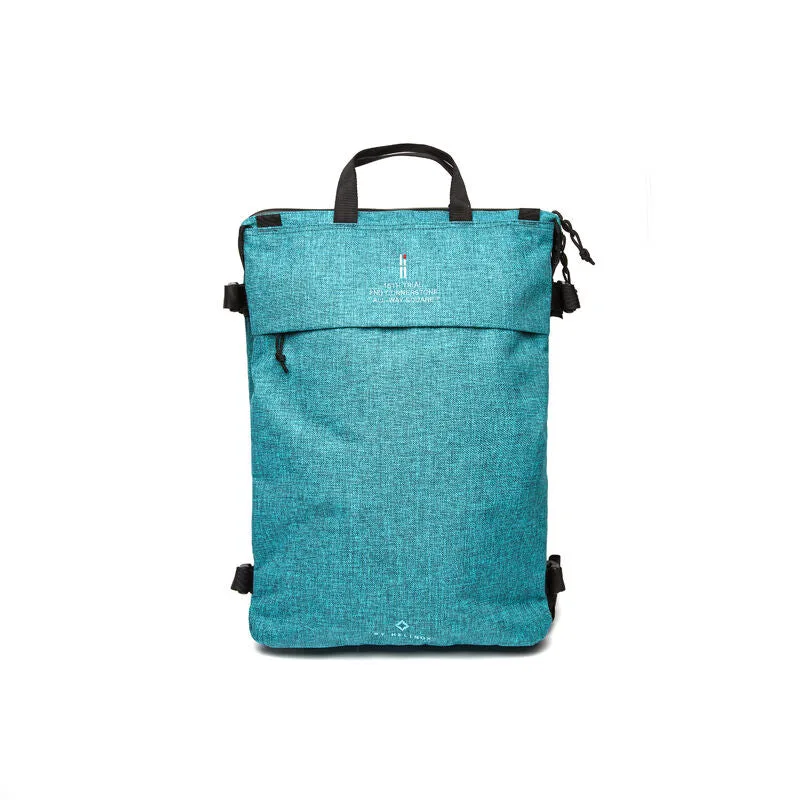
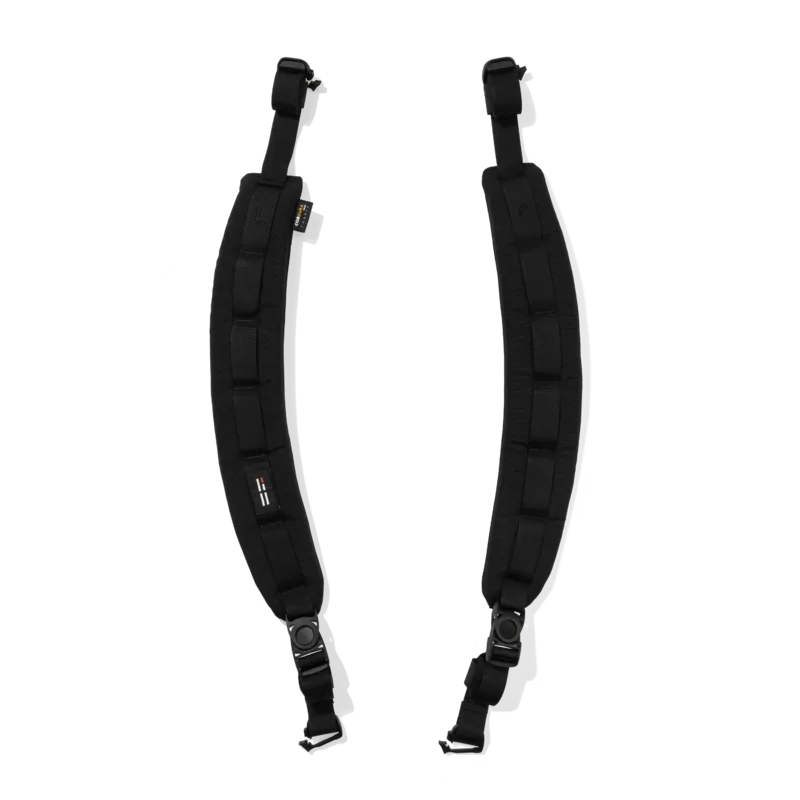
A shoulder strap turns your Helinox chair from a hand-carried item into hands-free gear. Whether you are using a dedicated strap or a detachable one like the Shoulder Strap for TERG All Way Square Backpack, the goal is the same: keep the chair stable, balanced, and comfortable against your body while you walk.
This guide covers attaching the strap, fitting it to your body, and adjusting the pouch so it stays put. It also flags the mistakes that cause straps to slip, dig in, or fail when you need them most.
Before you attach anything
Lay out your chair, strap, and pouch on a flat surface. Check the strap for frayed webbing, cracked buckles, or stretched stitching. A strap that looks fine at home can fail under load on a trail, so inspect it before every trip. If your chair came with a carry bag, confirm the bag has attachment loops or a reinforced seam where the strap can connect.
If you are using a detachable shoulder strap designed for a backpack, such as the Shoulder Strap for TERG All Way Square Backpack, note that it has a lock clip structure and padded sections. That padding reduces shoulder strain, and the breathable mesh helps with airflow on warm days. These features matter most when you are carrying the chair for more than a few minutes.
- Check that the chair's carry bag or frame has a secure attachment point before threading anything through it.
- Do not attach a strap to a zipper pull, drawstring, or thin cord—these are not load-bearing.
Step 1: Find the right attachment points
Most Helinox chairs and their carry bags have reinforced loops, D-rings, or webbing tabs near the top of the bag or on the frame. These are the only points designed to take the weight of the chair. If your bag has two loops, use both—one on each side—so the load stays balanced. If it has only one, attach the strap there and keep the chair centered.
On chairs without a bag, look for the frame's connection points where the seat and legs meet. Avoid attaching to the seat fabric itself, because the fabric is not reinforced for carrying loads and can tear.
- Common mistake: clipping to a zipper pull or a thin cord. It will break under load.
- Checkpoint: give the attachment point a firm tug before you add the chair's weight.
Step 2: Thread and secure the strap
Pass the strap's webbing through the attachment loop, then back through the buckle or clip. If the strap has a lock clip structure, press it until you hear or feel it click. Tug the strap to confirm the clip is fully engaged. For straps with a slider, thread the webbing through the slider before clipping, so you can adjust length later without rethreading.
Keep the strap flat—no twists. A twisted strap concentrates pressure on a narrow edge and will dig into your shoulder. Run your hand along the strap to smooth it out before you put it on.
- Common mistake: a twisted strap that causes hot spots and uneven load.
- Checkpoint: the buckle should sit flat against the bag, not on an edge where it can pop open.
Step 3: Adjust the strap to your body
Put the strap over your shoulder so the chair hangs at hip height, with the pouch resting against your side. Adjust the slider until the chair sits close to your body—not swinging behind you or bouncing against your leg. A strap that is too loose lets the chair swing and throws off your balance; one that is too tight digs into your shoulder and restricts movement.
Aim for a fit where you can slide two fingers under the strap at your shoulder. That gives you enough room to move without the chair shifting. If you are wearing a pack, route the chair strap under the pack's shoulder strap or clip it to a loop so the two do not fight each other.
- Common mistake: carrying the chair too low, where it swings and hits your legs.
- Checkpoint: walk ten steps. If the chair bounces, tighten the slider one notch.
Step 4: Position and secure the pouch
If your setup includes a pouch, attach it to the strap or the chair's frame using its loop or clip. Position the pouch so it rests against your side or back, not on top of the chair where it can slide. A pouch that hangs loose will swing and pull the strap off your shoulder.
Fill the pouch only with light items—keys, a phone, a snack. Heavy contents change the balance of the load and can pull the strap out of position. If the pouch has a zipper, close it fully so nothing falls out on the trail.
- Common mistake: overloading the pouch, which drags the strap down and off your shoulder.
- Checkpoint: the pouch should stay flat against your body when you walk, not flop around.
Step 5: Test the setup before you go
Walk around your home or campsite with the chair on your shoulder. Bend down, turn your head, and lift one arm to simulate reaching for a water bottle. The chair should stay in place without you holding it. If it shifts, readjust the slider or move the attachment points.
Before a long hike, check the buckle and attachment loops again. A strap that works for a five-minute walk may loosen over an hour. If you are carrying a heavier chair, consider using a strap with padded sections, like the Shoulder Strap for TERG All Way Square Backpack, to reduce shoulder strain.
- Common mistake: assuming the strap is secure without testing it under movement.
- Checkpoint: after five minutes of walking, the chair should still sit at hip height without adjustment.
Step-by-step: attach and adjust your chair strap
- Inspect the strap and attachment points: Check webbing, buckles, and loops for wear. Only use reinforced loops or D-rings on the carry bag or frame. A frayed strap or cracked buckle is a failure point—replace it before you go.
- Thread and clip the strap: Pass the webbing through the loop, back through the buckle, and press the clip until it clicks. Keep the strap flat with no twists. Tug the clip to confirm it is fully engaged before adding weight.
- Adjust to hip height: Put the strap over your shoulder and slide the adjuster until the chair sits at hip height, close to your body. You should be able to slide two fingers under the strap. Too loose and it swings; too tight and it digs in. Test by walking ten steps.
- Position the pouch: Clip the pouch to the strap or frame so it rests against your side or back. Keep contents light and close the zipper. A heavy or loose pouch pulls the strap off your shoulder.
- Test and recheck: Walk, bend, and reach to confirm the chair stays put. Recheck the buckle and loops after five minutes of walking. Small adjustments early prevent bigger problems on the trail.
Product facts that help
- Shoulder Strap for TERG All Way Square Backpack: The TERG All Way Square Shoulder Strap features a detachable design with padded sections to reduce shoulder strain, breathable mesh for comfort, and webbing details with a lock clip structure—adding functional versatility for outdoor use. The padding and mesh make longer carries more comfortable, while the lock clip keeps the strap secure on rough ground.
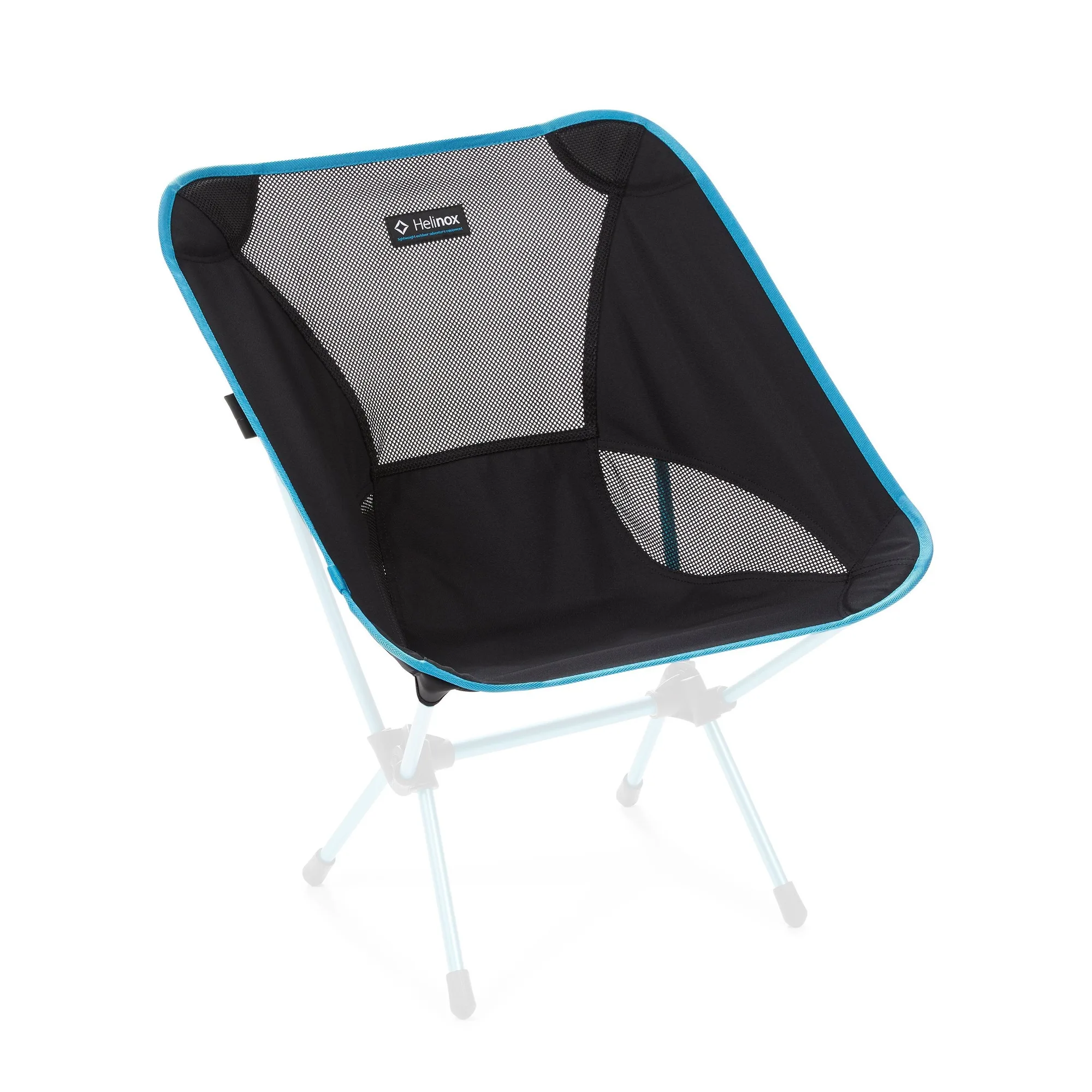
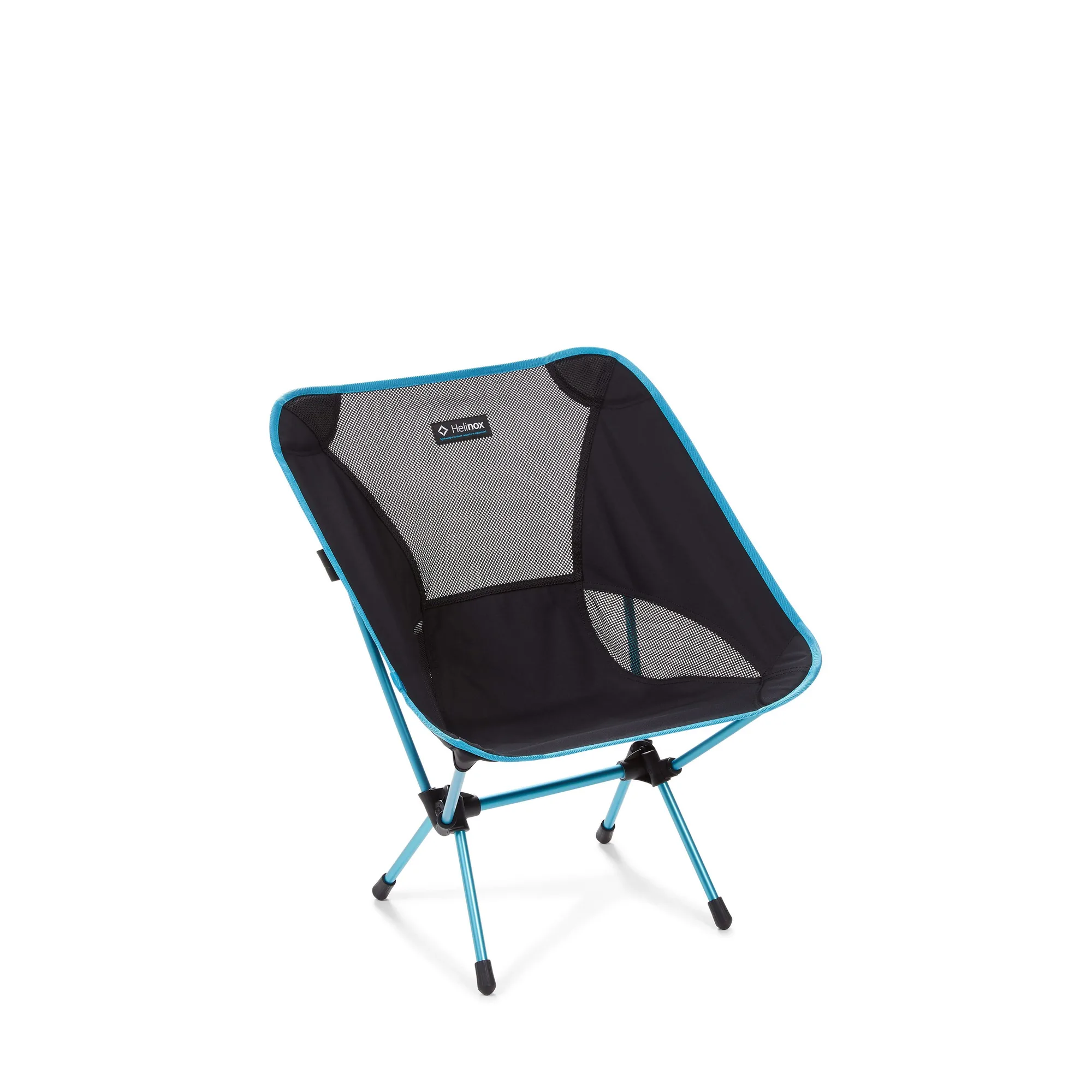
- https://helinoxgx.com/products/chair-one-replacement-seat-8d785d40c76c46254a69a52a-1905947Chair One Replacement Seat: Seat Replacement for the Chair One If your Chair One seat is worn or damaged, replacing it restores the chair without buying a whole new one.
A properly attached and adjusted shoulder strap makes carrying your Helinox chair effortless. Take five minutes to fit it to your body, keep the load light and balanced, and check the connection points before every trip. Your shoulders will thank you.