Quick answer
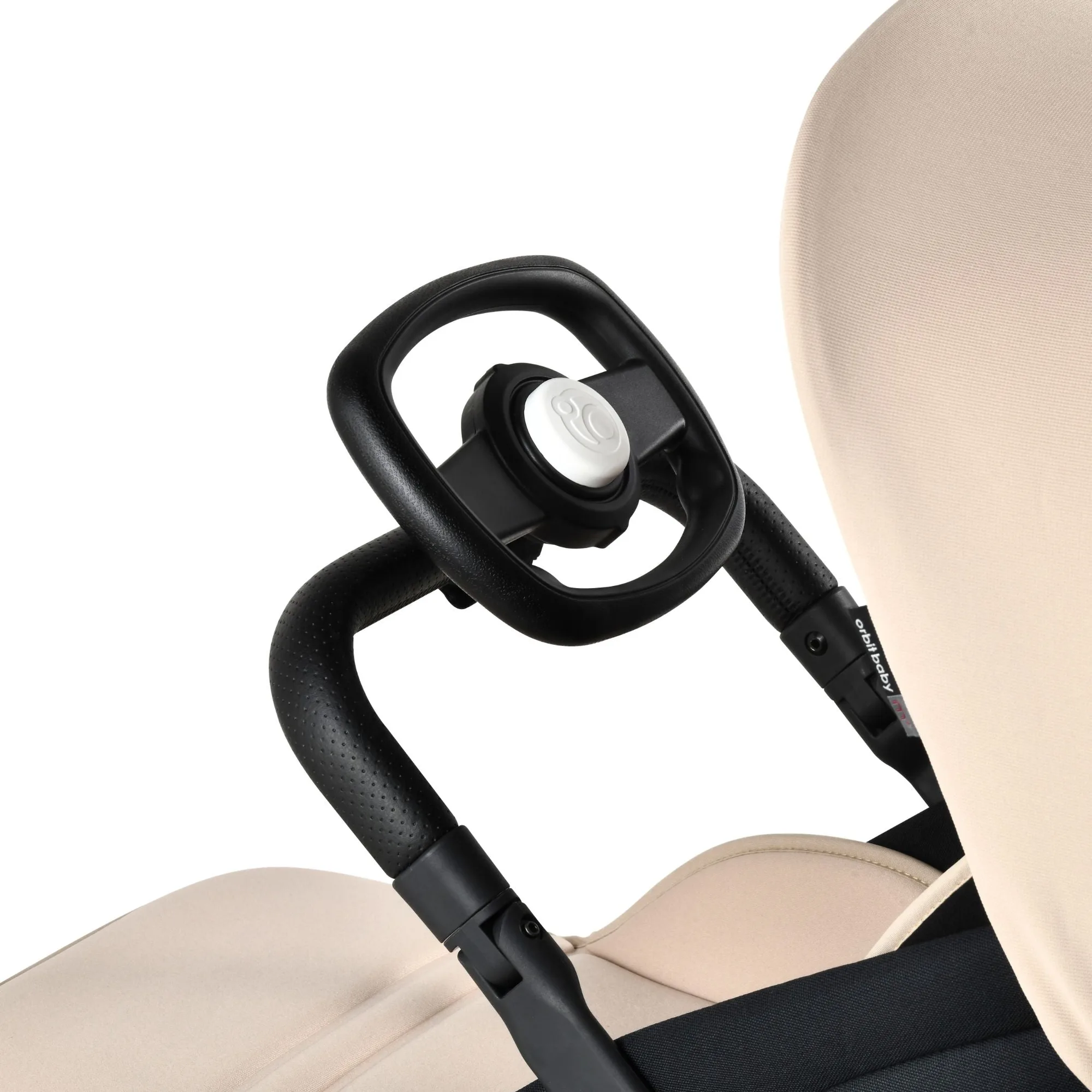
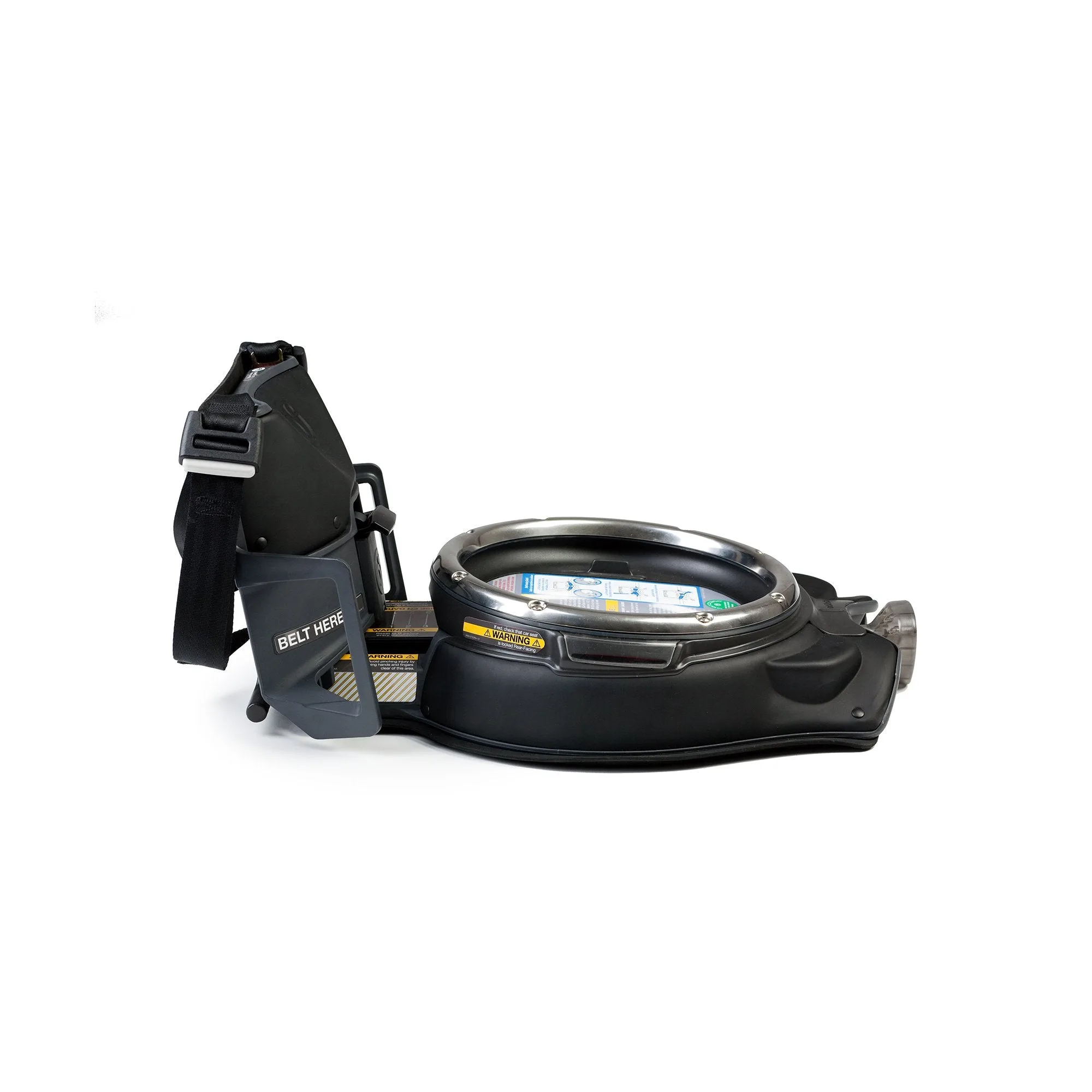
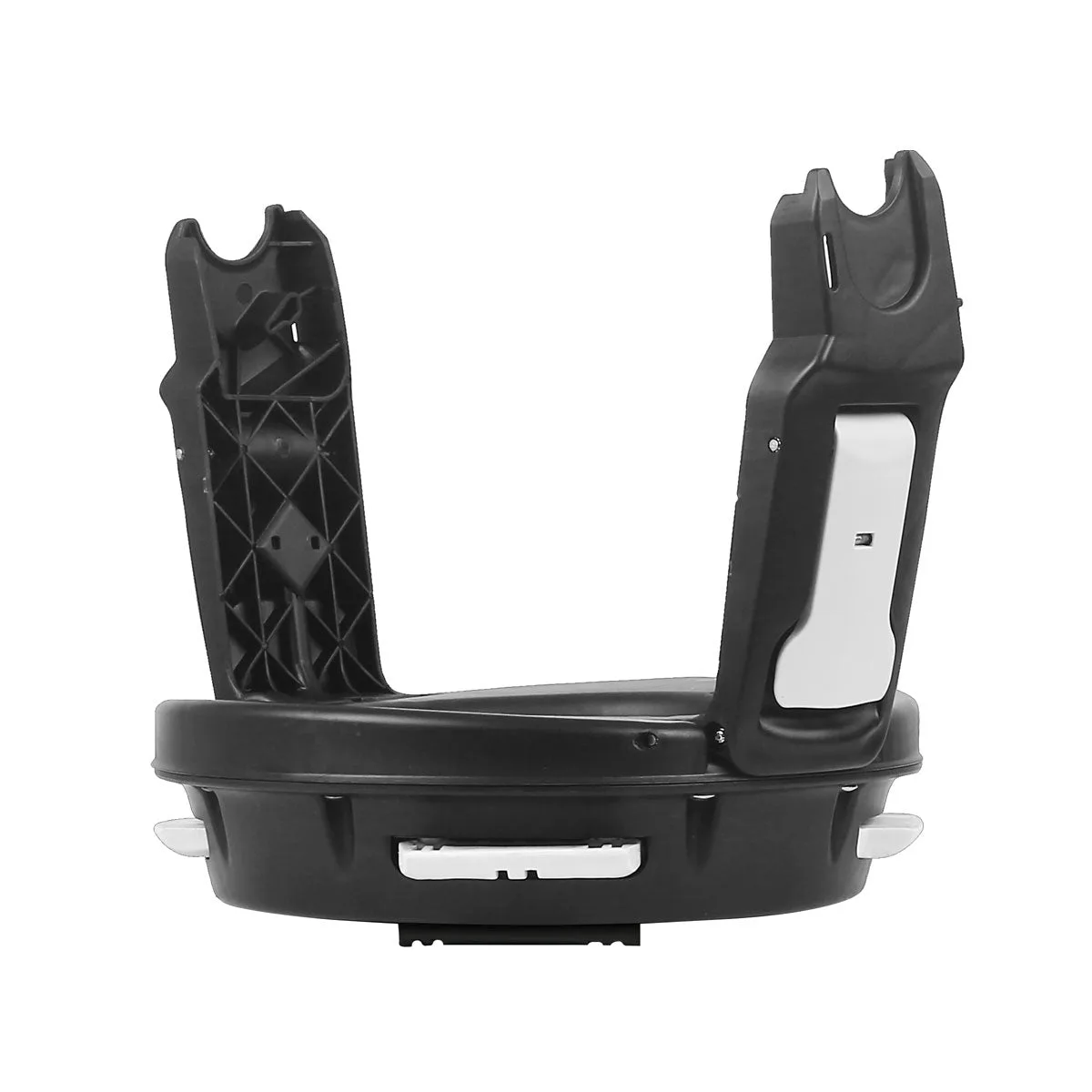
Use the Orbit Baby Car Seat Stroller Adapter (product 810835) to attach a compatible Maxi-Cosi, Cybex, or Nuna infant car seat to an Orbit Baby stroller. It clicks onto the stroller hub, then your infant seat locks onto the adapter. It will not work with the Orbit Baby car seat base, so keep that base in the car for vehicle travel and use the adapter only for stroller rides.
Check your car seat and stroller are compatible before you start
The adapter is made for Orbit Baby strollers only and is designed for third-party infant car seats from Maxi-Cosi, Cybex, and Nuna. Cybex models listed in the catalog include the Aton M, Aton Q, and Cloud Q. If your infant seat is from another brand, or if you are trying to use the Orbit Baby car seat base, this adapter is not the right part. Confirm the model name on the underside of your infant seat before you unpack anything.
Set up the stroller so the adapter can seat fully
Put the stroller on a flat, stable surface and lock the brakes. Remove any existing seat, bassinet, or accessory from the hub so the adapter has a clear mounting point. If you are using the M+ Stroll & Lounge Compact Travel System, the same hub rotation that lets you dock the bassinet is what the adapter uses, so a clear hub is all you need.
Seat the adapter and listen for the lock
Lower the adapter onto the stroller hub and press down until it seats fully. You should feel it drop into position and hear or feel a firm engagement. Give the adapter a gentle upward tug to confirm it is locked. If it rocks or lifts, it is not fully seated — remove it and try again rather than forcing it.
Attach the infant car seat and check the final fit
With the adapter locked, lower your infant car seat onto the adapter so its own attachment points line up. Press down until the seat clicks into the adapter. Then check three things: the seat does not wobble side to side, the handle is in the position your car seat manual allows for stroller use, and the seat is facing the direction you intend. The adapter weighs about 3 lbs, so it adds little to the stroller, but always lift the stroller by the frame, not by the car seat.
Step-by-step adapter setup
- Confirm compatibility: Check that your infant car seat is a Maxi-Cosi, Cybex, or Nuna model and that your stroller is an Orbit Baby. Do not use this adapter with the Orbit Baby car seat base. If your seat is not on the list, stop here — the adapter will not fit.
- Clear the stroller hub: Lock the brakes, remove any seat or bassinet, and make sure the hub is free of accessories so the adapter can seat fully. A cluttered hub is the most common reason the adapter will not lock.
- Lock the adapter onto the stroller: Lower the adapter onto the hub and press until it engages. Tug upward to confirm it is secure. If it moves, reseat it — never force a partial lock.
- Dock the infant car seat: Lower the car seat onto the adapter and press until it clicks. Check for side-to-side wobble and set the handle to the stroller position. A wobble means the seat is not fully docked; lift it off and reattach.
- Do a final safety check: Confirm the adapter and seat are both locked, the stroller brakes work, and nothing is pinched in the connection points. Recheck every time you attach the seat, even for short trips.
Product facts
- Car Seat Stroller Adapter: This adapter will not work with the Orbit Baby car seat base. For use on Orbit Baby Strollers only. It is a stroller-only accessory, so you still need the car seat base for vehicle installation.
- Car Seat Stroller Adapter: Attach your non Orbit Baby car seat to the Orbit Baby Stroller. Compatible with Maxi-Cosi, Cybex, and Nuna. It lets you use a third-party infant seat you already own on an Orbit stroller without buying a new car seat.
- Car Seat Stroller Adapter: Interior dimensions: 33 x 32 x 14 cm. Product weight: 3 lbs. The compact footprint keeps the stroller easy to steer, and the low weight means it is simple to store when not in use.