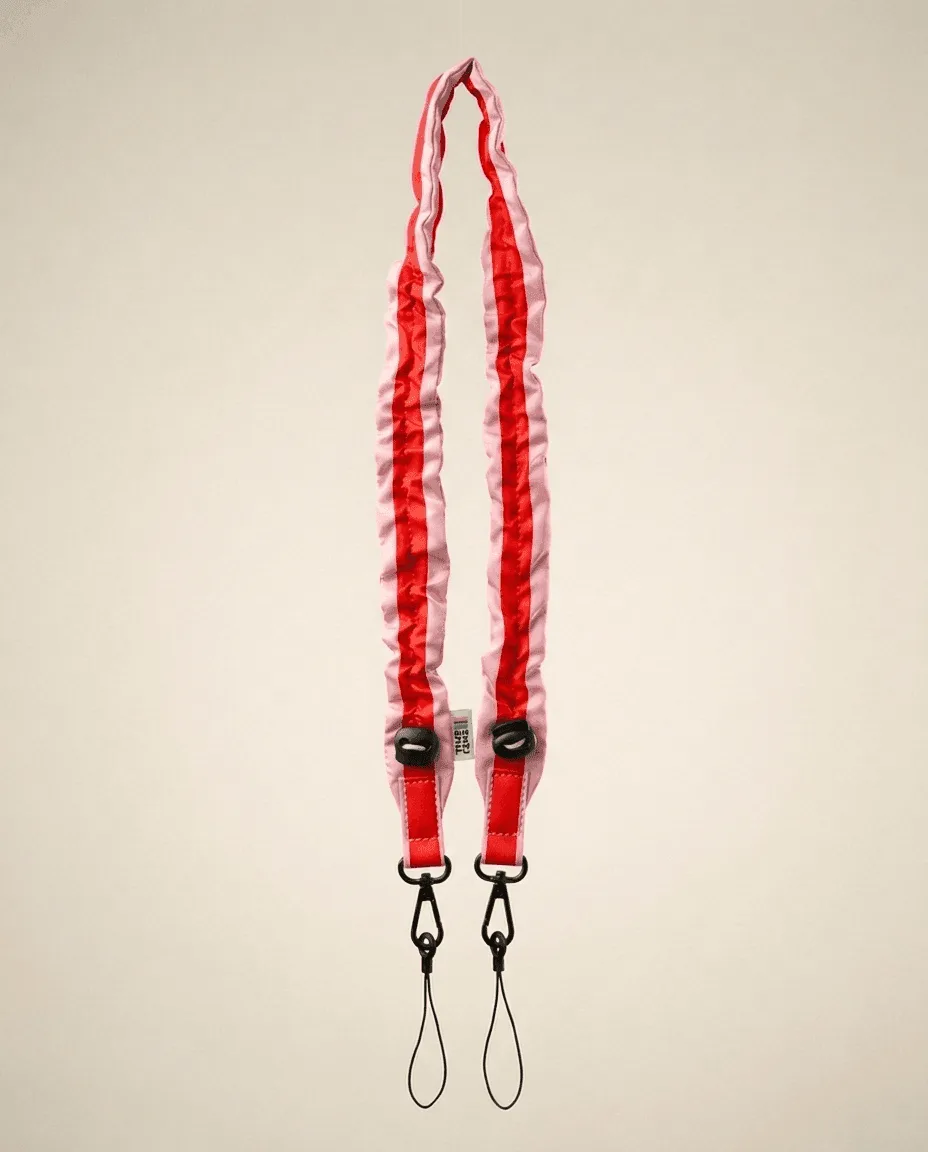
What You Need to Know Before Attaching
The Dragonne Cream Zebra strap from TIME LENS is designed to keep your camera or phone secure while adding a touch of style. It works with both your TimeLens camera and your phone, thanks to its universal compatibility. Before you begin, make sure your device has a standard strap loop or attachment point — the Dragonne uses a simple loop-and-clip system that fits most camera bodies and phone cases with a lanyard hole.
Attaching the Dragonne Strap in Three Steps
- Locate the attachment point: Find the small strap loop on your TimeLens camera or the lanyard hole on your phone case. The Dragonne's clip is designed to fit through standard openings.
- Thread the strap loop: Pass the narrow end of the Dragonne strap through the attachment point. Pull it through until the clip reaches the loop.
- Secure the clip: Snap the clip closed over the loop. Give the strap a gentle tug to confirm it is locked in place. The Dragonne is compact and lightweight, so you will hardly notice it is there.
Key Facts About the Dragonne Cream Zebra Strap
-
Dragonne Cream Zebra: Compatible with phone & camera You can use the same strap on your TimeLens camera and your phone, making it a versatile accessory for daily carry.
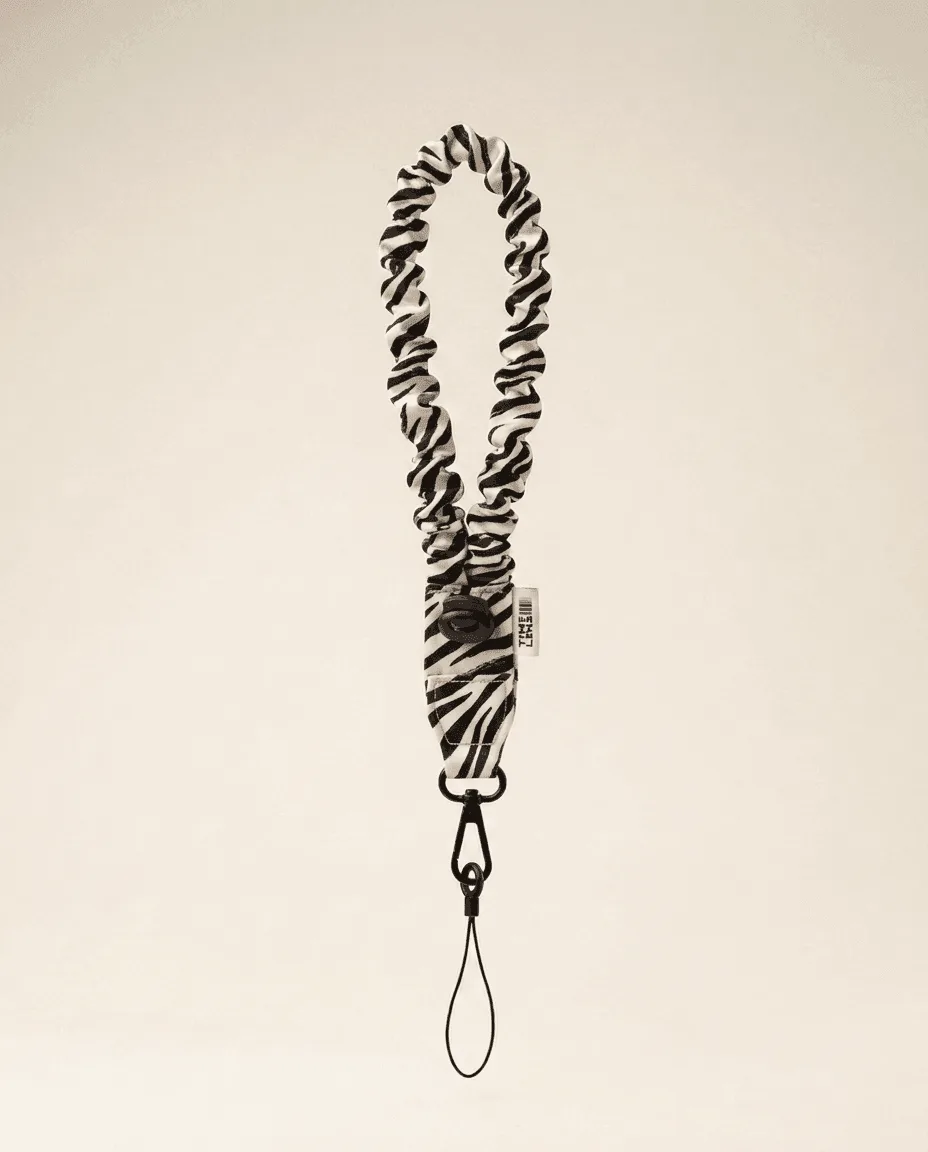
Dragonne Cream Zebra
-
Dragonne Cream Zebra: Compact and lightweight, you almost forget it The strap adds minimal bulk, so it won't interfere with handling or storage.
-
Dragonne Cream Zebra: Cream Zebra color matches the entire collection If you own other TIME LENS accessories in cream tones, this strap will coordinate seamlessly.
Tips for a Secure Fit
After attaching, check that the clip is fully closed and the strap is not twisted. The Dragonne is designed to stay attached, but periodic inspection ensures long-term security. If you switch between camera and phone, simply unclip and reattach — no tools or adapters needed.