Quick Answer
Attach an eZeClip directly to your pet's collar by threading the collar through the clip's built-in slot, then snap the tag onto the clip. No separate ring or tools are needed.
Why Use an eZeClip Instead of a Traditional Ring?
Standard pet ID tags often hang from a split ring that can snag on furniture or jingle with every move. The eZeClip collar attachment solves both problems by securing the tag flat against the collar, reducing noise and preventing the tag from catching on objects. It also eliminates the risk of the ring opening accidentally, which can cause tag loss.
Choosing the Right eZeClip for Your Pet
eZeClips come in multiple colors and sizes to match your pet's collar width and personal style. The standard eZeClip fits most collars up to 1 inch wide, while the Red Heart and Blue Heart variants offer the same secure attachment with a decorative touch. All versions include a strong stainless steel split ring inside the clip as a backup—but you don't have to use it if you prefer a ringless setup.
How to Attach an eZeClip Without a Ring
- 1. Open the eZeClip: Press the small release tab on the side of the eZeClip to open the clip. The two halves will separate, revealing the slot where the collar will pass through. If the clip feels stiff, use your thumb to press the tab firmly—do not force it with tools.
- 2. Thread the Collar Through the Clip: Slide the open end of the collar through the slot in the eZeClip. Position the clip so that the tag attachment point faces outward (away from your pet's neck). Make sure the clip is not twisted; a twisted clip can cause the tag to hang at an awkward angle.
- 3. Attach the Pet ID Tag to the Clip: Snap the hole of your pet ID tag onto the small post on the eZeClip. You should hear a click when it locks into place. Gently tug the tag to confirm it is secure. If the tag does not click, check that the post is fully aligned with the hole—do not force it.
- 4. Close the eZeClip Around the Collar: Press the two halves of the clip together until they lock shut. The collar will now be sandwiched inside the clip, and the tag will sit flat against the collar. Test the clip by sliding it along the collar; it should move freely but not slip off the end.
- 5. Verify the Attachment: Run your fingers around the clip and tag to ensure there are no sharp edges or loose parts. Give the tag a gentle shake—it should not rattle or move excessively. If you hear jingling, the tag may not be fully snapped on; reopen the clip and reattach.
Product Facts
-
eZeClip Pet ID Tag Collar Attachment in 8 colours: Includes a strong stainless steel split ring to keep the tag in place, and the clip can easily fix to any collar. You can choose to use the split ring for extra security or skip it entirely for a ringless, low-profile attachment.
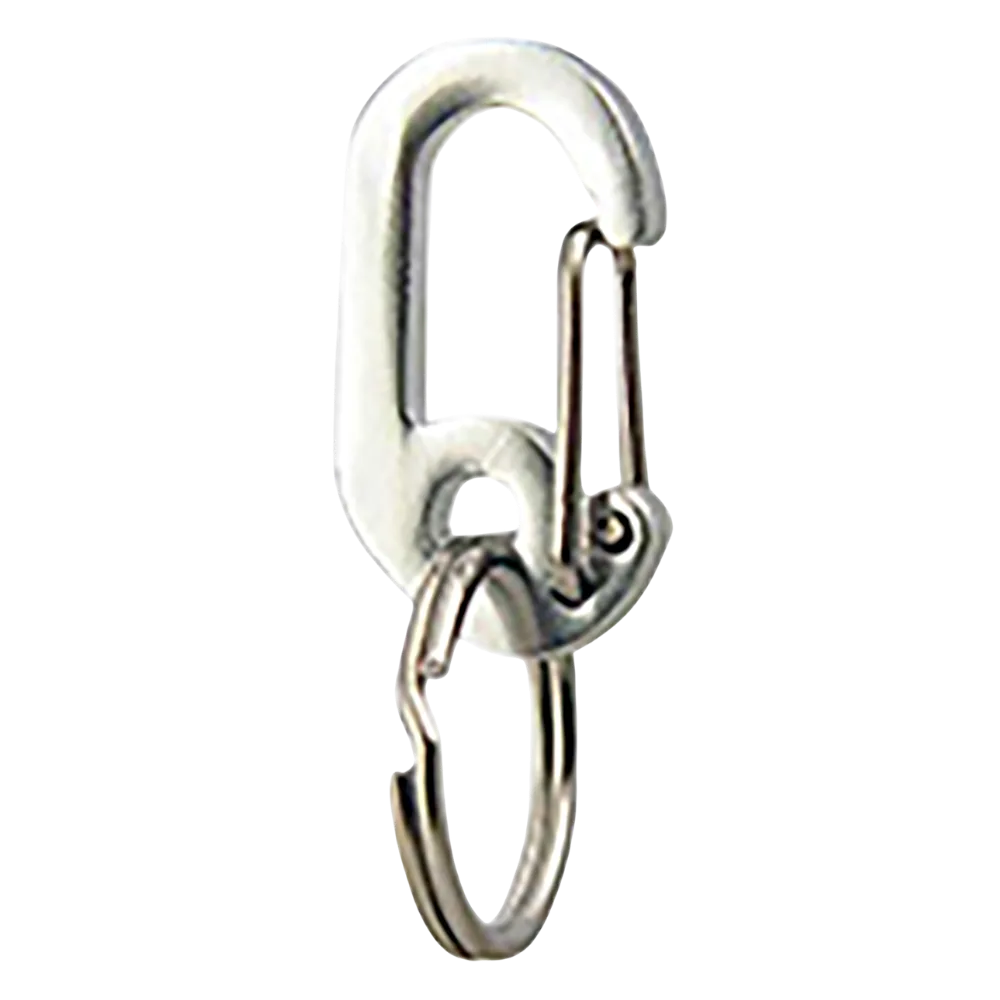
eZeClip Pet ID Tag Collar Attachment in 8 colours
-
eZeClip collar attachment [Red Heart]: The clip connects to both the collar and the pet tag, and the tag can be easily removed when you want to reduce jingling. The Red Heart eZeClip lets you attach and detach the tag in seconds, making it convenient for quiet walks or indoor time.
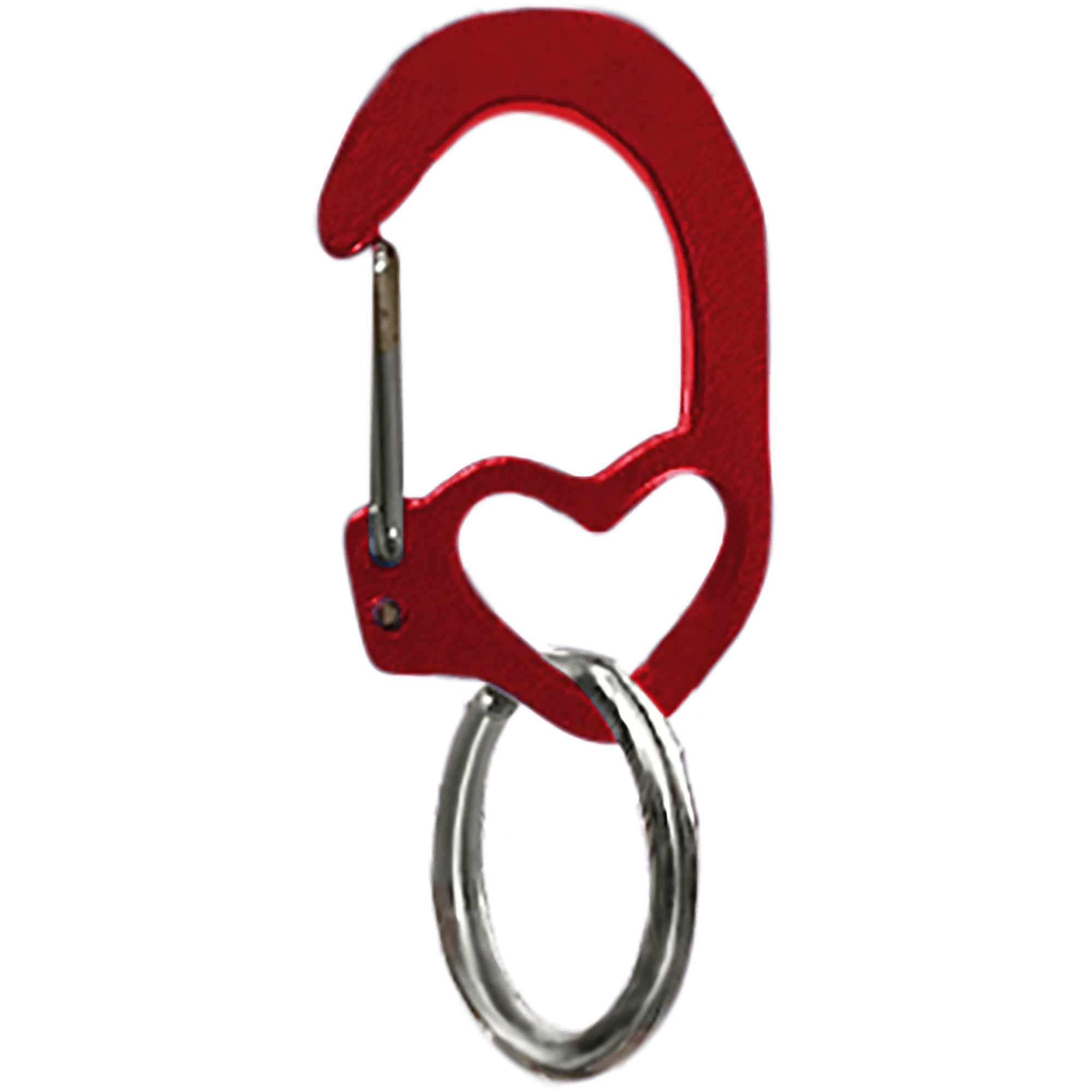
eZeClip collar attachment [Red Heart]
-
eZeClip collar attachment [Blue Heart]: Includes a strong stainless steel split ring and can be removed when you are concerned about constant jingling. The Blue Heart variant gives you the option to remove the tag entirely from the clip for a silent collar experience.
![eZeClip collar attachment [Blue Heart]](https://xilands.com/api/media/sync/68/68f23e6338b62b7b6273fa502f06be5ed7ff0e75120e605d77fc221cc7c27693.webp)