What a Tripod Mount Ring Does
A tripod mount ring (also called a lens collar) attaches to a telephoto lens rather than the camera body. This shifts the center of gravity to the lens, reducing strain on the lens mount and improving stability when using a tripod or monopod.
Canon offers two used tripod mount rings at Camera Wholesalers: the Tripod Mount Ring A II (W) and the Tripod Mount Ring B II (W). Each is designed for specific Canon telephoto lenses. Choosing the correct ring for your lens ensures a secure fit and proper balance.
Compatible Lenses at a Glance
-
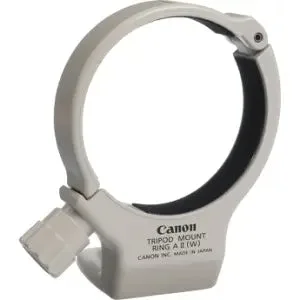
Canon Tripod Mount Ring A II (W) - Used: The Canon Tripod Mount Ring A II (W) is compatible with the EF 70-200mm f/4L IS USM lens. If you own this specific lens, the A II ring is the correct match. Using any other ring may not fit securely.
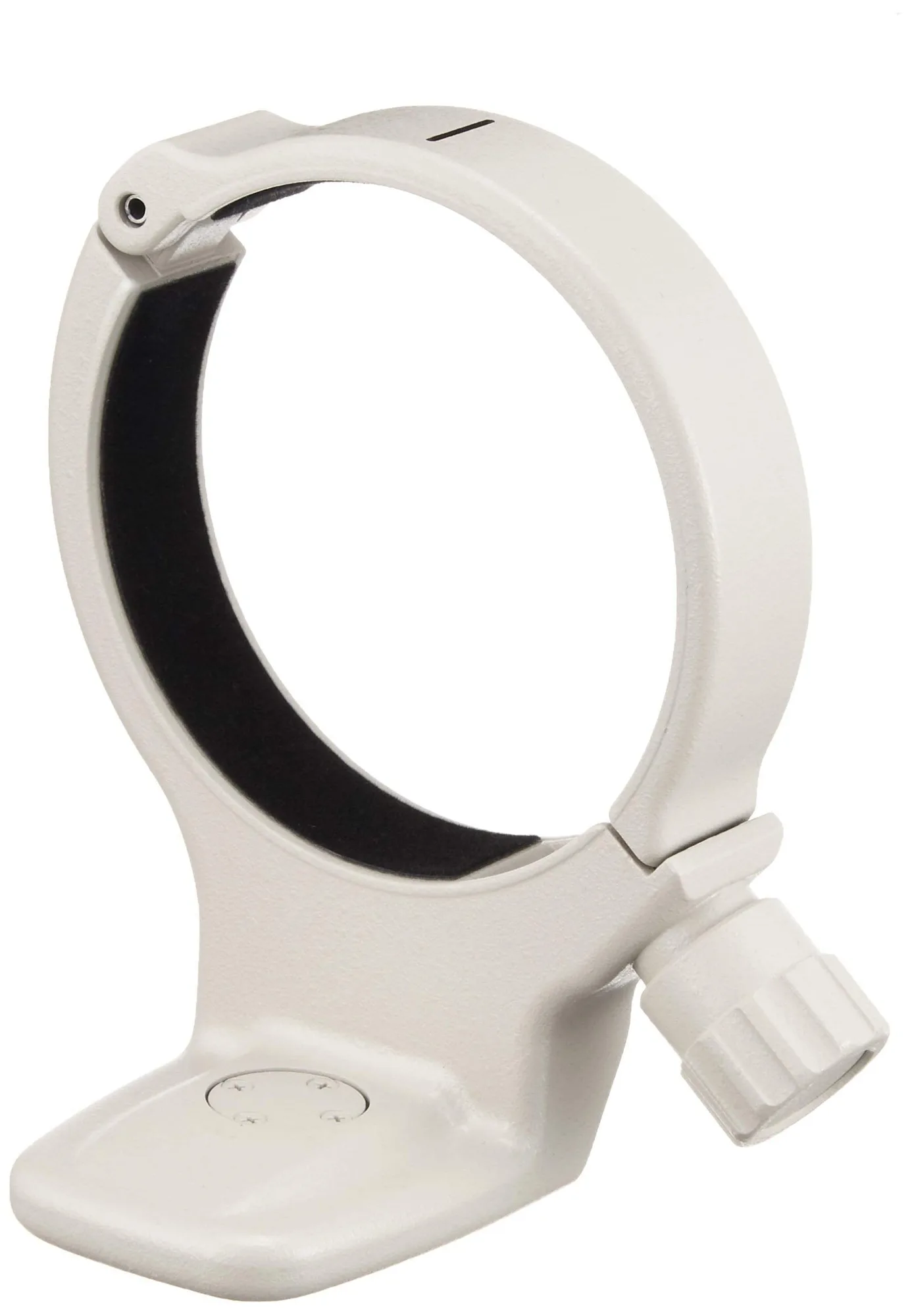
Canon Tripod Mount Ring A II (W) - Used
-
Canon Tripod Mount Ring B II (W) - Used: The Canon Tripod Mount Ring B II (W) is compatible with EF 70-200mm f/2.8L USM, EF 70-200mm f/2.8L IS USM, EF 70-200mm f/2.8L IS II USM, EF 70-200mm f/2.8L IS III USM, EF 100-400mm f/4.5-5.6L IS USM, and EF 300mm f/4L IS USM lenses. The B II ring supports a wider range of heavier telephoto zooms and primes. Check your lens model against this list before purchasing.
Canon Tripod Mount Ring B II (W) - Used
How to Attach the Tripod Mount Ring
Attaching a Canon tripod mount ring is straightforward. The following steps apply to both the A II (W) and B II (W) rings. Always ensure the lens is powered off and placed on a clean, stable surface.
- Open the ring: Locate the locking screw or lever on the ring. Turn it counterclockwise or release the lever until the ring opens wide enough to slide over the lens barrel.
- Align the ring with the lens: Slide the open ring onto the lens barrel from the rear (camera-mount side) of the lens. Position it so that the ring's foot (where the tripod plate attaches) is aligned with the bottom of the lens.
- Close and secure the ring: Gently close the ring around the lens barrel. Tighten the locking screw or flip the lever until the ring is snug. Do not overtighten; the ring should be secure but not distorting the lens barrel.
- Check alignment and rotation: Many tripod mount rings allow the lens to rotate freely when the locking screw is loosened. Rotate the lens to your desired orientation (usually horizontal or vertical), then tighten the screw to lock it in place.
- Attach a tripod plate: If your tripod head uses a quick-release plate, attach the plate to the ring's foot (typically 1/4-20 or 3/8-16 thread). Then mount the assembly onto your tripod.
Tips for a Secure Fit
Before each use, check that the ring is fully tightened and the lens does not slip. If you frequently switch between horizontal and vertical compositions, consider a ring with a rotating collar (both A II and B II support rotation).
The supplied information does not include specific torque values or cleaning instructions for the ring. For detailed maintenance, refer to the original Canon documentation that came with your lens or ring.