Quick answer
Biwiring splits one amplifier channel across a speaker's high-frequency and low-frequency terminal pairs using two cable runs, and Reference or XL biwire adapters let you do it from a single amplifier output without adding a second amp. Remove the metal jumper straps first, land one run on the tweeter pair and the other on the woofer pair, and keep both runs the same length. If your speakers have only one pair of terminals, biwiring is not possible without modification.
Biwiring is one of the few speaker upgrades you can complete in an afternoon with no new electronics. The idea is simple: instead of one cable feeding both the tweeter and woofer sections of a speaker, you send two dedicated runs from the amplifier, one to each terminal pair. Reference and XL biwire adapters make that practical by letting a single amplifier channel feed both runs cleanly at the amplifier end.
The catch is that biwiring only works on speakers with two pairs of binding posts and removable jumper straps. This guide walks through the full process in order, from checking compatibility to the final listening check, and flags the mistakes that most often cause disappointing results.
What biwiring actually changes
A biwire-ready speaker has separate crossover inputs for the high-frequency and low-frequency sections, joined at the factory by metal jumpers. When you biwire, you remove those jumpers and feed each section with its own cable run. The amplifier still sees one channel; the adapters simply let two runs leave that single output in an orderly way.
This is different from biamping, where two separate amplifier channels drive the two sections. Biwiring changes the cable path, not the amplifier count. That distinction matters because it sets your expectations: biwiring is a wiring and connection-quality change, while biamping adds power and amplifier separation.
- Biwiring needs one amplifier channel per speaker; biamping needs two.
- If your speakers have a single pair of terminals, stop here — there is nothing to split.
Check your speaker and amplifier first
Look at the back of each speaker. You need two pairs of binding posts per cabinet, usually labeled high frequency and low frequency, with a metal strap or plate bridging each pair. Those straps are the parts you will remove. If the terminals are a single pair, or the straps are not removable, biwiring is off the table for that speaker.
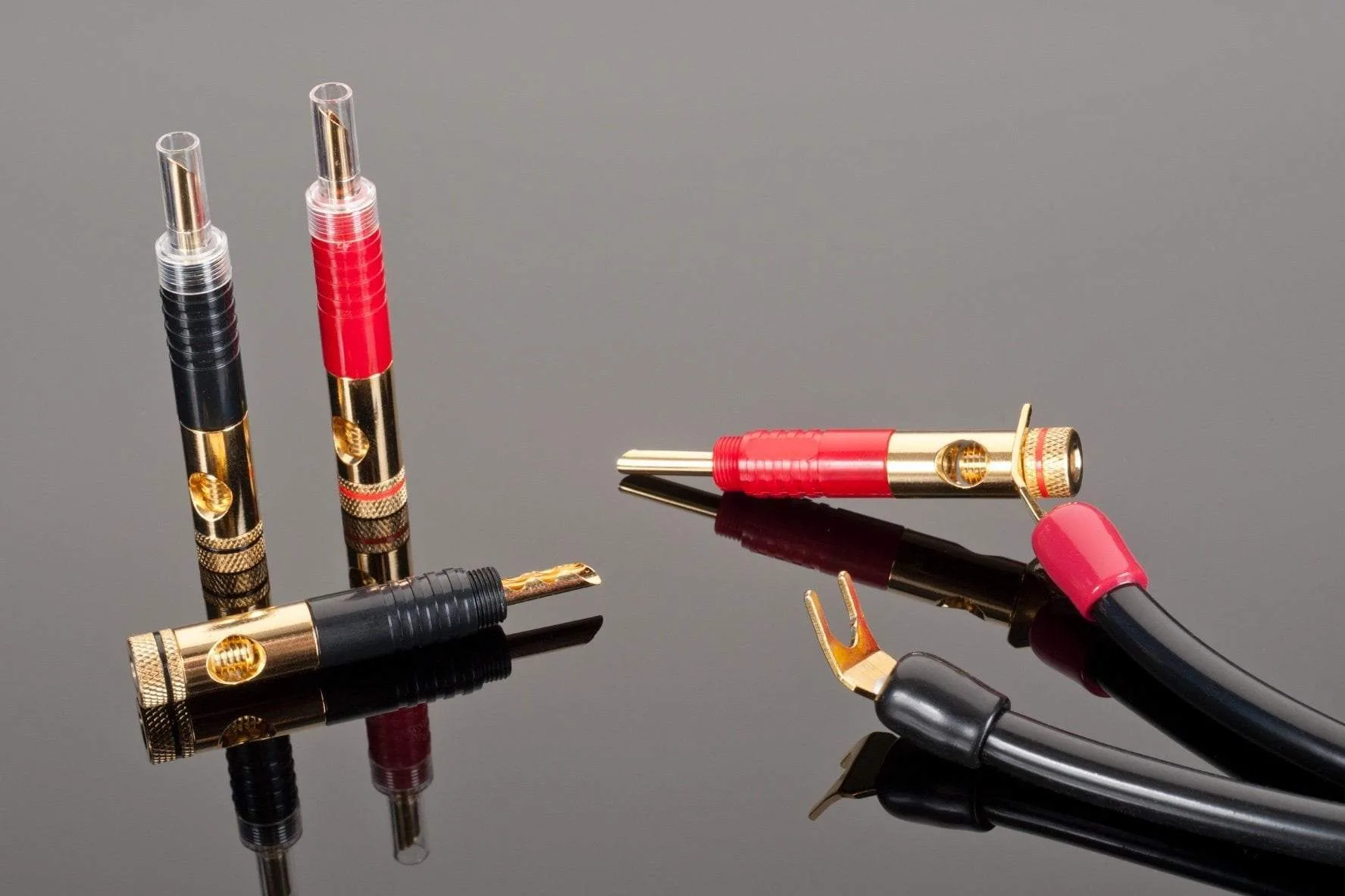
On the amplifier side, confirm you have one usable output per channel. Reference and XL biwire adapters are designed to take that single output and present both runs to the speaker. Before ordering, note the connector type on both your amplifier and your speakers — spade, banana, or BFA — because adapters are the cheapest way to correct a mismatch later.
- Photograph the terminals before you touch anything; it makes reassembly trivial.
- Power the system down and unplug the amplifier before removing any straps.
Plan the two runs and keep them matched
Each speaker needs two cable runs of equal length: one for the high-frequency pair and one for the low-frequency pair. Equal length keeps the two paths electrically consistent, which is the whole point of the exercise. Do not use one long run and one short offcut just because it reaches.
If you are building cables from bulk wire, gauge matters more than exotic construction at this stage. For runs up to about 60 feet per channel with moderately powered amplifiers, a 12-gauge cable such as the High Performance 12-2 Speaker Cable is a sensible starting point. Beyond 60 feet, resistive loss becomes a real concern, and Transparent recommends stepping up to the heavier 10-2 gauge instead.
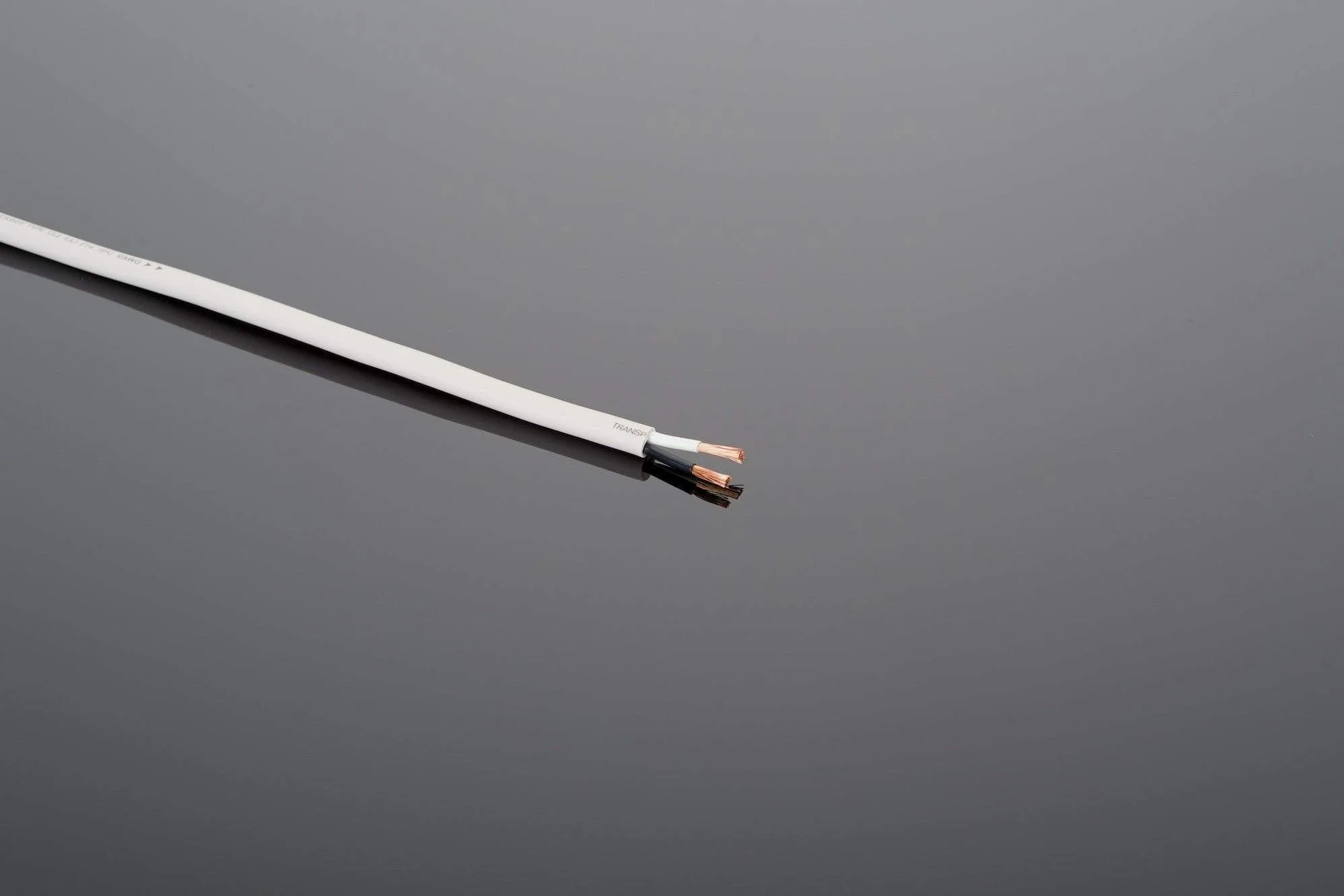
High Performance 12-2 Speaker Cable
- Measure both runs before cutting; add a little slack at each end.
- Label the amplifier end of each run so you never mix up high and low.
Terminate and connect without shortcuts
Termination quality is where biwiring succeeds or fails. Loose strands, partially inserted bananas, or a spade that only touches half the post all add resistance right where you least want it. Transparent recommends high-quality soldered speaker terminations with properly fitted and crimped gold-plated connectors, which is exactly what the Solder Termination Kits for High Performance 10-2 DIY Speaker Cable supply — enough hardware and materials to terminate one pair of cables to spec.
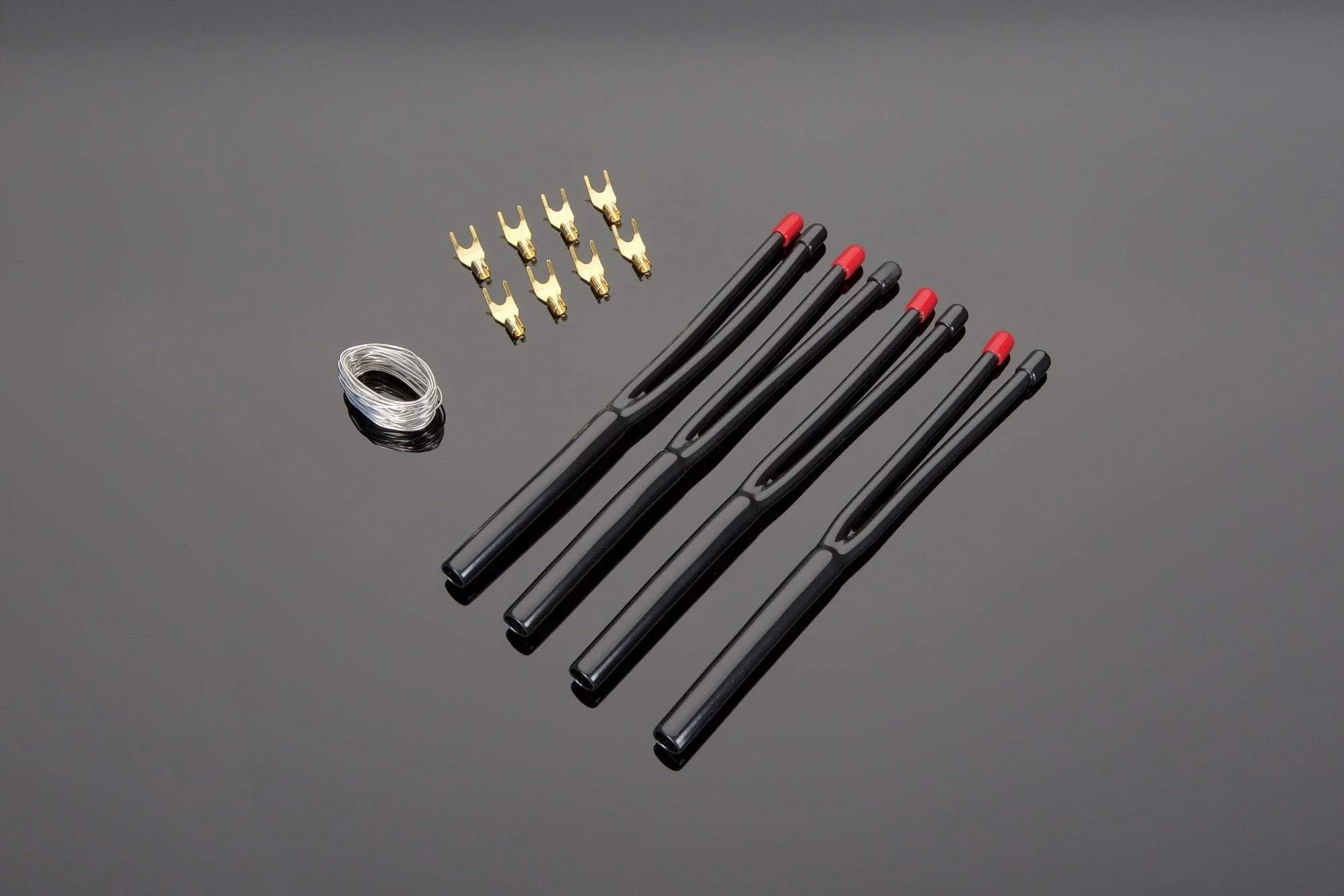
Solder Termination Kits for High Performance 10-2 DIY Speaker Cable
At the amplifier end, fit the biwire adapters so both runs leave the single output securely. At the speaker end, land the high-frequency run on the high-frequency posts and the low-frequency run on the low-frequency posts. Tighten firmly by hand; do not use pliers, which can crush hollow banana plugs or strip binding posts.
- Check for stray wire strands before powering up — a single bridge can short an amplifier channel.
- If a connector does not fit, use an adapter rather than forcing it.
Biwiring vs single wiring: what to listen for
The honest answer is that biwiring is a modest change, not a transformation. On speakers with well-designed crossovers and short cable runs, the difference between biwiring and single wiring can be subtle. On longer runs or with heavier gauge cable, the separation of high and low paths is more likely to be audible as a slightly cleaner top end and tighter low-frequency definition.
Give yourself a fair test. Listen to a few familiar tracks with the jumpers back in place, then repeat with the biwire configuration, matching volume as closely as you can. If you hear no meaningful difference, single wiring with good cable and clean terminations is a perfectly respectable choice — the money is better spent on gauge and connector quality than on complexity.
- Change one thing at a time; do not swap cables and adapters in the same session.
- Use the same tracks and volume for both configurations.
Biwiring steps, in order
- Confirm the speaker supports biwiring: Check for two pairs of binding posts per cabinet with removable jumper straps. If there is only one pair, stop — biwiring is not possible on that speaker. Checkpoint: no removable straps means no biwiring.
- Power down and remove the jumpers: Unplug the amplifier, then remove the metal straps joining the high-frequency and low-frequency posts on each speaker. Set them aside in a bag so you can reverse the change later. Common mistake: leaving one strap in place, which defeats the separation entirely.
- Cut two equal-length runs per speaker: Measure and cut one run for the high-frequency pair and one for the low-frequency pair, keeping both the same length. Label the amplifier ends so high and low never get crossed. Checkpoint: unequal lengths undermine the consistency you are trying to create.
- Terminate both runs properly: Fit gold-plated connectors with clean, tight crimps and solder where the design calls for it. The Solder Termination Kits for High Performance 10-2 DIY Speaker Cable include the connectors, solder, and boots needed for one pair of cables. Common mistake: loose strands bridging the two terminal pairs and shorting a channel.
- Fit the biwire adapters at the amplifier: Install the Reference or XL biwire adapters on the single output per channel so both runs leave cleanly. Use spade-to-BFA or banana-to-spade adapters only if the connector types do not match. Checkpoint: every connection should be snug by hand, never forced.
- Land high on high and low on low: Connect the high-frequency run to the high-frequency posts and the low-frequency run to the low-frequency posts on each speaker. Tighten firmly by hand. Common mistake: reversing the pairs, which can make the sound thin and oddly balanced.
- Listen, compare, and decide: Play familiar tracks, then reinstall the jumpers and repeat at matched volume. Compare biwiring vs single wiring honestly rather than expecting a dramatic change. Next step: if the difference is negligible, single wiring with good cable and terminations is a fine outcome.
Parts that make biwiring practical
- High Performance 12-2 Speaker Cable: HP12-2 is an ideal speaker cable choice for better home music and theater system installations with moderately powered amplifiers at lengths up to 60 feet per channel, and it provides better than average performance in lengths greater than 60 feet. It is a reasonable choice for the two equal-length runs biwiring requires, as long as each run stays within the length the cable is intended for.
- Solder Termination Kits for High Performance 10-2 DIY Speaker Cable: Each kit contains 8 connectors, 15 feet of High Silver Content No Lead Solder, and 4 vinyl termination boots, supplying all hardware and materials required to terminate 1 pair of speaker cables to Transparent's specifications. If you are building your own biwire runs, one kit covers a pair of cables, so you know exactly what hardware you need before you start cutting.
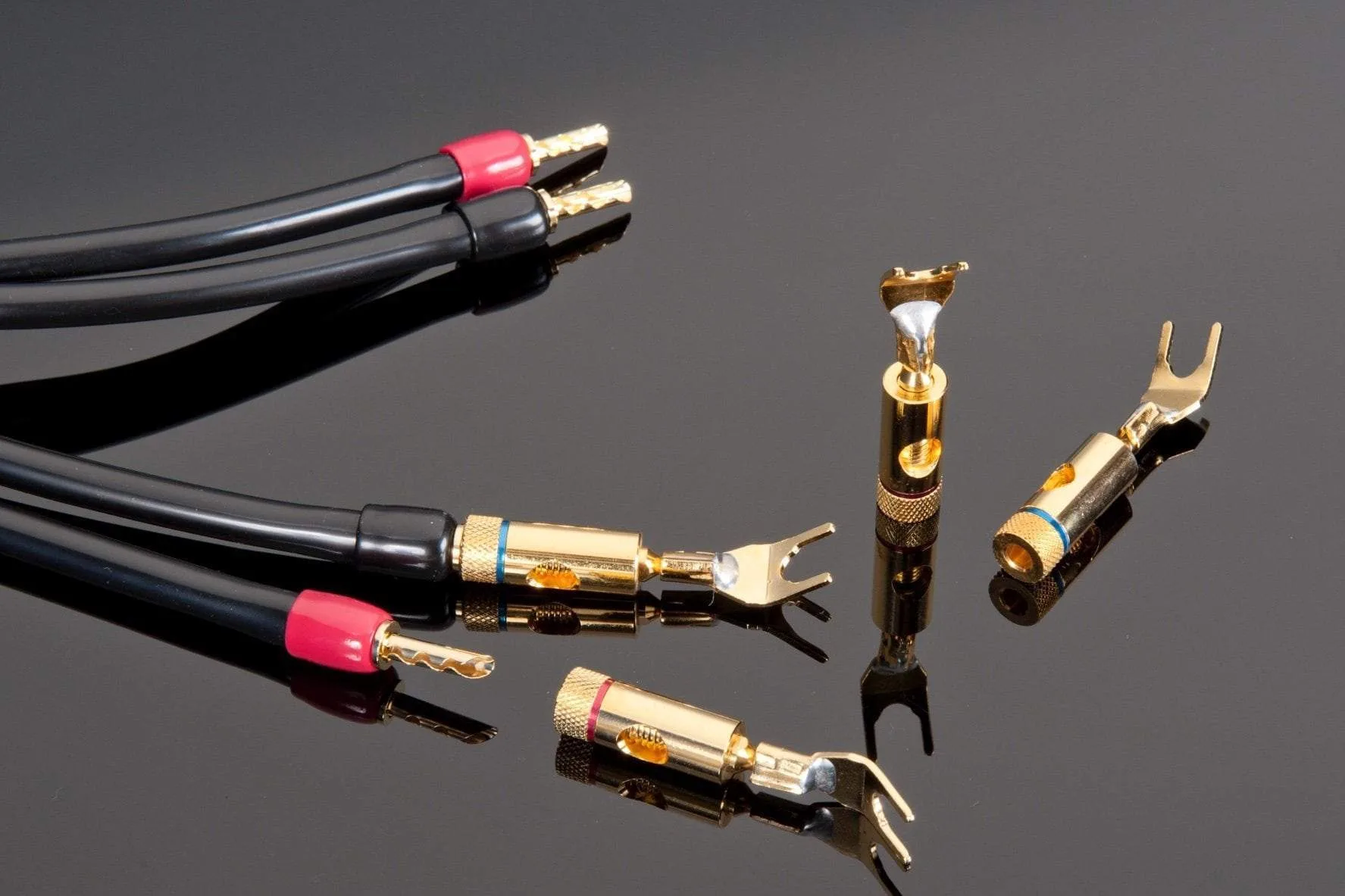
- Transparent Spade to BFA Adapter: This gold-plated adapter allows the user to hook up spade-terminated speaker cables to components where BFA connections are more desirable, and it is sold as a set of 4 adapters. It solves the common situation where your cable ends and your speaker or amplifier terminals do not match, without forcing you to reterminate the cable.
- Transparent Banana to Spade Adapter: This gold-plated adapter allows the user to hook up banana-terminated speaker cables to components where spade connections are more desirable, and it is sold as a set of 4 adapters. Useful when your biwire runs are banana-terminated but the binding posts grip spades more securely.
Biwiring rewards patience more than spending. Confirm your speakers have two terminal pairs, keep both runs equal, terminate them properly, and use adapters only where connectors genuinely do not match. If the improvement is small on your system, that is useful information — and single wiring with quality cable remains a sound choice.