Quick answer
Build your first light-up circuit by snapping the battery block down first, then adding a switch block, then the LED block, and pressing the switch to test. Keep every block flat on the same base plate and check that the metal contacts touch before you add anything else. If the light stays dark, re-seat the battery block and flip the LED block 180 degrees before assuming a part is broken.
What you need before you start
You need a flat surface, a base plate, and at least one battery block, one switch block, and one LED block. Power Blox kits label these parts clearly, so sort them into three piles before you snap anything. A small tray keeps loose blocks from rolling onto the floor, which is the most common reason a build stalls halfway through.
Work in a room with even light so you can see whether the LED is glowing dimly or not at all. Dim light makes a weak connection look like a dead battery, and that sends kids into unnecessary troubleshooting.
How Power Blox connections actually work
Power Blox blocks carry current through metal contacts on their edges. When two blocks snap together, those contacts press against each other and complete the path. The circuit only works when the path runs from the battery, through the switch, into the LED, and back to the battery.
That means orientation matters. A block flipped the wrong way can sit flush and look correct while breaking the path. If a build does nothing, rotate one block at a time rather than rebuilding the whole thing.
Seven steps to your first light-up build
- 1. Snap the battery block onto the base plate: Press the battery block down until it clicks flat against the plate. This is the anchor for everything else. Checkpoint: the block should not rock or lift at any corner.
- 2. Add the switch block next to the battery: Connect the switch directly to the battery block so the two share a full edge. Keep the switch in the off position for now. Mistake to avoid: leaving a gap between blocks, which breaks the path even though the pieces look close.
- 3. Attach the LED block to the switch: Snap the LED block onto the free side of the switch. Seat it fully so the metal contacts meet. Checkpoint: run a fingertip along the seam and feel for a step or gap.
- 4. Close the loop back to the battery: Add plain connector blocks from the LED back to the battery until the path forms a complete ring. Mistake to avoid: building a straight line that stops at the LED. A light needs a return path.
- 5. Press the switch and watch the LED: Flip the switch on and hold it for two seconds. A working build lights immediately. Checkpoint: no glow means a connection problem, not necessarily a dead part.
- 6. Re-seat and rotate before you swap parts: Press every block down again, then flip the LED block 180 degrees and retest. Repeat with the switch if needed. Mistake to avoid: replacing the battery first. Orientation is the more common cause.
- 7. Rebuild it from memory: Take the circuit apart and have your child rebuild the same path without the instructions. Next step: change one block, such as adding a second LED, and predict what happens before switching on.
Starter sets that match this build
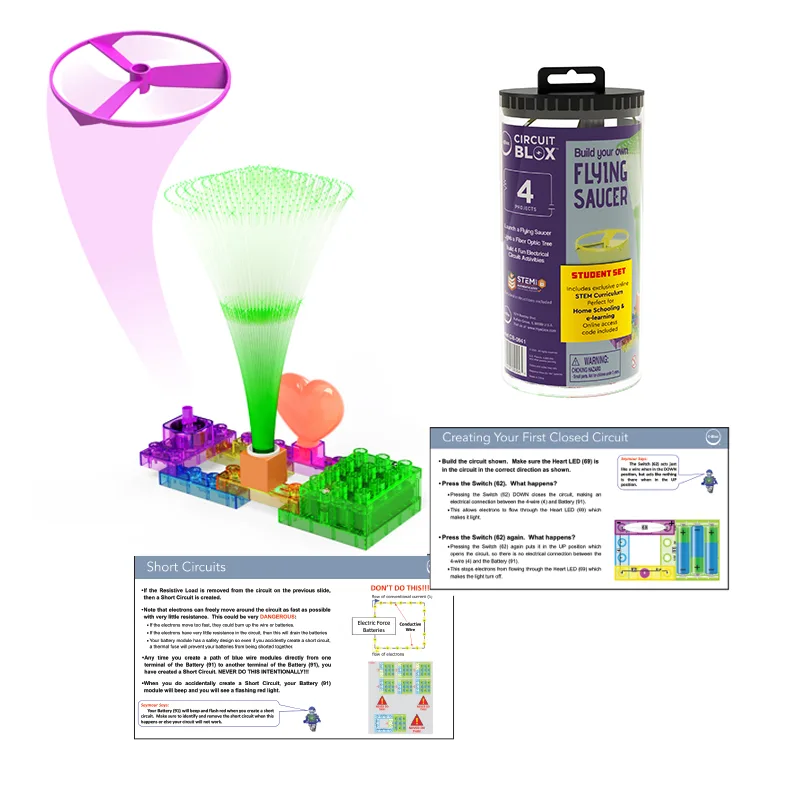
- Circuit Blox™ 4 project Student Set - E-Blox® Circuit Board Building Blocks Educational Sets: Grades 1-3 STEM Basics set with a 45 page Teacher Guide covering electricity and circuits, motors, light, switches, and telecommunications. The lesson sequence follows the same battery-switch-load order as this build, so a child can repeat the light project with adult guidance and then move to motors.
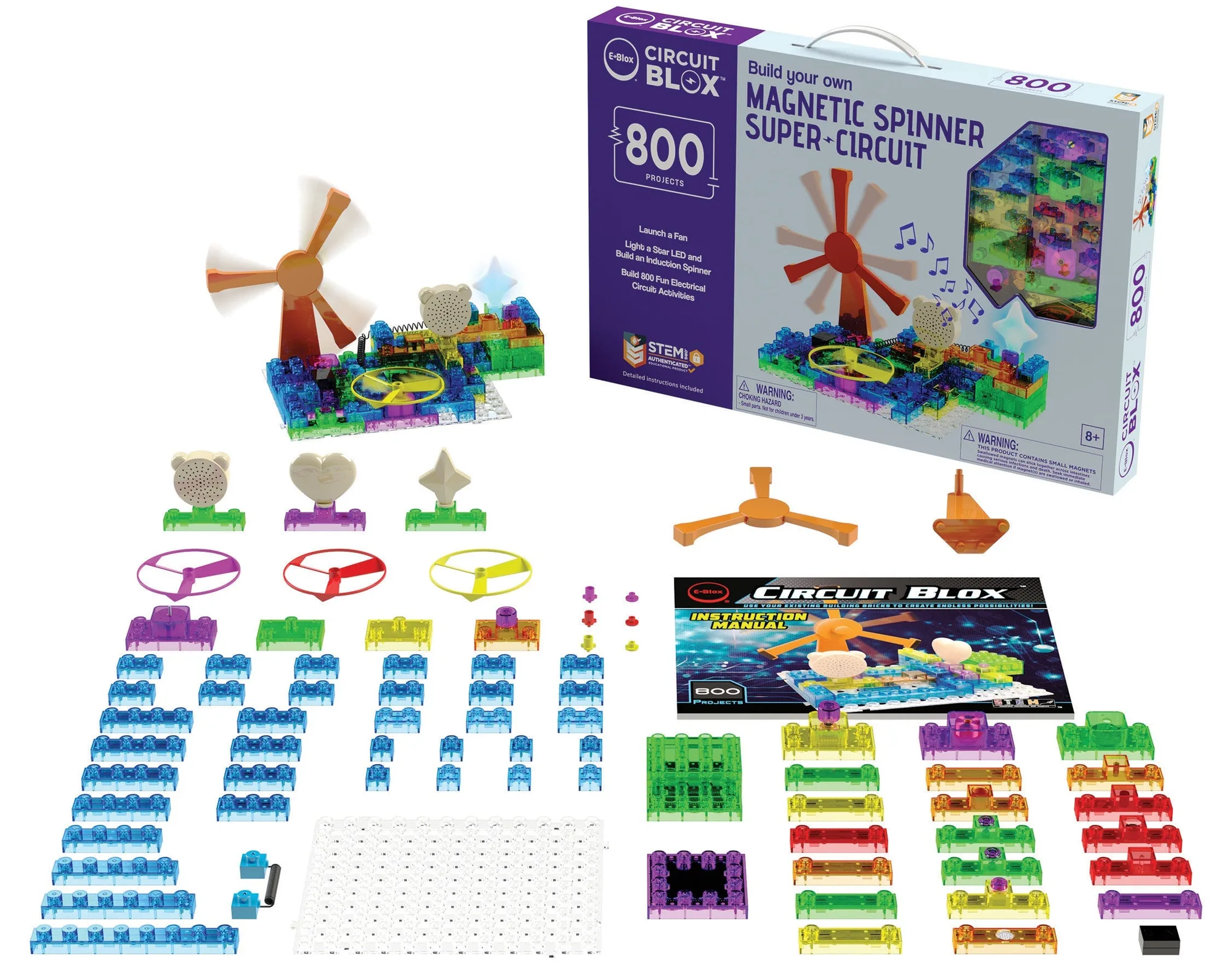
- Circuit Blox™ 800 - E-Blox® Circuit Board Building Blocks Toys for Kids Student Set: Grades 4-6 Advanced STEM Concepts set with a 139 page Teacher Guide that adds resistors and parallel versus series circuits. Once the first light build works, this set gives a structured next step instead of leaving kids to guess what to try after the LED turns on.
Once the LED lights, change one variable at a time: add a block, move the switch, or swap the LED, and predict the result before you press the switch. That habit turns a single light-up build into a repeatable way to explore circuits.