What the DJI Avata 2 Charging Hub Does
The charging hub for the DJI Avata 2 is a multi‑battery station that charges up to three batteries one after another. It’s designed to work exclusively with the DJI Avata 2 intelligent battery (Li‑Ion 4S, 2150 mAh) and helps you keep spare batteries ready for longer flight sessions. Each battery gives the drone about 23 minutes of flight time.
Charging Hub Details
-
Hub de chargement – DJI Avata 2: Le hub de chargement pour DJI Avata 2 est une station de charge multiple qui permet de recharger jusqu’à 3 batteries séquentiellement. This means you can charge your flight batteries one after another without swapping them manually.
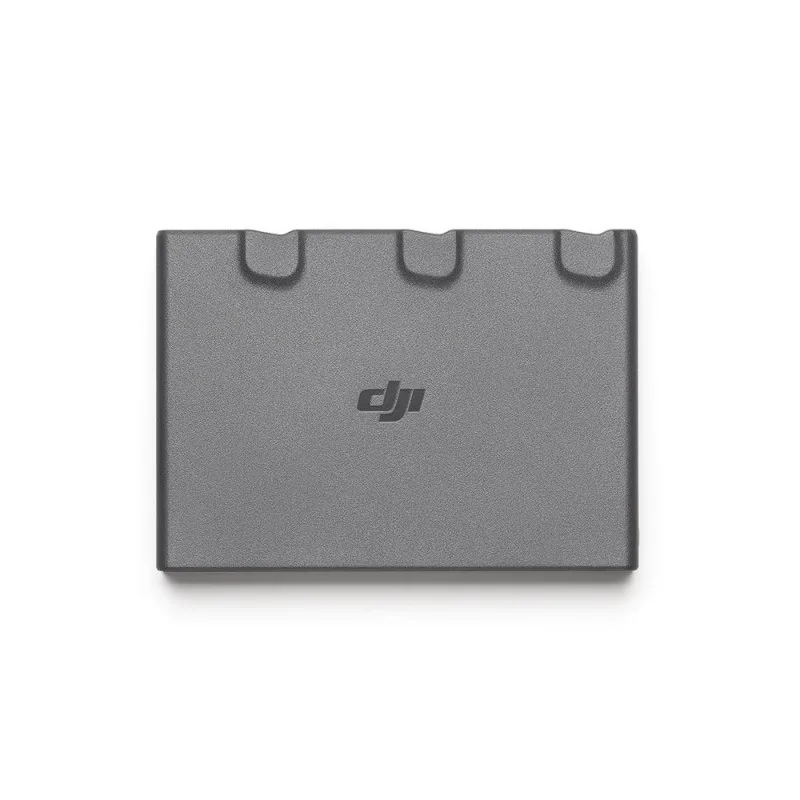
Hub de chargement – DJI Avata 2
-
Hub de chargement – DJI Avata 2: Elle sera rechargée en 45 minutes à travers la station de charge pour DJI Avata 2 avec un chargeur 65W. Each battery takes about 45 minutes to charge when using a 65 W charger. Note: a 65 W charger is required and is sold separately.
-
Hub de chargement – DJI Avata 2: Le hub de chargement pour DJI Avata 2 peut aussi faire office de powerbank lorsqu’il intègre les batteries DJI Avata 2. With batteries inserted, the hub can act as a power bank to recharge devices like the DJI Goggles 3, the DJI FPV Remote Controller 3, the DJI RC Motion 3, or a smartphone.
How to Charge Batteries with the Hub
Follow these steps to charge your DJI Avata 2 batteries using the charging hub.
- Connect the hub to a 65 W charger: Use the included USB‑C cable (or the cable that came with the hub) and plug it into a 65 W USB‑C charger. The hub requires a 65 W power source to charge a battery in 45 minutes. Using a lower‑wattage charger will still work but will take longer.
- Insert up to three batteries: Slide each DJI Avata 2 intelligent battery into one of the three slots until it clicks. The hub will charge them one at a time, starting with the battery that has the highest remaining charge.
- Monitor the charging status: Each battery has four LEDs that show its charge level. The hub itself may also have an indicator light (check the hub’s manual for exact behavior). When a battery is fully charged, the hub automatically switches to the next one.
- Remove and store batteries when done: Once all batteries are fully charged, disconnect the hub from power and remove the batteries. Store them in a cool, dry place away from direct sunlight.
Using the Hub as a Power Bank
The hub can also serve as a portable power bank when it has at least one DJI Avata 2 battery inserted. Connect a USB‑C cable from the hub’s output port to your device (such as the DJI Goggles 3, a smartphone, or the DJI RC Motion 3) to recharge it. This is handy in the field when you don’t have access to a wall outlet.
Battery Care Tips
The DJI Avata 2 intelligent battery is a Li‑Ion 4S 2150 mAh pack designed specifically for the Avata 2 drone. To prolong its life, avoid fully draining it before recharging, and store it at a moderate charge level if you won’t use it for several weeks. Always use the official charging hub and a 65 W charger for best results. Do not charge the battery unattended or near flammable materials.
Battery Specifications
-
DJI Batterie intelligente Li-Ion 4S 2150mAh – DJI Avata 2: Cette batterie intelligente de 2150mAh procure au drone une autonomie de vol de 23 minutes. Each battery gives you about 23 minutes of flight time. With three batteries charged via the hub, you can fly for a total flight time equal to three times the individual battery duration (with battery swaps).
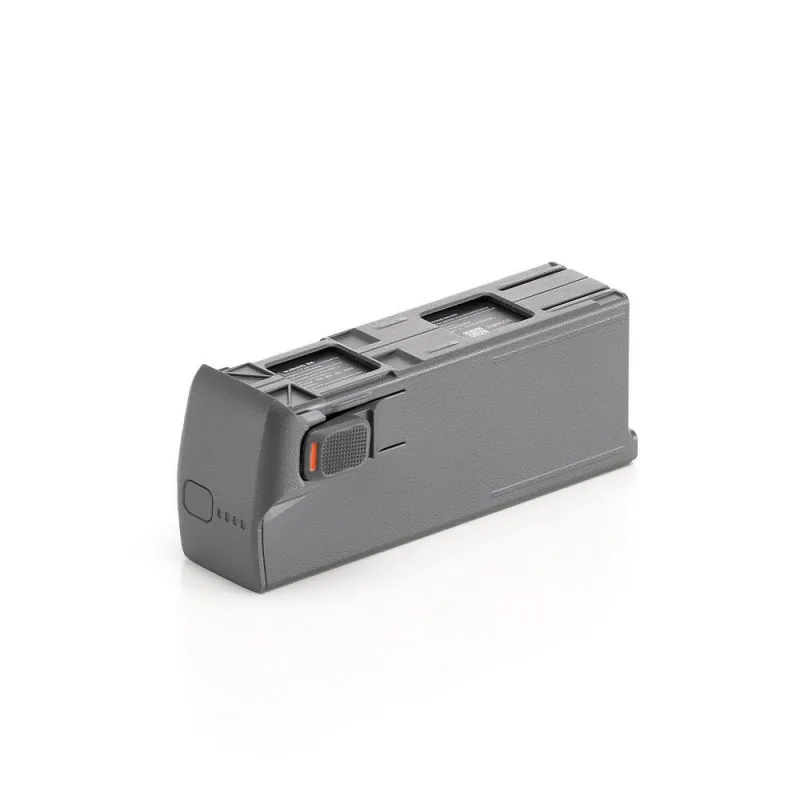
DJI Batterie intelligente Li-Ion 4S 2150mAh – DJI Avata 2
-
DJI Batterie intelligente Li-Ion 4S 2150mAh – DJI Avata 2: Compatible uniquement avec le DJI Avata 2, elle intègre 4 LEDs permettant de vérifier en direct le niveau d’énergie restant. The battery is only compatible with the Avata 2, and the four LEDs let you quickly check remaining power without turning on the drone.