Quick answer
Choose a 2.5mm TRRS headset cable by confirming your device uses a 4-pole TRRS jack, then match the connector type (straight or angled) and length to your setup.
Why TRRS matters for headset audio
TRRS stands for Tip-Ring-Ring-Sleeve, a four-conductor connector that carries both stereo audio and a microphone signal in one plug. If your headset or device uses a 2.5mm jack, a TRRS cable is the only way to get full headset functionality—audio out and mic in—through a single cable.
A 2.5mm TS (Tip-Sleeve) cable, by contrast, carries only a mono audio signal and no microphone. If you need mic support, a TRRS cable is the right choice.
Angled vs. straight connectors
Angled (right-angle) connectors are designed for tight spaces, such as behind a desk or when plugging into a device that sits close to a wall. They also reduce strain on the cable at the connection point, which can extend the life of both the cable and the device's jack.
Straight connectors are more common and often easier to grip, but they can bend or stress the cable if space is limited. Choose angled if you need to route the cable around corners or if your device's port is recessed.
Step-by-step guide to choosing your 2.5mm TRRS headset cable
- Confirm your device uses a 2.5mm TRRS jack: Check the headset or device manual to see if the jack has four conductors (TRRS). If it's a 2.5mm jack and supports both audio and mic, you need a TRRS cable, not a TS cable. A TS cable will not carry mic audio, so don't buy one for a headset.
- Check the pin configuration: TRRS cables can have different pinouts (e.g., CTIA vs. OMTP). Compare the cable's wiring with your device's spec. If unsure, choose a cable that explicitly states compatibility with your device type. Wrong pinout means no mic or distorted audio—verify before buying.
- Decide on connector type: angled or straight: If your device's port is in a tight spot or you want to reduce strain, choose an angled connector. For general use, straight is fine. Angled connectors are better for tight spaces but can be harder to grip.
- Choose the right length: Measure the distance between your device and the headset. Pick a cable that's long enough to avoid tension but not so long that it creates clutter. Too short causes strain; too long can tangle.
- Match male-to-male ends: Ensure both ends are male if you're connecting two devices (e.g., headset to a radio or smartphone adapter). If one end needs to be female, look for a different cable. Double-check the connector gender on both ends before ordering.
Products that help
-
2.5mm Angled 4 Pole TRRS Male to Male Stereo Headset Audio Cable: This 2.5mm angled 4 pole TRRS male to male cable supports stereo audio and microphone, and features right-angle connectors on both ends. It's ideal for headsets that need both audio and mic in one cable, and the angled ends help in tight setups.
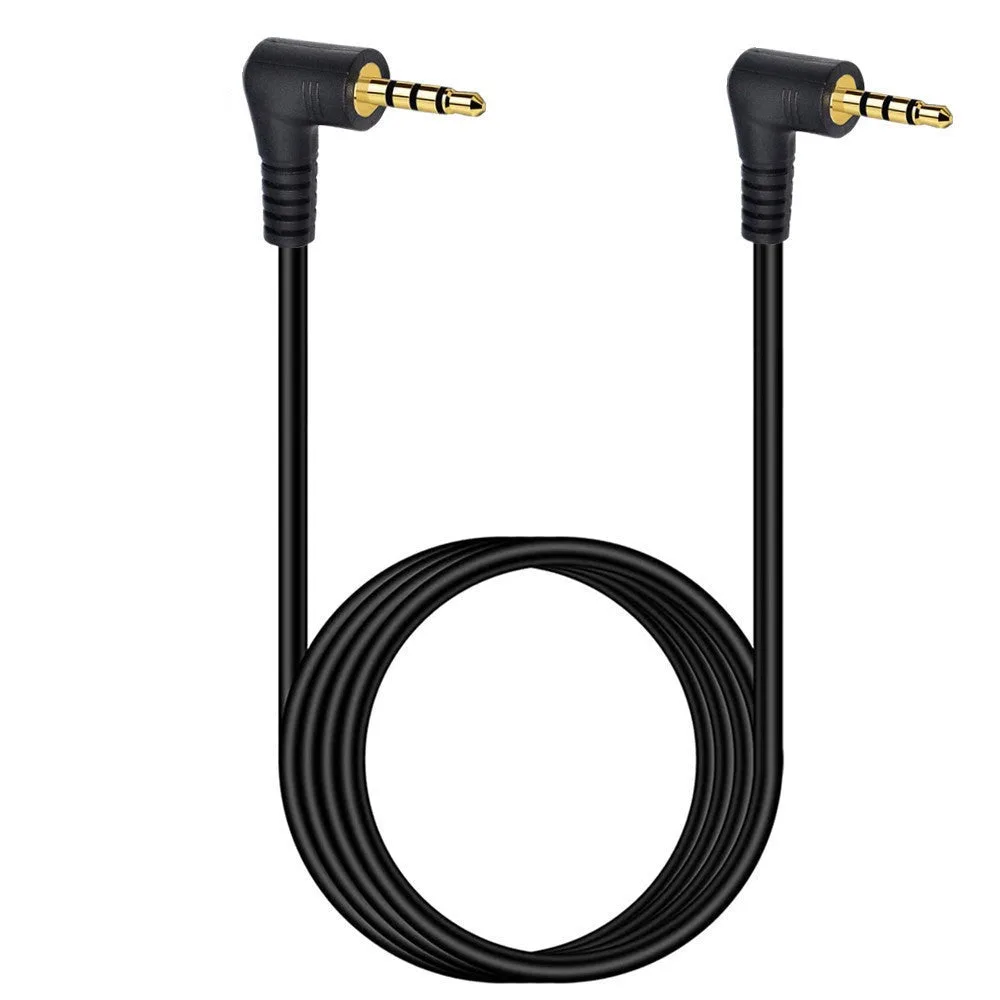
2.5mm Angled 4 Pole TRRS Male to Male Stereo Headset Audio Cable
-
2.5mm TS Mono Male to Male Angled Audio Cable: This 2.5mm TS mono male to male angled cable is designed for mono signal transmission only. Use this only if your device is mono and doesn't need a microphone; for headset use, a TRRS cable is required.
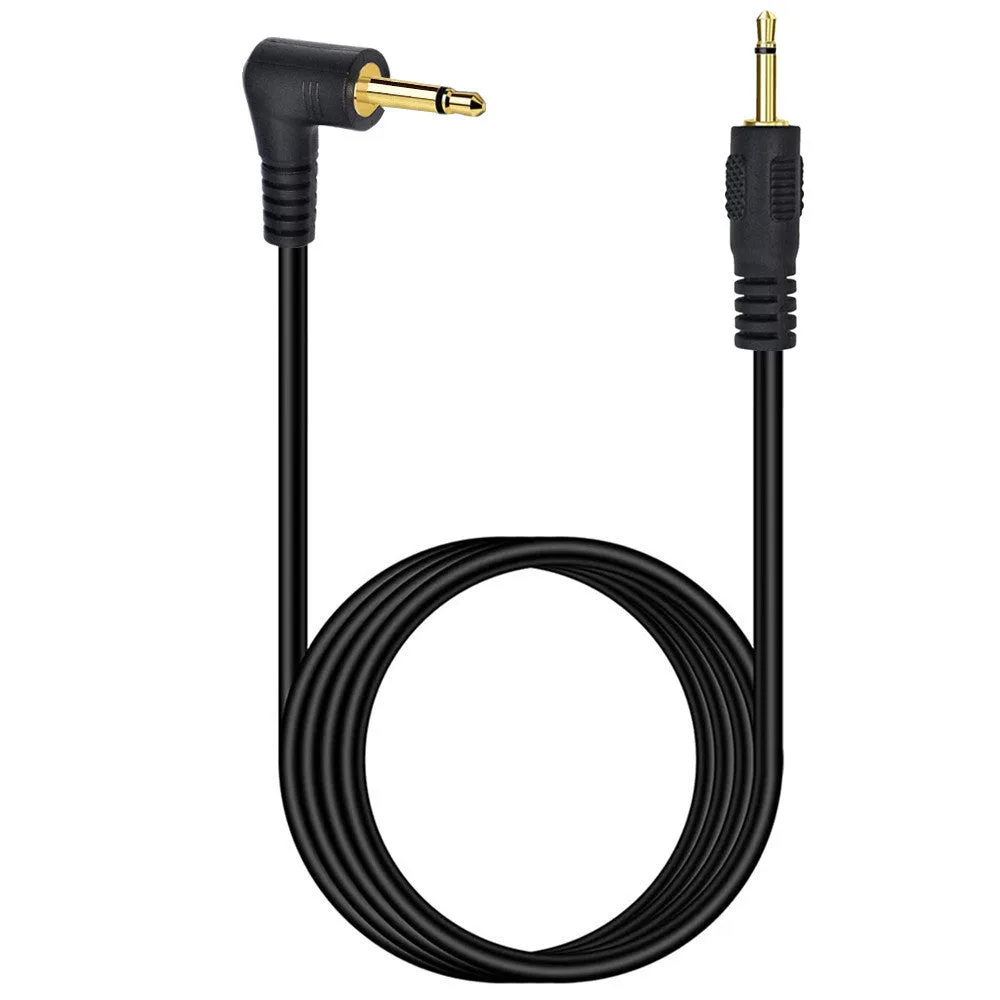
2.5mm TS Mono Male to Male Angled Audio Cable