Thunderbolt 4 Dock vs Hub: What’s the Difference?
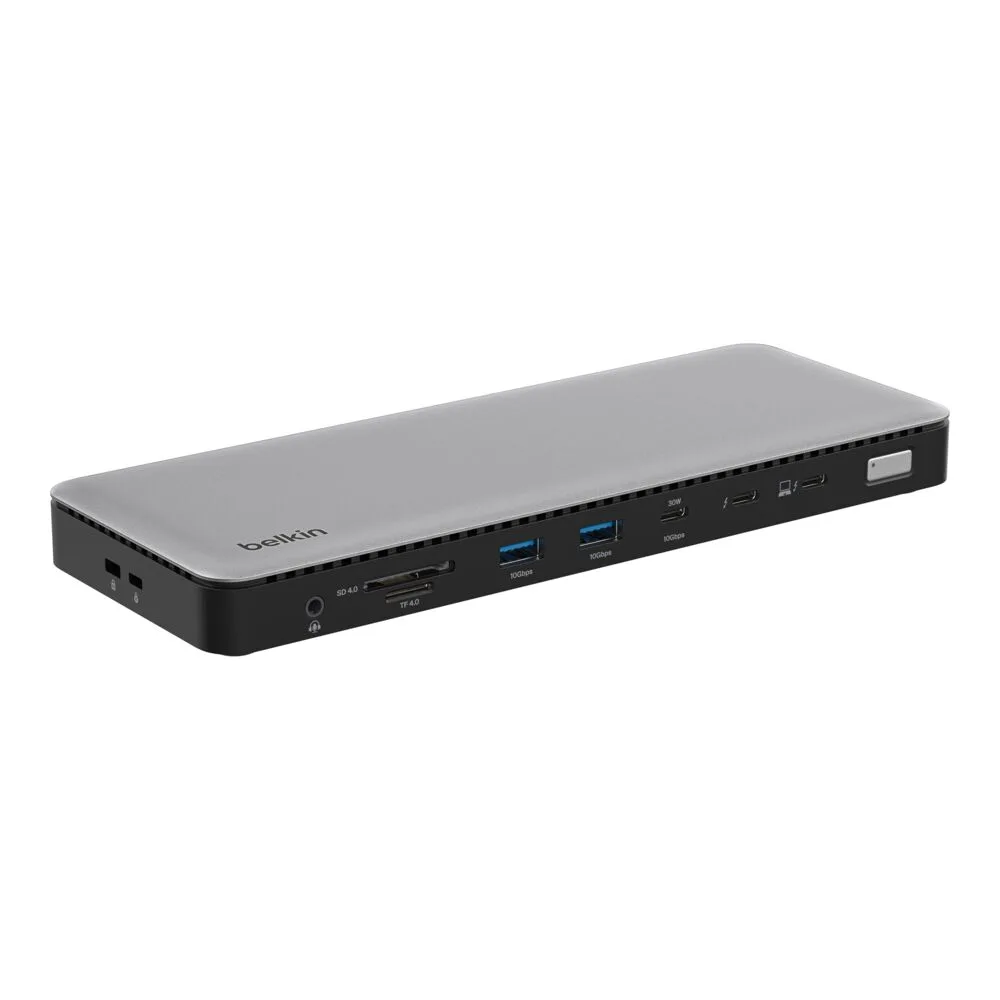
Thunderbolt 4 Dock
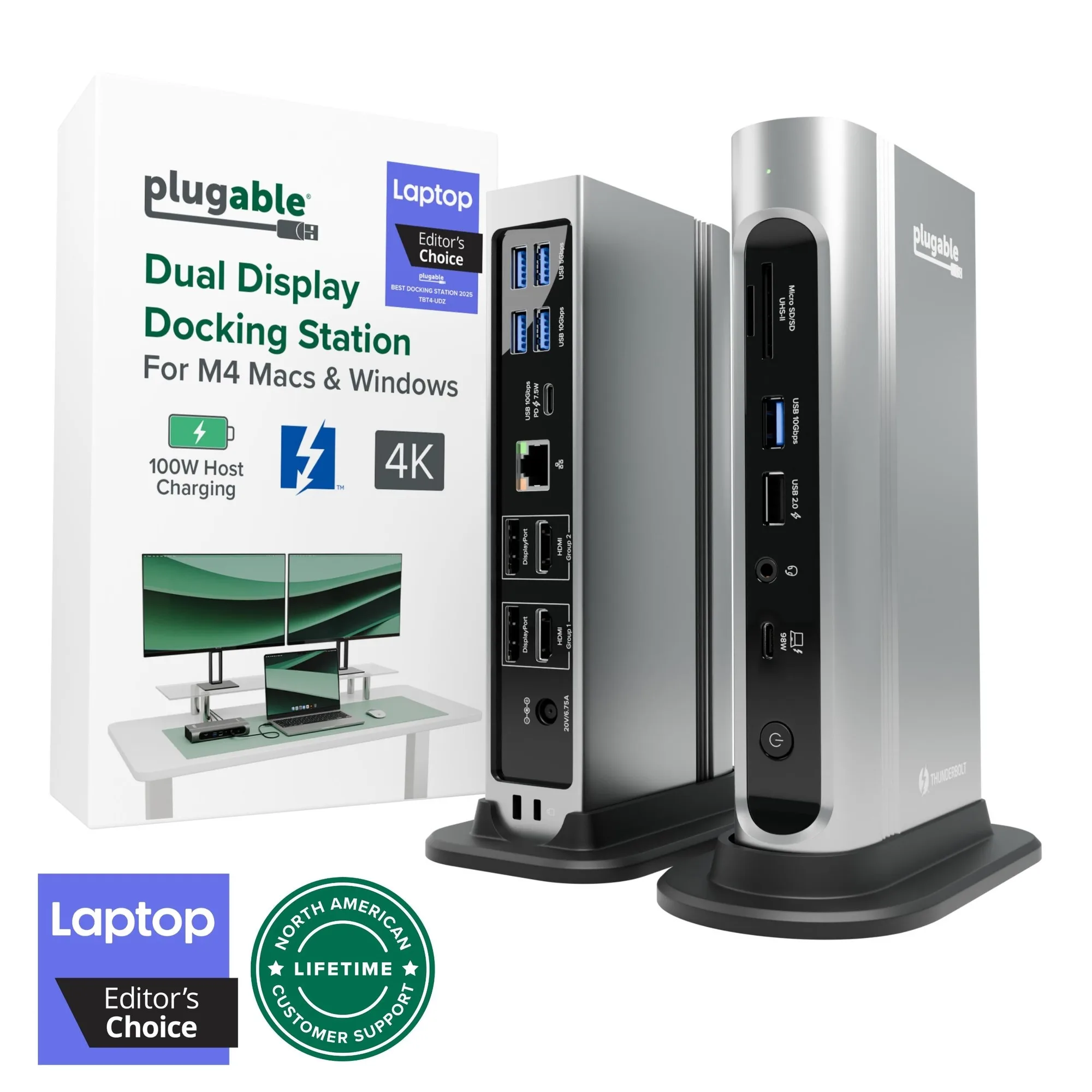
When you’re building a laptop workstation, a Thunderbolt 4 dock or hub can turn one port into a full desk connection. The main choice is between a full-sized dock with more ports and a compact hub that prioritizes portability. Both use Thunderbolt 4 for high-speed data and video, but they serve different setups.
Two Belkin Thunderbolt 4 Options Side by Side
-
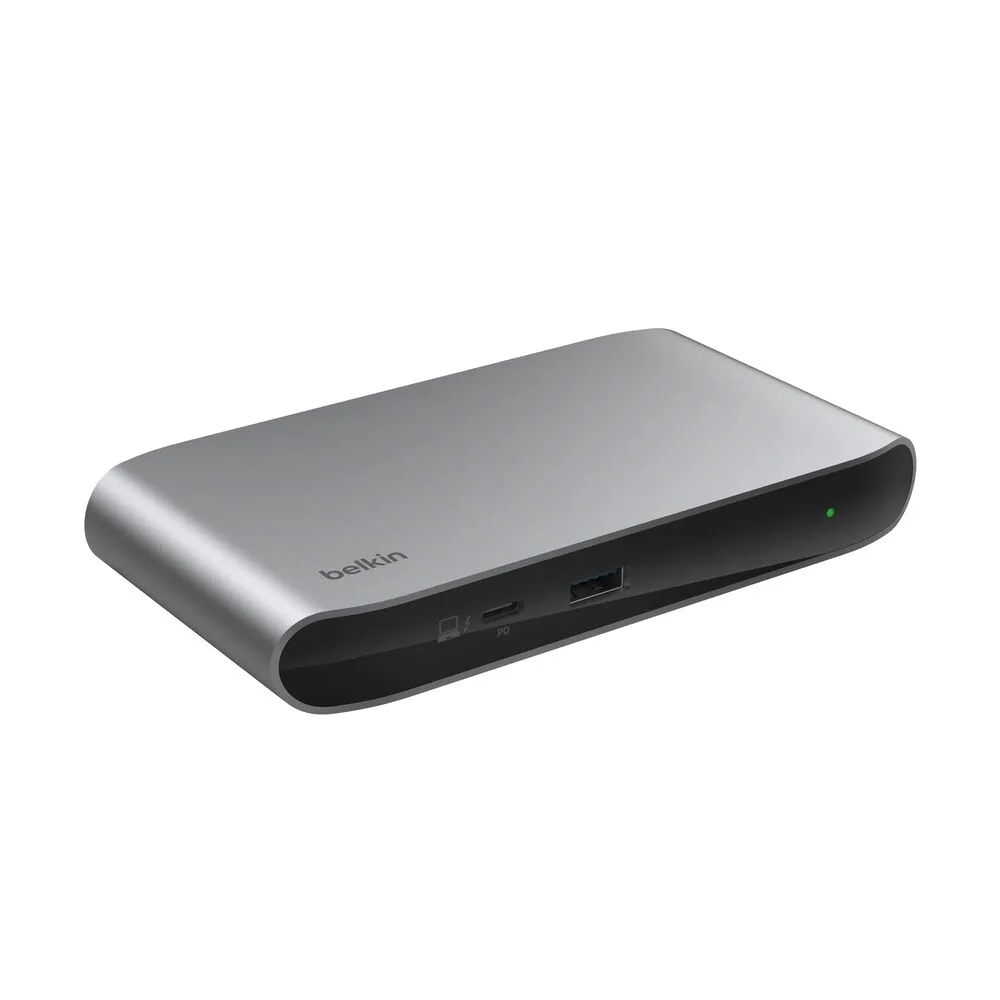
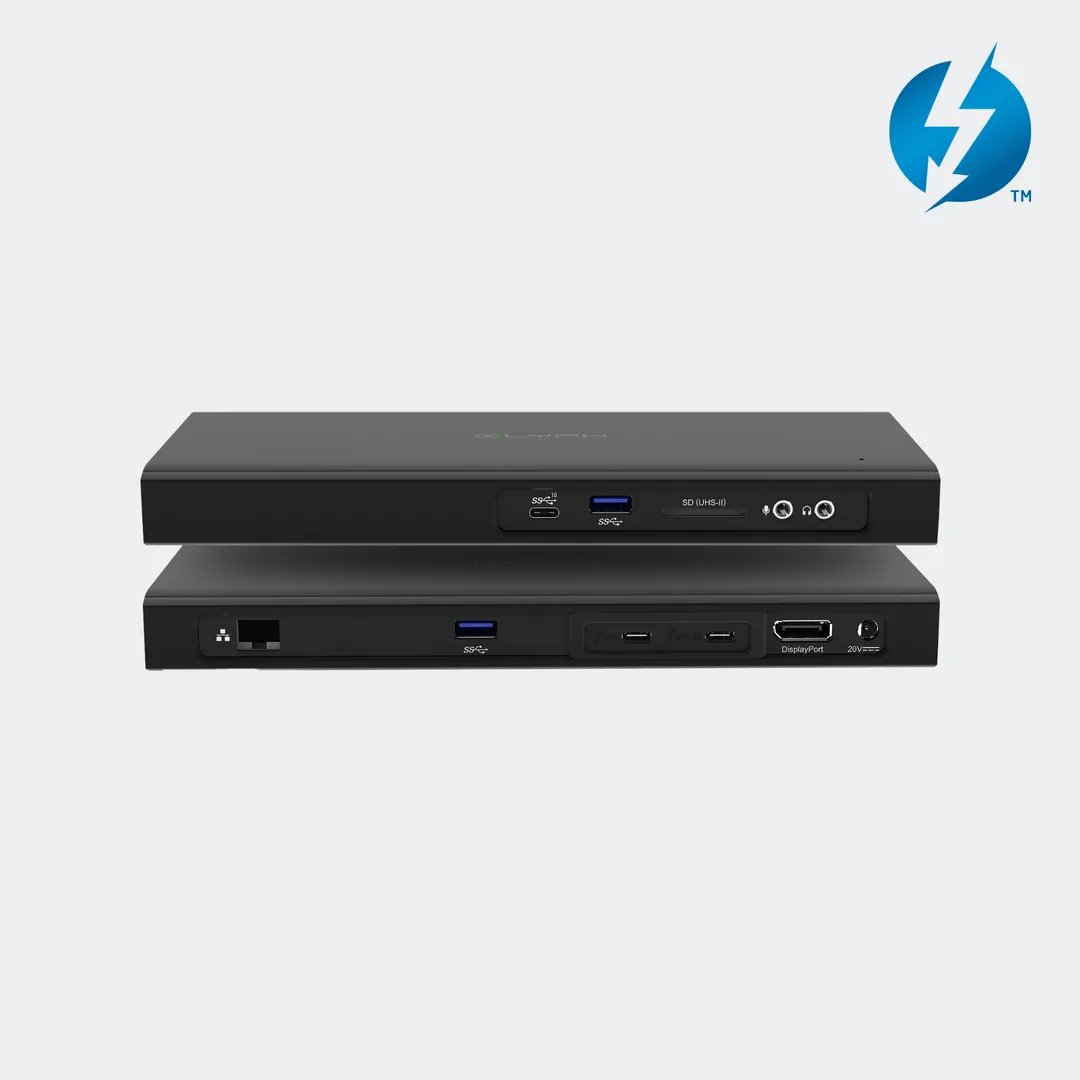
Pro Thunderbolt 4 Dock: The Belkin Pro Thunderbolt 4 Dock provides a single-cable solution to connect multiple peripherals and supports high-resolution displays and fast data transfer speeds. If you need to connect several monitors, external drives, and accessories every day, a full dock gives you the ports and power to keep everything running without swapping cables.
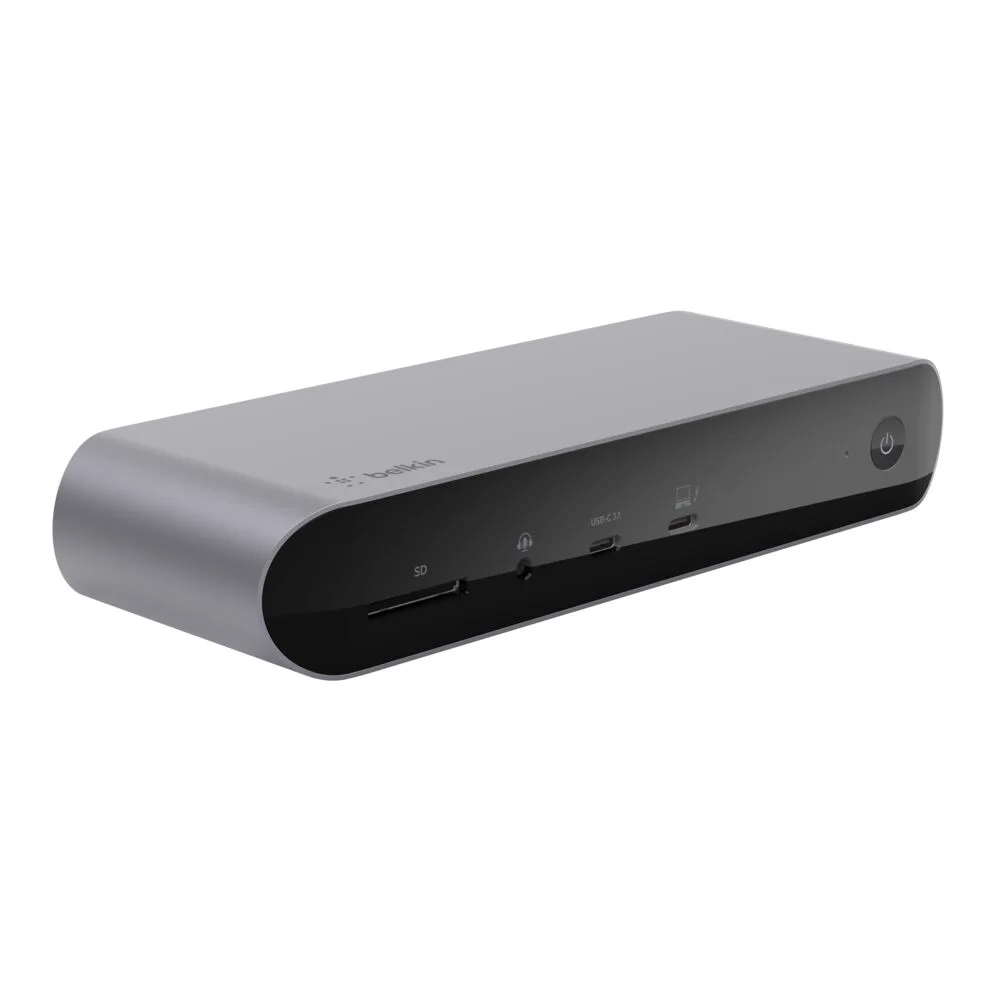
Pro Thunderbolt 4 Dock
-
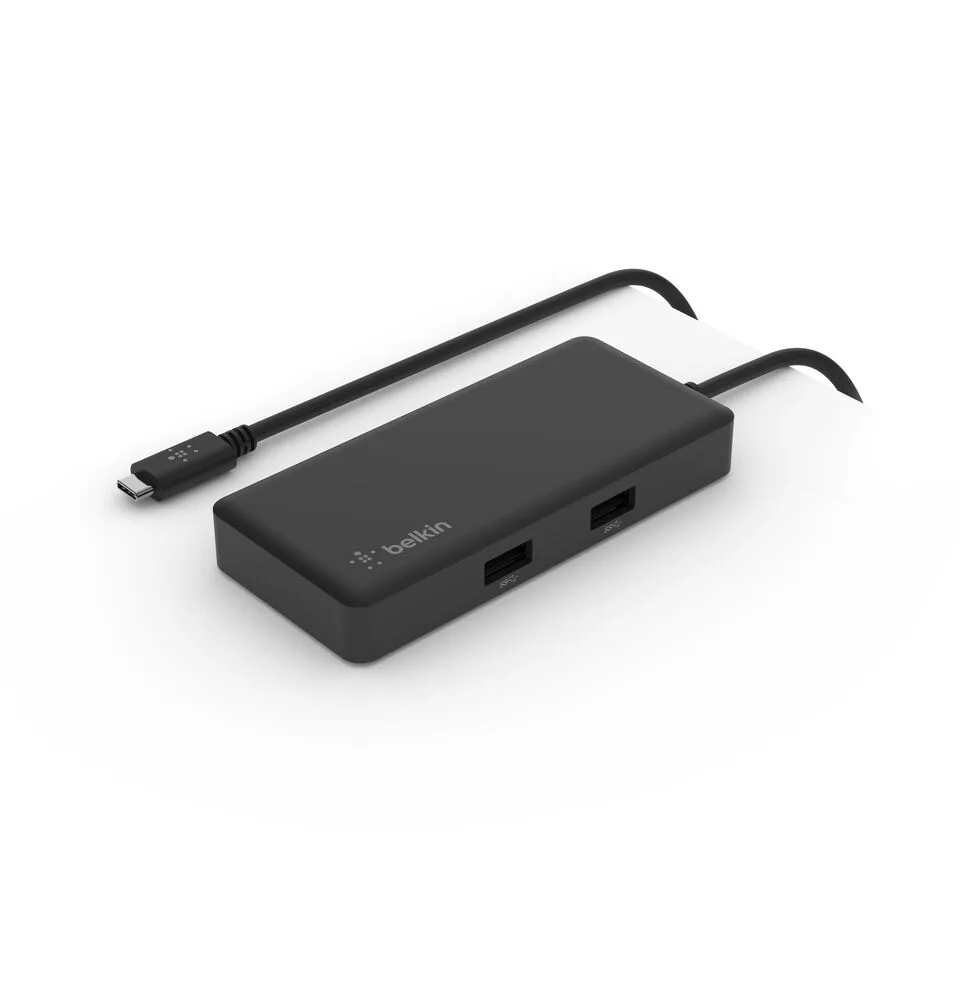
Thunderbolt 4 5-in-1 Core Hub: The Belkin Thunderbolt 4 5-in-1 Core Hub brings together essential ports in one compact solution with Thunderbolt 4 technology for high-speed data transfer and video output. For a minimalist desk or a travel-friendly setup, a hub covers the basics—charging, display, and a couple of devices—without taking up much space.
Port Count and Desk Space
The Pro Thunderbolt 4 Dock is built for a permanent desk where you connect multiple monitors, an Ethernet cable, and several USB devices. Its larger footprint keeps everything organized. The 5-in-1 Core Hub, on the other hand, fits in a laptop bag and works well for a single extra display and a few peripherals. Consider how many devices you plug in daily: if it’s more than three, a dock saves you the hassle of unplugging and replugging.
Price and Value
The Pro Thunderbolt 4 Dock is priced at USD 194.99 (catalog comparison price USD 299.99), while the 5-in-1 Core Hub is USD 139.99 (catalog comparison price USD 199.99). The dock costs more because it offers more ports and a wider range of connectivity. If your workflow demands a multi-monitor setup and constant peripheral access, the extra investment pays off. If you mainly need to charge, connect a single display, and transfer files, the hub delivers solid performance for less.
Compatibility Check
Both products are designed for Thunderbolt 4 compatible laptops and devices. That includes many modern Windows laptops and MacBooks with Thunderbolt 4 or USB4 ports. Before buying, confirm your laptop supports Thunderbolt 4—older USB-C ports may not deliver the same speed or display capabilities. The Pro Thunderbolt 4 Dock is listed as a docking station for compatible laptops, while the 5-in-1 Core Hub is ideal for use with laptops and other Thunderbolt 4 compatible devices.
Making the Final Decision
Start by listing the devices you connect every day. If you need to plug in two or more monitors, a wired network, and several USB accessories, the Pro Thunderbolt 4 Dock is the straightforward choice. If your setup is simpler—one monitor, a mouse, and a keyboard—the 5-in-1 Core Hub keeps your desk clean and your budget lower. Both options deliver the reliability of Thunderbolt 4, so your choice really comes down to how many ports your daily workflow demands.