The ASUS ROG Ally X is one of the most powerful handheld gaming consoles on the market, delivering PC-level performance in a portable form factor. Whether you are commuting, traveling, or heading to a friend’s house for a gaming session, protecting your investment with the right bag or case is essential. A dedicated ROG Ally X bag not only shields your device from bumps and scratches but also keeps your accessories organized and accessible.
With so many options available—from slim cases to multi-purpose slings and travel bags—choosing the best carry solution can feel overwhelming. In this guide, we break down the key factors to consider: protection level, storage capacity, portability, and material quality. We also highlight specific products from WaterField Designs that excel for handheld gaming carry, so you can make an informed decision.
Why a Dedicated Handheld Console Case Matters
The ROG Ally X is a premium device with a large screen, detachable controllers, and sensitive internal components. Tossing it loosely into a backpack or tote bag risks scratches, screen pressure, and even damage from liquid spills. A purpose-built handheld console case provides a snug, padded compartment that cradles your device and absorbs impact from drops or jostling.
Beyond physical protection, a good case also simplifies your daily routine. You can grab your console and go without hunting for cables, chargers, or earbuds. Many modern cases include dedicated pockets for power banks, game cartridges, and even a phone. This organization saves time and reduces the chance of forgetting essential gear.
- Look for a case with a rigid or semi-rigid exterior to prevent crushing.
- Choose a soft, non-abrasive interior lining to avoid scratching the screen.
- Ensure the case has enough depth to accommodate the ROG Ally X with a protective grip or skin attached.
Key Features to Look for in a ROG Ally X Bag
When shopping for a bag or case for your ROG Ally X, prioritize these features: custom fit, multi-functional storage, and comfortable carry. A custom-fit case eliminates unnecessary bulk and prevents the console from shifting during transit. For example, the Magnetic Case for ROG Xbox Ally X is designed specifically for this device, offering a sleek magnetic closure and a padded interior that keeps your console secure.
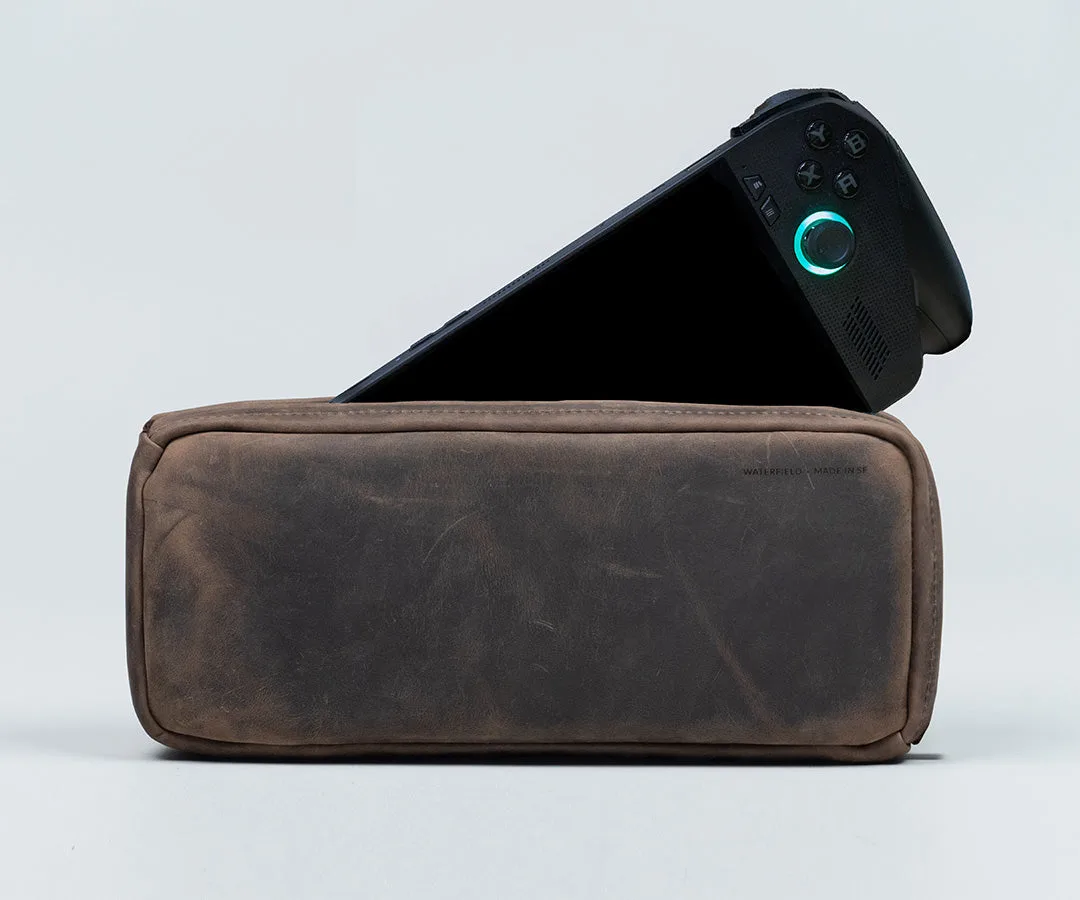
Magnetic Case for ROG Xbox Ally X
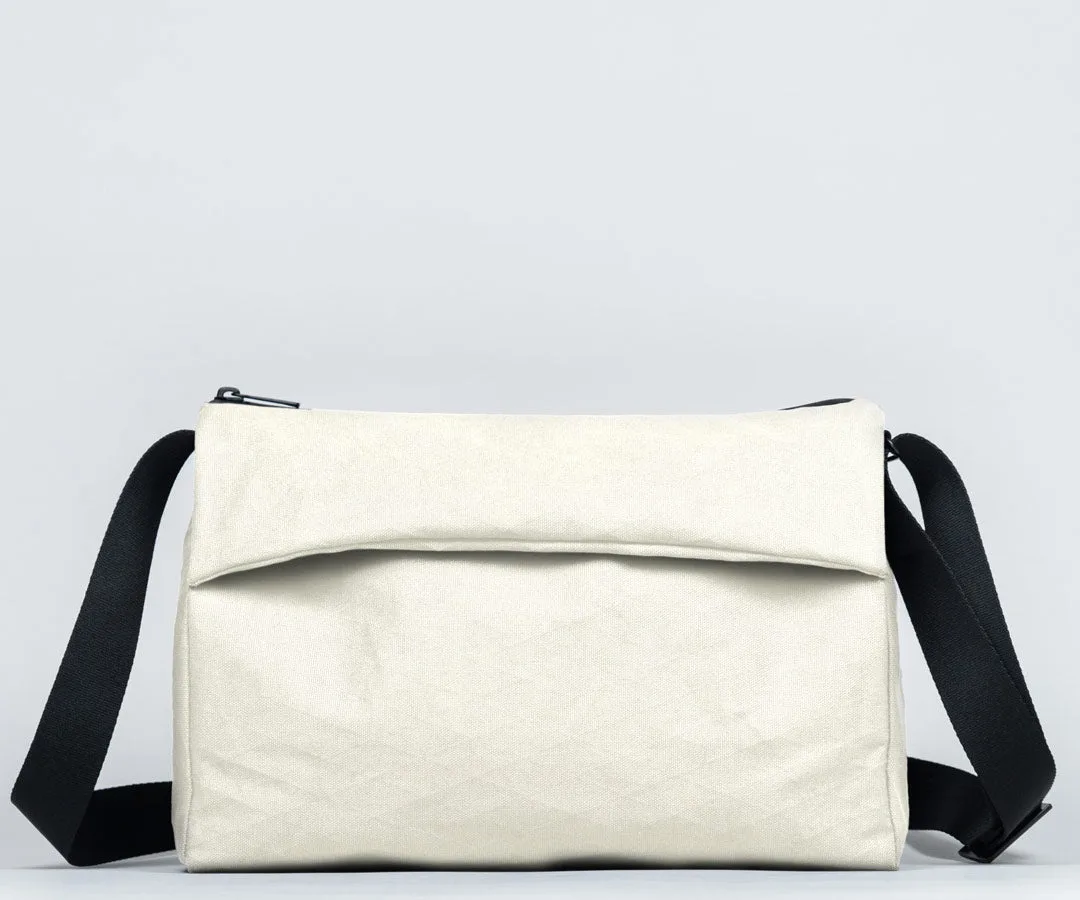
Multi-functional storage is equally important. You may want to carry your console along with a laptop, tablet, or gym clothes. A sling like the Sutter Tech Sling provides a compact, crossbody option that fits the ROG Ally X plus a few accessories, while a larger bag such as the Flex Travel Gym Bag can hold both your gaming gear and workout essentials in one streamlined package.
Comfort is often overlooked. If you plan to carry your console for extended periods, look for padded shoulder straps or a grab handle. The ability to add a grab handle to a sling, like the Add Grab Handle To Sutter Tech Sling, can make a big difference in daily usability.
- Measure your ROG Ally X (including any case or grip) before buying a bag.
- Consider bags with separate compartments for cables, power banks, and a phone.
- Check for water-resistant materials like waxed canvas or ballistic nylon for weather protection.
Comparing Case Styles: Sleeves, Slings, and Backpacks
The right style depends on your lifestyle and how you use your ROG Ally X. A sleeve case is the most minimal option—perfect for slipping your console into a larger bag or carrying it on its own. Sleeves are slim, lightweight, and offer basic protection against scratches and light bumps. They are ideal for commuters who already carry a backpack or messenger bag.
Slings like the Sutter Tech Sling offer a middle ground: they are hands-free, compact, and keep your console and accessories within easy reach. A sling is excellent for short trips, daily commutes, or when you want to travel light. Many slings also include a dedicated tablet or laptop pocket, adding versatility.
For those who need to carry a laptop, gym gear, or multiple devices, a backpack or duffel bag is the best choice. The Flex Travel Gym Bag, for instance, has a separate shoe compartment and a padded laptop sleeve, making it a great all-in-one solution for gamers who also hit the gym. If you prefer a more professional look, the 25th Anniversary Edition — Cargo Laptop Bag combines vintage style with modern organization, including a padded compartment that can accommodate your ROG Ally X.
- Sleeves: Best for minimalists or as an inner case inside another bag.
- Slings: Ideal for quick access and hands-free carry on short outings.
- Backpacks/duffels: Perfect for travel, work, or gym sessions where you need extra space.
Material and Build Quality: What to Look For
The materials used in your ROG Ally X bag directly impact durability, weight, and aesthetics. WaterField Designs is known for using premium materials like waxed canvas, ballistic nylon, and full-grain leather. Waxed canvas offers a classic look with excellent water resistance, while ballistic nylon is incredibly tough and lightweight. Leather adds a touch of sophistication and ages beautifully over time.
Pay attention to stitching, zippers, and hardware. Double-stitched seams and YKK zippers are hallmarks of a well-made bag. Magnetic closures, like those on the Magnetic Case for ROG Xbox Ally X, provide quick access without fumbling with zippers, though they may not be as secure in crowded environments. Foam padding should be dense enough to absorb shock but not so thick that it adds unnecessary bulk.
For gamers who also carry a tablet or e-reader, consider a case that doubles as a stand or has a built-in kickstand. This feature lets you prop up your ROG Ally X for tabletop gaming without needing an extra accessory.
- Choose waxed canvas or ballistic nylon for a balance of durability and weight.
- Look for padded compartments that are at least 1 cm thick on all sides.
- Test zippers and magnetic closures in-store or read reviews about their long-term reliability.
Accessorizing Your ROG Ally X Carry
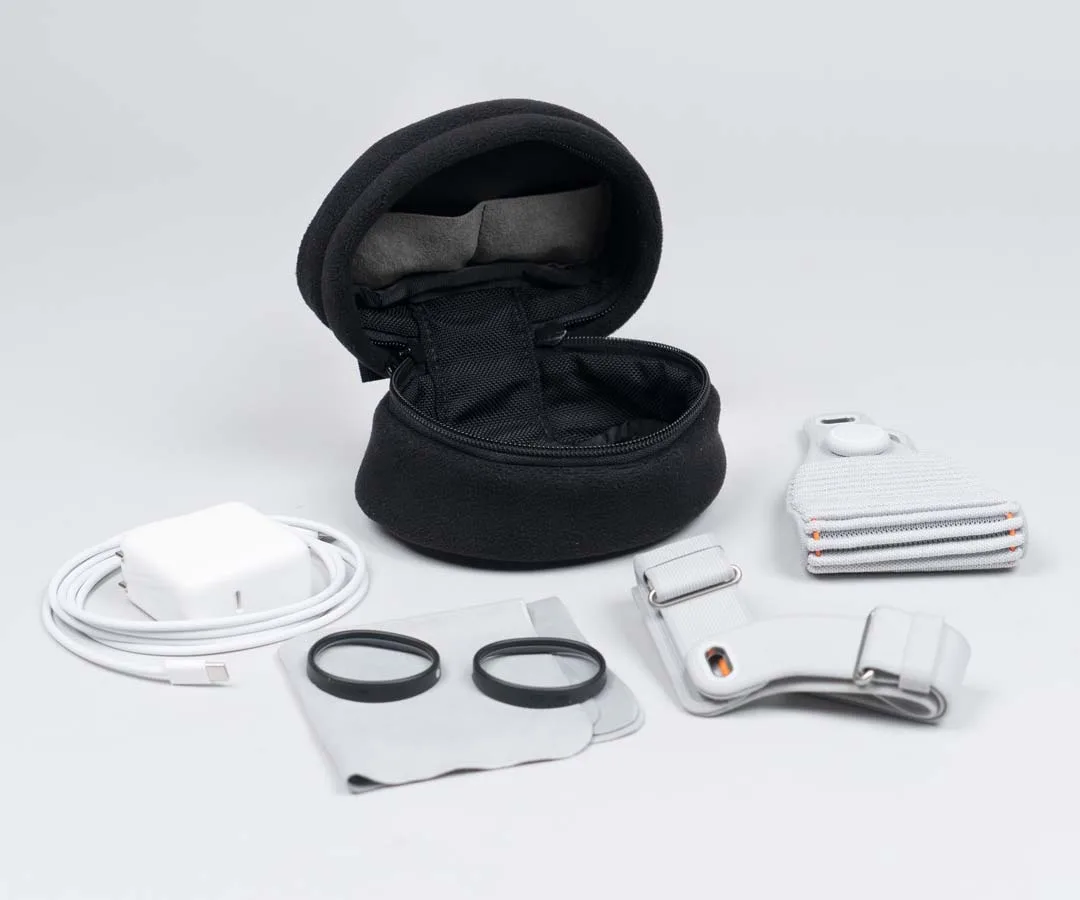
Once you have chosen your primary bag, consider adding accessories to enhance functionality. A dedicated accessory pack like the Piggyback Accessory Pack attaches to the outside of your bag, providing quick-access pockets for a power bank, cables, or a phone. This is especially useful if your main bag lacks external pockets.
For those who carry multiple devices, a universal sleeve like the Magnetic Laptop Sleeve for MacBook can protect your laptop inside a larger bag, freeing up the main compartment for your ROG Ally X and gaming accessories. Similarly, if you also own an iPad, the iPad Air SleeveCase offers a slim, padded home for your tablet that can be carried separately or tucked into a larger bag.
Don’t forget about organization inside your bag. Small pouches or cable organizers keep charging bricks, USB-C cables, and earbuds from tangling. Some bags come with built-in organization panels, but adding a separate tech organizer can give you even more flexibility.
- Use a Piggyback Accessory Pack for easy access to frequently used items.
- Keep a slim sleeve for your laptop or tablet to avoid scratches when stacked.
- Invest in a cable organizer to prevent tangles and save space.
Choosing the right bag for your ROG Ally X comes down to how you play and where you go. Whether you prefer the ultra-protective fit of the Magnetic Case for ROG Xbox Ally X, the hands-free convenience of the Sutter Tech Sling, or the versatility of the Flex Travel Gym Bag, WaterField Designs offers high-quality options that blend protection with style. Take the time to assess your daily carry needs, and you will find a bag that keeps your console safe and your life organized. Ready to upgrade your gaming carry? Explore the full range of handheld console cases and bags at WaterField Designs today.