Quick answer
Choose a protective case by matching it to your exact console model first, then pick the material and structure that fit how you play. For a Nintendo Switch or Switch OLED, a five-piece separable PC case such as the GeekShare Moon Exploration Protective Case gives full coverage while keeping the Joy-Con removable. For a Switch 2, look for a case with a built-in kickstand like the GeekShare Cream Strawberry Protective Case with Stand. For PS5 or Steam Deck, a hard shell or travel case protects the body, but you must verify the model and port cutouts before buying.
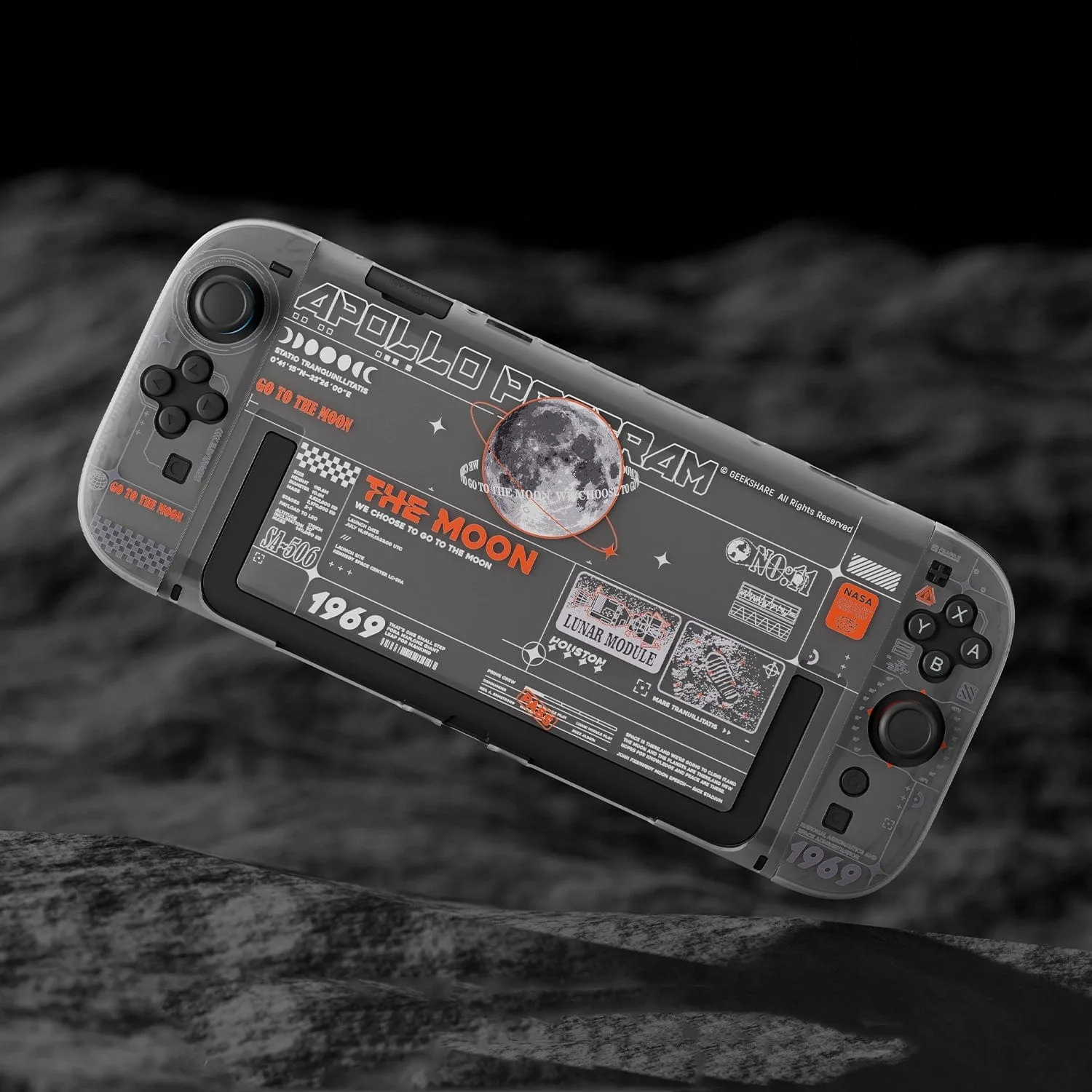
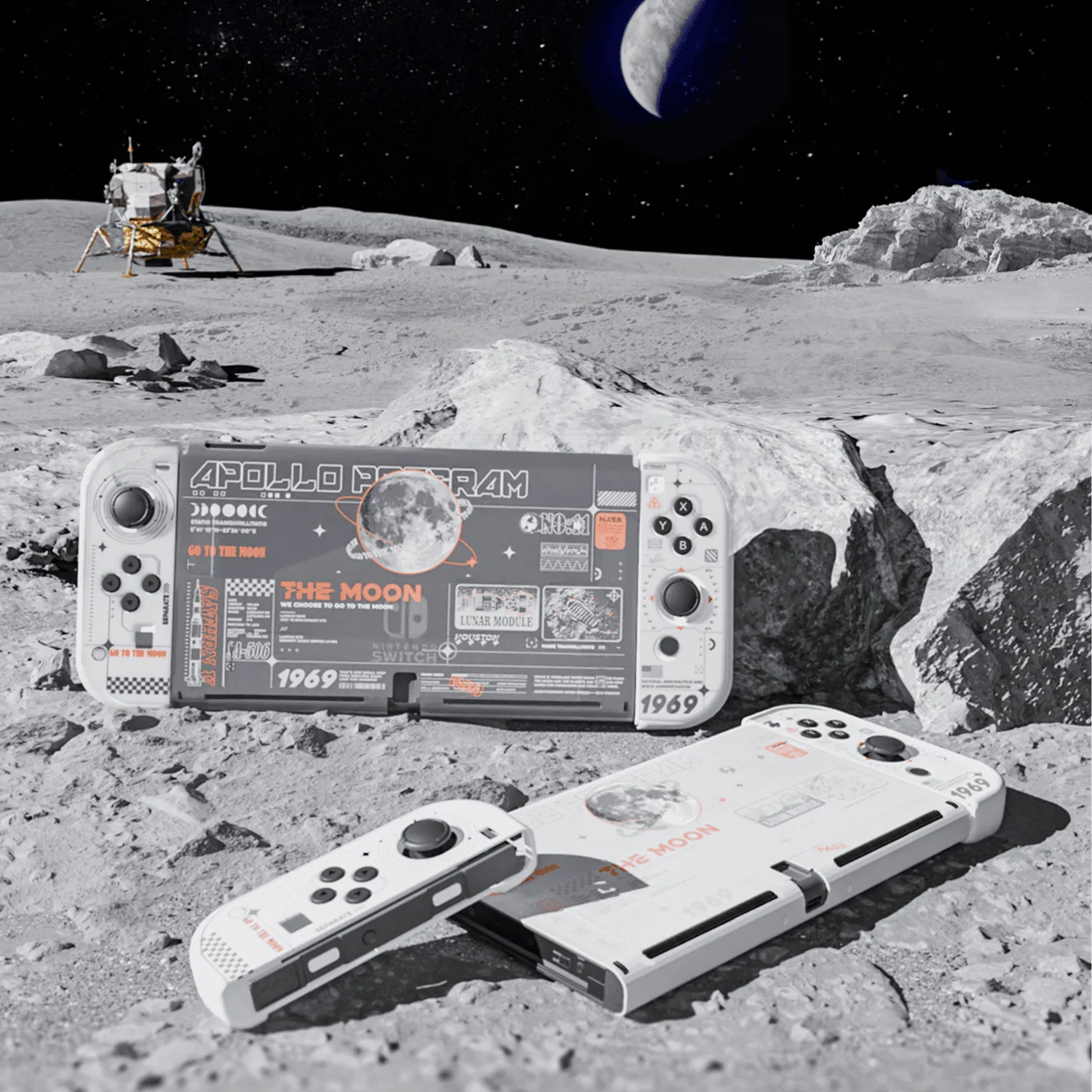
GeekShare Moon Exploration Protective Case
Match the case to your exact console model
The most common mistake is buying a case that looks right but fits a different model. A Switch OLED case will not fit a Switch Lite, and a Switch 2 case will not fit a Switch 2017. Before you buy, confirm three things: the console name in the listing, the compatible model number, and whether the case covers the Joy-Con or leaves them exposed. If a listing does not state compatibility clearly, treat that as a missing specification and ask the seller rather than guessing.
- Write down your exact model: Switch 2017, Switch OLED, Switch Lite, Switch 2, PS5, or Steam Deck.
- Check whether the case is a full wrap or a split design that covers the console and Joy-Con separately.
- Confirm the case leaves cutouts for the kickstand, game card slot, USB-C port, and headphone jack.
Material comparison: what each shell actually does
Most protective cases for handheld consoles use hard PC (polycarbonate) or soft TPU. PC shells resist bumps and scratches and hold their shape, but they can feel rigid and may crack if dropped hard. TPU shells absorb impact better and are easier to grip, but they can yellow over time and collect dust. A soft-touch finish on a PC case gives you the rigidity of hard plastic with a grippier feel. No case material makes a console waterproof, so treat splash and dust resistance as limited everyday protection, not full water protection.
- Hard PC: best for scratch and bump protection, keeps a slim profile.
- Soft TPU: best for grip and shock absorption, but can discolor.
- Soft-touch coated PC: combines rigidity with a comfortable, less slippery finish.
- Hollow or openwork designs: lighter and more breathable, but expose more of the console surface.
Structure: split, solid, or hollow
Structure decides how you use the case day to day. A split case separates the console piece from the Joy-Con pieces, so you can detach controllers without removing the whole shell. A solid one-piece case is faster to install but usually blocks the Joy-Con release. A hollow-out case uses cutouts to reduce weight and improve airflow, which matters during long handheld sessions. If you dock your Switch often, check that the case is dock-friendly or thin enough to slide into the dock.
- Split case: best if you remove Joy-Con frequently for multiplayer.
- Solid case: best for set-and-forget protection with minimal gaps.
- Hollow-out case: best for lighter weight and better heat dissipation.
- Dock use: verify the case thickness or remove it before docking.
Fit checklist before you click buy
Run this checklist against any case listing, including GeekShare cases. It takes two minutes and prevents most returns. If a seller cannot confirm a point, assume the case does not support it.
- Model match: the listing names your exact console, not just the brand family.
- Button access: power, volume, and Joy-Con buttons remain pressable.
- Port access: USB-C, headphone jack, and game card slot are unobstructed.
- Kickstand: the case either has its own stand or leaves the original one usable.
- Installation: the case can be removed without tools or force.
- Design: the pattern or color is one you will still like after six months.
PS5 and Steam Deck: different rules
For a PS5, a protective case usually means a dust cover or a shell for the console body, not a handheld shell. The priority is ventilation: any cover must leave the rear exhaust and side intakes clear. For a Steam Deck, a case needs to protect the screen and grips while keeping the USB-C port, vents, and shoulder buttons accessible. Steam Deck is wider and heavier than a Switch, so a case that adds bulk can make long sessions uncomfortable. Look for slim shells or travel cases rather than thick armor.
- PS5: prioritize dust protection with clear ventilation paths.
- Steam Deck: prioritize screen and grip protection with a slim profile.
- Both: avoid cases that block vents or make the device unstable when standing.
Decision rules for your next case purchase
- If you remove Joy-Con often: Choose a split or five-piece case so you can detach controllers without pulling off the whole shell. Check that the Joy-Con pieces reconnect firmly after repeated removal.
- If you mostly play handheld: Prioritize grip and weight. A hollow-out or soft-touch PC case keeps the console comfortable for long sessions. Avoid thick armor shells that add bulk without adding meaningful protection.
- If you play in tabletop mode: Pick a case with a built-in kickstand, or confirm the case leaves the original kickstand usable. Test the stand angle before relying on it for a full gaming session.
- If you own a PS5 or Steam Deck: Verify ventilation cutouts and port access first. A case that blocks airflow is worse than no case. When in doubt, choose a slimmer case over a heavier one.
GeekShare cases that illustrate the trade-offs
- GeekShare Moon Exploration Protective Case: Five-piece separable design with a precise fit for the console and Joy-Con controllers, made of high-quality PC material with a soft-touch finish. You get full coverage and can still detach Joy-Con without removing the whole shell, while the soft-touch finish makes the case less slippery than bare plastic.
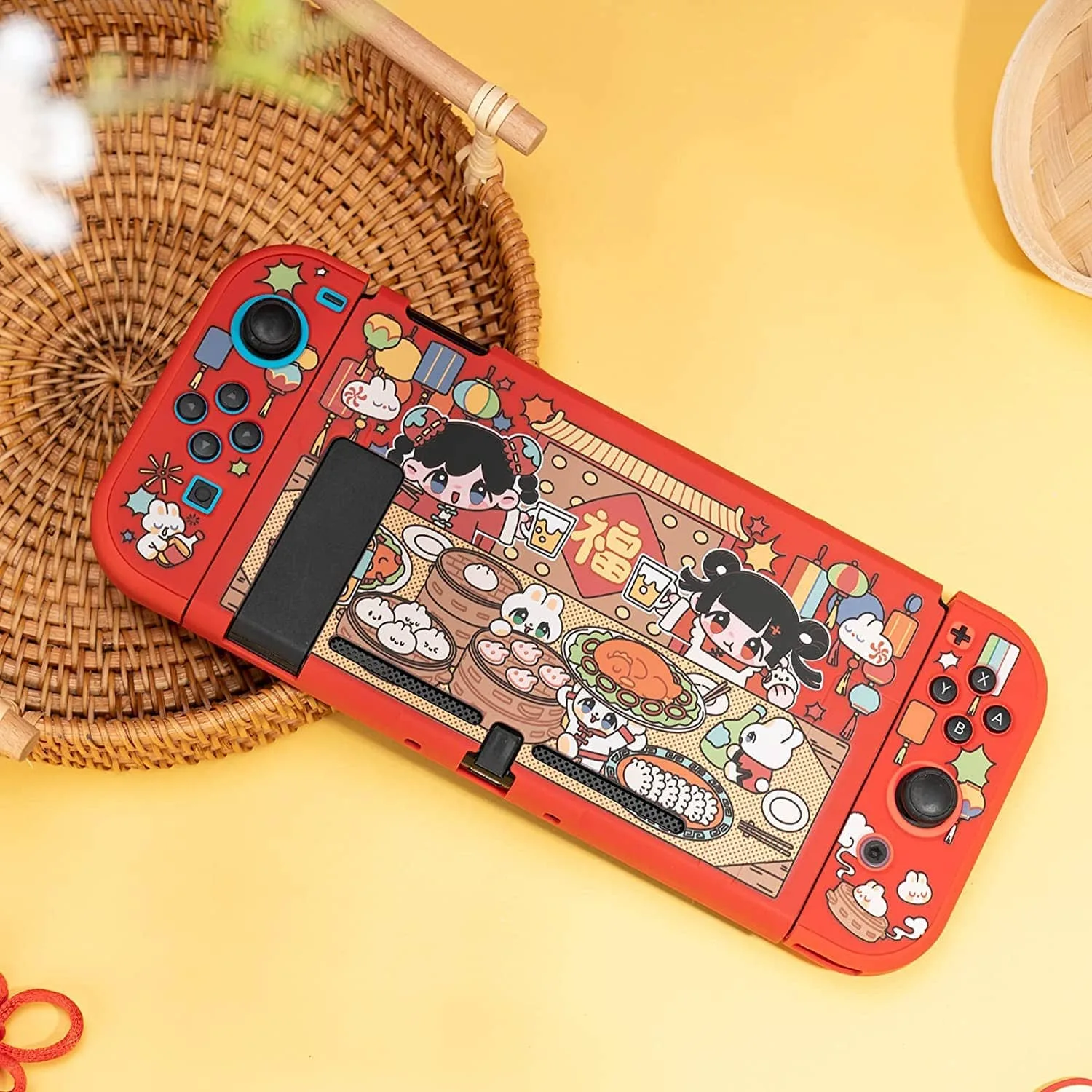
- GeekShare Rabbits Protective Case: Rabbits design with a precise fit that keeps buttons, joysticks, ports, and controls easily accessible, compatible with Nintendo Switch 2017. A good example of checking model compatibility first: this case fits the original Switch, not the OLED or Switch 2, so it is the right pick only if you own the 2017 model.
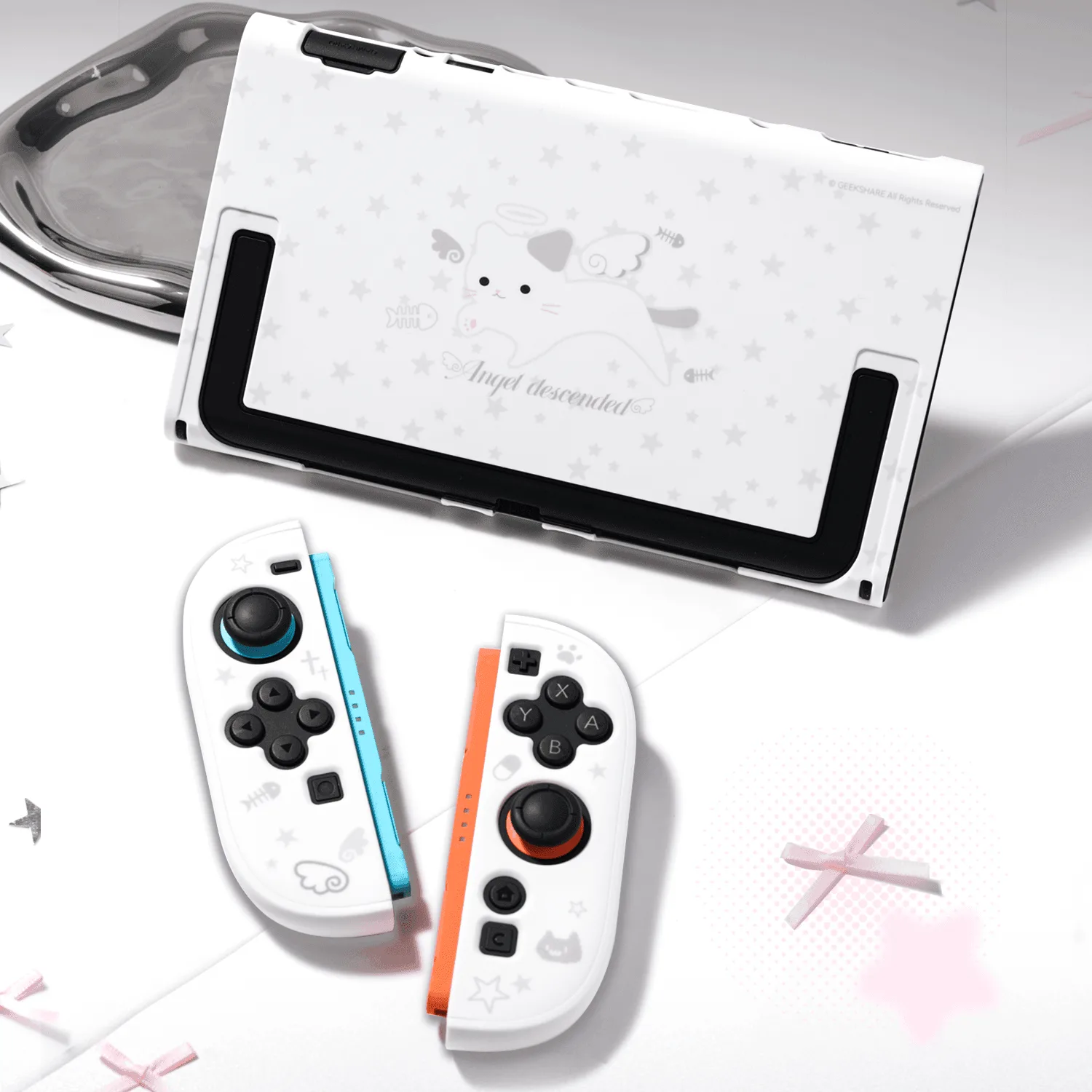
- GeekShare Star Cat Split Hollow Protective Case: Star Cat hollow-out design with a split case structure that lets you detach and reconnect the controllers without removing the case, and an openwork structure for lighter weight and better airflow. The hollow cutouts let your console's original color show through and reduce weight, which suits players who want a distinctive look and longer handheld sessions.
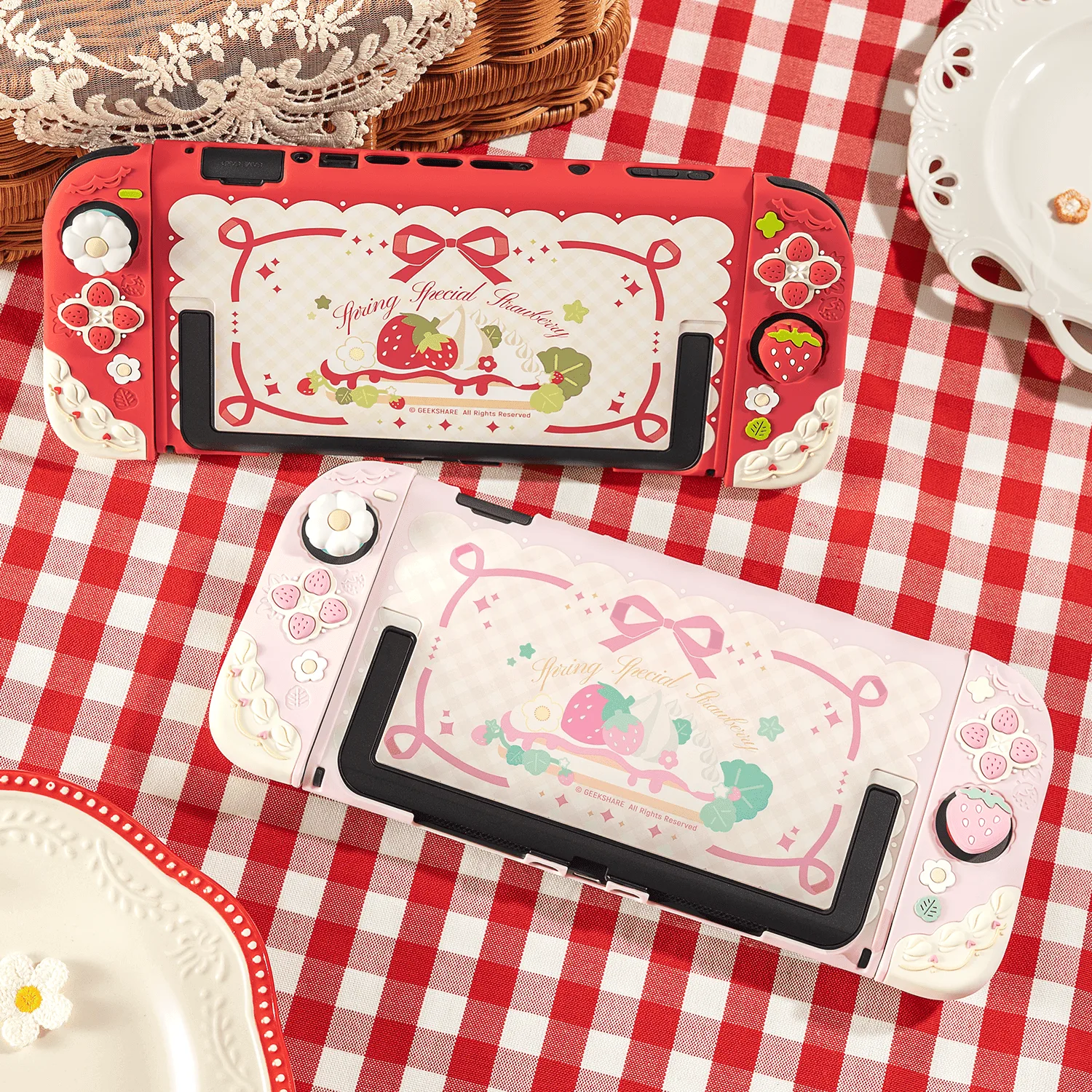
- GeekShare Cream Strawberry Protective Case with Stand: Built-in kickstand for tabletop gaming and hands-free play, with a precise fit that keeps buttons, joysticks, ports, and controls accessible, designed to protect your Switch 2 from scratches, bumps, and daily wear. If you play in tabletop mode often, an integrated stand removes the need for a separate stand, but you must own a Switch 2 for this case to fit.
Who should buy which type of case
Best for
- Nintendo Switch and Switch OLED owners who want full coverage and still remove Joy-Con easily
- Switch 2 owners who play in tabletop mode and want a built-in kickstand
- Players who want a distinctive look, such as hollow-out designs that show the console color
- Anyone who wants everyday scratch, dust, and bump protection without a bulky shell
Not for
- Owners of a different console model than the case lists, since fit is model-specific
- Players who need waterproof protection, because no case material here provides it
- Steam Deck or PS5 owners looking for a handheld shell, since those devices need different case types
- Anyone who wants a case to make a dropped console survive a hard fall from height