Quick answer
Start with the m20 Apex Module if you need the most noise isolation for loud stages, commuting, or noisy rooms, since it comes standard with most 64 Audio in-ear monitors and provides roughly -20 dB of isolation. Switch to the m15 Apex Module when you want more pressure relief and a more spacious, rich sound for longer listening sessions. If you own several modules or plan to try different tunings, the Apex Modules Pack lets you choose three of the four available modules and compare them in your own environment.
Choosing an Apex module is less about finding a single best option and more about matching one to where and how you listen. The module changes how much air pressure escapes the sealed ear canal, which affects both comfort over long sessions and how much outside noise reaches your ears.
This guide walks through a practical order: define your listening environment, understand the pressure and isolation tradeoff, test a module properly, and keep your modules organized so you can switch tunings without losing track of which one is installed.
Step 1: Define where you actually listen
Before comparing modules, write down your two or three most common listening situations. A loud stage, a busy commute, and a quiet home studio each put different demands on an in-ear monitor. Isolation matters most when background noise is constant and high; pressure relief matters most when you wear your IEMs for hours at a time.
If you perform on stage with a band or monitor in a noisy room, prioritize isolation first. If you mix, practice, or listen at home in relative quiet, prioritize comfort and a more open sense of space. This single decision narrows your module choice faster than any specification chart.
- Checkpoint: if you cannot name your noisiest regular environment, you are not ready to pick a module yet.
Step 2: Understand the isolation and pressure tradeoff
Apex technology alleviates listener fatigue by releasing air pressure sealed in the ear canal. Unlike a solid plug, it aims to preserve a high fidelity listening experience so you hear more of what you want at a lower decibel level. That venting is the core tradeoff: more relief from pressure, but also a different amount of outside noise reaching your ear.
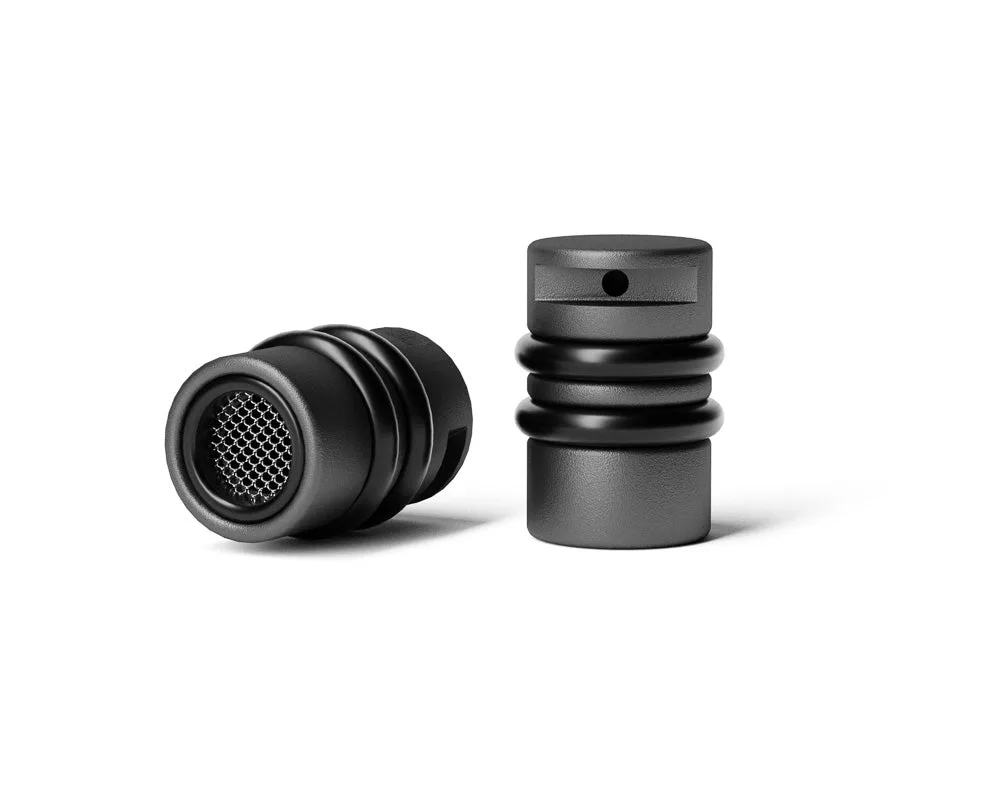
The m20 comes standard with most 64 Audio in-ear monitors and provides roughly -20 dB of noise isolation. The m15 houses the same Apex approach with a different balance, adding to a more spacious, rich sound. Neither is universally better; the right one depends on whether your priority is blocking the room or easing the seal.
- Common mistake: assuming the module with the most isolation is always the upgrade. If you listen quietly for long periods, extra isolation can feel like extra pressure.
Step 3: Pick a starting module
If your environment is loud and consistent, start with the m20 Apex Module. Its roughly -20 dB isolation figure and status as the standard module on most 64 Audio in-ears make it the sensible baseline for stage, travel, and noisy-room listening. You will hear less of the room, which usually means you can listen at a lower level.
If your environment is quieter or your sessions run long, start with the m15 Apex Module. It is built around the same pressure-relief idea and is the module to reach for when comfort and a more spacious presentation matter more than maximum blocking. Try one first, live with it for a week, then decide whether to swap.
- Checkpoint: give each module at least a few full listening sessions before judging it. First impressions of isolation are unreliable.
Step 4: Test the module with real material
Use tracks you know well rather than a single test tone. Listen for how much room noise you still perceive, whether bass feels appropriately weighted, and whether your ears feel tired after 45 to 60 minutes. Pressure-related fatigue usually shows up late in a session, not in the first five minutes.
If you notice discomfort before you notice any tonal difference, the module is not the only variable. Tip fit and insertion depth affect both isolation and comfort, so confirm your fit is consistent before you blame the module.
- Common mistake: switching modules and tips at the same time. Change one variable per session so you know what actually caused the difference.
Step 5: Build a small module collection
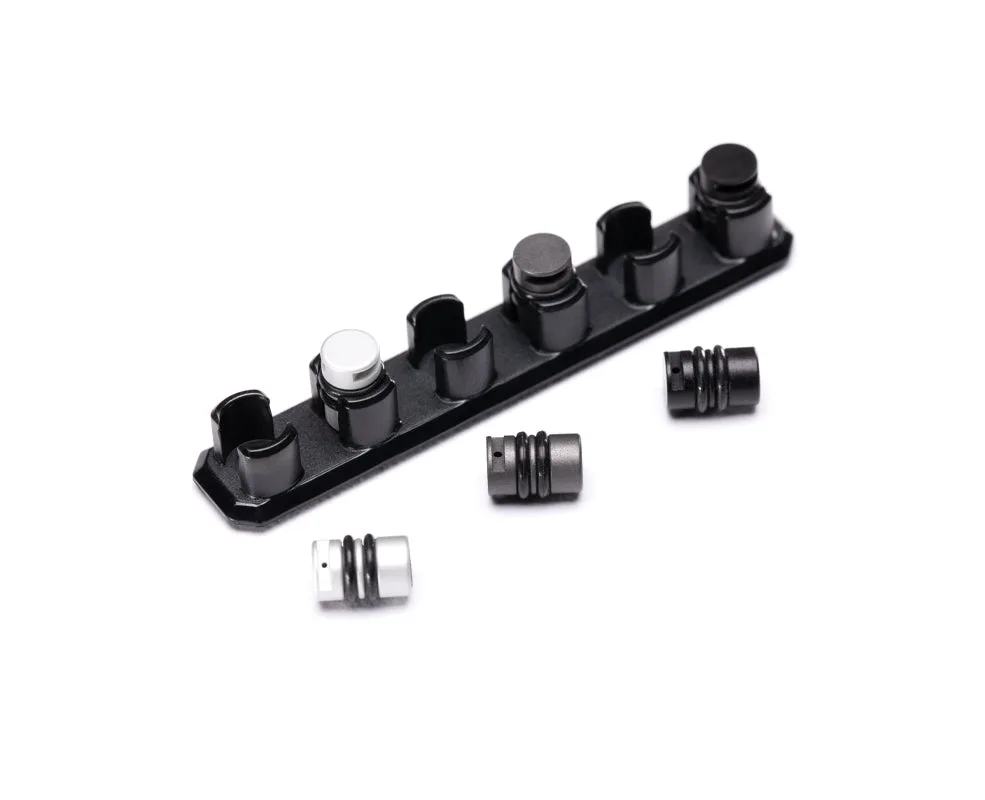
Once you know which module suits your main environment, consider whether a second one covers your other use cases. The Apex Modules Pack comes with your choice of three out of the four modules currently offered, and these interchangeable modules pack the patented Apex technology used with most custom and universal in-ears. That makes it a practical way to cover stage, studio, and casual listening without buying blind.
The pack is also the honest answer for anyone who is genuinely unsure. Instead of guessing which single module fits, you can compare three in your own ears and keep the ones that earn their place.
- Checkpoint: if you only ever listen in one environment, one well-chosen module is enough. Do not buy a pack for variety you will not use.
Step 6: Store and track your modules
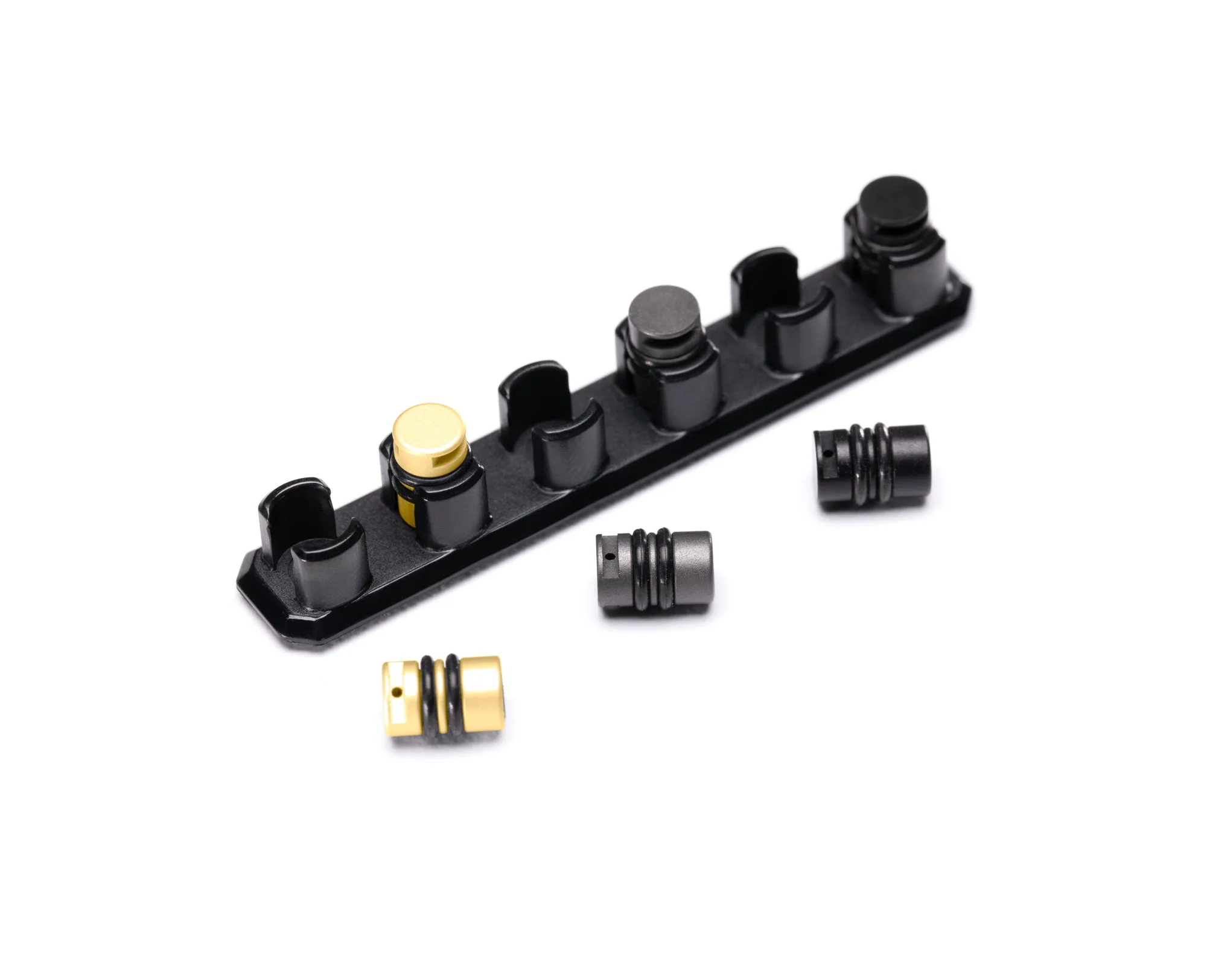
Loose modules get lost, and a module you cannot find is a module you will not use. The Apex Module Holder is a simple accessory designed to hold Apex modules, which keeps your spares together and makes swapping faster. Pair it with the IEM Tip Holder if you also rotate tips, since tip changes and module changes often happen in the same session.
Labeling matters more than it sounds. Because the modules look similar and the difference is felt rather than seen, keep each one in a known position in the holder so you are never guessing which tuning is installed.
- Common mistake: storing modules loose in a bag where they can be mistaken for each other or lost entirely.
Your Apex module selection checklist
- Name your loudest regular environment: Write down where you listen most often and how noisy it is. This decides whether isolation or pressure relief leads your choice. No clear noisiest environment means you should test before buying a second module.
- Choose m20 for isolation, m15 for relief: Start with the m20 Apex Module for loud stages and commuting, or the m15 Apex Module for long, quieter sessions. Pick one, not both, for your first module.
- Test with familiar music for a full week: Judge isolation, bass weight, and late-session comfort using tracks you know, and change only one variable at a time. If fatigue appears before tonal differences, revisit fit before switching modules.
- Add a pack only if you have multiple use cases: The Apex Modules Pack gives you three of the four modules, which pays off when you genuinely listen in different environments. One environment means one module is enough.
- Store and label what you are not using: Use the Apex Module Holder to keep spare modules together and identifiable between sessions. A module you cannot find is a module you will never compare.
Product facts that affect your choice
- m20 Apex Module: The m20 comes standard with most 64 Audio in-ear monitors and provides roughly -20 dB of noise isolation. It is the default baseline for loud environments, so start here if blocking outside noise is your priority.
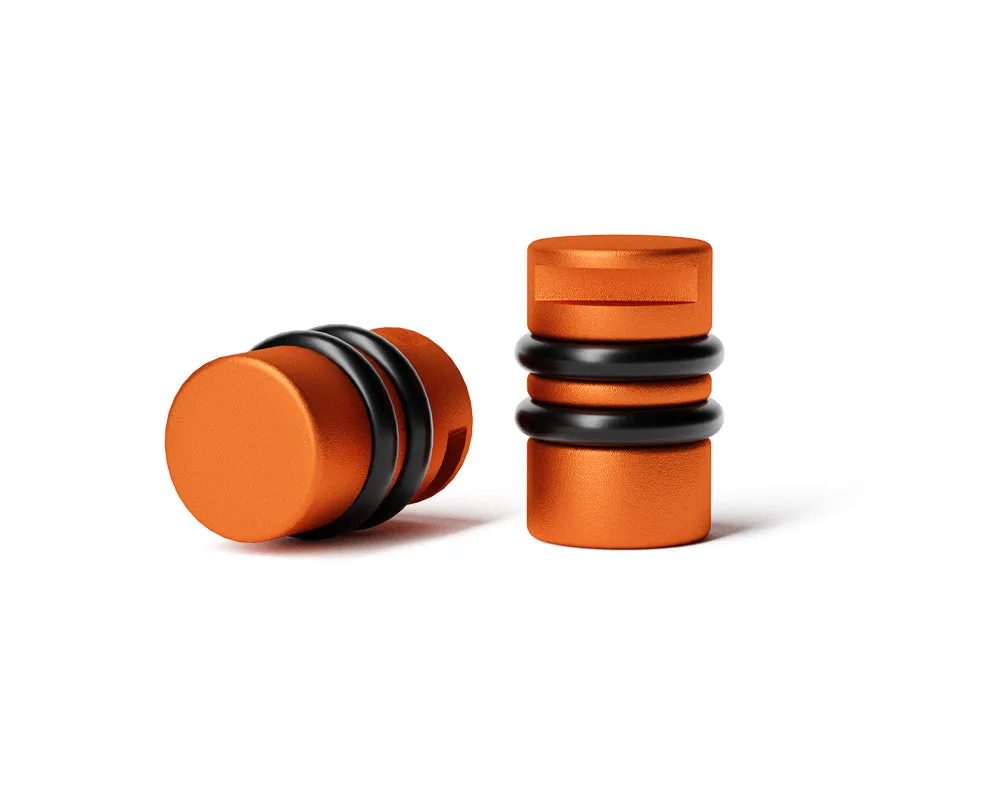
- m15 Apex Module: The m15 houses Apex technology, which alleviates listener fatigue by releasing air pressure sealed in the ear canal, adding to a more spacious, rich sound. A better starting point when long-session comfort and a more open presentation matter more than maximum isolation.
- Apex Modules Pack: The pack comes with your choice of three out of the four modules currently offered, and the interchangeable modules are used with most custom and universal in-ears. Useful if you listen in more than one environment and want to compare tunings in your own ears instead of guessing.
- Apex Module Holder: The Apex Module Holder is an accessory designed to hold Apex modules. Keeps spares together and identifiable so swapping modules stays quick and you do not lose the ones you are not using.
Choose the m20 Apex Module when isolation is the job and the m15 Apex Module when comfort and openness are the job, then test honestly in the environments where you actually listen. If your listening splits across loud and quiet settings, the Apex Modules Pack lets you compare three modules in your own ears, and the Apex Module Holder keeps the ones you are not using ready for the next swap.